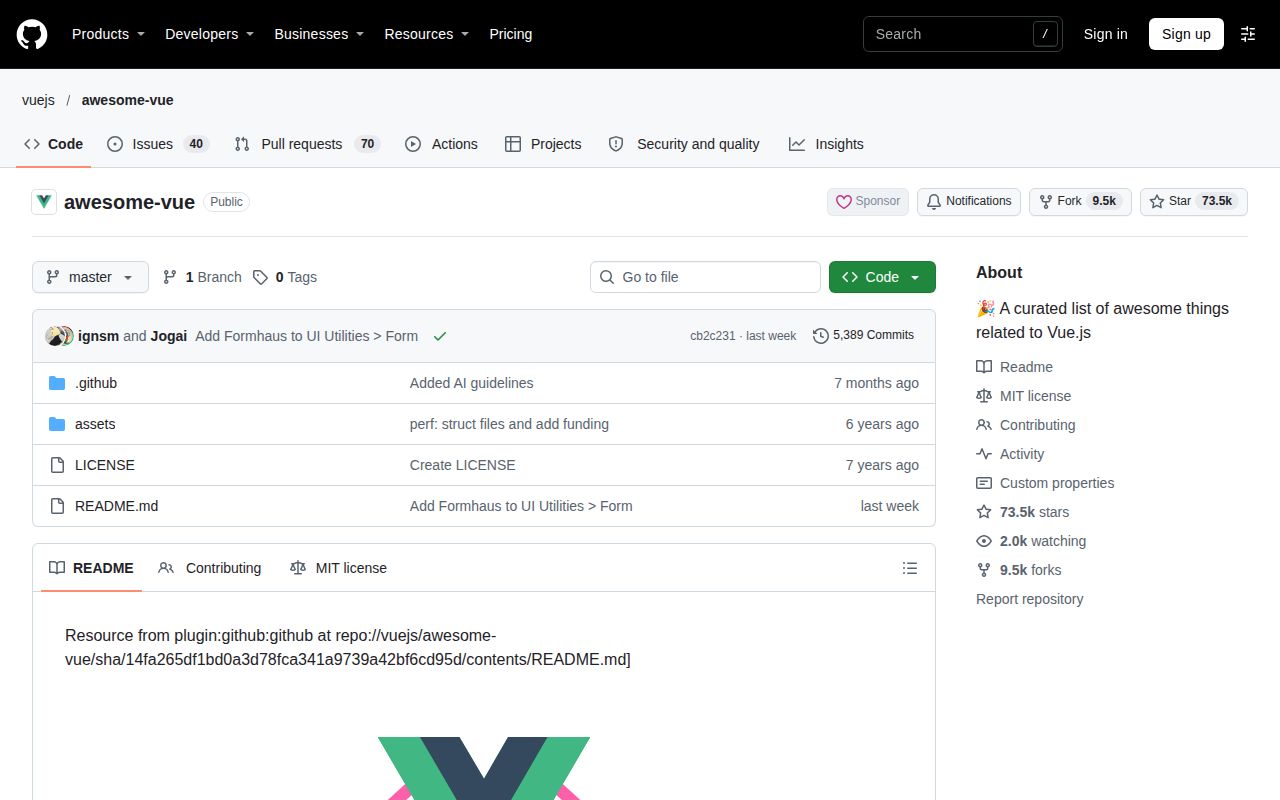
Awesome Vue helps build a shortlist
Awesome Vue collects Vue.js resources and candidate projects, including material for Vue 2 and Vue 3. Use it when you know the component, tooling or learning requirement you need to investigate. Ordinary list position follows an arrival policy, while the separate "Truly awesome projects" section expresses maintainer endorsements. Neither signal establishes that a project fits your application.
Category order differs from an endorsement
The Awesome Vue contribution guide tells contributors to append entries: "Always add your items to the end of a list. To be fair, the order is first-come-first-serve." Ordinary category position therefore should not be read as a comparative quality ranking. Find the relevant category, then inspect candidates against your requirement.
The Awesome Vue README separately endorses Vue DevTools, unplugin-icons and vue-i18n under "Truly awesome projects." It describes those projects as exceptionally high quality and virtually indispensable. These are the directory maintainers' judgments; our lab did not verify them. The contribution guide also raises the inclusion bar for libraries that overlap with a project in that section.
What happened when we ran it
We did not run Awesome Vue at cb2c231 on November 8, 2026. The lab recorded "NOT RUN: no supported ecosystem (language: null); no Dockerfile." There are no installation, build or test results. The recorded sandbox configuration was 3 CPUs and 8g RAM, with image n/a; it does not establish actual runtime or operating-system versions.
The lab result concerns the directory repository, not its linked packages. We did not install linked components or execute documentation examples. The supplied README extract identifies snapshot 14fa265df1bd0a3d78fca341a9739a42bf6cd95d, whereas the lab record identifies cb2c231. Document findings here describe the supplied extracts, without asserting that they match the lab commit. The supplied release lookup is inconclusive.
Vue 2 and Vue 3 resources require separate checks
Awesome Vue's External Resources section includes a Vue 3 video playlist and a workshop described as teaching Vue 2. Its Tutorials section also contains explicitly versioned material. This mixture can help someone maintaining an older application, but a category match does not establish version compatibility. Check the destination's stated Vue requirements before following a tutorial or selecting a dependency.
For a table-component search, start with your application's Vue version and the behavior you need. Open candidates in the Table category and retain those whose own documentation addresses both requirements. Check their licenses at the destination too: Awesome Vue has separate Open Source and Commercial Products sections, and the directory repository's MIT license does not establish the terms of each linked project. This is a suggested evaluation process, not an executed package comparison.
Submission rules establish admission conditions
Awesome Vue's contribution guide requires entries in the Open Source section under projects using Vue to have English documentation, a project description, a demo or screenshots and a CONTRIBUTING section. It also requires active maintenance and acceptance of contributions. These conditions describe what submissions should meet; the supplied extracts do not establish that every existing entry continues to satisfy them.
For AI-assisted projects, the contribution guide requires at least 3 published updates with at least a month between the first and last release. That requirement asks for evidence of continued work. It does not verify security or compatibility. Apps and websites have different conditions, including a working website and detectable use of Vue, so those entries serve a different browsing purpose from dependency selection.
Official Vue documentation answers framework questions
The Vue documentation repository supplies the content for vuejs.org and states that its site content is Markdown under src. Choose it when you need guidance about Vue itself. Awesome Vue instead helps locate resources and projects to investigate. Our review did not run the documentation site's development commands or compare the completeness of the two resources.
Awesome Vite narrows the search to Vite resources
Awesome Vite collects Vite resources, scaffolding tools and templates, including sections for Vue 2 and Vue 3. Choose it when the requirement concerns a Vite starter or tooling. Its README explicitly warns: "There's Vite Plugin Registry that lists the plugins published to npm. The list below is not updated." Treat that warning as a limit on its plugin inventory.
Documentation organization receives 3/5
Awesome Vue receives 3/5 for directory organization under this editorial rubric: 1 means useful navigation is absent; 2 means categories exist with little selection guidance; 3 means task categories and contribution guidance support discovery while important checks remain with the reader; 4 requires checked selection guidance for the assessed use cases; 5 requires independently corroborated guidance across those use cases. This is an editorial judgment, not a lab measurement.
The table of contents and contribution rules support the 3/5 organization rating. This review did not verify destination documentation or compatibility across the catalog, so a higher rating is unsupported. Setup ease, community support and catalog maturity remain unassessed. Build a shortlist for one application requirement, verify candidates against their own documentation and licenses, then evaluate the required behavior in your application.