The 29-entry catalog is the product worth using first
Awesome-OKF keeps 29 Open Knowledge Format resources in one catalog.yaml, then renders that data into four READMEs, a command-line browser, and an MCP server. Entries cover tools, producer plugins, Claude Code skills, proposals, and reference documents. That shared source is the useful idea. A person can scan the list, while an agent can call search_catalog, list_catalog, get_catalog_entry, or catalog_stats and receive structured JSON instead of scraping Markdown.
OKF itself is a directory convention for Markdown files with YAML frontmatter, defined in Google Cloud's Knowledge Catalog repository. Awesome-OKF does not own that specification. It indexes the small ecosystem around it and marks official entries separately. The current catalog has 4 tools, 7 plugins, 7 skills, 5 proposals, and 6 documents. The README says the list is curated rather than exhaustive, which is honest for a format this young.
Version 0.1.0 also converts content into OKF
The bundled converter handles Markdown link lists, JSON arrays, URL lists, CSV, YAML, key-value text, GitHub repositories, and several note-export layouts. Text-layer PDFs use PyMuPDF when installed. Images and scanned PDFs are not silently passed through a model; the script prints a PaddleOCR recipe and expects you to supply extracted text. That separation keeps the default path understandable, though claims such as "anything readable" are broader than the code's parser chain.
The MCP convert_to_okf tool returns generated frontmatter and Markdown from one text payload. Open issue 15 records the limit: it cannot take a directory path or walk many local files in one call, while the CLI already has directory-oriented modes. For an Obsidian or Notion export, that distinction matters. An agent must loop over files itself, or you run the command-line script against the directory before handing the resulting bundle to the agent.
What happened when we ran it
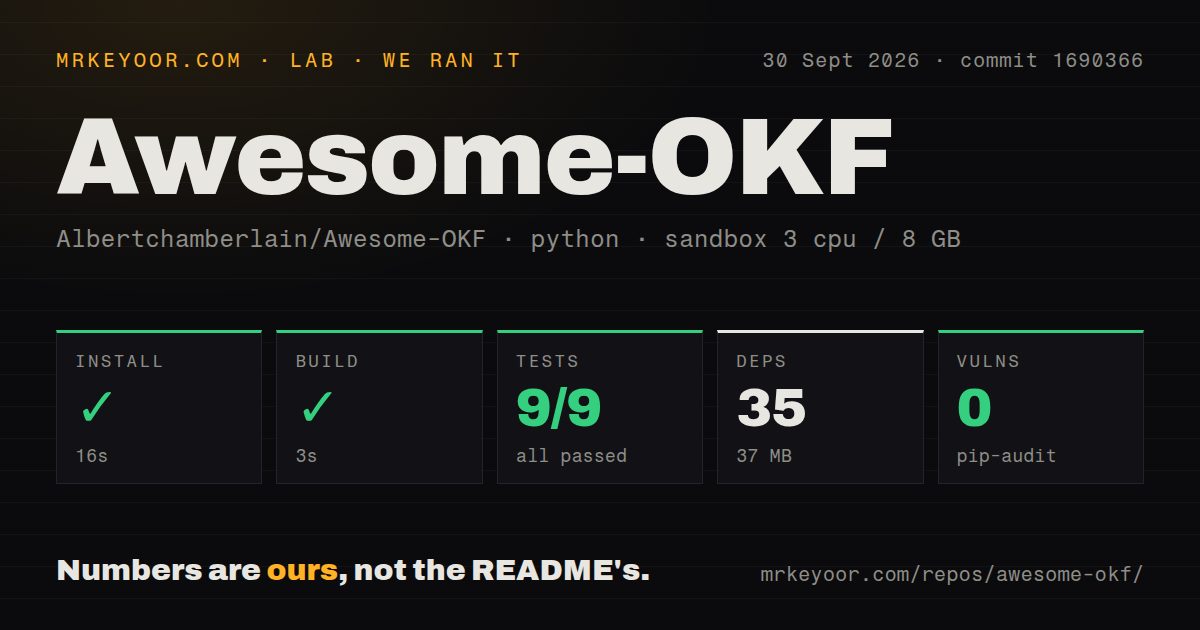
Our sandbox installed commit 1690366 in 16 seconds with Python 3.12, 3 CPUs, 8 GB of RAM, no secrets, and no elevated privileges. The install added 35 packages and consumed 37 MB. The checkout contained 31 files, roughly 1,468 source lines, and occupied 0.2 MB before dependencies. Its build completed in 3 seconds, and pip-audit reported 0 known vulnerabilities.
Pytest finished in 4 seconds with 9 passed and 0 failed tests. That clean number needs context from the project's own issue 13: the current tests exercise the conversion code, while the catalog loader and CLI commands have zero test coverage. One CI workflow and a tests directory exist, but issue 12 says fork pull requests do not trigger those checks. We measured a working package build and converter suite, not full behavior across every advertised command.
The Quick Start points to a package that is not published
The README tells users to run pipx install awesome-okf, then configure awesome-okf-server in an MCP client. Open issue 14 says the package has never been published to PyPI and that the command currently fails. The pyproject.toml is ready for a package named awesome-okf at version 0.1.0, with both CLI entry points declared, but packaging metadata alone does not make a release available. Install from Git if you want to try it today.
Once installed, the local mechanics are modest. Python 3.10 or newer is required, and the wheel includes catalog.yaml. The server uses stdio, so there is no hosted account or API credential for catalog search. Converting a GitHub URL fetches repository metadata and its README through the public GitHub API. PDF text extraction and OCR sit outside the 35-package default environment and add their own dependencies when you choose those paths.
September activity is real, and still very early
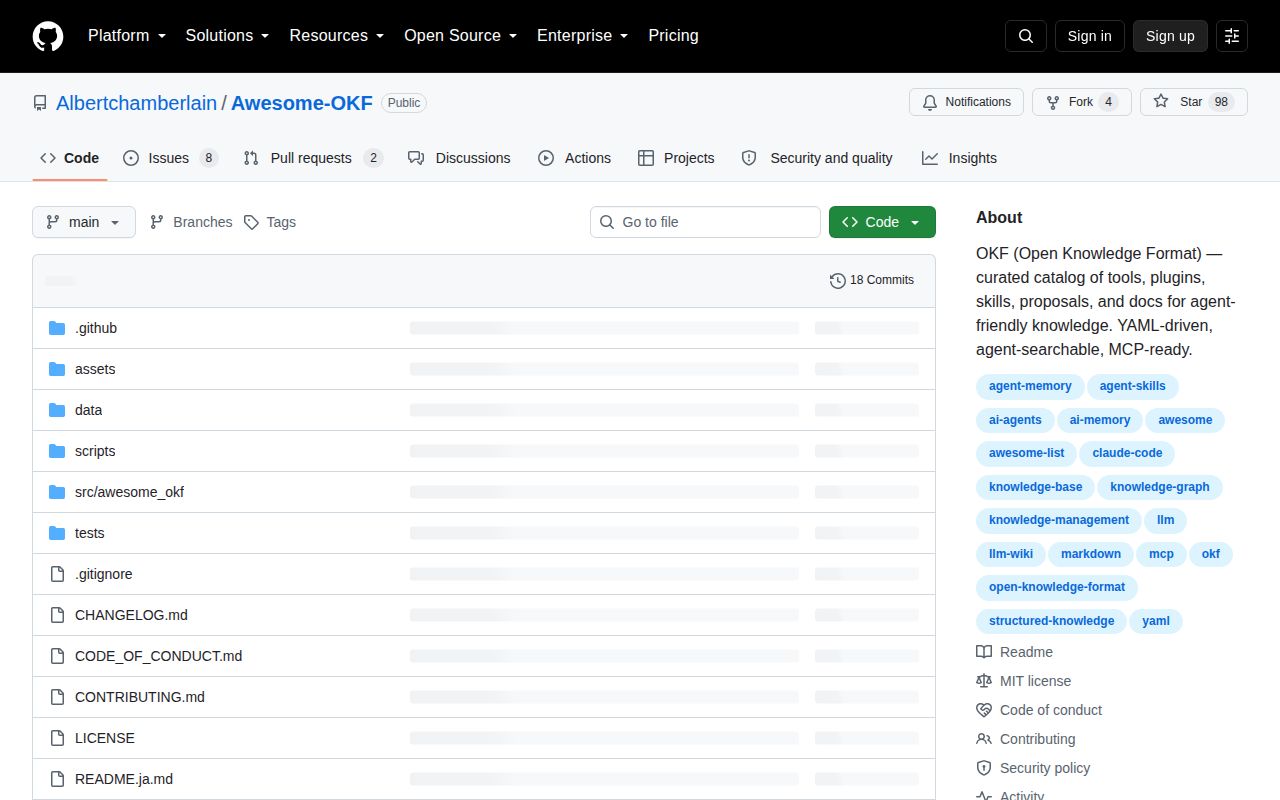
The repository was created on September 7, 2026, released v0.1.0 that day, and last pushed to its default branch on September 15. GitHub showed 98 stars, 8 open issues, and 2 open pull requests on October 1. One outside pull request was updated September 30 and proposes another catalog tool with detailed disclosures. Another adds a fifth README language. Those are useful signs of participation, though they do not yet amount to a long maintenance record.
Awesome-OKF makes sense as a map before it makes sense as infrastructure. Browse its 29 entries, use the Git-installed CLI for conversion, or expose the catalog to an MCP client when agents repeatedly ask where an OKF tool lives. Wait if your workflow depends on PyPI, automated checks for fork contributions, directory conversion through MCP, or verified CLI behavior. The project's open issues name each of those gaps plainly, which makes the adoption decision easier.