The catalog answers where to look, not what to buy
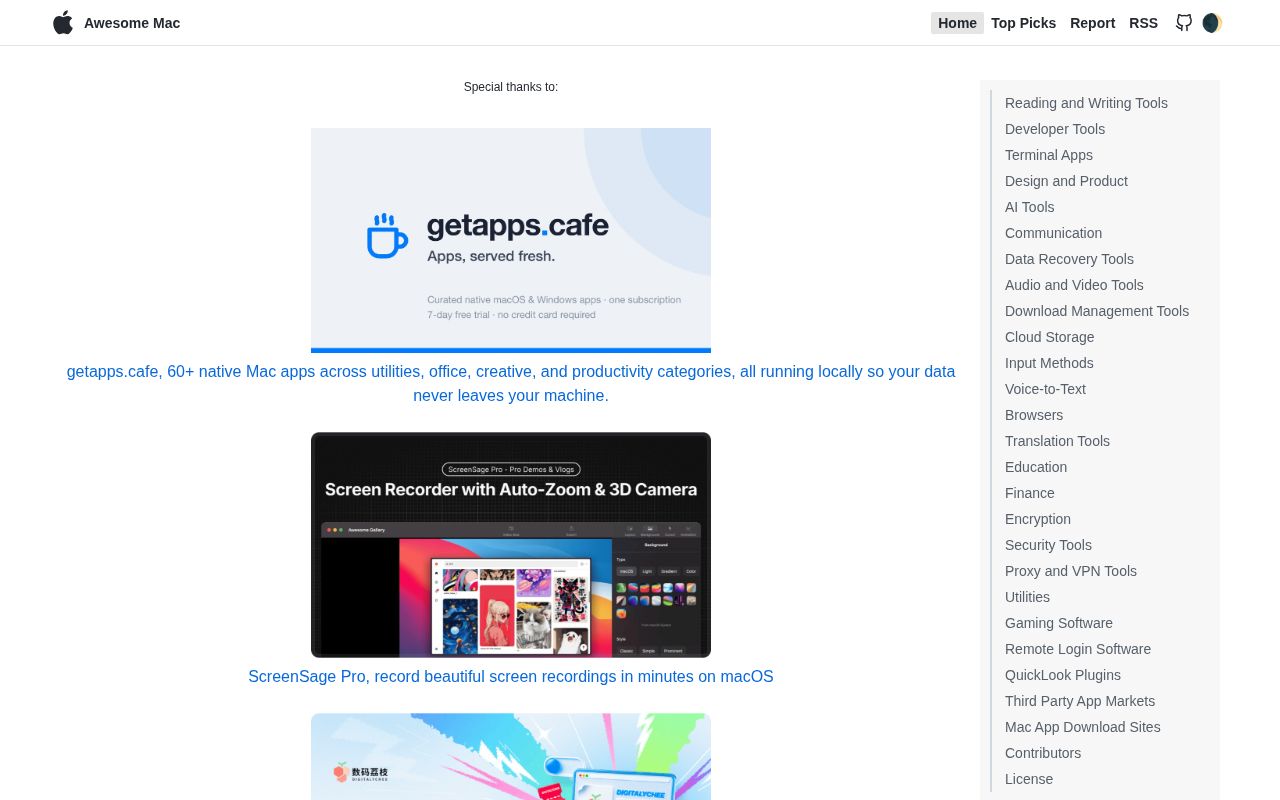
Awesome Mac groups applications under practical categories such as text editing, databases, terminals, screenshots, window management, security, and AI. Each entry gets a link and short description. Icons mark open-source software, freeware, App Store links, native apps, and related Awesome lists. That makes it faster than a general search when you need names to investigate.
It does not compare products like a review site. The contribution guide asks people to avoid duplicates, place entries alphabetically, use one concise sentence, and explain why an addition is useful. It does not require proof that a maintainer installed the app, checked its privacy behavior, verified every marketing claim, or compared it with neighbors. Inclusion means a submission fit the list, not that it won a test.
Four languages are maintained as one catalog
The main list is English, with Chinese, Japanese, and Korean versions linked at the top. Current pull requests routinely add the same entry to all 4 README files and preserve local ordering. That helps readers and adds maintenance work because category structures can differ, translations can drift, and one product change has to land in several places.
Release v2.1.0 also publishes language-specific JSON through npm, four RSS feeds, a generated site, and a Docker image. Its notes show additions, removals, corrected links, localized entries, feed work, and generator changes. Consumers can subscribe to updates or build another interface without scraping GitHub HTML.
What happened when we ran it
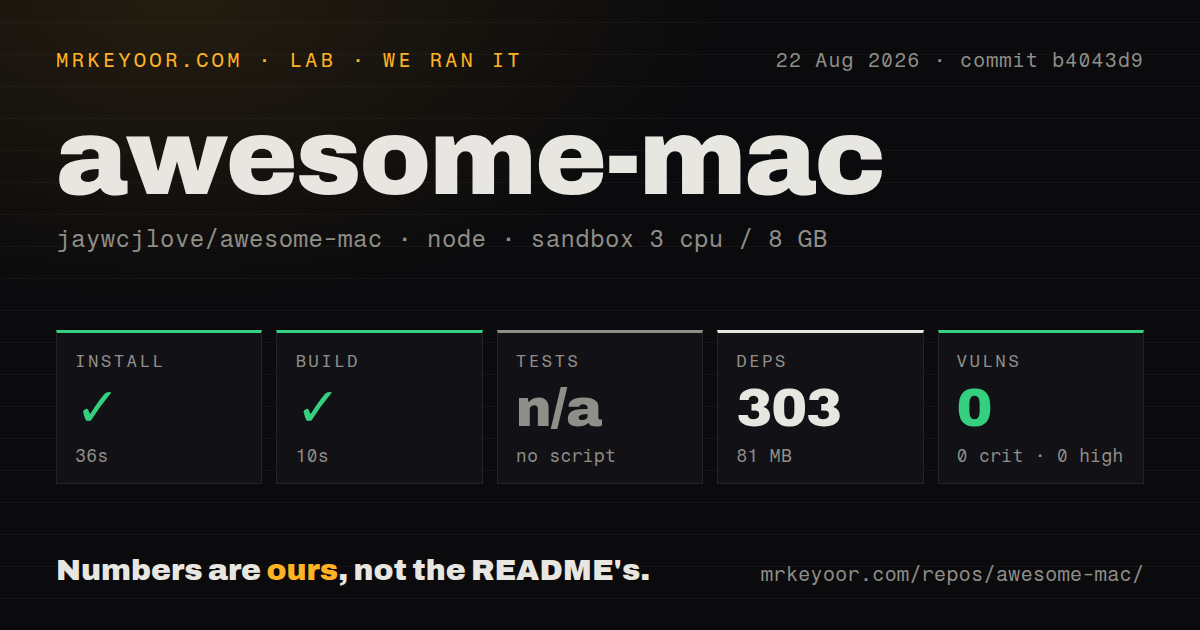
Our sandbox installed 303 npm packages in 36 seconds and used 81 MB on disk. The build completed in 10 seconds. We used commit b4043d9 in an unprivileged node:22-bookworm container with 3 CPUs, 8 GB of RAM, and no secrets. The checkout contained 44 files, about 767 lines of source, and occupied 1.4 MB before dependencies.
There was no test script or target, so we skipped tests. Zero failing tests would imply a suite ran, while this repository gave the lab nothing to execute at that stage. Npm audit reported 0 known vulnerabilities, split as 0 critical, 0 high, 0 moderate, and 0 low, for the installed dependency tree.
A successful 10-second build shows that the site generator worked in our container. It does not validate every external link, badge, translation, application description, price, supported macOS version, or download. Those are the failure modes that matter most in a live directory, and they need separate link checks plus editorial review.
Badges filter the list without verifying each app
The icon system helps a reader distinguish source code, claimed free use, an App Store link, or a native app. It quickly separates a GitHub project from a paid website in a dense category. The labels also make clear that the catalog mixes paid and free software instead of promising one licensing model.
Badges still age. A project can change license, add a subscription, lose Intel support, or abandon an App Store listing. Some submissions come from an app's developer and disclose that relationship in the pull request. Before installing, open the product page and source repository, check the current license and release date, and verify the macOS and chip requirements.
Sponsor placement changes how the list should be read
The README begins with sponsor blocks followed by a large row of applications made by the maintainer. The commercial material is visible, but it takes substantial space before the catalog begins. Readers who want a purely community-ranked list may dislike that presentation, and the page does not describe a scoring system separating sponsor visibility from normal inclusion.
Use Awesome Mac as an index instead of a ranking. Search within a category, collect candidates, then check recent releases, pricing, privacy, code signing, and support on each product's own site. The catalog narrows discovery; the buying work happens elsewhere. That boundary matters most for paid, closed-source, or security-sensitive software.
Homebrew is better when installation comes next
Awesome Mac publishes its site through Docker and its data through npm, but neither mechanism installs the applications it lists. Homebrew Cask is better when you know the product and want a repeatable install or upgrade command. The Mac App Store is better when Apple's purchase and update path is mandatory.
The open-source-only list by serhii-londar is tighter when source availability is non-negotiable. Awesome Mac wins on breadth, languages, and category range. It loses when a user wants one licensing model, verified package automation, or an editorial winner. Those are different jobs, and the alternatives make the boundary clear.
August submissions show activity and backlog
GitHub recorded 111,864 stars, 735 combined issues and pull requests, and a last push on August 26, 2026. Release v2.1.0 was published on March 30, while submissions continued in August. A release gap is not evidence that curation stopped. The combined open count includes many proposed listings, not 735 confirmed defects.
The active queue is both the project's strength and its noise source. New apps keep arriving, often with direct developer descriptions, while maintainers check categories, duplicates, labels, and 4-language synchronization. Awesome Mac is worth bookmarking for discovery. Keep the final decision outside the list.