Legacy Appsmith AI datasource queries have stopped working
Appsmith AI reached end of life on September 30, 2026, and existing queries have stopped working even on instances that haven't upgraded. The v2.5.1 release notes direct affected users to direct provider datasources. This notice concerns the retired Appsmith AI datasource service. The README separately promotes Appsmith Agents; the retirement notice does not establish that Appsmith Agents has been retired.
For an existing owner, identifying affected applications comes before extending them. For a team considering Appsmith, the useful next step is a trial of one real internal workflow, with someone assigned to own its datasource access and upgrades. The measured client build supports a narrower conclusion than a working deployment.
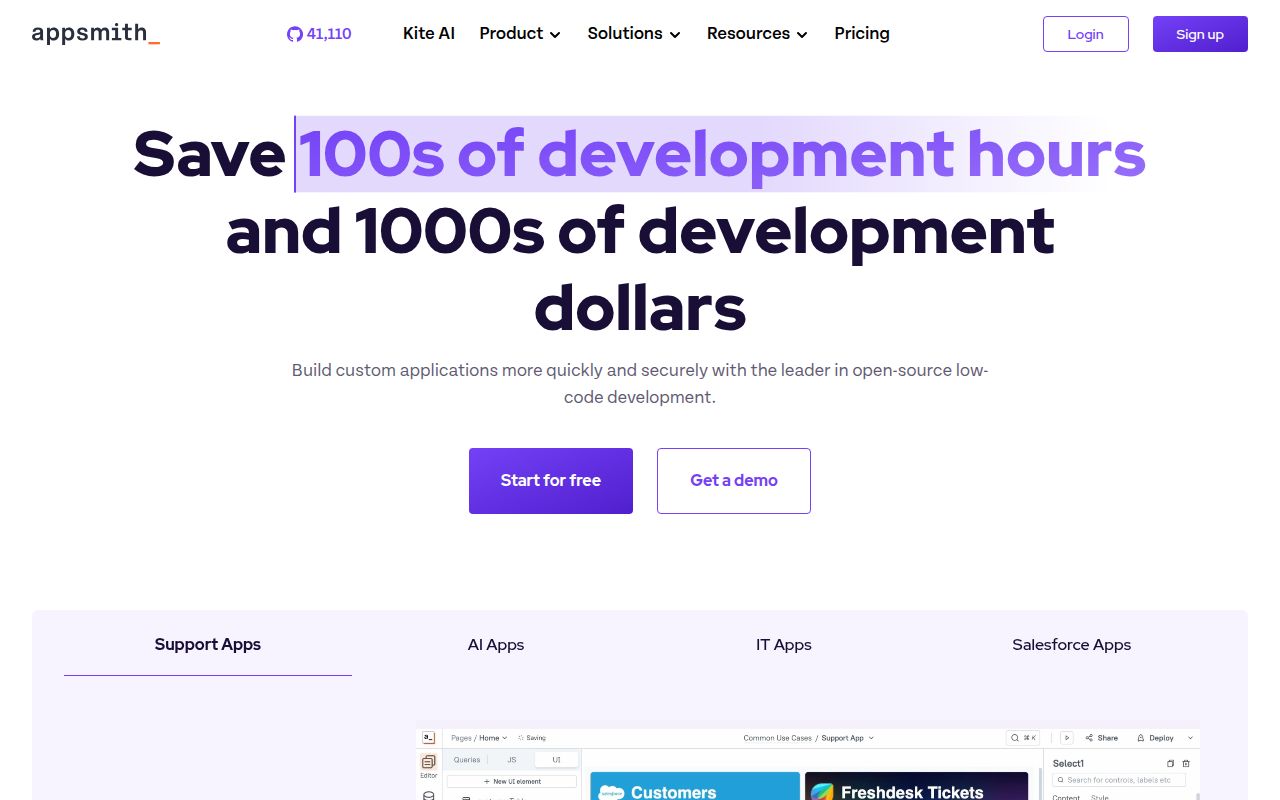
Appsmith's README describes dashboards, admin panels, and service management tools. Consider a shared builder when several such applications justify maintaining a common platform. Teams seeking a smaller deployment should examine the supporting services in the documented Docker setup before choosing it.
What happened when we ran it
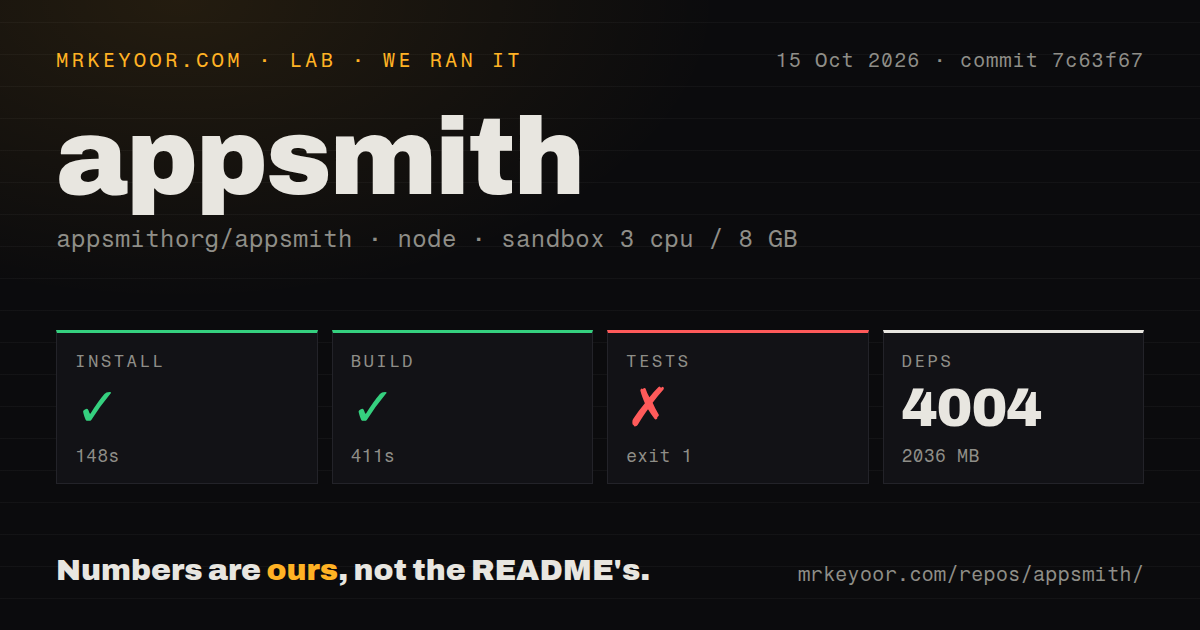
Our Appsmith client built in 411 seconds. The supplied sandbox run used commit 7c63f67 on October 15, 2026, working in app/client with Yarn. Installation succeeded in 148 seconds, recording 4,004 dependencies and 2,036 MB on disk. The sandbox configuration was 3 CPUs and 8 GB RAM with image label lab-node:22. That image label does not establish the actual Node version.
Cypress stopped because Xvfb was missing. The test step failed with exit code 1 after 10 seconds. Cypress 13.13.0 reported that dependency and ended with Error: spawn Xvfb ENOENT. Its platform line identified linux-x64 on Debian 12.15. The log establishes a runner startup failure in this environment. It provides no application-test count and does not establish that Appsmith itself is broken.
The checkout contained 13,795 files, about 1,327,675 source lines, and occupied 522.9 MB. The scan recorded 51 CI workflow files and monorepo workspaces. These figures describe the checkout and contributor setup. The successful client build does not verify a server deployment, database connection, or browser workflow.
The default Docker setup includes supporting databases
The documented default container includes MongoDB, Redis, and PostgreSQL. The Docker deployment guide says to plan for at least 8 GB of host RAM for that arrangement. This is vendor capacity guidance, separate from the client sandbox measurement.
The guide's example uses the Commercial edition, which has a free plan and paid upgrades. It tells Community edition users to replace appsmith-ee with appsmith-ce while retaining the version suffix. Choose the edition deliberately and pin a release tag, as the guide recommends for production.
The Compose example mounts a local stacks directory for instance data. The guide also calls out backup and restore after installation. Before colleagues depend on the platform, assign responsibility for that storage and test recovery as part of the pilot. This is a recommended acceptance task, not something the supplied sandbox run completed.
The README offers Appsmith Cloud alongside Docker, Kubernetes, and AWS AMI installation paths. Whichever path you evaluate, include the intended datasource and the actual operator's business task in the trial.
Existing installations have two configuration checks
Release v2.5.1 tells users to migrate remaining legacy Appsmith AI queries to a direct provider datasource, such as OpenAI, Anthropic, or Google AI. Staying on an older instance does not preserve the retired queries. Inventory the affected applications and check which connection each proposed AI workflow uses.
The same release requires customized docker.env files to contain resolved literal values. Shell expressions stop startup with a redacted diagnostic. JVM options must move from docker.env to Docker Compose or Helm environment configuration before upgrading. The notes say generated defaults and Admin Settings values need no changes.
These are documented migration obligations. The supplied client run did not reproduce them against a running instance, and the measured commit 7c63f67 is distinct from release v2.5.1.
Give alternatives a specific trial task
ToolJet's README lists a built-in database under Community Edition. Consider ToolJet when that is a requirement for the internal application you want to build. This is a documented capability, not evidence that ToolJet will be faster or easier for your team.
Budibase describes agents that route approvals through workflows. Consider Budibase when approval routing is central to the proposed application. Its README also describes creating records and updating apps. These are vendor descriptions; the supplied measurements do not test either alternative.
Use the same business task in each pilot, including the person who approves or completes the action. Compare the workflow you need rather than relying on a demonstration alone.
Make deployment ownership part of the decision
The supplied GitHub metadata records an Appsmith push on October 23, 2026, following the October 21 v2.5.1 release. A push timestamp establishes repository activity. It does not establish support response times or reliability for your datasource.
The evidence supports a client build result and specific deployment and migration checks. It does not support a numerical rating of setup ease, documentation quality, community experience, or operational maturity, so those dimensions remain unassessed.
Before standardizing on Appsmith, give the pilot an acceptance task: restore its saved data, reconnect the intended datasource, and have the actual operator complete the business action. Then repeat that action after a pinned upgrade. Adopt the shared platform only when someone can own that work.