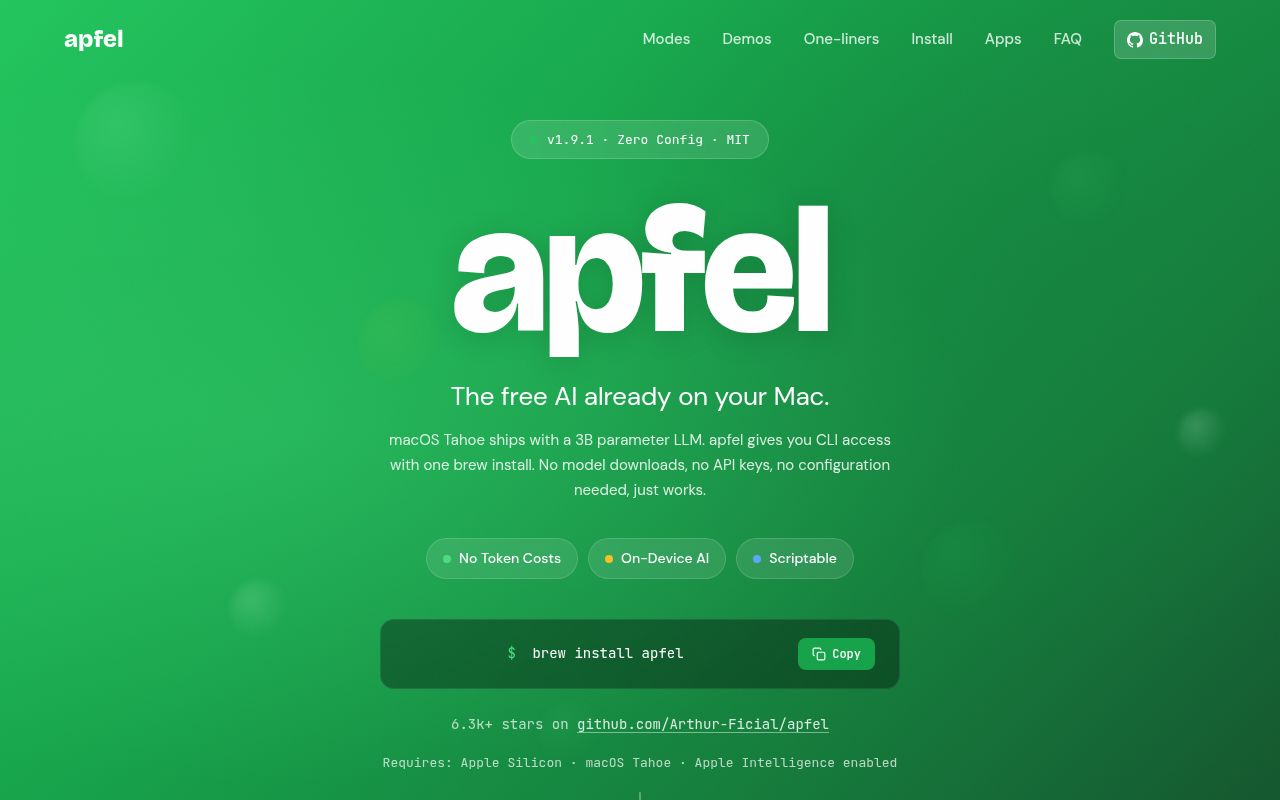
The Missing Link for Apple Intelligence
Apple's integration of on-device "Foundation Models" into macOS, branded as Apple Intelligence, was a landmark move for privacy-focused AI. However, for the developers, scripters, and power users who live in the terminal, this powerful capability remained locked behind GUIs and specific app integrations. It was a powerful engine with no steering wheel for those who build and automate on the command line. Arthur-Ficial's apfel project is the missing link. It masterfully exposes Apple's built-in LLM as both a versatile UNIX command-line tool and a local, OpenAI-compatible API server. In doing so, apfel transforms a consumer-facing feature into an indispensable tool for technical users, all while retaining the core promise of being 100% on-device, private, and free.
A Swiss Army Knife for the Terminal
At its heart, apfel is a beautifully designed command-line utility that adheres to the UNIX philosophy of doing one thing well and composing with other tools. Its most basic usage, apfel "your prompt", is simple, but its true power lies in its flags and pipe-friendliness. You can pipe text directly into it (git diff | apfel "Summarize these changes") or attach files with the -f flag. This file handling is a standout feature; apfel isn't just limited to text files. It can process PDFs and images, performing on-device text extraction and OCR to answer questions like apfel -f receipt.jpg "What is the total?". This turns the terminal into a multimodal interface without ever hitting a cloud API.
The project's designers clearly understand the needs of scripters. The --code flag strips all conversational prose, outputting only the raw code block, perfect for piping into a file or another command (apfel --code "..." > script.py). Similarly, --json and --schema flags provide structured output for automation. The --schema option, in particular, enables guided generation, ensuring the LLM's output is always valid JSON conforming to a specified schema, a notoriously difficult problem that apfel solves elegantly. It even includes thoughtful touches like a --count-tokens flag to preflight prompts, preventing wasted effort on inputs that exceed the model's context window.
To make its utility immediately obvious, apfel bundles a collection of practical demo scripts. By running apfel demos ./apfel-demos, users get ready-to-use tools like cmd, which translates English into shell commands and can even execute them after confirmation. These demos serve as both a powerful tutorial and a set of genuinely useful utilities right out of the box.
Your Private, Local OpenAI
While the CLI tool is a marvel of utility, the apfel --serve command is a real step up for developers. With a single command, apfel starts a local web server that is fully compatible with the OpenAI API. This means any application, script, or library built using OpenAI's official SDKs can be pointed to http://localhost:11434/v1 and work instantly, using the Mac's on-device model instead of hitting OpenAI's servers.
The implications are huge. Developers can now prototype and test AI-powered features with zero API cost and zero latency. They can build applications that work entirely offline, with the absolute guarantee that user data never leaves the machine. For anyone building AI features into a macOS application, apfel provides a perfect local development environment that mirrors a production API, dramatically simplifying the development loop. It effectively democratizes access to a powerful, API-addressable LLM for the entire Apple developer ecosystem.
Forward-Looking Features: MCP and Tooling
apfel isn't just a simple wrapper; it embraces modern, forward-looking standards for AI interaction. Its native support for the Model Context Protocol (MCP) is a prime example. MCP is a standard for allowing LLMs to discover and use external tools. apfel can connect to these tool servers, whether they're simple local Python scripts or secured remote HTTP endpoints, via the --mcp flag.
The README demonstrates this with a local calculator tool, showing how the model can be augmented with real-time computation capabilities. The implementation is robust, supporting multiple local and remote tools simultaneously and including security-conscious features like refusing to send bearer tokens over unencrypted HTTP. This MCP support elevates apfel from a simple prompt-and-response tool to a nascent on-device agent capable of interacting with its environment, a significant step towards more sophisticated local automation.
Rough Edges and Limitations
No tool is perfect, and apfel's primary limitations stem from its source: the Apple Foundation Model itself. Users are tethered to the performance, capabilities, and context window of whatever model Apple ships with the OS. As of macOS 26/27, the context window of 4096-8192 tokens is functional but significantly smaller than leading commercial or open-source models. You cannot swap in a different model like Llama 3 or a specialized fine-tune; you get what Apple gives you. This makes apfel unsuitable for tasks requiring massive context or state-of-the-art reasoning.
Furthermore, its greatest strength, deep integration with macOS, is also its biggest constraint. It is, by design, completely useless for anyone on Windows or Linux. While this is an intentional choice, it's a critical factor for cross-platform development teams. The project itself, however, shows few rough edges. With only 11 open issues against over 6,000 stars and a release just yesterday, the software appears stable and exceptionally well-maintained.
Community and Project Health
apfel shows all the signs of a healthy and thriving open-source project. Its star count indicates significant interest and adoption within its target community. The release cadence is excellent, with version 1.9.0 released on August 2nd, 2026, suggesting active development and maintenance. The remarkably low number of open issues is a testament to either the software's quality or the maintainer's diligence in addressing problems. While it may not have the sprawling community of a major web framework, for a specialized developer tool, its vital signs are incredibly strong.
The Verdict in Your Stack
For any power user or developer working on a modern Apple Silicon Mac, apfel is not just a nice-to-have; it's an essential utility. It integrates a powerful, private AI into the workflows where it's most effective: the command line and local development environments. It's the perfect tool for personal scripting, automating text-based tasks, and building and testing AI features in macOS apps without incurring API costs or privacy risks. While it won't replace cloud-based LLMs for heavy-duty, large-context tasks, apfel carves out an indispensable niche as the go-to tool for everyday, on-device intelligence.