Android's instructions target specific agent mistakes
Ask an agent to fix a button hidden behind Android's navigation bar and this repository gives it a procedure to follow. The edge-to-edge skill checks Activities, scrolling content and text fields before prescribing inset handling. It requires Jetpack Compose and a target SDK of 35 or later. That specificity is the reason to consider Android Skills: the instructions know which Android details can turn an apparently finished change into an unusable screen.
Google describes the collection as modular instructions grounded in developer.android.com guidance. Its stated priority is workflows where evaluations show language models underperform. Basic Compose best practices are explicitly outside that priority. If you want an introduction to Android architecture, you'll get more from a reference app. If your coding agent keeps mishandling a particular migration or configuration task, a focused skill has a clearer job.
What happened when we ran it
We did not run Android Skills at commit 5bda39f: our harness did not support its Kotlin ecosystem, and the repository had no Dockerfile. The October 16, 2026 sandbox allocation was 3 CPUs and 8 GB of RAM, inside an unprivileged container without secrets. There is no installation, build or test result to report. The missing execution route is a limitation of this review's evidence, rather than proof that Android Skills fails on a developer workstation.
That boundary matters because the collection includes executable helpers as well as Markdown. Reading an R8 procedure can establish what it asks an agent to do. It cannot establish whether the resulting report is correct for your app, whether a plugin activates reliably, or whether proposed changes preserve behavior. Our assessment of those parts rests on the published instructions and linked issue reports, with no measured success rate for agent output.
Selecting one skill avoids a surprising default
The README's Android CLI route can target a specific skill and project: android skills add r8-analyzer --project=.. Without --all or a named skill, the documented default selects only android-cli. When no agent directories exist and no agent is specified, files go to the Gemini and Antigravity location under ~/.gemini/antigravity/skills. Check the destination before assuming your preferred agent received anything.
Claude Code has a marketplace plugin command, and the README also documents a Codex plugin route. Agents are supposed to activate relevant skills automatically when prompted with a matching task. Those are documented integration paths, without a runtime confirmation from our sandbox. The collection does not supply a model service: account access and credentials depend on the agent you choose, while Android work still depends on your existing project toolchain.
The R8 skill changes its method with your toolchain
The R8 analyzer instructions inspect Gradle files and version catalogs before selecting an analysis path. Newer toolchains can generate configuration data, while older ones fall back to heuristic review of keep rules. The fallback checks broad package rules, library consumer rules and reflection. I like that it distinguishes generated evidence from a reading of configuration, because those support different levels of confidence.
There is also an explicit prohibition on code changes in that skill. Its output is a report for you to assess. That makes it a sensible first trial in an app with complicated shrinking rules: ask what deserves investigation before asking an agent to delete anything. The October 16 lab record provides no app-size measurement, so any promised savings would need separate evidence from your own release artifact.
A Play Policy report can select the wrong app
Open issue 226 concerns the actual play-policy-insights helper, rather than an unrelated Android tool. The reporter shows a version-catalog application alias that the module detector misses. Its fallback selects a benchmark package or directory name instead of the release application ID, then interprets a failed Store lookup as an unpublished app. The resulting report still presents a compliant status.
That's a concrete reason to decline this tool as a release approval authority. Check the selected application ID against the app you're shipping before trusting a policy report. The report describes static analysis and comparison with Play Store declarations, which makes identity part of the evidence chain. The lab's inability to execute this repository neither reproduces nor clears the reported defect. A green label has little value if it describes the wrong package.
October activity shows maintenance with closed contribution intake
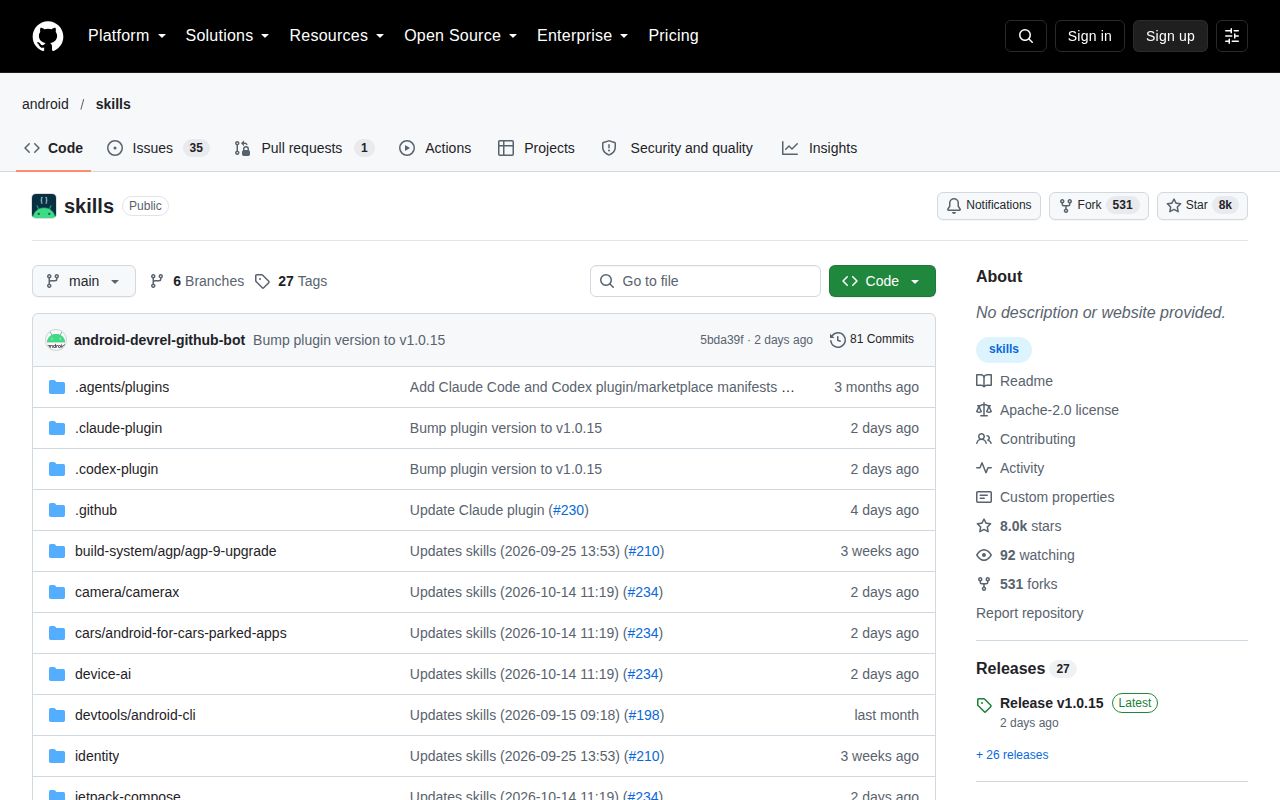
GitHub recorded a push on October 16, 2026, alongside 8,000 stars and 36 open issues and PRs. Release v1.0.15 appeared on October 14. Recent activity includes merged automated skill updates and a plugin update, while the policy identity report remained open and had October discussion. Those signals support current maintenance. The terse release note, which merely announces the release, gives less help deciding which instructions changed.
Public code contributions are explicitly not accepted, although the README invites issues and requests. Choose a different foundation if your team needs an upstream patch process it can participate in. For general agent discipline, Superpowers supplies planning and review workflows. For inspectable Android application structure, Now in Android provides Kotlin and Compose source. I'd start Android Skills with one bounded task and keep the generated diff or report beside the official guidance it claims to apply.