The useful screen shows which service your tool actually uses
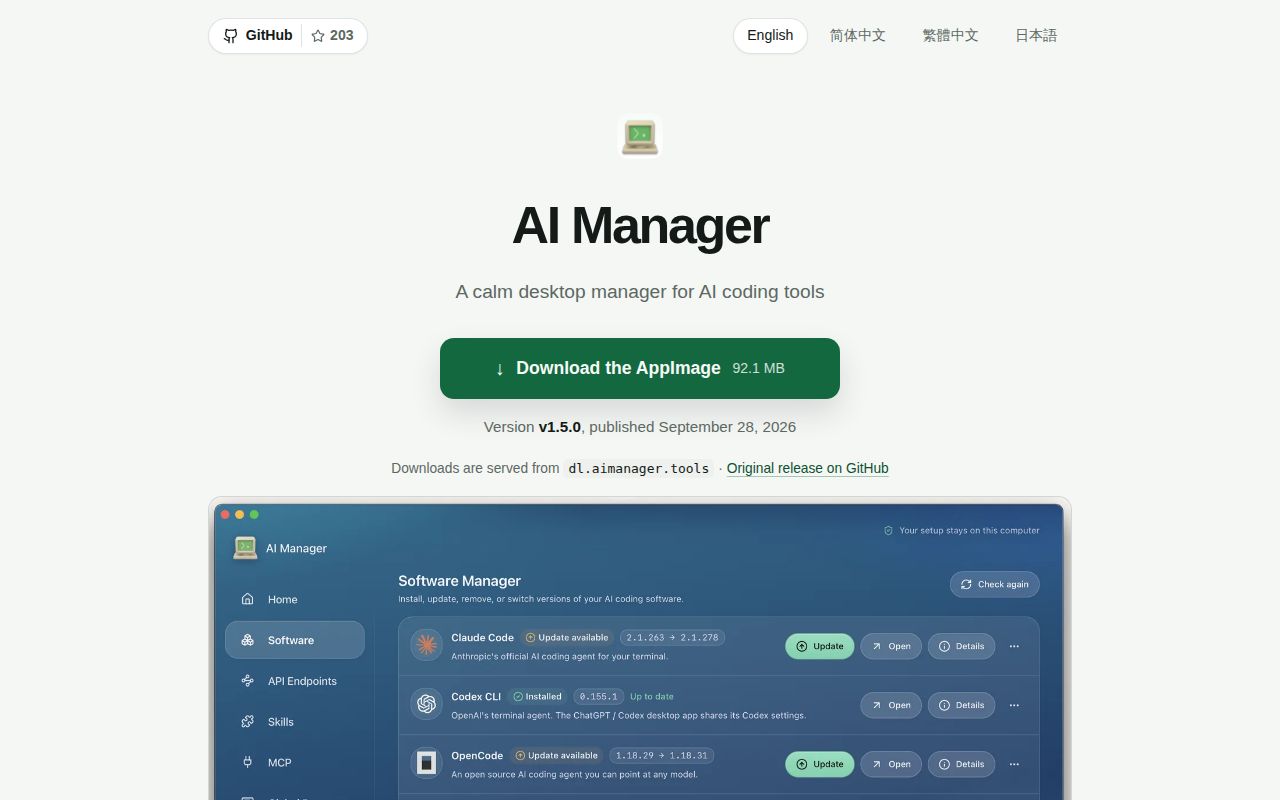
A saved API address can look correct while an environment variable sends your coding tool somewhere else. AI Manager's English README addresses that specific irritation: its endpoint screen shows the effective connection and explains overrides. The desktop app also handles coding-tool installation and configuration. For someone switching between Claude Code, Codex, and other clients, that visibility is a better reason to try it than simply having another dashboard.
The project uses Tauri 2 and React 18, with a Rust backend. Our checkout contained 1,619 files, roughly 395,017 source lines, and 21.6 MB before installation. This is a substantial desktop application to maintain if you fork it. The advertised convenience belongs to the end-user workflow. It shouldn't be mistaken for evidence that contributing to the native app is equally straightforward.
What happened when we ran it
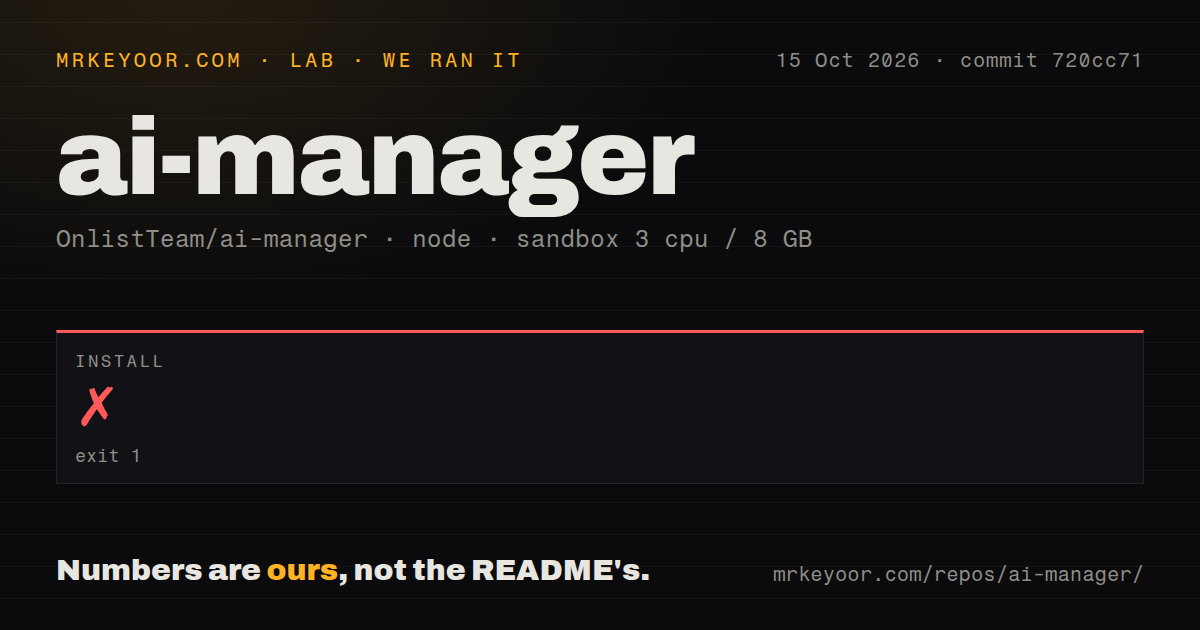
Our sandbox's pnpm install of commit 720cc71 failed with exit code 1 after 5 seconds on October 15, 2026. The fresh Debian container had 3 CPUs, 8 GB of RAM, no secrets, and no elevated privileges, using the lab-node:22 image. The supplied evidence establishes an installation failure. It does not establish a broken packaged installer or a failure inside the desktop interface.
The 5-second attempt repeatedly printed ERR_PNPM_CONFIG_CONFLICT_BUILT_DEPENDENCIES: pnpm said it could not accept both neverBuiltDependencies and onlyBuiltDependencies. Another line warned that dangerouslyAllowAllBuilds was true and that listed dependencies would run scripts. The tail does not establish where every effective setting originated. Blaming an operating-system package, choosing a pnpm-version explanation, or claiming that deleting a setting fixes everything would go beyond that log.
Our scan found 6 CI workflow files, a tests directory, and workspace signals, but no Dockerfile. Those are repository signals rather than passing checks from our run. The README directs source contributors to pinned tooling and Tauri's platform prerequisites. Anyone choosing the source route should resolve the configuration conflict before budgeting work on the native app. We have no completed desktop build or test result to substitute for that missing evidence.
Provider checks send a real request
The endpoint checker described in the README reads available models, lets you choose one, and sends a request whose reply is displayed. That's a useful improvement over declaring a service healthy because its address responds. It also means checking a configured provider involves actual service access. You'll need the relevant account or credentials, and you should understand which endpoint receives the request before pressing the control.
Our 8 GB sandbox stopped at package configuration, before we could assess the native desktop backend. The software screen says it preserves the package manager already owning a tool, including npm, pnpm, bun, or Volta. That's sensible for a workstation with an existing setup. Desktop applications are detected separately, and their installation stays with vendor channels. Don't choose this expecting it to replace every application's updater.
Plaintext keys are the adoption decision
The privacy section says provider credentials remain plaintext in the local database, local backups, and SQL configuration exports. Log redaction and the absence of analytics don't change that storage fact. A developer comfortable protecting a personal workstation may accept it. A team requiring operating-system secret storage should pass until that requirement is actually met. The README says secret-store support and encrypted portable archives are not implemented yet.
Our 5-second source-install failure doesn't establish whether the desktop installers supplied with v1.5.0 work. The README describes signed updates, and the release notes identify macOS notarization alongside Windows' lack of a platform signature. Those controls concern artifact delivery. They don't encrypt provider keys after the app opens, and a checksum alone doesn't answer the local-storage question. Keep database exports out of ordinary shared project folders.
MCP and skills management reward users with several tools
The README describes stdio, HTTP, and SSE MCP connections that can be enabled per tool. Existing server adoption is supposed to avoid rewriting live configuration. Skills can come from trusted GitHub catalogs or a local ZIP, with recovery copies before removal. If you already maintain these resources across several coding clients, a shared view could save repetitive edits. Our failed install leaves those interface behaviors as documented claims rather than exercised findings.
The 21.6 MB checkout also includes session browsing and global-prompt management. Session content loads after selection, according to the README, and supported sessions can resume in a terminal. Those features make sense for an individual workstation. If your only problem is selecting a provider, consider whether you want an application with access to sessions and configuration as well. The breadth adds responsibility alongside convenience.
Recent pushes show upkeep, while the visible discussion is mostly automated
GitHub records an October 14, 2026 push, 203 stars, and 3 open issues and PRs combined. The recent activity retrieved for this review consists of dependency-update pull requests, rather than a body of user troubleshooting. The latest release, v1.5.0, was published September 28. That supports ongoing repository activity, but it doesn't establish how quickly a maintainer will resolve a workstation-specific failure.
Compare the upstream CC Switch if you want another desktop provider-and-configuration manager. Claude Code Router is another option when a local routing layer is the main job. AI Manager's reason to earn a place is its account of effective configuration and tool ownership. Before giving it provider keys, decide whether plaintext backups are acceptable on the machine where those keys will live.