AgentDock's 114 passing tests support a source trial. They leave a separate question for anyone connecting an assistant to real files: does the intended connection complete an edit and the request that follows it?
Machine access through MCP
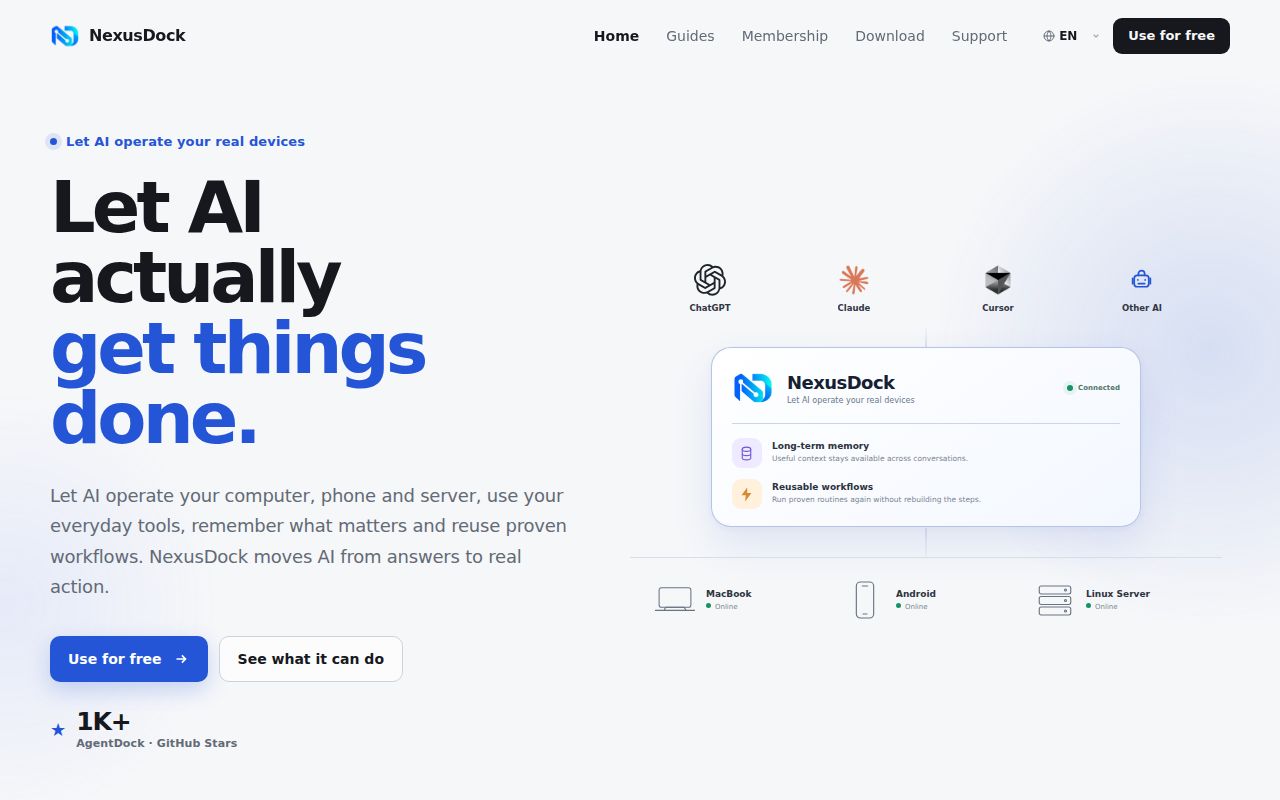
AgentDock connects compatible AI assistants to computers, servers, and containers. Its README describes file operations, commands, Git, browser automation, extensions, and recoverable tasks. Multiple instances let a conversation work across machines.
That breadth suits developers whose work spans a laptop and servers. It also makes connection configuration part of the evaluation. Choose how the assistant will reach each instance before attaching a working directory.
What happened when we ran it
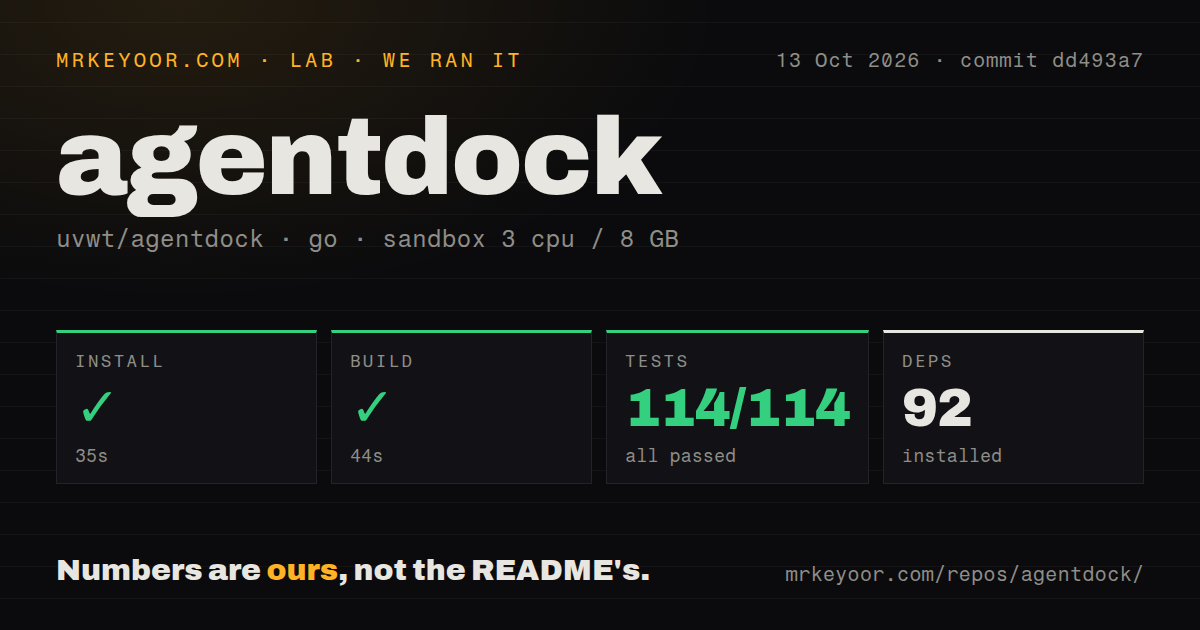
Our sandbox installed AgentDock commit dd493a7 in 35 seconds, built it in 44 seconds, and completed its test step in 45 seconds. Go reported 114 passed, 0 failed of 114. The run happened on October 13, 2026, with 3 CPUs and 8 GB RAM.
The checkout contained 949 files, approximately 152,833 lines of source, and occupied 7.6 MB. Installation recorded 92 dependencies. The scan found 6 CI workflow files, a Dockerfile, and a compose file. It found no tests directory; the recorded Go test result still reported 114 passing tests.
The sandbox image was labeled golang:1.24-bookworm. That label does not establish the actual toolchain or operating-system versions. The run did not validate device pairing, browser control, or unattended deployment. Its result applies to dd493a7 under the recorded sandbox conditions.
Pairing and direct access take different routes
The English README directs macOS and Windows users to Connections. A pairing code links the device to the official NexusDock service, and a self-hosted service is another option.
For local MCP or direct public access, advanced connection settings contain the local address, credentials, and Cloudflare settings. The README specifies MCP Streamable HTTP and shows a local address of http://127.0.0.1:8765/mcp with a Bearer Token. That is a documentation example we did not execute. Client syntax varies, and a loopback address does not make the machine reachable from a remote client.
Public access must keep authentication enabled. The configuration reference lists OAuth settings for the public origin, login password, and signing secret, along with platform-specific handling of credentials. Operators must maintain those settings as part of the deployment.
Configuration changes need verification
The configuration reference says command execution copies host environment variables only through an explicit mapping. A command that works in an interactive shell may therefore lack a required variable when invoked through AgentDock. Check the mapping before changing process access.
Docker environment variables belong to the container's creation configuration. After changing a compose file or environment file, recreating the container may be necessary; restarting alone can leave the old configuration in use. Browser automation also has separate enablement, executable-path, and CDP settings. Our passing source checks do not validate those combinations.
Issue 243 has a report and a contrary result
Issue 243, opened on October 17, reports that actual file_edit writes with agentdock-ad32e0 blocked the MCP stdio pipeline and caused subsequent requests to time out. The reporter said reads and some command calls returned normally. This is a report about that identified build and connection mode, not a defect reproduced in our dd493a7 sandbox.
On October 20, the maintainer reported actual write tests on current main through both the normal toolchain and direct stdio. The maintainer said subsequent requests completed normally, could not reproduce the problem, and requested the AgentDock version, runtime environment, complete file_edit parameters, and target path.
The supplied thread does not resolve why those results differ. It does not establish a confirmed defect across AgentDock versions or connection routes. A disposable acceptance trial remains useful: make a real edit, inspect the file, and confirm the next request completes through the connection you plan to keep. This is a proposed check, not an additional test we ran.
Read the compatibility release notice before downloading
The v0.9.2 release is dated October 6, 2026. Its notice describes it as a compatibility upgrade and says GitHub retains the Latest label to support older clients' automatic updates. The notice identifies v1.1.0 as the current stable version and directs new installations and manual updates there.
Our measured commit remains dd493a7. The successful source run does not verify the v1.1.0 installation packages.
Choose a narrower server when the task is narrower
The Filesystem MCP Server restricts filesystem operations to allowed directories. It is an alternative for assistants that need file access within specified folders. Playwright MCP provides browser automation through structured accessibility snapshots. It is an alternative when browser interaction is the task. We did not benchmark either alternative against AgentDock.
Our ratings use a five-point editorial scale: 1 means the evidence shows a poor fit, 2 means substantial obstacles, 3 means material caveats, 4 means favorable evidence within a stated scope, and 5 requires broad validation with few qualifications. N/A means the evidence is insufficient to rate the dimension. These are judgments about the supplied evidence, not performance measurements.
AgentDock earns a controlled source trial from its recorded install, build, and test results. Start with the intended connection and a disposable directory. Verify real edits and follow-up requests before attaching a working project.