ChatGPT gets 9 read-only tools while Codex keeps execution
The README gives ChatGPT 9 read-only MCP tools for workspace metadata, directory listings, file reads, search, Git state, diffs, and execution records. ChatGPT uses that view to plan and review in the web app. Codex remains responsible for editing files, running shell commands, installing packages, and committing. This division is understandable for someone with unused ChatGPT subscription capacity who wants a second model involved without pasting files into a conversation by hand.
commit d6d0dd4 fit the bridge, command-line tool, Skill, docs, and tests into 66 files and roughly 8,149 source lines. That is a readable footprint for a security-sensitive connector. The operating chain is longer than the codebase suggests: Codex drives a built-in browser, ChatGPT calls a connector, OAuth authorizes it, a local bridge reads the workspace, and Cloudflare carries the requests. A defect in any link can stop the planning loop while ordinary Codex work would continue.
A 0.4 MB bridge still opens a remote read path
The measured checkout was only 0.4 MB, yet its job is to let a remote ChatGPT session retrieve selected source text through HTTPS. The security document says the bridge binds to 127.0.0.1, requires OAuth bearer tokens, binds tokens to one workspace, and blocks sensitive paths such as .env files and SSH credentials. It exposes no general write, delete, shell, or commit tool. Those are meaningful limits, especially compared with giving a remote agent command execution.
The measured commit had 0 CI workflow files and no Dockerfile, although it did contain a tests directory and workspace configuration. That leaves less visible automation for checking the security promises on every contribution. The current security document also says registrations and token hashes live in files under the operating system's application-data directory rather than in an OS keychain. Teams should review that storage choice and the source-file deny rules before connecting a valuable repository.
What happened when we ran it
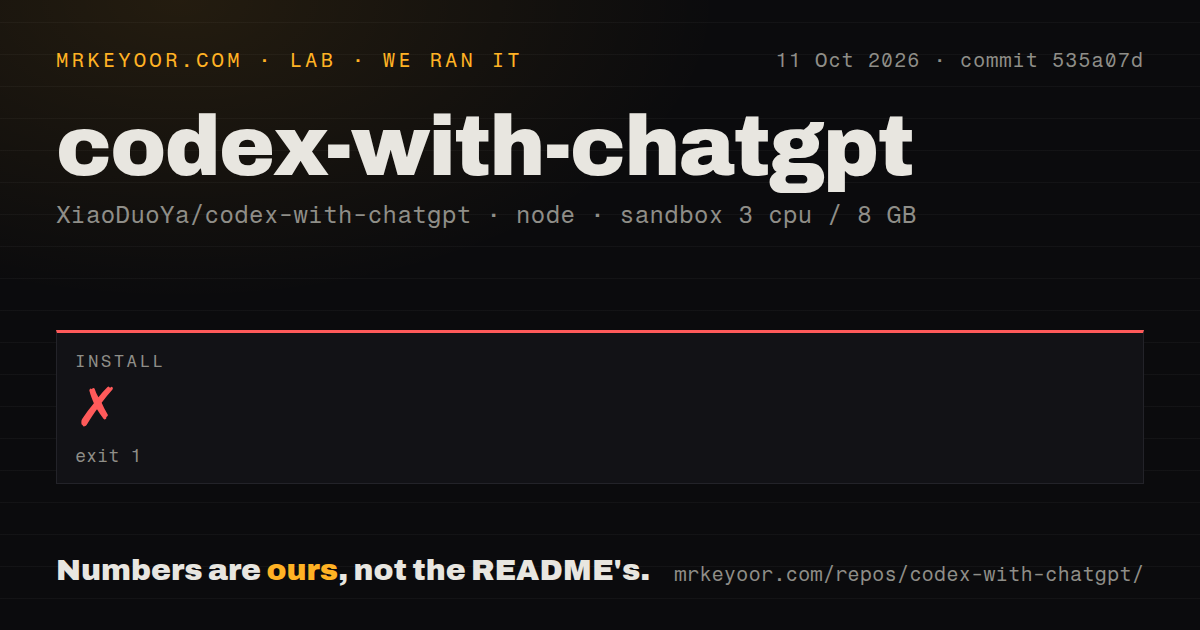
We measured an install failure after 7 seconds in the fresh sandbox. The pnpm 11.24.0 stack ended with ERR_UNKNOWN_BUILTIN_MODULE, and the process identified itself as Node.js v20.20.2. The log tail did not identify the unknown built-in module or name a missing system package. Assigning the failure to Corepack, Node, pnpm, or the container would go beyond the evidence in our measurement setup.
The run used an unprivileged Debian container with 3 CPUs, 8 GB of RAM, and no secrets. Installation exited with code 1, so it never produced a usable dependency tree for later build or test checks. This result is narrower than saying the project cannot install anywhere. It shows that the README's Node.js 20-or-newer requirement did not make its advertised first step repeatable in our clean environment.
Version 0.1.2 still depends on connector repair
Release v0.1.2 was published on 2026-09-04, and the current README still defaults to a temporary Cloudflare address. That address changes when the bridge restarts. The documented repair path runs c2c doctor, deletes the old workspace connector, creates it again with the new URL, and pairs it again. A named Cloudflare tunnel avoids the changing address, but it needs an account, a hosted domain, and a separate login.
The 0.4 MB source checkout therefore understates setup effort. Users also need git, Node.js, Corepack with pnpm, cloudflared, a ChatGPT login, connector access, and the built-in browser. Open issue 224 describes a Windows user who recreated the connector, completed OAuth and pairing, received healthy doctor output, and still could not read workspace metadata. One report does not establish the failure rate, but it is exactly the kind of state mismatch the automatic setup promise must handle.
Two-PC workspaces still collide on connector names
Open issue 193 says v0.1.1 could not connect the same workspace from 2 computers under one ChatGPT account because the second connector reused the first one's name. The issue remained open on 2026-09-06. Open issue 411 separately reports slow interaction between Codex and ChatGPT. Neither report proves a universal defect, but both describe routine conditions for developers who switch machines or expect a quick plan-and-review loop.
The 3 CPU, 8 GB lab run stopped before the bridge started, so we have no measured connector latency, tunnel reliability, or multi-computer recovery result. Readers should not turn issue 411 into a benchmark or treat issue 193 as fixed without a merged change. A sensible trial uses a disposable repository on one computer, then restarts the bridge and confirms that ChatGPT can still read only the paths you intended.
September activity shows energy, not stability
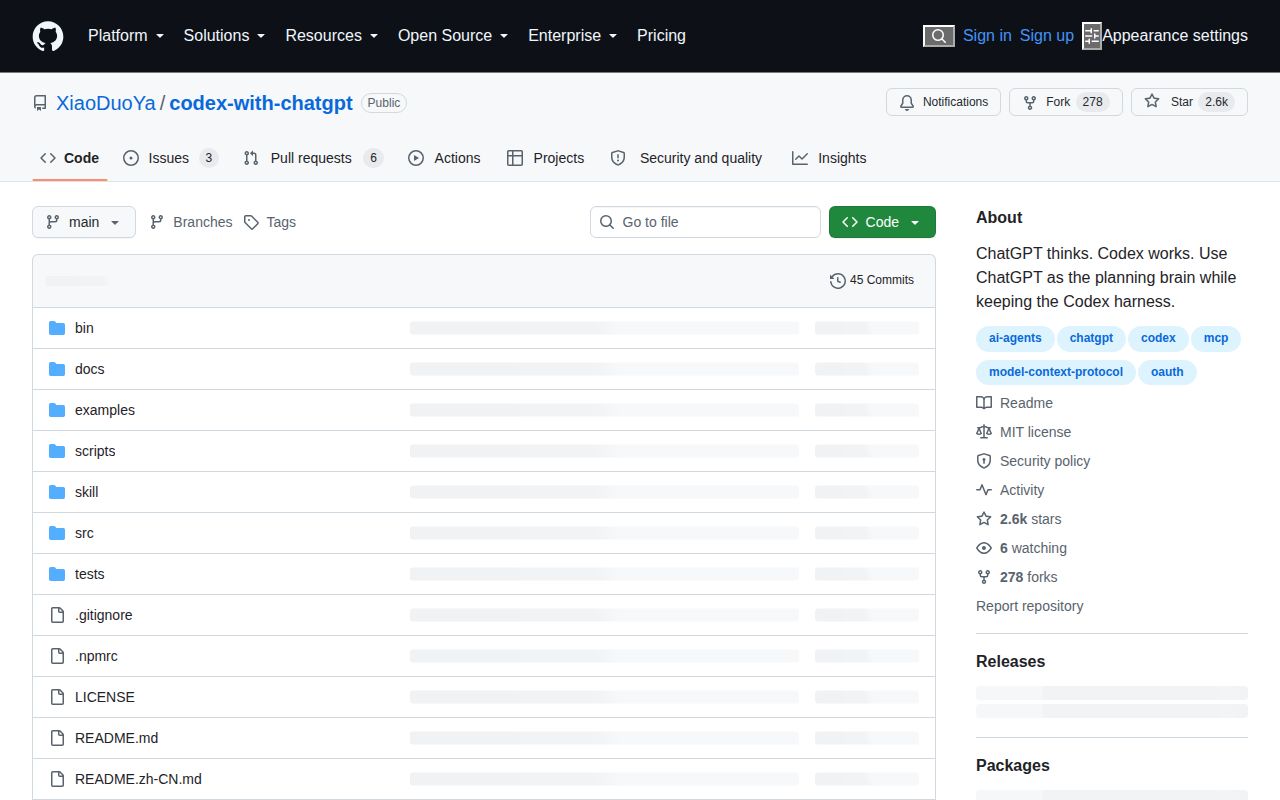
GitHub recorded 2,551 stars, 3 open issues, and 6 open pull requests on 2026-09-06. The last push and v0.1.2 release both landed on 2026-09-04, while the repository itself was created on 2026-08-28. That is active issue and release work, including recent tunnel and Windows fixes. It is also too short a history to infer stable behavior across ChatGPT interface changes, operating systems, and long-running workspaces.
The 7-second install stop changes the recommendation more than the star count does. Codex with ChatGPT is worth testing if its exact split matches your habits and a read-only remote path satisfies your source policy. It should stay out of a primary workspace until installation, restart recovery, and connector reads pass on your own machine. Developers who mainly want a coding agent will spend less attention by letting Codex plan and execute by itself.