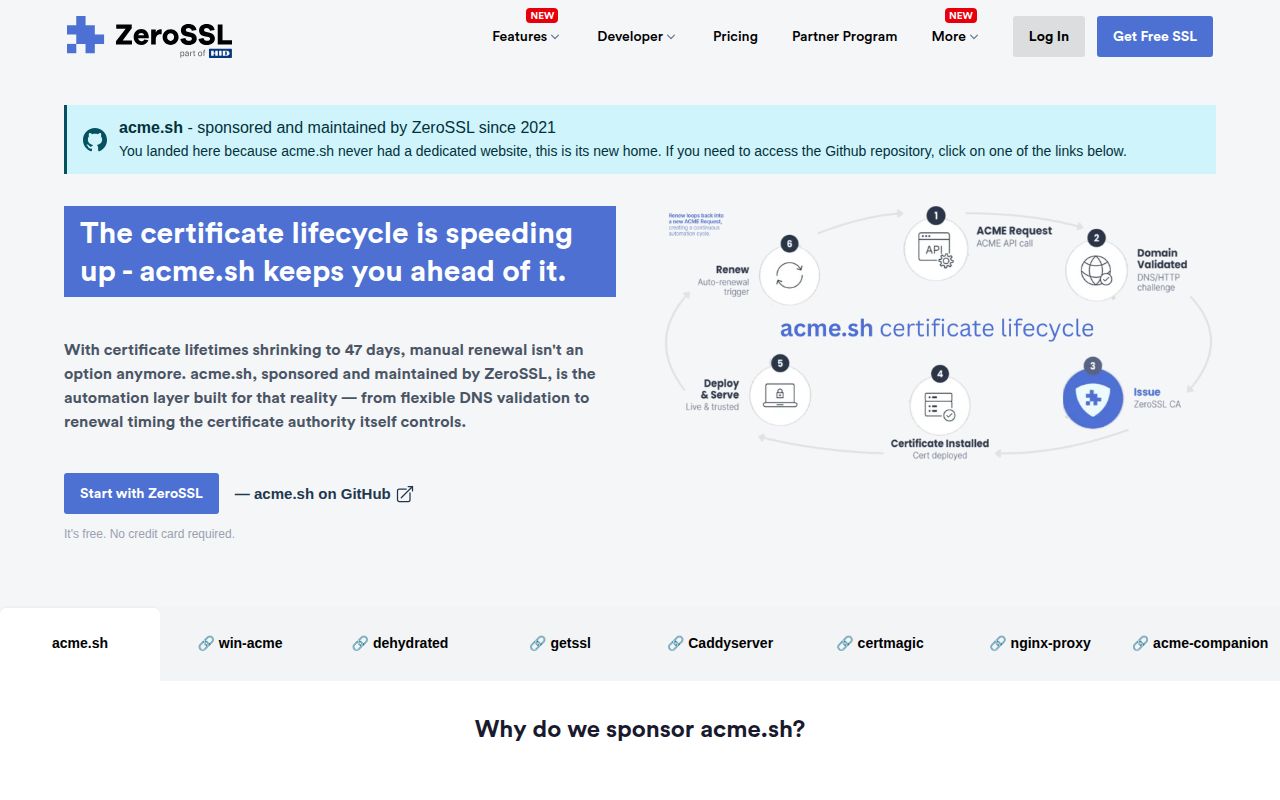
Version 3.1.4 automates the whole certificate lifecycle
acme.sh is a Shell implementation of the ACME protocol, the standard used to prove control of a domain and obtain a TLS certificate. Version 3.1.4 can create an account, issue an ECC or RSA certificate, renew it, copy the result to production paths, and call a reload command. It works without a Python runtime and does not require root for ordinary installation. Root or equivalent permission still becomes necessary when a chosen validation or deployment method touches protected ports, server processes, or certificate destinations.
The installation model is unusually transparent. The installer copies the client into ~/.acme.sh, adds an alias, and creates a cron entry. Release 3.1.4 changed that scheduled job to run every 6 hours so it can respond to a certificate authority's ACME Renewal Information window. The same release added account key rollover, multiple account emails, retry behavior for failed install and deploy steps, and more DNS and appliance hooks. Those are operational features, not decorative command flags.
Seven validation modes cover servers, DNS, and persistent records
The README documents 7 broad validation choices: webroot, standalone HTTP, standalone TLS, Apache, Nginx, DNS, and stateless operation, plus DNS alias and persistent-record variants. Webroot is the conservative choice for an existing site because acme.sh writes a challenge file under a directory the web server already exposes. Standalone mode needs port 80 free, while the TLS variant needs port 443. Apache and Nginx modes interact with those servers for validation but do not permanently configure certificate paths for you.
DNS validation is the route to wildcard certificates and hosts that cannot expose an HTTP challenge. Automatic renewal depends on a compatible provider API and credentials that can edit TXT records. Manual DNS is explicitly a manual lifecycle: every renewal needs another TXT value. The newer persistent DNS method reuses a long-lived record, but it also depends on certificate-authority support for that draft mechanism. Anyone selecting a DNS mode should test renewal, not stop after the first successful certificate.
What happened when we ran it
Our 3-CPU, 8 GB sandbox did not execute acme.sh at commit 9656842 because the lab has no supported ecosystem for Shell repositories. The checkout has a Dockerfile, but the supplied measurement records no container build, install, test, dependency, or vulnerability result. That means this review has no basis for claiming that the commit passed its test suite or that its image built cleanly. The absence of a run is a limit on our evidence, not a failed project command.
The missing run matters more here than it would for a static utility. A meaningful ACME check needs a certificate authority, domain validation, network reachability, and often DNS or deployment credentials. Our unprivileged container had no secrets, so it could not reproduce a real renewal and service reload even if the Shell harness had accepted the repository. Before adoption, run the staging endpoint for your chosen authority and verify the complete renewal path on the target operating system.
Provider hooks trade broad coverage for provider-specific failures
The appeal of acme.sh is its large collection of DNS, deployment, and notification hooks. Release 3.1.4 added 15 named DNS providers, three deploy targets, and a custom notification hook. Each integration is still a small adapter around an external service that can change authentication, endpoints, or payload rules. Issue 4567, updated on September 3, 2026, says the Azure DNS hook's managed-identity path does not handle the local metadata endpoint used by Azure Arc machines.
Other recent reports show the same maintenance pressure. Issue 7212 records a Telegram notification failure caused by characters rejected by Telegram's formatting parser. Issue 7204 describes a TrueNAS WebSocket deployment failure against a beta release, while issue 7206 proposes a different remote TrueNAS route without the local Python-based tool. These reports do not prove that every hook is unreliable. They do show why the exact provider, authentication method, and appliance version belong in your pre-deployment test.
The current release is unsigned, while development remains active
GitHub lists v3.1.4, published July 17, 2026, as the latest release. The README says release signing begins with v3.1.5 and plainly notes that tags through v3.1.4 predate the signing key. Organizations that require cryptographic provenance for a pinned production artifact therefore lack a signed current release tag. Building from a verified tag becomes an option only once that documented signing practice reaches a published release.
The project was pushed on September 1, 2026, and GitHub showed 102 open issues and pull requests when fetched. Recent closures include an Azure DNS token-renewal problem and the request to sign releases, while an older Azure Arc request remained active on September 3. That combination points to ongoing maintenance with a sizeable integration queue, not abandonment. The repository's 47,576 stars indicate reach, although stars do not tell you whether your DNS provider's hook works today.
acme.sh fits best beside infrastructure you already understand
Choose acme.sh when you know where challenge files should go, which account should edit DNS, where the deployed key belongs, and which command safely reloads the service. Its one-script design reduces runtime baggage, and the explicit install-cert step discourages applications from reading internal files under ~/.acme.sh. The 6-hour cron schedule and ARI support also address renewal timing without requiring a resident control plane.
Skip it when your team wants certificates as a managed platform feature rather than a script it owns. The current unsigned v3.1.4 tag is a firm blocker for some supply-chain policies, and an untested provider hook can turn silent renewal failure into an outage weeks later. acme.sh is a strong Unix operator's tool, but the correct buying test is a staged renewal and reload using your real provider and service, not a successful first issuance.