validator review
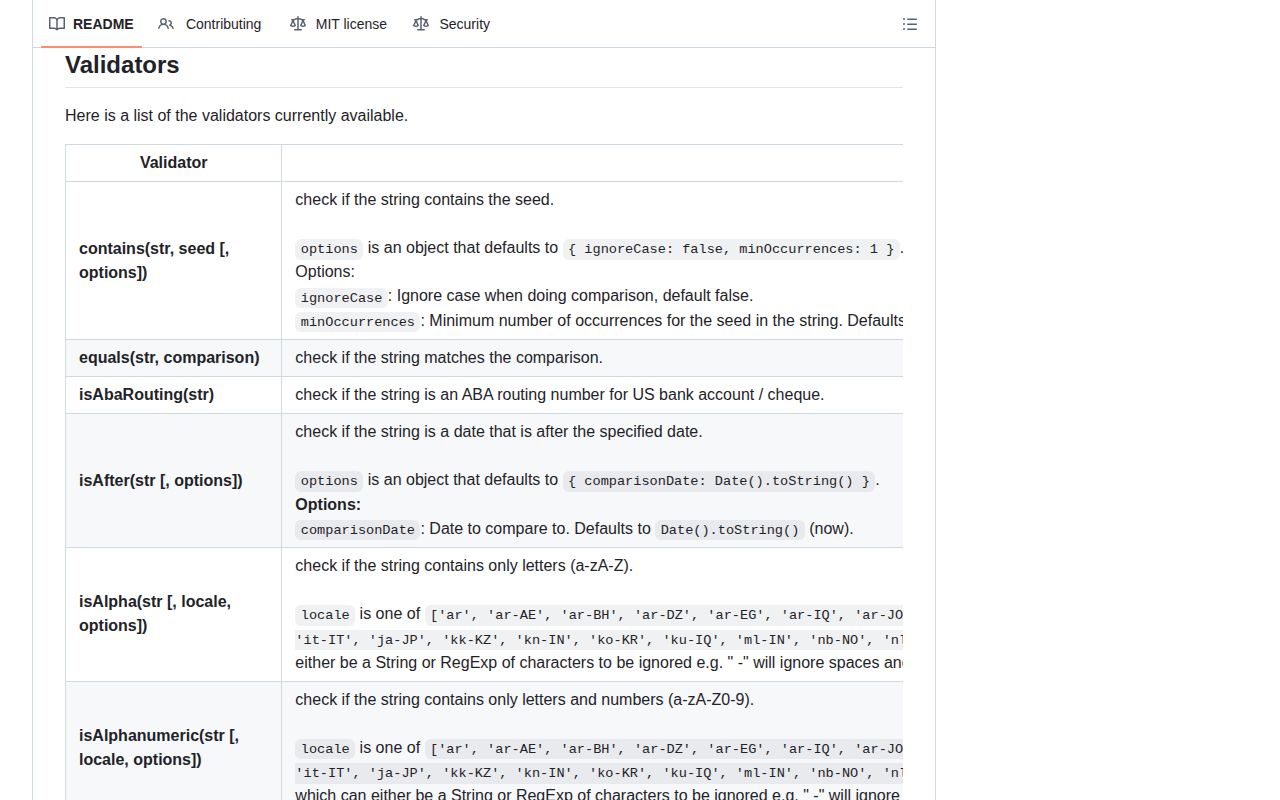
validator.js is a collection of synchronous functions that validate or sanitize strings: email syntax, URLs, IP addresses, dates, identifiers, locale-specific phone and postal formats, numeric text, and more. It does not validate objects or infer a schema. Version 13.15.35 adds Kosovo country-code handling, more tax, passport, phone, and postal cases, allows any valid JSON value when configured, and tightens the slug character set. Those locale tables and policy options make upgrades observable, not purely internal.
validator 13.15.35 installed in 0.4 seconds with 0 dependencies and 0 npm-audit findings in our sandbox, but a full browser import cost 42.5 KB gzipped and bundled no TypeScript types. Install individual validators for string syntax; choose a schema library for objects and separate security controls for URLs, HTML, passwords, and email ownership.
We installed it
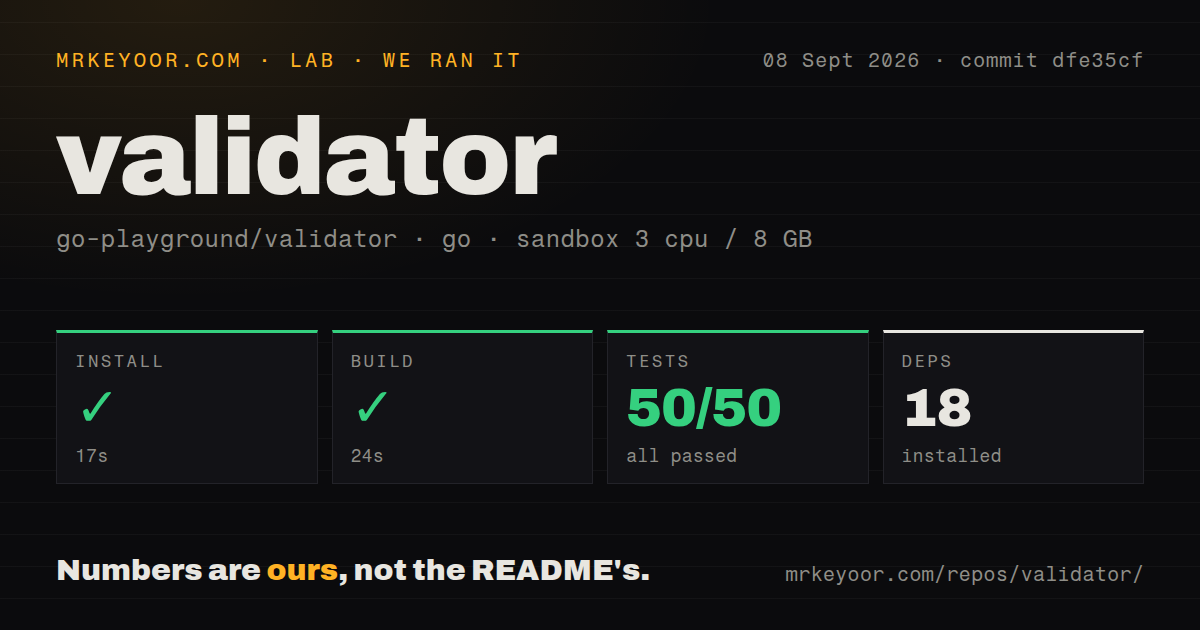
| Install | ✓ · 0.4s | 1 package on disk · 2 MB |
| Import | ✓ | ESM import works · require() works · CommonJS package |
| Browser | 42.5 KB | gzipped (130.3 KB minified), bundled with esbuild |
| Types | — | no TypeScript types found |
| Known vulns | 0 | 0 critical · 0 high · 0 moderate · 0 low (npm audit) |
Answers from our run
Does validator install cleanly?
Yes. In a fresh container with an empty cache, npm install validator finished in 0.4s, leaving 1 package and 2 MB on disk. npm audit reported no known vulnerabilities.
How much does validator add to a browser bundle?
42.5 KB gzipped (130.3 KB minified) when the whole package is bundled for the browser with esbuild. Importing only part of it is usually smaller.
Does validator work with both ESM and CommonJS?
Yes. Both import 'validator' and require('validator') worked in Node 22 in our run. The package is published as CommonJS.
Does validator include TypeScript types?
No type declarations were found in our install, so TypeScript users need their own declarations.
validator or zod: which should you use?
zod: Choose it when nested object schemas, parsing results, and inferred TypeScript types are required. validator 13.15.35 installed in 0.4 seconds with 0 dependencies and 0 npm-audit findings in our sandbox, but a full browser import cost 42.5 KB gzipped and bundled no TypeScript types.
When should you not use validator?
You need object validation, coercion errors by field, inferred TypeScript types, or nested schemas; validator.js accepts strings one function at a time.
Use it if
- A boundary already has strings and needs one focused syntax or locale check.
- You want small per-function imports for email, URL, IP, date, or identifier checks.
- Sanitizers such as trim, normalizeEmail, or escape are applied with an explicit storage and display policy.
- The application has its own object schema and only needs reusable string predicates inside it.
- You need object validation, coercion errors by field, inferred TypeScript types, or nested schemas; validator.js accepts strings one function at a time.
- Email deliverability matters; isEmail checks syntax and configured policy but does not prove the mailbox exists or accepts mail.
- URL validation is being used as an SSRF defense; isURL does not resolve DNS, block private addresses, follow redirects, or enforce an outbound network policy.
- You expect XSS sanitization; the README says XSS sanitization was removed, and escape only HTML-encodes a plain text value.
- You plan to import the whole package in a browser; our full import measured 130.3 KB minified and 42.5 KB gzipped.
Setup reality
Our clean Node 22 install of validator 13.15.35 finished in 0.4 seconds and left 1 package using 2 MB. npm audit reported 0 known vulnerabilities at critical, high, moderate, and low severity. The package declares 0 direct and 0 peer dependencies, is 1,500 KB unpacked, and advertises Node 0.10 or newer. We found no bundled TypeScript declarations.
The package is CommonJS and has no exports map. require() and ESM import both worked in our Node 22 sandbox. Full-package imports are convenient on the server, while browser code should import a specific path such as validator/lib/isEmail or validator/es/lib/isEmail. Those deep paths are documented, but the absence of an exports map gives tooling less formal guidance about entry points.
Our esbuild import * measurement produced 130.3 KB minified and 42.5 KB gzipped. A single-function import can avoid much of that cost, but measure the final application chunk. Every validator expects a string and throws on other input types. Coerce only when conversion is intentional, since undefined, arrays, and objects can become strings that pass a different rule than the caller meant.
Most validators encode policy through options and locale codes. isURL permits no-protocol input by default, isISO8601 needs strict mode to reject impossible dates, and normalizeEmail can remove Gmail dots or subaddresses. Version 13.15.35 changes accepted slugs, JSON values, Kosovo codes, Brazilian tax IDs, and several locales. Pin the version and keep boundary cases in tests. Syntax checks do not establish ownership, deliverability, authorization, safety to fetch, or password breach status.
Patterns
Check email syntax under an explicit policy validate-email
import isEmail from 'validator/lib/isEmail';

const valid = isEmail(input, {
  require_tld: true,
  allow_utf8_local_part: true,
  allow_ip_domain: false,
});
A true result does not prove that the mailbox exists, accepts mail, or belongs to the user. Verify ownership separately.
Require an HTTP or HTTPS URL validate-url
import isURL from 'validator/lib/isURL';

const valid = isURL(input, {
  protocols: ['http', 'https'],
  require_protocol: true,
  require_tld: true,
  disallow_auth: true,
});
Syntax validation is not SSRF protection. Resolve and recheck destinations, redirects, ports, and private address ranges before server-side fetching.
Accept an integer within fixed bounds validate-integer-string
import isInt from 'validator/lib/isInt';

if (!isInt(value, { min: 1, max: 100, allow_leading_zeroes: false })) {
  throw new Error('quantity must be 1 through 100');
}
The input must be a string. Disabling leading zeroes prevents values such as 007 when the field represents an ordinary quantity.
Reject impossible ISO calendar dates validate-iso-date
import isISO8601 from 'validator/lib/isISO8601';

const valid = isISO8601(value, {
  strict: true,
  strictSeparator: true,
});
strict rejects dates such as February 29 in a non-leap year, while strictSeparator requires T between date and time.
Check a phone number for one locale validate-phone-locale
import isMobilePhone from 'validator/lib/isMobilePhone';

const valid = isMobilePhone(value, 'en-IN', { strictMode: true });
strictMode requires a country code. Number validity still does not prove that a subscriber owns or can receive messages at it.
Accept any valid JSON value validate-json-value
import isJSON from 'validator/lib/isJSON';

const valid = isJSON(value, { allow_any_value: true });
Version 13.15.35 supports allow_any_value. JSON syntax validation does not enforce an object shape or safe downstream fields.
Normalize email without merging aliases normalize-email
import normalizeEmail from 'validator/lib/normalizeEmail';

const normalized = normalizeEmail(input, {
  gmail_remove_dots: false,
  gmail_remove_subaddress: false,
  outlookdotcom_remove_subaddress: false,
});
Provider-specific dot and subaddress removal can merge distinct account identifiers. Disable those transforms unless product policy requires them.
Encode untrusted text for HTML text content escape-html-text
import escape from 'validator/lib/escape';

const safeText = escape(comment);
escape encodes a plain text value for HTML. It is not an HTML sanitizer and should not be used to preserve user-authored markup.
Apply a chosen password composition rule validate-strong-password
import isStrongPassword from 'validator/lib/isStrongPassword';

const valid = isStrongPassword(password, {
  minLength: 12,
  minLowercase: 0,
  minUppercase: 0,
  minNumbers: 0,
  minSymbols: 0,
});
Composition checks do not detect breached or common passwords. Add a denylist or breach service and allow long passphrases.
Accept only an IPv4 address validate-ip-version
import isIP from 'validator/lib/isIP';

if (!isIP(address, 4)) throw new Error('IPv4 address required');
This checks textual IP syntax. Network policy must separately reject loopback, link-local, private, or otherwise forbidden destinations.
Alternatives
| Package | Registry | Pick it when |
|---|---|---|
| zod | npm | Choose it when nested object schemas, parsing results, and inferred TypeScript types are required. |
| joi | npm | Choose it for server-side object schemas with conversion, defaults, conditional rules, and structured errors. |
| ajv | npm | Choose it when JSON Schema is the contract and compiled validation must work across services or languages. |
| isemail | npm | Choose it when email-address syntax is the only job and its RFC-focused policy better matches your input contract. |
More utils guides
lru-cache · type-fest · ajv · zod · p-limit · find-up · the whole shelf →
How this guide is made: grounded in the library's documentation, release notes, changelog, and issue history, on a fixed rubric — not a hands-on install of every release. The 50 most-downloaded entries are additionally install-verified in clean containers. Corrections: contact the desk.