supabase review
supabase 2.31.0 is the official Python client bundle for Supabase database queries, authentication, object storage, Edge Functions, and Realtime. Its table chains call PostgREST over HTTP, so exposed schemas and row-level security shape every result; this is not a PostgreSQL wire driver. The release changes X-Client-Info to structured semicolon-delimited metadata and makes PyIceberg an optional storage extra. The client does not offer arbitrary SQL or transactions spanning several calls, and its APIs tie the application to Supabase services.
Our supabase 2.31.0 install took 0.8 seconds, used 30 MB across 31 packages, printed one deprecation warning, and imported in 0.80 seconds with no audit findings. Install the bundle for an existing Supabase architecture; use PostgREST alone or a PostgreSQL driver when data access is the only job.
We installed it
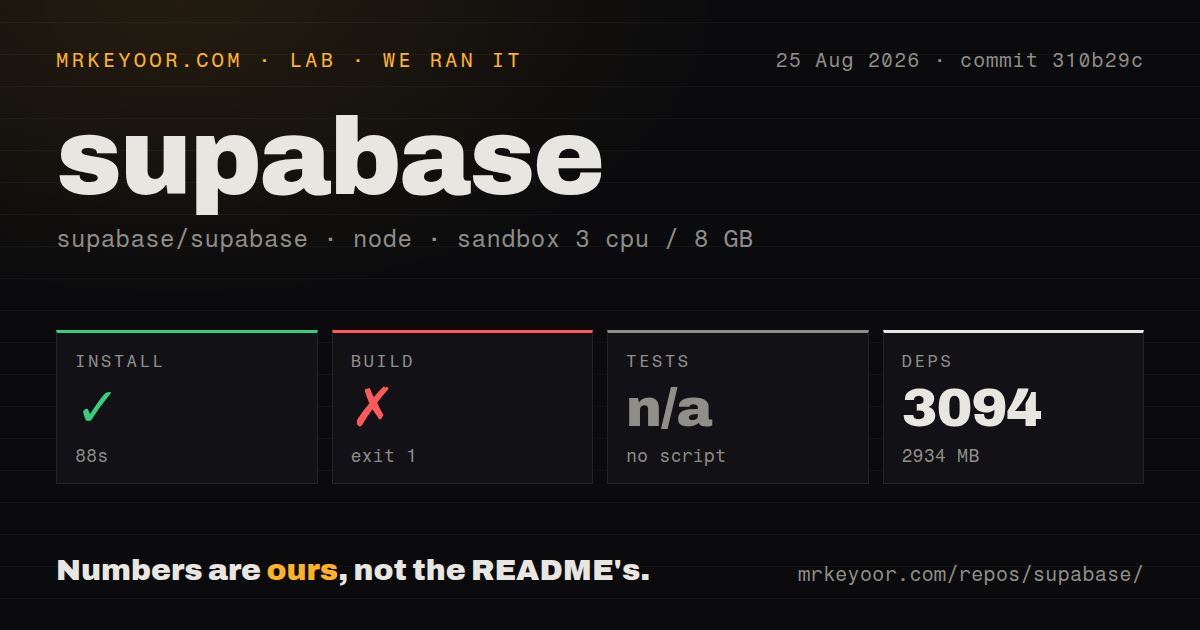
| Install | ✓ · 0.8s | 31 packages on disk · 30 MB · 1 deprecation warning |
| Import | ✓ | import supabase in 0.80s · pure Python · py.typed · requires Python >=3.9 |
| Known vulns | 0 | (pip-audit) |
Answers from our run
Does supabase install cleanly?
Yes. In a fresh container with an empty cache, pip install supabase finished in 0.8s, leaving 31 packages and 30 MB on disk. pip-audit reported no known vulnerabilities. The install printed 1 deprecation warning.
What does supabase need to run?
Python >=3.9, and nothing compiled: it is pure Python. In our run import supabase succeeded in 0.80s, and the package ships py.typed for type checkers.
supabase or postgrest: which should you use?
postgrest: Use it when only table and RPC requests are needed, without the auth, storage, functions, and Realtime bundle. Our supabase 2.31.0 install took 0.8 seconds, used 30 MB across 31 packages, printed one deprecation warning, and imported in 0.80 seconds with no audit findings.
When should you not use supabase?
The workload needs multi-statement transactions, CTEs, window functions, COPY, or unrestricted SQL; use an RPC function or a PostgreSQL driver
Use it if
- The application already runs on Supabase and needs table queries, auth, storage, and functions behind one Python client
- HTTP data access fits a short-lived service better than owning PostgreSQL connections and a pool
- User access tokens should reach PostgREST so database row-level security remains the authorization boundary
- Async Python code needs Realtime channels alongside the same account and project configuration
- The workload needs multi-statement transactions, CTEs, window functions, COPY, or unrestricted SQL; use an RPC function or a PostgreSQL driver
- A synchronous process needs Realtime subscriptions, because the working channel path belongs to the async client
- Your environment cannot accept coordinated dependency pins; the metapackage locks five Supabase sibling packages to exactly 2.31.0
- Bulk analytics or many small writes dominate; each table execution crosses HTTP and encodes JSON
- The data layer must remain portable to another backend; its query chains, sessions, buckets, and function calls target Supabase endpoints
Setup reality
We installed supabase 2.31.0 in a fresh unprivileged Python 3.12 Bookworm sandbox in 0.8 seconds. The installer printed one deprecation warning and left 31 packages using 30 MB. The package declares 8 direct dependencies, requires Python 3.9 or newer, and is pure Python. It ships py.typed. import supabase succeeded in 0.80 seconds, and pip-audit reported zero known vulnerabilities. Our installed metadata did not identify a license value.
Creating a client requires the project URL and a key. Publishable or anon keys depend on row-level security for authorization. A service-role key bypasses those policies and belongs only in trusted server secret storage. The Python library cannot prevent a deployment from exposing it. Queries against a non-public schema also fail until that schema is added to the project's exposed-schema configuration. Test every policy with the same key and user-token path production will use.
Version 2.31.0 pins postgrest, supabase-auth, storage3, supabase-functions, and realtime to matching 2.31.0 releases and keeps httpx below 0.29. Existing httpx constraints can therefore block the full upgrade. PyIceberg moved behind supabase[iceberg], so the base install no longer supplies it. Async code should create an AsyncClient with acreate_client or create_async_client; sync and async calls belong to different objects, and Realtime uses the async route.
A query chain sends nothing until execute() and returns a response object rather than a plain list. Client auth state is mutable, so sharing one signed-in instance across unrelated web requests can leak a user context into later calls. Prefer per-request user clients or set the token deliberately. The package README calls for client.auth.sign_out() during proper shutdown. Scripts that do not need persisted sessions should disable persistence and automatic refresh in client options and close their client lifecycle.
Patterns
Create a trusted server client create-client
import os
from supabase import Client, create_client

supabase: Client = create_client(
    os.environ['SUPABASE_URL'],
    os.environ['SUPABASE_KEY'],
)
A service-role key bypasses row-level security and must never reach a browser or other untrusted client.
Filter and page table rows select-filter-rows
response = (
    supabase.table('orders')
    .select('id,total,customer:customers(name)', count='exact')
    .gte('total', 100)
    .in_('status', ['paid', 'shipped'])
    .order('created_at', desc=True)
    .range(0, 24)
    .execute()
)
rows = response.data
total = response.count
range(0, 24) has inclusive bounds and may return 25 rows; an exact count can add database work.
Require a single record fetch-one-row
profile = (
    supabase.table('profiles')
    .select('*')
    .eq('id', user_id)
    .single()
    .execute()
    .data
)
single() errors on zero or multiple matches; maybe_single() is the suitable path when absence is valid.
Insert a batch in one call insert-batch
response = supabase.table('countries').insert([
    {'code': 'FR', 'name': 'France'},
    {'code': 'ES', 'name': 'Spain'},
]).execute()
A list avoids one HTTP request per row, but large imports are better split or sent through a direct COPY workflow.
Upsert on a unique constraint upsert-conflict
response = supabase.table('countries').upsert(
    {'code': 'GB', 'capital_city': 'London'},
    on_conflict='code',
).execute()
The on_conflict column must have a matching PostgreSQL unique or exclusion constraint.
Update only filtered rows update-with-filter
response = (
    supabase.table('countries')
    .update({'capital_city': 'Jakarta'})
    .eq('id', 1)
    .execute()
)
The client allows an unfiltered update, so policy tests and review must protect whole-table mutations.
Run atomic work through RPC call-rpc
response = supabase.rpc('transfer_credits', {
    'from_user': sender_id,
    'to_user': recipient_id,
    'amount': 25,
}).execute()
Multi-table atomicity belongs inside the PostgreSQL function, with suitable schema exposure and execute grants.
Build an async client create-async-client
from supabase import AsyncClient, acreate_client

supabase: AsyncClient = await acreate_client(url, key)
response = await supabase.table('countries').select('*').execute()
Sync and async clients are separate objects, and Realtime subscriptions use the async implementation.
Apply a user session before querying authenticate-user
session = supabase.auth.sign_in_with_password({
    'email': email,
    'password': password,
})
notes = supabase.table('notes').select('*').execute().data
Signing in mutates the client token used by following calls; do not share that user client across unrelated requests.
Upload and sign a private object upload-storage-file
bucket = supabase.storage.from_('documents')
bucket.upload(
    'user-42/report.pdf',
    pdf_bytes,
    {'content-type': 'application/pdf', 'upsert': 'false'},
)
link = bucket.create_signed_url('user-42/report.pdf', 3600)
The method is from_ because from is reserved in Python; private buckets also need storage policies and expiring links.
Report an Edge Function failure invoke-edge-function
from supabase import FunctionsHttpError, FunctionsRelayError

try:
    result = supabase.functions.invoke(
        'make-report',
        invoke_options={'body': {'report_id': 42}},
    )
except (FunctionsHttpError, FunctionsRelayError) as error:
    detail = error.to_dict()
    raise RuntimeError(detail.get('message')) from error
Non-success calls raise library exceptions whose structured detail is exposed through to_dict().
Subscribe to inserted rows subscribe-realtime
supabase = await acreate_client(url, key)

def handle(payload):
    print(payload['new'])

channel = supabase.channel('messages-live')
channel.on_postgres_changes(
    event='INSERT',
    schema='public',
    table='messages',
    callback=handle,
)
await channel.subscribe()
The table must be enabled in the Supabase Realtime publication, and this channel path requires the async client.
Alternatives
| Package | Registry | Pick it when |
|---|---|---|
| postgrest | PyPI | Use it when only table and RPC requests are needed, without the auth, storage, functions, and Realtime bundle |
| psycopg | PyPI | Use it for direct PostgreSQL SQL, transactions, COPY, pooling, and protocol-level behavior |
| SQLAlchemy | PyPI | Use it when models, database portability, and an Alembic migration workflow matter more than Supabase integration |
More data guides
numpy · pandas · fsspec · pyarrow · lxml · sqlalchemy · the whole shelf →
How this guide is made: grounded in the library's documentation, release notes, changelog, and issue history, on a fixed rubric — not a hands-on install of every release. The 50 most-downloaded entries are additionally install-verified in clean containers. Corrections: contact the desk.