sqlglot review
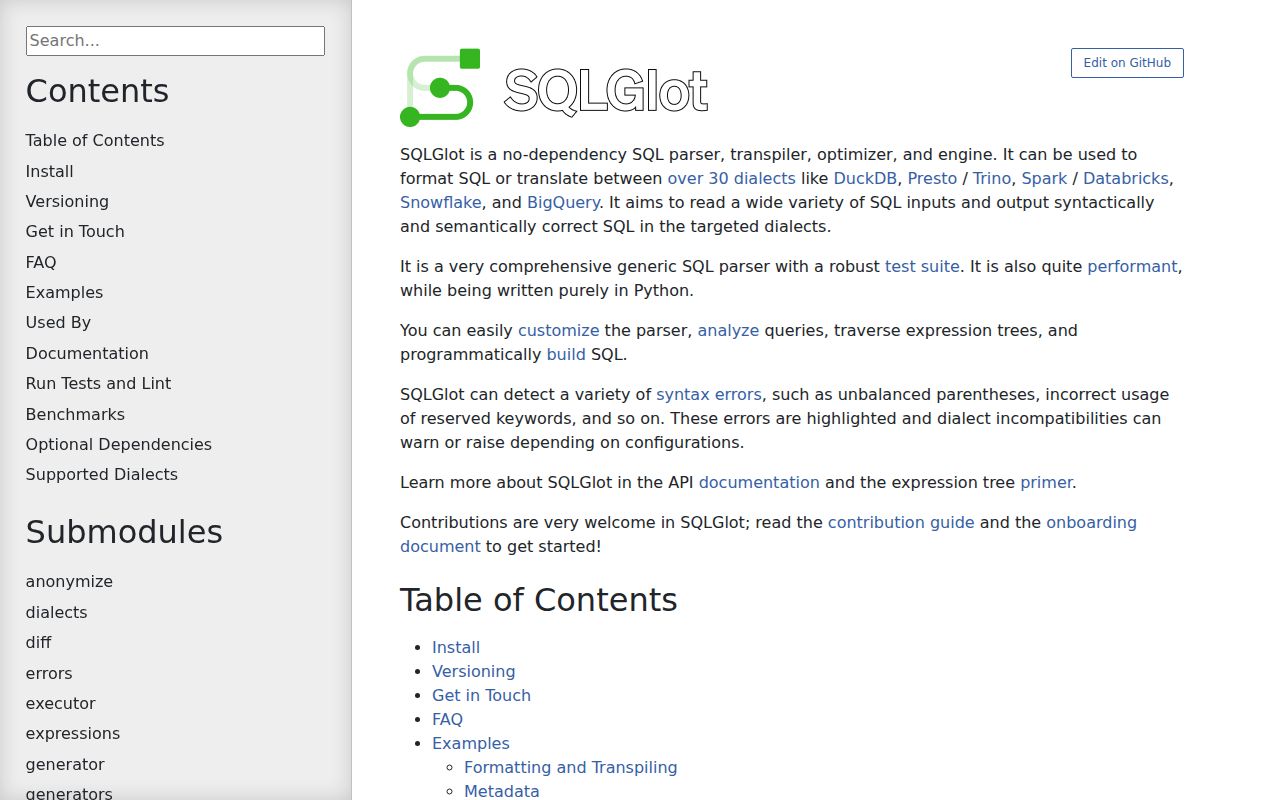
Our sqlglot 30.17.0 install provided a typed, pure-Python SQL parser that produces an editable expression tree, prints that tree in more than 30 database dialects, qualifies names against schemas, traces column lineage, and runs optimizer rewrites. It can also execute a limited subset of SQL over Python data, though that executor is for tests and small examples. Version 30.17.0 expands Trino routine parsing with WHILE, LOOP, REPEAT, ITERATE, and LEAVE. It also fixes projection pruning around GROUP BY, HAVING, QUALIFY, set operations, and OR-conditioned joins, while its test executor gains correct LIKE, NOT LIKE, ILIKE, and LENGTH behavior.
SQLGlot is the strongest Python choice when SQL must be parsed into something you can inspect, edit, qualify, or emit for another engine. Pin 30.17.x, always name the dialects, and install a real validator or database check when acceptance by the target engine matters.
We installed it
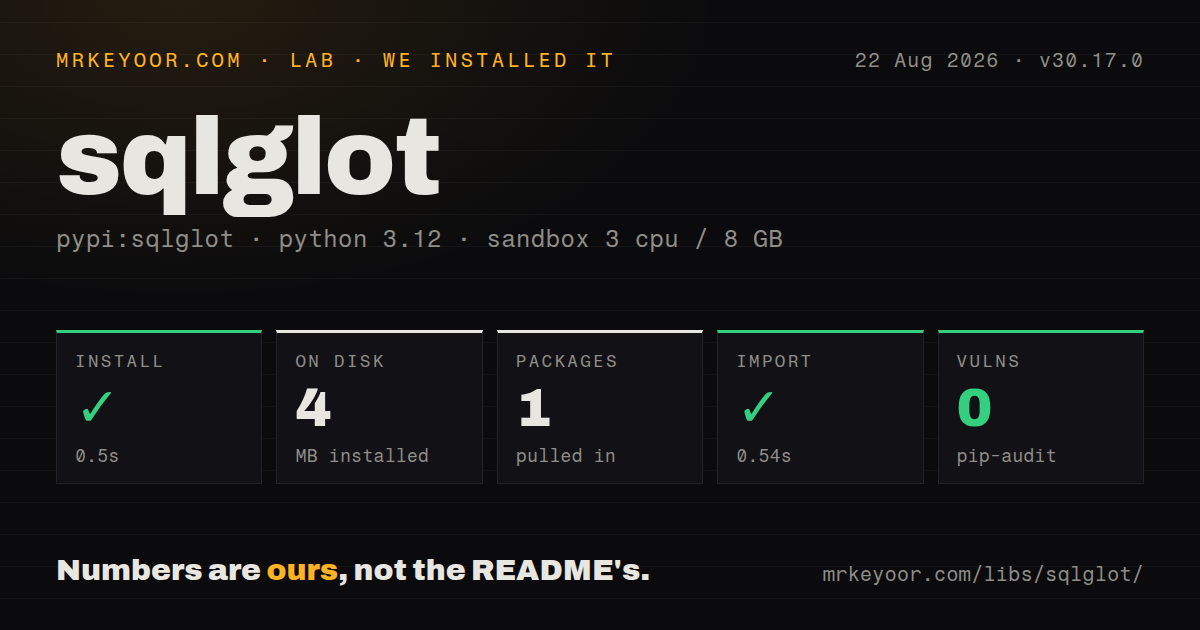
| Install | ✓ · 0.5s | 1 package on disk · 4 MB |
| Import | ✓ | import sqlglot in 0.54s · pure Python · py.typed · requires Python >=3.9 |
| Known vulns | 0 | (pip-audit) |
Answers from our run
Does sqlglot install cleanly?
Yes. In a fresh container with an empty cache, pip install sqlglot finished in 0.5s, leaving 1 package and 4 MB on disk. pip-audit reported no known vulnerabilities.
What does sqlglot need to run?
Python >=3.9, and nothing compiled: it is pure Python. In our run import sqlglot succeeded in 0.54s, and the package ships py.typed for type checkers.
sqlglot or sqlparse: which should you use?
sqlparse: Choose it for statement splitting and lightweight formatting when dialect-aware AST analysis and transpilation are unnecessary. SQLGlot is the strongest Python choice when SQL must be parsed into something you can inspect, edit, qualify, or emit for another engine.
When should you not use sqlglot?
You need a SQL validator. The FAQ says the parser is intentionally lenient, so a successfully parsed query can still be rejected by its database
Use it if
- You need to translate SQL between named engines and can review unsupported constructs instead of treating output as automatically executable
- A lineage, policy, formatting, query-comparison, or cost-analysis tool needs an AST rather than string matching
- You want to rewrite identifiers, projections, predicates, or functions and then regenerate valid SQL for a target dialect
- Schema-aware qualification and optimizer passes are useful for making queries comparable before caching, diffing, or analysis
- You need a SQL validator. The FAQ says the parser is intentionally lenient, so a successfully parsed query can still be rejected by its database
- Breaking changes must follow ordinary SemVer. This project assigns backward-incompatible changes to MINOR releases and reserves MAJOR for larger breaks
- Exact comments, whitespace, quote choices, and casing must survive. SQLGlot regenerates text from an AST and preserves comments only on a best-effort basis
- A custom dialect must coexist with the compiled extra. The README warns that runtime subclassing may not work with sqlglot[c]
- You need a production query engine. The included Python executor covers a limited expression set and its own recent fixes show why it should not replace DuckDB or a database
Setup reality
We installed sqlglot 30.17.0 in a fresh Python 3.12 Bookworm container with no cache. uv finished in 0.5 seconds and left one package using 4 MB on disk. The measurement reported 18 direct dependencies. The package is pure Python, requires Python 3.9 or newer, and ships py.typed. pip-audit found zero known vulnerabilities, and import sqlglot worked in 0.54 seconds. The installed package's license metadata was unknown in the measurement.
The first configuration decision appears in almost every call: state the input dialect and output dialect. parse_one without dialect reads the project's superset grammar, and Expression.sql() without dialect emits its default SQL. That can accept vendor syntax under the wrong assumptions or generate the wrong identifier quotes and function names. transpile returns a list because input may contain several statements. Set unsupported_level=RAISE when a lossy translation must stop a job rather than log a warning and continue.
The default install needs no compiler. The sqlglot[c] extra adds a mypyc-compiled build and may compile from source when a wheel is unavailable. The README reports a speed gain for that route, but custom Dialect subclasses may stop working with compiled classes. The rs extra adds sqlglotrs as well. Choose speed or runtime subclassing deliberately, then benchmark the actual queries. Type-sensitive rewrites need a schema passed into qualification or annotation; those passes stay off by default because they add cost and can only infer what the supplied schema describes.
Parsing changes the representation even when no semantic rewrite is requested. Formatting, casing, delimiter choices, and comment positions can move when sql() regenerates text. AST transforms also require care: a callback must return unchanged nodes on its default path, and replacing a node can discard aliases or metadata unless copied. Optimizer output is suitable for analysis and normalization, but pin the exact minor release and regression-test important queries because optimizer behavior is explicitly allowed to break between minor versions.
Patterns
Translate between named SQL dialects transpile-sql
import sqlglot

queries = sqlglot.transpile(
    "SELECT EPOCH_MS(1618088028295)",
    read="duckdb",
    write="hive",
)
print(queries[0])
transpile returns one output string per input statement. Always set read and write when vendor syntax is involved.
Raise when a target lacks a feature reject-lossy-translation
import sqlglot
from sqlglot import ErrorLevel

sqlglot.transpile(
    "SELECT APPROX_DISTINCT(value, 0.1) FROM events",
    read="presto",
    write="hive",
    unsupported_level=ErrorLevel.RAISE,
)
The default can warn and emit a best-effort query. RAISE makes dropped arguments or unsupported constructs visible to a batch job.
Parse one statement into an expression parse-with-dialect
from sqlglot import parse_one

expression = parse_one(
    "SELECT TOP 10 [name] FROM [users]",
    dialect="tsql",
)
print(expression.sql(dialect="postgres"))
A missing source dialect selects SQLGlot's superset grammar. That is convenient for exploration and risky for engine-specific production SQL.
List referenced tables extract-table-references
from sqlglot import exp, parse_one

tree = parse_one(query, dialect="snowflake")
tables = [table.sql(dialect="snowflake") for table in tree.find_all(exp.Table)]
The walk includes tables inside CTEs and subqueries. Decide whether CTE aliases belong in lineage output before storing the result.
Inspect columns and projections extract-column-references
from sqlglot import exp, parse_one

tree = parse_one("SELECT a, b + 1 AS total FROM sales")
columns = [column.name for column in tree.find_all(exp.Column)]
projections = [item.alias_or_name for item in tree.expressions]
An unqualified column name does not identify its source table. Run qualification with a schema for joins or star expansion.
Pretty-print with quoted identifiers format-generated-sql
from sqlglot import parse_one

formatted = parse_one("select a from foo").sql(
    dialect="spark",
    pretty=True,
    identify=True,
)
print(formatted)
Generation can alter case, whitespace, quotes, and comment positions. It preserves query meaning rather than source-text fidelity.
Compose a select expression build-query
from sqlglot import condition, select

query = (
    select("customer_id", "sum(total) AS spend")
    .from_("orders")
    .where(condition("status = 'paid'"))
    .group_by("customer_id")
)
print(query.sql(dialect="postgres"))
Builder methods return expressions suitable for chaining. Parse untrusted values as data in your execution layer instead of concatenating them into SQL fragments.
Transform matching AST nodes rewrite-columns
from sqlglot import exp, parse_one

def mask_email(node):
    if isinstance(node, exp.Column) and node.name == "email":
        return exp.func("SHA256", node.copy())
    return node

rewritten = parse_one("SELECT email, id FROM users").transform(mask_email)
print(rewritten.sql())
Return each unmatched node. A replacement may need copied aliases, comments, or metadata when those belong to the original expression.
Resolve names against a schema qualify-columns
from sqlglot import parse_one
from sqlglot.optimizer.qualify import qualify

schema = {"orders": {"id": "INT", "total": "DECIMAL"}}
tree = qualify(
    parse_one("SELECT id, total FROM orders"),
    schema=schema,
    dialect="postgres",
)
print(tree.sql(dialect="postgres"))
Qualification adds table references and output aliases. Incorrect or incomplete schema data produces incorrect resolution, especially around stars and joins.
Normalize a query with schema types optimize-query
from sqlglot import parse_one
from sqlglot.optimizer import optimize

schema = {"events": {"active": "BOOLEAN", "id": "INT"}}
normalized = optimize(
    parse_one("SELECT id FROM events WHERE 1 = 1 AND active"),
    schema=schema,
    dialect="postgres",
)
print(normalized.sql())
Optimizer output targets machines and may be noisy for people. Snapshot important results because minor releases may change rewrites.
Follow an output column to its source trace-column-lineage
from sqlglot.lineage import lineage

root = lineage(
    "total",
    "SELECT amount * quantity AS total FROM order_items",
    dialect="postgres",
)
for node in root.walk():
    print(node.name)
Provide schema information for stars, ambiguous joins, and type-sensitive cases. A lineage graph is only as accurate as name resolution.
Read structured parser errors handle-parse-error
from sqlglot import parse_one
from sqlglot.errors import ParseError

try:
    parse_one("SELECT * FROM (SELECT id FROM users")
except ParseError as error:
    for item in error.errors:
        print(item["line"], item["col"], item["description"])
Structured positions work well in editors. A clean parse is not proof that a database will accept or execute the statement.
Alternatives
| Package | Registry | Pick it when |
|---|---|---|
| sqlparse | PyPI | Choose it for statement splitting and lightweight formatting when dialect-aware AST analysis and transpilation are unnecessary |
| sqlfluff | PyPI | Choose it for configurable lint rules and automatic style fixes in CI rather than programmatic query rewriting |
| sqloxide | PyPI | Choose it when a Rust-backed parser and dictionary-shaped AST matter more than cross-dialect generation and optimizer utilities |
| ibis-framework | PyPI | Choose it when users should construct analytical queries through a Python dataframe expression API and execute them on supported backends |
More data guides
numpy · pandas · fsspec · pyarrow · lxml · sqlalchemy · the whole shelf →
How this guide is made: grounded in the library's documentation, release notes, changelog, and issue history, on a fixed rubric — not a hands-on install of every release. The 50 most-downloaded entries are additionally install-verified in clean containers. Corrections: contact the desk.