sql-escaper review
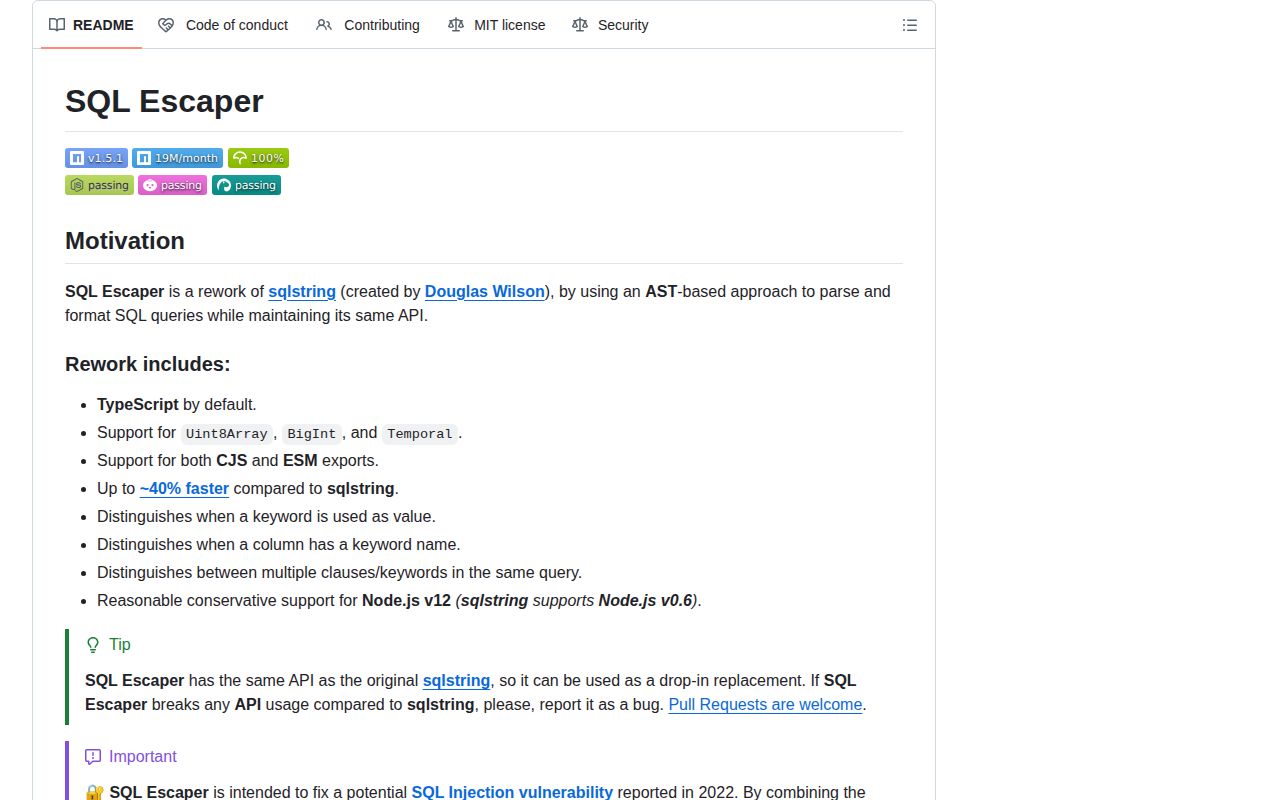
sql-escaper 1.5.1 is a MySQL-specific SQL string formatter descended from `sqlstring`. It renders JavaScript values as literals, quotes identifiers, substitutes `?` and `??`, expands lists and bulk rows, and permits explicit raw fragments. Its parser limits object-to-assignment expansion to `SET` and `ON DUPLICATE KEY UPDATE`, closing a query-shape injection path in older formatter/driver combinations. The current patch makes its `TemporalValue` TypeScript type self-contained; it still creates SQL text rather than server-bound parameters.
sql-escaper 1.5.1 installed in 0.3 seconds with 0 dependencies and 0 audit findings in our sandbox, while its browser-target build failed. Use it for the documented mysqljs/mysql override or unavoidable MySQL string formatting; do not add it beside current MySQL2 or confuse `?` replacement with prepared statements.
We installed it
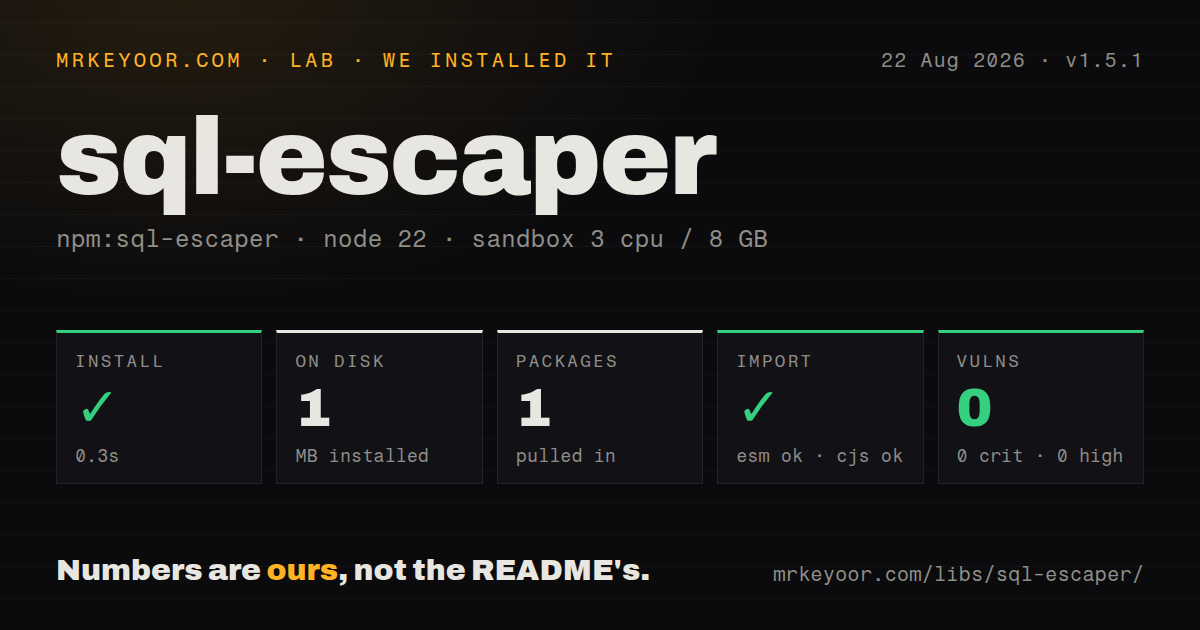
| Install | ✓ · 0.3s | 1 package on disk · 1 MB |
| Import | ✓ | ESM import works · require() works · CommonJS package with exports map |
| Browser | n/a | could not be bundled for the browser (Node-only code, most likely) |
| Types | ✓ | TypeScript types bundled |
| Known vulns | 0 | 0 critical · 0 high · 0 moderate · 0 low (npm audit) |
Answers from our run
Does sql-escaper install cleanly?
Yes. In a fresh container with an empty cache, npm install sql-escaper finished in 0.3s, leaving 1 package and 1 MB on disk. npm audit reported no known vulnerabilities.
Can sql-escaper run in a browser?
Not directly: esbuild could not bundle it for the browser in our run, which normally means it depends on Node built-ins. Use it on the server, or find a browser-targeted alternative.
Does sql-escaper work with both ESM and CommonJS?
Yes. Both import 'sql-escaper' and require('sql-escaper') worked in Node 22 in our run. The package is published as CommonJS with an exports map.
Does sql-escaper include TypeScript types?
Yes, type declarations ship inside the package, so no @types install is needed.
sql-escaper or mysql2: which should you use?
mysql2: Use the complete MySQL driver for bound parameters and prepared statements; current versions already include this escaper. sql-escaper 1.5.1 installed in 0.3 seconds with 0 dependencies and 0 audit findings in our sandbox, while its browser-target build failed.
When should you not use sql-escaper?
You already run MySQL2 3.17.0 or newer. Its README says sql-escaper is the default escaping library, so another direct install adds no protection.
Use it if
- A mysqljs/mysql 2.18.1 application needs the README's npm override from `sqlstring` to the safer context-aware formatter.
- MySQL SQL must be rendered outside a driver's parameter API, with compatible `escape`, `escapeId`, `format`, and `raw` calls.
- BigInt, Uint8Array, Map, Set, or Temporal values need the package's documented MySQL literal handling.
- Object patches should expand in recognized assignment clauses while ordinary value placeholders stringify objects instead of reshaping the query.
- You already run MySQL2 3.17.0 or newer. Its README says sql-escaper is the default escaping library, so another direct install adds no protection.
- The driver can bind parameters or prepare statements. Keeping data separate from SQL removes more risk than assembling a complete query string in the client.
- MySQL has `NO_BACKSLASH_ESCAPES` enabled. The package documentation says its escaping contract requires that SQL mode to remain disabled.
- The application targets PostgreSQL, SQLite, SQL Server, or several dialects. Identifier quotes, literal rules, and clause parsing here follow MySQL syntax.
- A browser must format queries. Our esbuild browser target failed, and sending database SQL construction to client code is the wrong trust boundary anyway.
Setup reality
We installed sql-escaper 1.5.1 in 0.3 seconds in a fresh Node 22 container. npm left 1 package and 1 MB on disk. The package is 88 KB unpacked with 0 dependencies and 0 peers, includes TypeScript declarations, and produced 0 audit findings. require() and ESM import both worked through its CommonJS package and exports map. Our esbuild browser build failed instead of producing an artifact.
Installation has no native build, credentials, or config file. The operational decision is whether SQL string construction is justified. MySQL2 3.17.0+ already uses this formatter internally. For mysqljs/mysql 2.18.1, the README gives an npm overrides entry that replaces sqlstring; perform a clean install, inspect the lockfile, and regression-test generated statements because the override changes a transitive query boundary. Version 1.5.1 requires Node 12+, Bun 1+, or Deno 2+.
format() looks like placeholder binding, yet it replaces values locally before the query reaches MySQL. It also treats question marks in comments and quoted text as candidates, so templates containing literal ? characters need care. The escape rules assume NO_BACKSLASH_ESCAPES is off. Objects expand only in parsed assignment positions, but keys must still be allowlisted. Arrays become comma lists, nested arrays become bulk rows, and an empty array can yield invalid IN () SQL.
raw() and a custom toSqlString() bypass escaping and should accept only fixed program text. NaN and Infinity are emitted as text that MySQL rejects, so validate finite numbers first. Date formatting uses local time unless a timezone is supplied, while invalid dates become NULL. Pass Z when UTC is intended. The failed browser build is consistent with a server-side database utility; keep it out of frontend bundles and prefer the driver's actual parameter or prepared-statement path whenever available.
Patterns
Render one scalar as a MySQL literal escape-scalar-value
import { escape } from 'sql-escaper';

const literal = escape("O'Reilly", true);
// => "'O\\'Reilly'"
The true argument stringifies plain objects instead of turning them into assignments. Driver-bound parameters remain preferable for query values.
Quote a qualified MySQL identifier escape-identifier
import { escapeId } from 'sql-escaper';

const column = escapeId('users.display_name');
// => '`users`.`display_name`'
Validate identifiers against an allowlist before quoting. Data values belong in `escape()` or a value placeholder, without backticks.
Substitute an identifier and value format-values-and-identifiers
import { format } from 'sql-escaper';

const sql = format('SELECT * FROM ?? WHERE id = ?', ['users', 42]);
// => 'SELECT * FROM `users` WHERE id = 42'
A double question mark quotes the identifier, while a single question mark renders the value. The result is a complete SQL string, not a statement with server-bound parameters.
Expand an allowlisted SET patch format-set-clause
const patch = { name: 'Ada', email: 'ada@example.com' };
const sql = format('UPDATE users SET ? WHERE id = ?', [patch, 42]);
The parser expands objects in recognized SET clauses. Filter request keys before formatting so callers cannot choose arbitrary columns.
Build a duplicate-key update format-upsert
const sql = format(
  'INSERT INTO users (email, name) VALUES (?, ?) ON DUPLICATE KEY UPDATE ?',
  ['ada@example.com', 'Ada', { name: 'Ada' }],
);
The third value expands because the parser recognizes the duplicate-key assignment clause. Its object keys still require validation.
Create a value list for IN format-in-list
const ids = [3, 5, 8];
const sql = format('SELECT * FROM users WHERE id IN (?)', [ids]);
// => 'SELECT * FROM users WHERE id IN (3, 5, 8)'
An empty array can produce invalid `IN ()` syntax. Handle 0 values with an explicit always-false query branch.
Render rows for a bulk insert format-bulk-values
const rows = [[1, 'Ada'], [2, 'Grace']];
const sql = format('INSERT INTO users (id, name) VALUES ?', [rows]);
Nested arrays become grouped rows. Verify every row has 2 fields here and cap batch size before building a large SQL string.
Format a Date explicitly in UTC escape-date-utc
const createdAt = new Date('2026-08-08T12:00:00.000Z');
const sqlDate = escape(createdAt, true, 'Z');
// => "'2026-08-08 12:00:00.000'"
Passing `Z` prevents host-timezone drift. An invalid Date becomes `NULL` instead of producing an exception.
Convert bytes to a MySQL hex literal escape-binary-data
const bytes = new Uint8Array([0, 1, 254, 255]);
const literal = escape(bytes, true);
// => "X'0001feff'"
Buffer and Uint8Array values produce hex literals. Enforce byte limits before turning a large payload into query text.
Insert a fixed SQL function use-trusted-raw-fragment
import { raw } from 'sql-escaper';

const sql = format('UPDATE jobs SET processed_at = ? WHERE id = ?', [raw('NOW()'), 42]);
`raw()` performs 0 escaping. Its argument must be fixed application code, never request data or a user-selected expression.
Replace mysqljs/mysql's formatter override-sqlstring
{
  "dependencies": { "mysql": "^2.18.1" },
  "overrides": { "sqlstring": "npm:sql-escaper" }
}
This is the README's npm override for mysqljs/mysql 2.18.1. Clean-install, inspect the lockfile, and compare generated query snapshots.
Block unsupported numeric literals reject-nonfinite-number
function finiteSqlNumber(value: number): string {
  if (!Number.isFinite(value)) throw new TypeError('Expected a finite number');
  return escape(value, true);
}
sql-escaper leaves `NaN` and `Infinity` unchanged. MySQL rejects both texts, so validate before formatting.
Alternatives
| Package | Registry | Pick it when |
|---|---|---|
| mysql2 | npm | Use the complete MySQL driver for bound parameters and prepared statements; current versions already include this escaper. |
| sqlstring | npm | Keep it only where exact legacy output is mandatory and all object inputs are tightly controlled. |
| pg-format | npm | Use it for PostgreSQL identifier and literal formatting instead of applying MySQL backtick rules. |
| sql-template-tag | npm | Use it when a tagged template should retain values separately for a compatible database driver. |
More data guides
numpy · pandas · fsspec · lxml · pyarrow · sqlalchemy · the whole shelf →
How this guide is made: grounded in the library's documentation, release notes, changelog, and issue history, on a fixed rubric — not a hands-on install of every release. The 50 most-downloaded entries are additionally install-verified in clean containers. Corrections: contact the desk.