react-hook-form review
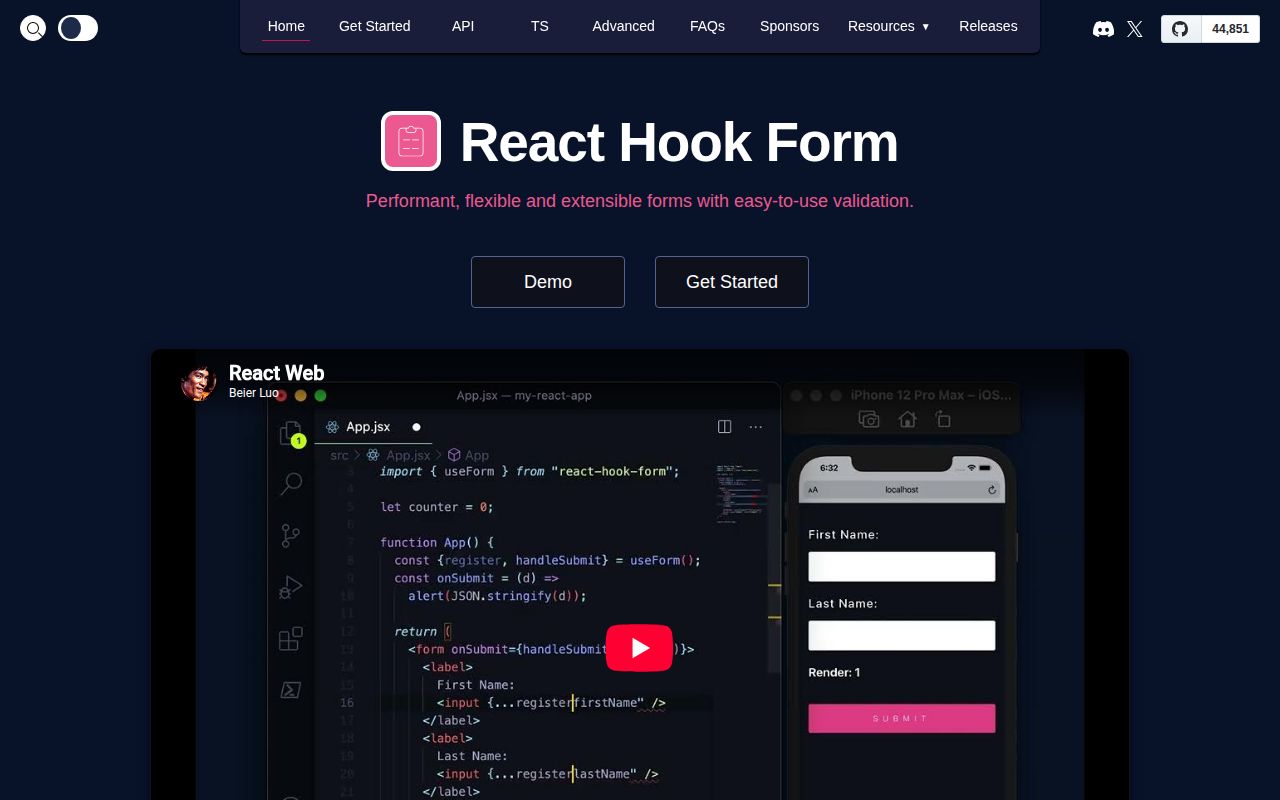
React Hook Form 7.86.0 tracks field values, errors, touched and dirty state, and submission inside React. Native inputs register through refs and can stay uncontrolled, while Controller connects components whose value is controlled by React. Version 7.86.0 adds a typed getErrors method, corrects stale useWatch values when a watched name becomes null, and fixes several field-array and persisted form-state cases. Our namespace browser build measured 48.2 KB minified and 17.1 KB gzipped. The package has 0 direct dependencies, but React is a required peer.
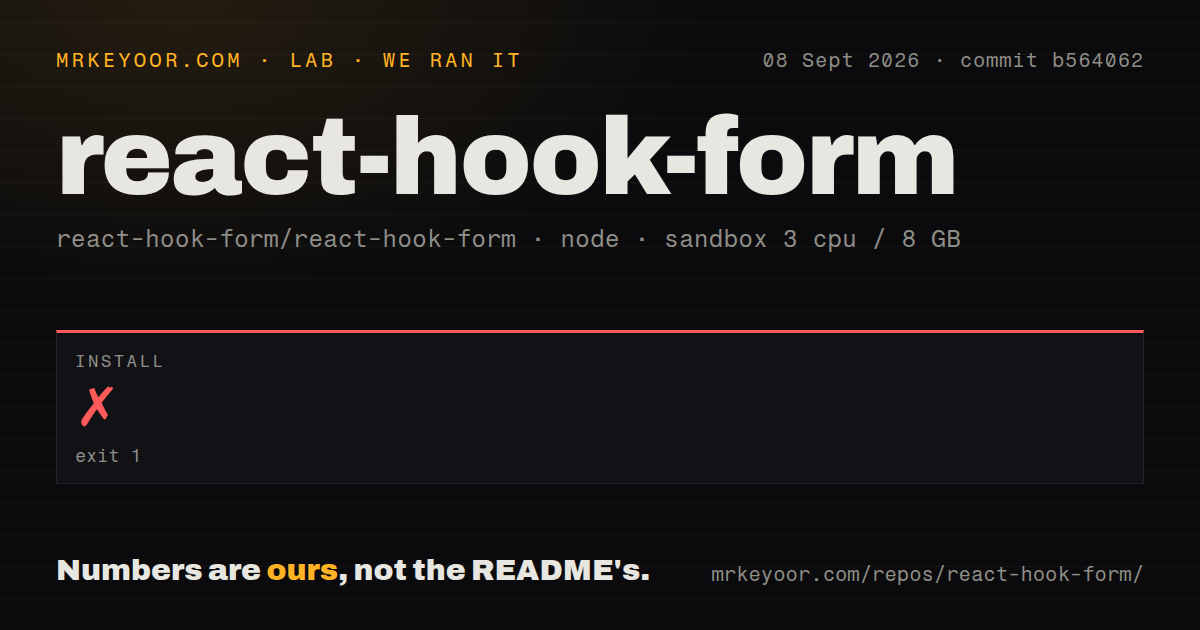
React Hook Form 7.86.0 installed in 0.9 seconds as 2 packages using 3 MB on our box, with 0 audit findings and a 17.1 KB gzipped namespace build. Install it for substantial React forms dominated by native inputs; skip it for simple server-posted forms or screens where nearly every widget needs Controller.
We installed it
| Install | ✓ · 0.9s | 2 packages on disk · 3 MB |
| Import | ✓ | ESM import works · require() works · CommonJS package with exports map |
| Browser | 17.1 KB | gzipped (48.2 KB minified), bundled with esbuild |
| Types | ✓ | TypeScript types bundled |
| Known vulns | 0 | 0 critical · 0 high · 0 moderate · 0 low (npm audit) |
Answers from our run
Does react-hook-form install cleanly?
Yes. In a fresh container with an empty cache, npm install react-hook-form finished in 0.9s, leaving 2 packages and 3 MB on disk. npm audit reported no known vulnerabilities.
How much does react-hook-form add to a browser bundle?
17.1 KB gzipped (48.2 KB minified) when the whole package is bundled for the browser with esbuild. Importing only part of it is usually smaller.
Does react-hook-form work with both ESM and CommonJS?
Yes. Both import 'react-hook-form' and require('react-hook-form') worked in Node 22 in our run. The package is published as CommonJS with an exports map.
Does react-hook-form include TypeScript types?
Yes, type declarations ship inside the package, so no @types install is needed.
react-hook-form or formik: which should you use?
formik: Use it to maintain an existing Formik codebase whose controlled-state model is already understood. React Hook Form 7.86.0 installed in 0.9 seconds as 2 packages using 3 MB on our box, with 0 audit findings and a 17.1 KB gzipped namespace build.
When should you not use react-hook-form?
A simple form posts FormData to a server action and needs little client state beyond native validation
Discussed on
Use it if
- A React form has enough fields that controlled state rerenders on every keystroke are measurable
- Native inputs can use register directly and only a minority of fields need Controller
- Validation belongs in Zod, Yup, Ajv, or another schema connected through @hookform/resolvers
- Dynamic rows need useFieldArray with stable item identities and form-level dirty or error state
- A simple form posts FormData to a server action and needs little client state beyond native validation
- Most fields come from controlled UI kits such as MUI, Ant Design, or react-select; repeated Controller adapters remove much of register's brevity
- The same form model must run across React, Vue, Solid, and Angular; this package is React-specific
- The team wants every input value in ordinary React state; React Hook Form stores values through refs and subscriptions
- A 17.1 KB gzipped namespace import is too much for the route budget; measure named imports in the real build before accepting it
Setup reality
We installed react-hook-form 7.86.0 in our clean Node 22 sandbox in 0.9 seconds. The install left 2 packages using 3 MB, and npm audit found 0 known vulnerabilities. The package has 0 direct dependencies and 1 peer dependency, React, with support declared for React 16.8 through 19. Its unpacked size is 1,976 KB, Node 18 is the engine floor, TypeScript declarations are bundled, and the license is MIT.
Schema validation is not included. Add @hookform/resolvers plus the chosen validator when field rules should share a schema with other boundaries. Browser input values arrive as strings unless register options or a schema coerce them. Provide complete defaultValues when isDirty matters, because dirty tracking compares current values to that baseline. Async defaultValues put formState.isLoading in play; render for that state instead of letting users edit empty fields before remote values arrive.
The package is CommonJS with an exports map, and require() plus ESM import both worked on our Node 22 box. Our full namespace browser build was 48.2 KB minified and 17.1 KB gzipped. Native inputs work with register when their ref reaches the actual element. Controlled widgets use Controller and must map value, onChange, and onBlur. Do not attach register to the same field. Field-array rows need field.id as the React key, or removal can move values between visible rows.
Rendering follows subscriptions. Reading formState opts into proxy-backed fields, root watch() can rerender the entire form, and useWatch limits updates to its caller. onChange validation runs on each keystroke; onSubmit is the default and onBlur often costs less with a heavy resolver. handleSubmit does not consume exceptions from the submitted callback. setValue changes validation, touched, and dirty state only when its should flags request that work. Version 7.86.0 improves onChange-heavy paths, but component composition still decides the result.
Patterns
Register native inputs register-form
const { register, handleSubmit, formState: { errors } } = useForm();
return <form onSubmit={handleSubmit(save)}>
  <input {...register('email', { required: 'Email is required' })} />
  {errors.email && <p>{errors.email.message}</p>}
</form>;
handleSubmit calls save only after validation passes; register is spread onto the actual input.
Validate with a Zod resolver validate-schema
const schema = z.object({ email: z.string().email(), age: z.coerce.number().min(18) });
const form = useForm({ resolver: zodResolver(schema) });
@hookform/resolvers and zod are 2 separate installs; coerce handles the DOM's string value for age.
Adapt a controlled select control-widget
<Controller name="flavor" control={control} rules={{ required: true }}
  render={({ field }) => <Select {...field} options={options} />} />
Controller supplies value, onChange, onBlur, name, and ref; do not also register the same field.
Add and remove repeated rows edit-field-array
const { fields, append, remove } = useFieldArray({ control, name: 'items' });
return fields.map((field, index) => <div key={field.id}>
  <input {...register(`items.${index}.name`)} />
  <button type="button" onClick={() => remove(index)}>Remove</button>
</div>);
field.id, not the array index, keeps values attached to the correct row after removal.
Subscribe to one value watch-one-field
function ShippingFields({ control }) {
  const same = useWatch({ control, name: 'sameAsBilling' });
  return same ? null : <AddressFields />;
}
useWatch rerenders its calling component, while watch() at the form root can rerender the whole form.
Set value and form state together set-value
setValue('email', 'a@example.com', {
  shouldValidate: true, shouldDirty: true, shouldTouch: true
});
Without the 3 should flags, setValue can change the value without updating validation, dirty, or touched state.
Make saved values the new baseline reset-after-save
const onSubmit = async data => {
  await save(data);
  reset(data);
};
reset(data) marks the saved object as the new defaultValues baseline for dirty comparisons.
Load asynchronous default values load-defaults
const { register, formState: { isLoading } } = useForm({
  defaultValues: async () => (await fetch('/api/user')).json()
});
if (isLoading) return <Spinner />;
isLoading covers the async defaultValues promise; fields otherwise appear before remote defaults arrive.
Attach an API error to a field show-server-error
if (response.status === 409) {
  setError('email', { type: 'server', message: 'Email already taken' });
}
A registered field error set this way clears after that field passes its next validation.
Validate first on blur choose-validation-mode
const form = useForm({ mode: 'onBlur', reValidateMode: 'onChange' });onSubmit is the default; onChange performs validation for every keystroke and can make a costly resolver visible.
Reach methods from nested fields share-form-context
const methods = useForm();
<FormProvider {...methods}><NestedInput /></FormProvider>

function NestedInput() {
  const { register } = useFormContext();
  return <input {...register('bio')} />;
}
useFormContext requires a matching FormProvider above it; outside 1 provider the returned context cannot be destructured safely.
Read selected errors with types read-errors
const errors = getErrors(['email', 'profile.name']);
if (errors.email) focusEmail();
getErrors is type-safe in 7.86.0 and avoids subscribing a component to unrelated field errors.
Alternatives
| Package | Registry | Pick it when |
|---|---|---|
| formik | npm | Use it to maintain an existing Formik codebase whose controlled-state model is already understood |
| @tanstack/react-form | npm | Use it for a typed headless form model with related packages across multiple UI frameworks |
| final-form | npm | Use it when the subscription-based form core must operate outside React as well |
More web frontend guides
postcss · react · react-dom · tailwindcss · clsx · htmlparser2 · the whole shelf →
How this guide is made: grounded in the library's documentation, release notes, changelog, and issue history, on a fixed rubric — not a hands-on install of every release. The 50 most-downloaded entries are additionally install-verified in clean containers. Corrections: contact the desk.