node-cache review
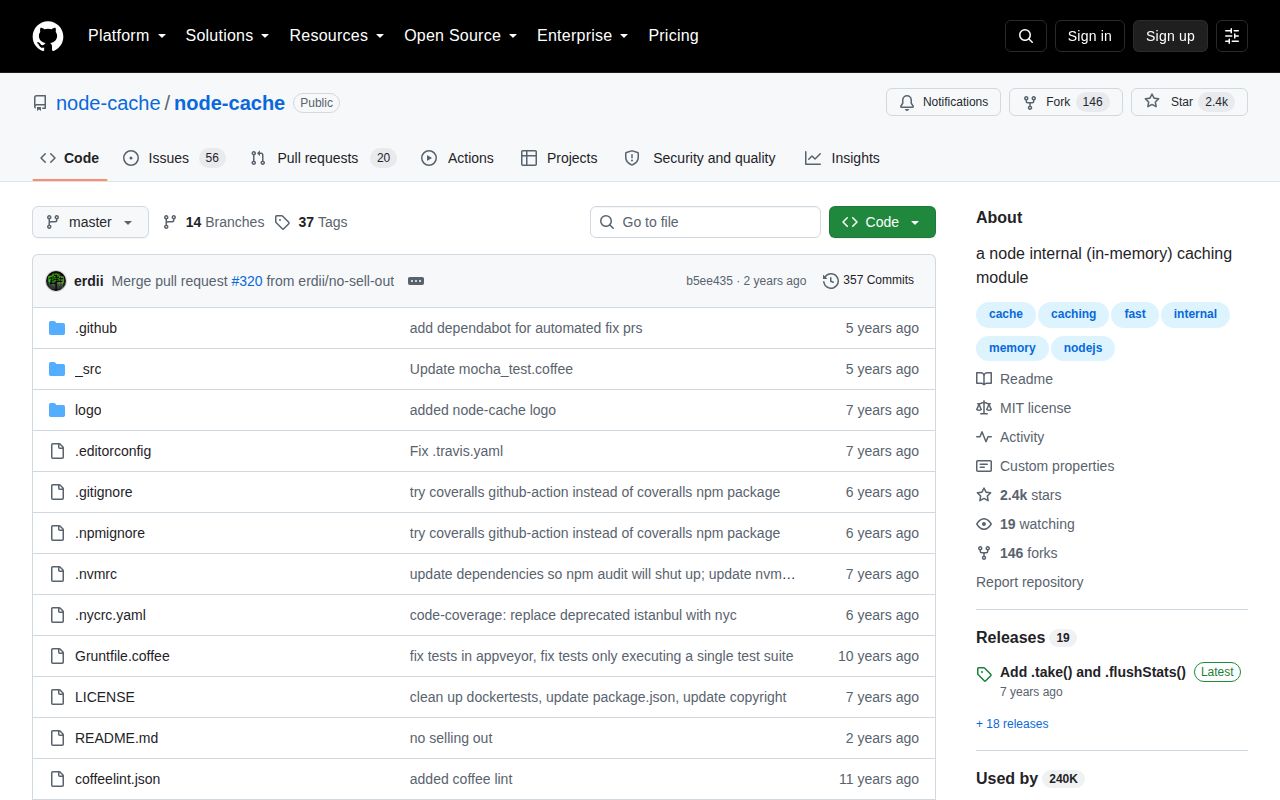
node-cache 5.1.2 is a synchronous key/value cache held inside one Node process. It stores keys in a JavaScript object, applies global or per-entry TTLs, clones values by default, emits set, delete, flush, and expiry events, and counts hits and misses. It does not run a server or share data across workers, containers, or machines. The README describes a practical ceiling of about 1 million keys and now says the project is unmaintained. There is no newer current behavior to learn: 5.1.2 has remained the npm release since July 2020.
node-cache 5.1.2 installed in 0.6 seconds and occupied 1 MB with 0 audit findings, but its own README calls the project unmaintained and the release dates to July 2020. Keep it only for disposable single-process caching in existing code; new services should choose an actively maintained LRU or a shared Redis client.
We installed it

| Install | ✓ · 0.6s | 2 packages on disk · 1 MB |
| Import | ✓ | ESM import works · require() works · CommonJS package |
| Browser | n/a | could not be bundled for the browser (Node-only code, most likely) |
| Types | ✓ | TypeScript types bundled |
| Known vulns | 0 | 0 critical · 0 high · 0 moderate · 0 low (npm audit) |
Answers from our run
Does node-cache install cleanly?
Yes. In a fresh container with an empty cache, npm install node-cache finished in 0.6s, leaving 2 packages and 1 MB on disk. npm audit reported no known vulnerabilities.
Can node-cache run in a browser?
Not directly: esbuild could not bundle it for the browser in our run, which normally means it depends on Node built-ins. Use it on the server, or find a browser-targeted alternative.
Does node-cache work with both ESM and CommonJS?
Yes. Both import 'node-cache' and require('node-cache') worked in Node 22 in our run. The package is published as CommonJS.
Does node-cache include TypeScript types?
Yes, type declarations ship inside the package, so no @types install is needed.
node-cache or lru-cache: which should you use?
lru-cache: Use it for an actively maintained process-local cache with recency and size-based limits. node-cache 5.1.2 installed in 0.6 seconds and occupied 1 MB with 0 audit findings, but its own README calls the project unmaintained and the release dates to July 2020.
When should you not use node-cache?
This is a new production dependency. The README explicitly calls node-cache unmaintained, and npm 5.1.2 has not changed since July 2020.
Use it if
- An older Node application needs a small disposable cache in one process and already depends on node-cache's synchronous API.
- Losing every entry on restart is expected, and duplicated values across workers cannot affect correctness.
- Per-entry TTLs, expiry events, bulk reads, bulk writes, and simple hit counters cover the entire requirement.
- Callers benefit from cloned plain objects and accept the CPU cost of copying on both set and get.
- This is a new production dependency. The README explicitly calls node-cache unmaintained, and npm 5.1.2 has not changed since July 2020.
- More than 1 process must observe the same entry or invalidation. Each worker, container, and server owns an unrelated cache.
- Memory must be bounded by bytes or recency. `maxKeys` limits only item count, defaults to disabled, and node-cache has no LRU eviction policy.
- Cached values include Promises, class instances, functions, or shared mutable state. Default cloning can fail or change how those values behave.
- The cache can approach very high cardinality. Its README says all keys occupy one object and places the practical limit at about 1 million keys.
Setup reality
We installed node-cache 5.1.2 in a fresh Node 22 Bookworm sandbox in 0.6 seconds. The result was 2 packages and 1 MB on disk. npm audit found 0 known vulnerabilities. The package has 1 direct dependency, no peer dependencies, 96 KB unpacked, bundled TypeScript declarations, and an MIT license. CommonJS require() and ESM import both worked on Node 22.23.2. Our esbuild browser bundle failed, which fits a Node-only in-memory cache.
The defaults can turn a convenience cache into an unbounded object. stdTTL is 0, so entries never expire unless a call supplies a TTL. maxKeys is -1, so item count has no limit. checkperiod is 600 seconds, meaning expired entries may sit allocated until lookup or the next sweep. Set these 3 options deliberately and monitor actual process memory because getStats().vsize is only an estimate, not an enforcement limit.
useClones defaults to true. Plain objects come back as copies, which prevents a caller from mutating the stored value but adds work to every read and write. Promises and many class instances should use useClones: false; that returns the original reference and gives every caller mutation access. A miss returns undefined, so a cached undefined cannot be distinguished from absence. TTL setters accept seconds, while getTtl() returns an absolute timestamp in milliseconds.
Every one of 4 Node workers gets its own cache, hit counters, expiry sweep, and copy of each key. A restart, deploy, crash, serverless recycle, or autoscaling event drops that process's data. Concurrent cache misses can all execute the same database request because node-cache has no async loader or request coalescing. With deleteOnExpire: false, an expired item stays present and your event handler owns cleanup. Call close() in controlled teardown, though its internal timer is unreferenced by default.
Patterns
Set expiration and a key ceiling create-cache
const NodeCache = require('node-cache');

const cache = new NodeCache({
  stdTTL: 300,
  checkperiod: 60,
  maxKeys: 10_000,
});
These 3 settings replace defaults of unlimited TTL, a 600-second sweep, and unlimited key count.
Cache one user for 2 minutes set-and-get
cache.set('user:42', { name: 'Ada' }, 120);

const user = cache.get('user:42');
if (user === undefined) console.log('miss');
A cache miss returns `undefined`. Do not store `undefined` when callers must distinguish a hit from a miss.
Load data after a miss cache-aside
async function getUser(id) {
  const key = `user:${id}`;
  const hit = cache.get(key);
  if (hit !== undefined) return hit;
  const user = await db.users.findById(id);
  cache.set(key, user, 60);
  return user;
}
Two concurrent misses can issue 2 database queries because node-cache has no promise coalescing or async loader.
Write several flags set-many
cache.mset([
  { key: 'flag:a', val: true, ttl: 30 },
  { key: 'flag:b', val: false, ttl: 30 },
  { key: 'flag:c', val: true },
]);
The third entry inherits `stdTTL`. `mset` throws if adding the batch would exceed `maxKeys`.
Read a sparse group of keys get-many
const flags = cache.mget(['flag:a', 'flag:b']);
if (!Object.hasOwn(flags, 'flag:a')) console.log('flag:a missed');
`mget` omits missing and expired keys. Its object is not positionally aligned with the 2 requested names.
Remove related entries invalidate-keys
const removed = cache.del(['user:42', 'permissions:42']);
console.log({ removed });
`del` returns the number of keys that existed. Missing keys do not make the call fail.
Consume a one-time code take-once
cache.set('otp:session-7', '493102', 180);
const code = cache.take('otp:session-7');
if (code === undefined) throw new Error('expired or already used');
`take` reads and deletes inside 1 process. It cannot enforce one-time use across multiple workers.
Refresh a nearly expired entry extend-ttl
const expiresAt = cache.getTtl('user:42');
if (expiresAt && expiresAt - Date.now() < 30_000) {
  cache.ttl('user:42', 120);
}
`getTtl` returns milliseconds since epoch, 0 for no expiry, or `undefined`; `ttl` accepts seconds.
Observe an expired value handle-expiry
cache.on('expired', (key, value) => {
  expiryCounter.inc({ key });
});
Expiry listeners run only in the current process. A process exit can happen before its 600-second default sweep emits the event.
Keep a shared class instance disable-cloning
const references = new NodeCache({ stdTTL: 30, useClones: false });
references.set('client', databaseClient);
`useClones: false` returns the original object. Any caller can mutate that shared reference.
Calculate the local hit rate read-stats
const { keys, hits, misses, ksize, vsize } = cache.getStats();
const total = hits + misses;
console.log({ keys, hitRate: total ? hits / total : 0, ksize, vsize });
The size counters are approximate bytes, not memory limits. All 5 values describe only this process.
Stop the expiry interval shutdown-cache
process.once('SIGTERM', () => {
  cache.flushAll();
  cache.close();
  process.exitCode = 0;
});
`flushAll` deletes every entry and `close` clears the check interval. Neither action persists data for the next process.
Alternatives
| Package | Registry | Pick it when |
|---|---|---|
| lru-cache | npm | Use it for an actively maintained process-local cache with recency and size-based limits. |
| quick-lru | npm | Use it when an ESM application needs a small LRU with an explicit maximum entry count. |
| cache-manager | npm | Use it for a higher-level cache API that can later move values to a shared store. |
| ioredis | npm | Use it when several processes must share values, invalidation, and expiry through Redis. |
More data guides
numpy · pandas · fsspec · lxml · pyarrow · sqlalchemy · the whole shelf →
How this guide is made: grounded in the library's documentation, release notes, changelog, and issue history, on a fixed rubric — not a hands-on install of every release. The 50 most-downloaded entries are additionally install-verified in clean containers. Corrections: contact the desk.