hsl-to-rgb-for-reals review
hsl-to-rgb-for-reals 1.1.1 is one CommonJS function: pass a hue from 0 up to but excluding 360, then saturation and lightness as fractions from 0 to 1, and it returns three rounded RGB channel values. The README example converts (223, 0.44, 0.56) to [93, 121, 192]. Version 1.1.1 fixes the missing module export in 1.0.0. Our browser build measured 0.9 KB minified and 0.5 KB gzipped. There is no CSS parser, alpha channel, formatting API, input validation, or TypeScript declaration.
hsl-to-rgb-for-reals 1.1.1 installed in 0.6 seconds, used 1 MB on disk, bundled to 0.5 KB gzipped, and had 0 audit findings in our sandbox. Keep it when clean numeric HSL input and its exact rounded array are already part of the contract; new typed code can write this small conversion locally or choose color-convert.
We installed it
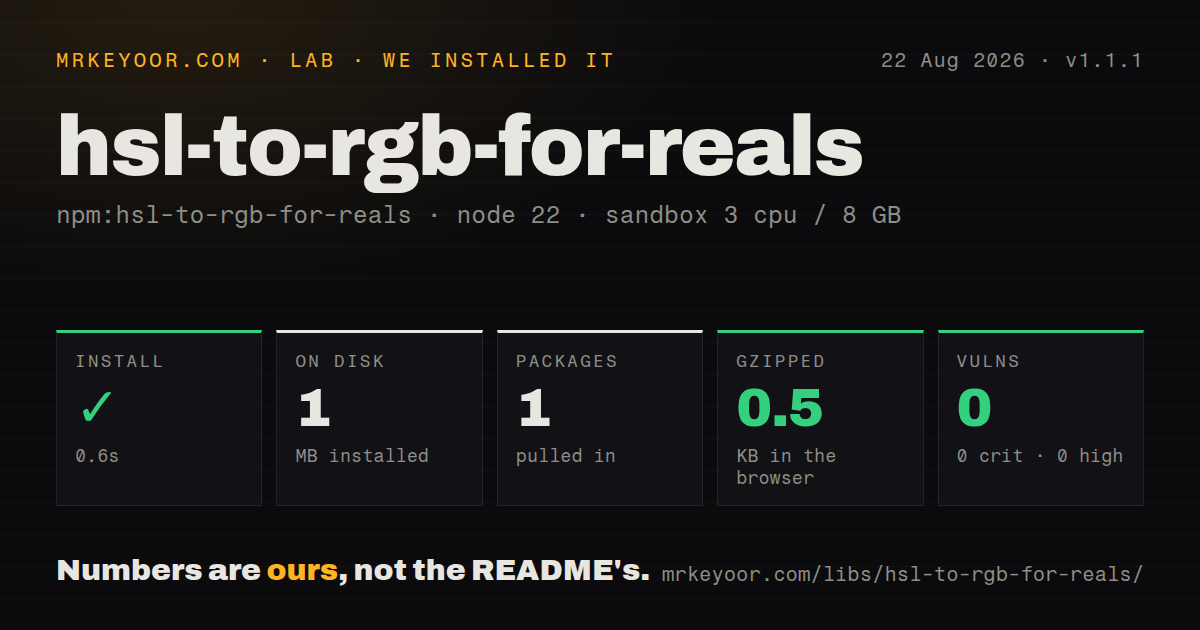
| Install | ✓ · 0.6s | 1 package on disk · 1 MB |
| Import | ✓ | ESM import works · require() works · CommonJS package |
| Browser | 0.5 KB | gzipped (0.9 KB minified), bundled with esbuild |
| Types | — | no TypeScript types found |
| Known vulns | 0 | 0 critical · 0 high · 0 moderate · 0 low (npm audit) |
Answers from our run
Does hsl-to-rgb-for-reals install cleanly?
Yes. In a fresh container with an empty cache, npm install hsl-to-rgb-for-reals finished in 0.6s, leaving 1 package and 1 MB on disk. npm audit reported no known vulnerabilities.
How much does hsl-to-rgb-for-reals add to a browser bundle?
0.5 KB gzipped (0.9 KB minified) when the whole package is bundled for the browser with esbuild. Importing only part of it is usually smaller.
Does hsl-to-rgb-for-reals work with both ESM and CommonJS?
Yes. Both import 'hsl-to-rgb-for-reals' and require('hsl-to-rgb-for-reals') worked in Node 22 in our run. The package is published as CommonJS.
Does hsl-to-rgb-for-reals include TypeScript types?
No type declarations were found in our install, so TypeScript users need their own declarations.
hsl-to-rgb-for-reals or color-convert: which should you use?
color-convert: Use it for maintained conversions among many color models, including rounded and raw results. hsl-to-rgb-for-reals 1.1.1 installed in 0.6 seconds, used 1 MB on disk, bundled to 0.5 KB gzipped, and had 0 audit findings in our sandbox.
When should you not use hsl-to-rgb-for-reals?
You receive CSS strings such as hsl(223 44% 56%). The package accepts three numbers and contains no parser.
Use it if
- Your code already holds HSL as three numbers and needs a rounded RGB array.
- A 0.5 KB gzipped conversion function is preferable to a color toolkit with parsing and manipulation APIs.
- The call site can enforce hue, saturation, and lightness ranges before conversion.
- An existing application depends on the exact rounding and array output of version 1.1.1.
- You receive CSS strings such as hsl(223 44% 56%). The package accepts three numbers and contains no parser.
- Your saturation and lightness values are percentages. Passing 44 and 56 instead of 0.44 and 0.56 produces invalid channel values.
- Inputs can fall outside the documented ranges. converter.js has no validation, and hue 360 misses every branch before arithmetic reaches undefined channels.
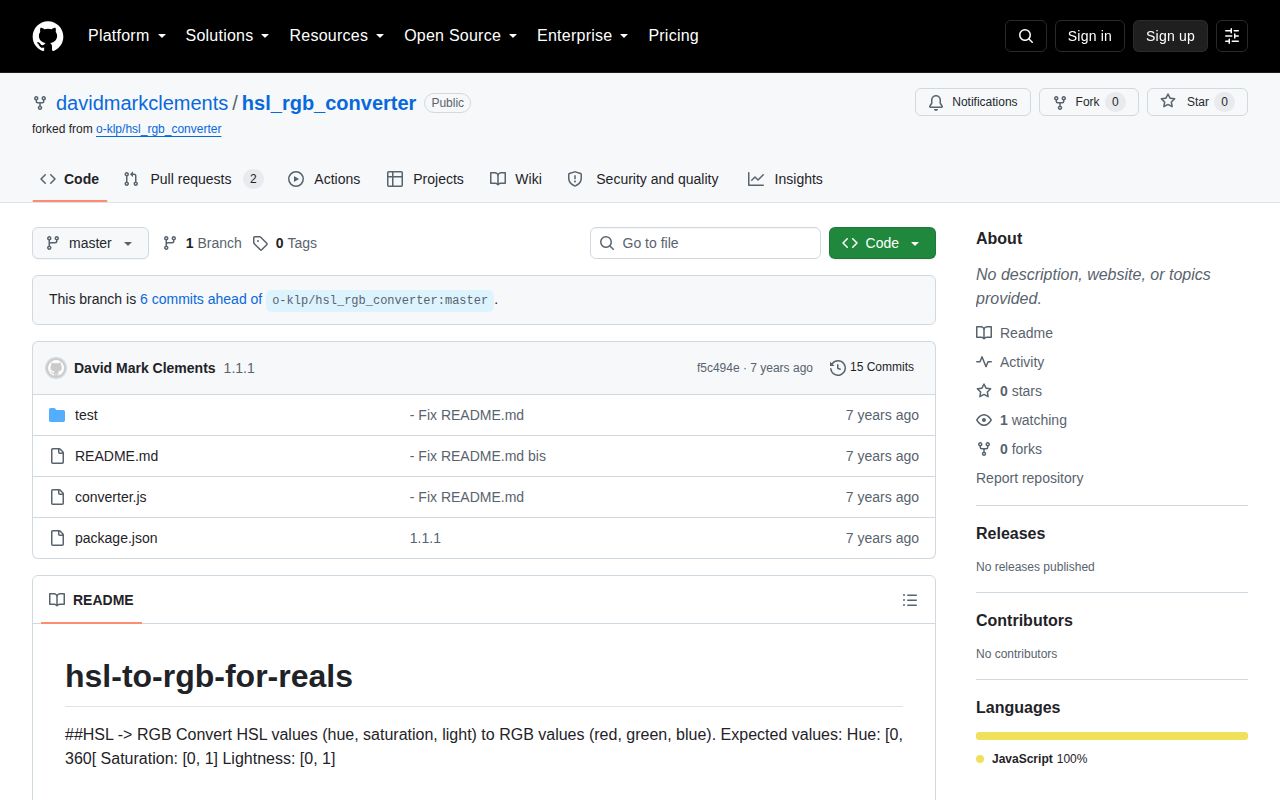
- The project requires maintained TypeScript types or a native ESM entry. Version 1.1.1 has neither and the repository has not been pushed since 2019.
- You need conversion among several color spaces, alpha handling, interpolation, contrast checks, or output formatting. This package only performs HSL to RGB math.
Setup reality
We installed hsl-to-rgb-for-reals 1.1.1 in a fresh Node 22 Bookworm container. npm finished in 0.6 seconds, left 1 package, and used 1 MB on disk. npm audit found 0 vulnerabilities at every severity. The published package is 48 KB unpacked, declares 0 direct and 0 peer dependencies, and uses the ISC license. Our esbuild check produced 0.9 KB minified and 0.5 KB gzipped.
The package is CommonJS with no exports map. require('hsl-to-rgb-for-reals') worked, and ESM import also worked through Node interoperability in our sandbox. No TypeScript declarations were present, so typed projects need a local declaration or an untyped boundary. There are no credentials, configuration files, native builds, install scripts, or runtime services. Version 1.1.1 exists because 1.0.0 forgot to export the function; the README says not to use that first release.
Callers must normalize inputs themselves. Hue uses the half-open interval [0, 360), while saturation and lightness use [0, 1]. The source does not parse percentages, clamp values, wrap 360 to 0, or reject NaN. An undefined hue returns [0, 0, 0], but other malformed input is not handled consistently. The returned three-item array is mutable and contains rounded channel numbers. Formatting rgb(), hexadecimal, or alpha values belongs in your wrapper.
Patterns
Convert HSL fractions to RGB convert-hsl
const hslToRgb = require('hsl-to-rgb-for-reals');

const rgb = hslToRgb(223, 0.44, 0.56);
console.log(rgb); // [93, 121, 192]
Saturation and lightness use 0 to 1 fractions. The function does not accept CSS percentage numbers.
Call the CommonJS export from ESM import-from-esm
import hslToRgb from 'hsl-to-rgb-for-reals';

console.log(hslToRgb(223, 0.44, 0.56));
ESM import worked through CommonJS interoperability in our Node 22 check. The package has no native ESM build or exports map.
Convert percentage components convert-percentages
const hslToRgb = require('hsl-to-rgb-for-reals');

function fromPercent(hue, saturation, lightness) {
  return hslToRgb(hue, saturation / 100, lightness / 100);
}

console.log(fromPercent(223, 44, 56));
Dividing by 100 adapts numeric percentages. This wrapper still does not parse an hsl(...) string.
Reject malformed HSL values validate-components
const hslToRgb = require('hsl-to-rgb-for-reals');

function convertChecked(h, s, l) {
  if (![h, s, l].every(Number.isFinite)) {
    throw new TypeError('HSL components must be finite numbers');
  }
  if (h < 0 || h >= 360 || s < 0 || s > 1 || l < 0 || l > 1) {
    throw new RangeError('HSL component outside supported range');
  }
  return hslToRgb(h, s, l);
}
converter.js performs no range check. Validate before calling it when values cross a trust boundary.
Normalize hue to 0 through 359 wrap-hue
const hslToRgb = require('hsl-to-rgb-for-reals');

const wrapHue = (degrees) => ((degrees % 360) + 360) % 360;
const rgb = hslToRgb(wrapHue(420), 0.8, 0.5);
Hue 360 is outside the documented interval. Wrapping converts both 360 and negative angles to an implemented branch.
Build a CSS rgb() value format-css-rgb
const hslToRgb = require('hsl-to-rgb-for-reals');

const [red, green, blue] = hslToRgb(223, 0.44, 0.56);
const css = `rgb(${red} ${green} ${blue})`;
The package returns numbers only. CSS formatting is caller code and requires valid channel values.
Build a hexadecimal color format-hex
const hslToRgb = require('hsl-to-rgb-for-reals');

function toHex(h, s, l) {
  const channels = hslToRgb(h, s, l);
  return `#${channels.map((n) => n.toString(16).padStart(2, '0')).join('')}`;
}

console.log(toHex(223, 0.44, 0.56)); // #5d79c0
Two-digit hex assumes each channel is an integer from 0 through 255. Validate inputs before formatting.
Append alpha in CSS add-alpha
const hslToRgb = require('hsl-to-rgb-for-reals');

function toCss(h, s, l, alpha) {
  if (!Number.isFinite(alpha) || alpha < 0 || alpha > 1) {
    throw new RangeError('alpha must be between 0 and 1');
  }
  const [r, g, b] = hslToRgb(h, s, l);
  return `rgb(${r} ${g} ${b} / ${alpha})`;
}
Alpha is absent from the converter API. This wrapper validates and adds it only during CSS formatting.
Convert an achromatic color convert-gray
const hslToRgb = require('hsl-to-rgb-for-reals');

const gray = hslToRgb(0, 0, 0.5);
console.log(gray); // [128, 128, 128]
Saturation 0 produces gray. A valid hue is still safer because malformed hue handling is inconsistent.
Map a palette to RGB convert-palette
const hslToRgb = require('hsl-to-rgb-for-reals');

const hsl = [
  [0, 0.8, 0.5],
  [120, 0.8, 0.5],
  [240, 0.8, 0.5],
];
const rgb = hsl.map((color) => hslToRgb(...color));
Every call returns a new mutable three-item array. Freeze results if shared palette entries must stay unchanged.
Add a local TypeScript declaration declare-types
declare module 'hsl-to-rgb-for-reals' {
  export default function hslToRgb(
    hue: number,
    saturation: number,
    lightness: number
  ): [number, number, number];
}
No TypeScript declarations were present in 1.1.1. A local declaration describes the call but cannot enforce numeric ranges.
Protect a cached conversion copy-result
const hslToRgb = require('hsl-to-rgb-for-reals');

const stored = Object.freeze(hslToRgb(223, 0.44, 0.56));
const forCaller = [...stored];
The result is a mutable Array with 3 entries. Freeze or copy it when multiple callers share a cached value.
Alternatives
| Package | Registry | Pick it when |
|---|---|---|
| color-convert | npm | Use it for maintained conversions among many color models, including rounded and raw results. |
| tinycolor2 | npm | Use it when input parsing, alpha, manipulation, and several output formats belong in one API. |
| chroma-js | npm | Use it for scales, interpolation, contrast calculations, or perceptual color spaces. |
| hsl-to-rgb | npm | Use it only when reproducing the upstream package's old behavior and after testing its export in your runtime. |
More utils guides
lru-cache · type-fest · ajv · zod · p-limit · find-up · the whole shelf →
How this guide is made: grounded in the library's documentation, release notes, changelog, and issue history, on a fixed rubric — not a hands-on install of every release. The 50 most-downloaded entries are additionally install-verified in clean containers. Corrections: contact the desk.