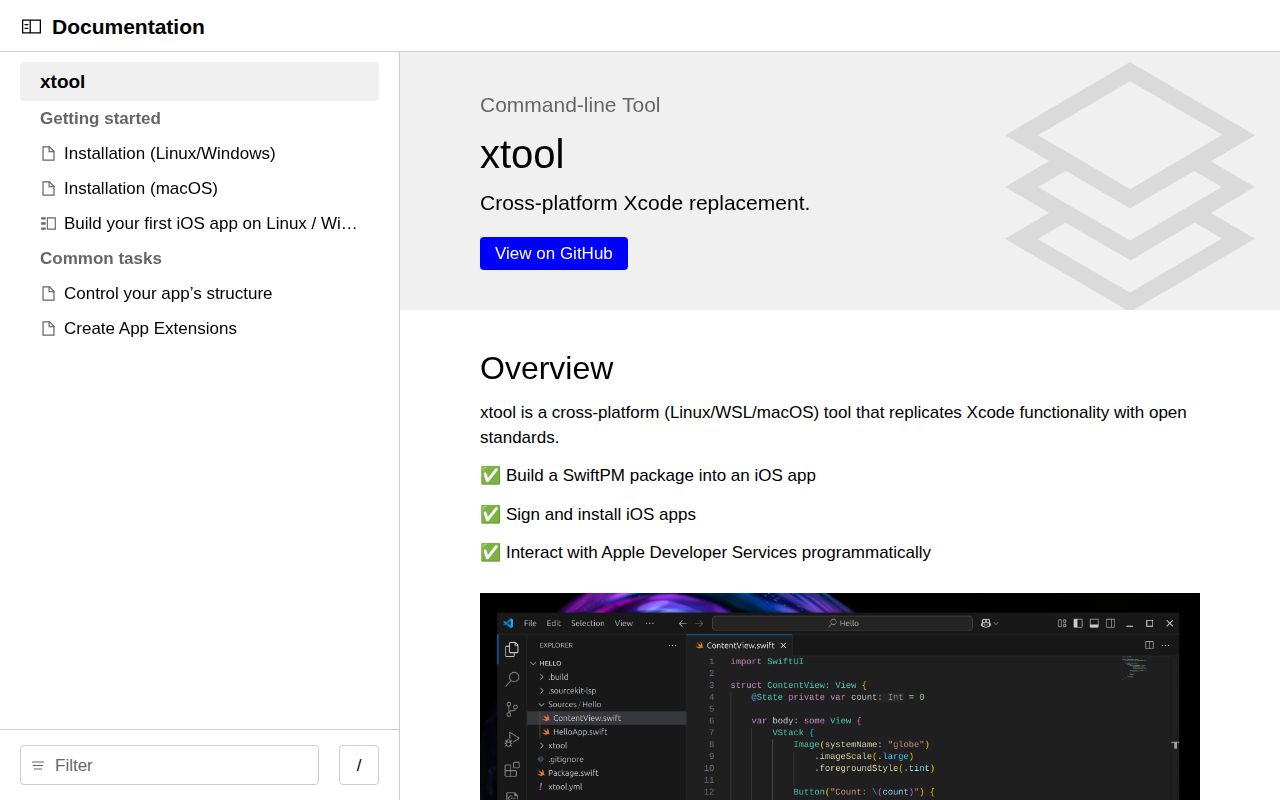
Linux development still needs Apple's SDK and account
Choose Linux for your iOS project and xtool gives you a documented route to an app on your phone. It turns a Swift Package Manager project into an iOS application, then handles signing and device installation. The attraction is concrete: you can keep your editor and development machine. The catch appears in the installation guide, which requires an Xcode archive and Apple authentication before that workflow can work. The README describes the supported commands.
Our October 13 sandbox checkout was commit d802c71, but Swift was outside the lab's supported ecosystems. That leaves an important limit on this recommendation. The project documents Linux, Windows through WSL, and macOS support, yet we cannot tell you how reliably its build-and-deploy loop works from experience. I'd consider it for a personal SwiftPM app when using Linux matters enough to justify SDK setup and device troubleshooting.
What happened when we ran it
We did not run xtool at commit d802c71 because our sandbox had no supported ecosystem for its Swift code. The October 13, 2026 environment was an unprivileged Debian container with 3 CPUs, 8 GB of RAM, and no secrets. The lab recorded no runtime image. It found a Dockerfile, but did not execute it. There is no installation, build, or test result to report.
The distinction matters when deciding how much confidence to place in this review. An unsupported language in our lab says nothing about whether xtool itself compiles successfully. There is no failure log that identifies a missing package or compiler defect. Nor does the Dockerfile establish that a device can be reached from a container. The assessment below rests on the project's documentation, release notes, and confirmed issue reports.
Setup includes an Xcode download and device access
The Linux installation guide requires a Swift toolchain, usbmuxd, and an Xcode.xip download obtained through Apple's authenticated website. You then download the AppImage and run xtool setup. After login, xtool extracts the archive to produce a Darwin Swift SDK. Windows users also need WSL and USB forwarding. These are documented prerequisites, although the short README leaves the details to linked pages.
Our 3-CPU, 8 GB sandbox offers no evidence about the resources that SDK extraction or device deployment needs. For your own trial, follow the guide's checks before starting an application: confirm Swift is available, verify usbmuxd, and check that the Darwin SDK appears. A reader who wants a portable tool with no Apple downloads should stop here. Moving development to Linux still leaves Apple's SDK in the workflow.
Password login depends on Apple's private interfaces
Authentication has a consequential fork. The setup guide recommends a Team API key with the App Manager role for paid Apple Developer Program members. Its password route accepts an Apple ID and uses Apple's private APIs, with additional authentication prompts. That lets someone without a paid membership try the documented development workflow, but it also creates a dependency on interfaces Apple has not offered as public developer contracts.
Issue 329 reports error -80045 during password-based setup on WSL. The reporter also tried an app-specific password and received the same response. This is a user report, not an outcome from our October 13 sandbox. The issue does not establish a universal login failure or its cause. It does give a concrete reason to avoid making free-account authentication the prerequisite for a deadline-bound team rollout.
Swift packages provide the project structure
The first-app tutorial starts with xtool new. A SwiftPM package holds the application code, while xtool.yml supplies packaging information such as the bundle identifier. The generated Build Server Protocol configuration lets an editor ask xtool for build information. This arrangement suits developers who prefer readable project files and a terminal command over configuring their application inside Xcode's interface.
Our d802c71 checkout produced no executed app, so the tutorial's device steps remain documented behavior rather than verified results here. It describes USB pairing, enabling Developer Mode, and trusting the developer certificate before launch. Those prompts involve the phone itself. If you're evaluating xtool for automation, include a real device and the intended account in your trial. A command that packages an app and a phone that launches it are separate acceptance checks.
App Store delivery remains a reason to choose another workflow
Open issue 117 asks for an easier App Store upload path, specifically naming icons, signing, and upload work. Current pull requests propose distribution signing and an upload command, but proposals do not establish released support. Teams whose acceptance criterion is an App Store Connect delivery should inspect their exact release and required capabilities before replacing an existing release process. An on-device development tutorial does not settle that decision.
The last repository push was October 6, 2026, and release 1.21.0 shipped October 5. GitHub listed 8,739 stars and 95 open issues and PRs when checked on October 13. Recent discussion includes login trouble and packaging work, so there is evidence of ongoing activity alongside unresolved boundaries. The release notes also raise Darwin deployment targets, which matters to people embedding its XKit libraries.
Xcode and fastlane solve different parts of the job
Apple's Xcode is the better starting point when you want Apple's integrated development and debugging environment and can use a Mac. fastlane fits a team keeping its existing app toolchain while automating release chores. I'd reserve xtool for the developer who specifically wants SwiftPM-based iOS work on Linux or WSL. Before moving a real project, make the smallest representative app launch on your own phone with your own signing setup.