Linux tools stay beside your Windows applications
Run a Linux command from PowerShell, then return to your Windows editor without rebooting. That's the useful promise of WSL. Microsoft's README points ordinary users to wsl --install, and its documentation explains how to choose a distribution and create a Linux user account. For a developer whose employer requires Windows but whose application runs on Linux, this is a practical way to keep both environments available.
Our checkout contained 1,508 files and roughly 337,341 lines of source, occupying 36.3 MB. This is the implementation repository behind that convenience. GitHub identifies its primary language as C++, while our lab exercised the Python project under distributions/. Keep that distinction in mind: contributing to the Windows subsystem and using an installed Linux distribution require very different equipment and effort.
What happened when we ran it
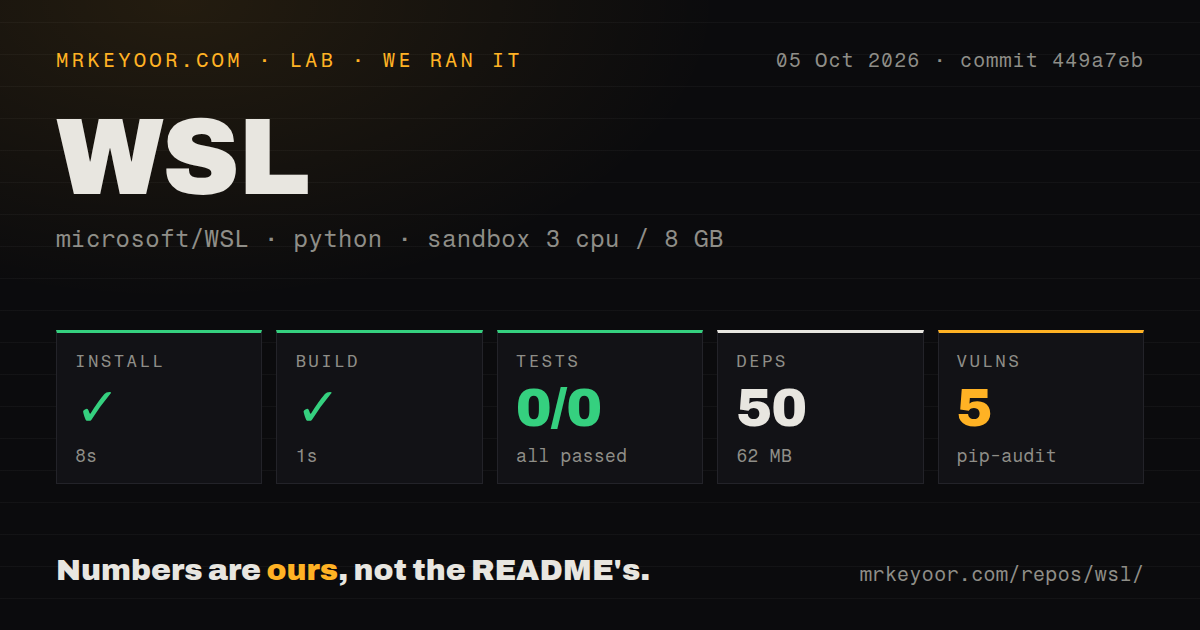
Our sandbox installed commit 449a7eb in 8 seconds, adding 50 packages and using 62 MB on disk, then completed the build step in 1 second. We ran the distributions/ project on October 5, 2026, in an unprivileged Debian container using ghcr.io/astral-sh/uv:python3.12-bookworm, with 3 CPUs, 8 GB of RAM, and no secrets. These measurements describe that Python path, not a Windows installation or a full native WSL build.
Pytest failed with exit code 5 after 2 seconds. The supplied summary records 0 passed and 0 failed out of 0 tests, and the log says "no tests ran in 0.00s". There is no failing assertion to diagnose. The result establishes that this invocation exercised no tests. It doesn't establish why discovery found nothing, and it cannot support a claim that WSL's own suite passed or failed. Pip-audit reported 5 known vulnerabilities in the measured environment. The supplied evidence does not identify packages, affected versions, severity, or an exposure path through WSL, so we cannot turn that count into a product security verdict. The scan also found 7 CI workflow files, a tests directory, and no Dockerfile. Those are repository signals, not substitutes for the test coverage this run lacked.
A native contribution needs the Windows toolchain
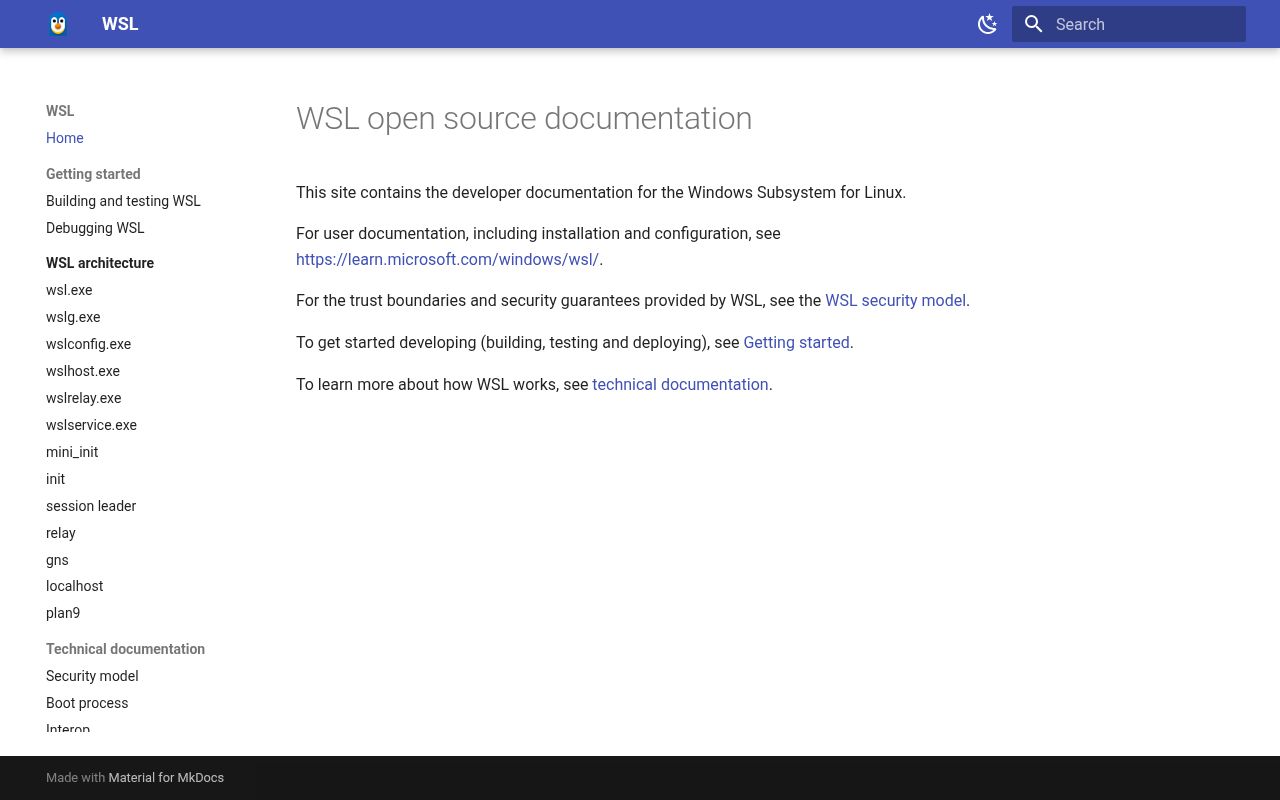
The developer guide requires Windows development tooling, including Visual Studio and CMake. Its setup script uses WinGet configuration to install prerequisites and enable Developer Mode. That is a helpful start for a contributor who already has a suitable Windows machine. A Linux-only maintainer should recognize the commitment before volunteering to fix a subsystem bug.
The 1-second build in our lab does not measure that native workflow. Microsoft's guide generates a Visual Studio solution and deploys the resulting package onto a host or Hyper-V guest. ARM development adds an architecture-specific runtime requirement for the packaging tool. We would use a separate Windows development environment for this work, rather than treating a small Python environment as the complete contributor setup.
Ordinary users can take the packaged route. The installation instructions call for a supported Windows host, an administrator PowerShell session, and a restart. They also document selecting another distribution and importing a custom one. There is no hosted API credential to provision for the basic local workflow, although the Linux distribution still needs its own account and password.
Cross-system file placement and port access need attention
The 62 MB our lab installed says nothing about the storage a working Linux distribution or your application will consume. Microsoft recommends keeping files in the filesystem of the operating system whose tools use them: a Linux project belongs in Linux storage when Linux commands do the work. The filesystem guide also explains Windows access to Linux files. Decide where the checkout belongs before mixing editors and scripts.
Network integration deserves a workload check too. Issue 40591, updated October 12, reports Windows being unable to reach Docker Compose ports published inside WSL. It names Docker Desktop and Debian in the report, so this is a concrete integration complaint, not evidence that every WSL listener is broken. If your daily workflow depends on opening a local service from a Windows browser, verify that exact path before adopting it across a team.
Telemetry has a documented Windows setting
Our no-secrets container, with 3 CPUs and 8 GB of RAM, did not measure WSL's Windows telemetry behavior. The README says the application logs diagnostic data, and the privacy document describes usage, stability, and performance collection. It directs users to Windows Diagnostics & Feedback settings to disable diagnostic data and inspect what is sent. Organizations with collection restrictions should review that setting as part of workstation provisioning.
October pushes and issue work show an active project
The last push was October 13, 2026. GitHub listed 34,054 stars and 1,022 open issues and PRs, while release 3.0.3 shipped October 9. Recent activity includes proposed fixes for lifetime and threading problems as well as the port-access report. That combination shows ongoing engineering and user feedback. The large queue also means popularity should not be mistaken for a promise that your particular integration problem will get an immediate answer.
Choose WSL when Windows remains your desktop and real Linux tools belong in your daily work. Choose Multipass when disposable Ubuntu virtual machines and cloud-init configuration are the job, or MSYS2 when a Windows shell environment is sufficient. For a WSL contribution, start with the Windows developer guide. For adoption, start with your application's file and network paths. Our 0-test Python run leaves both of those product checks to be done.