Wox is a native launcher with a practical job
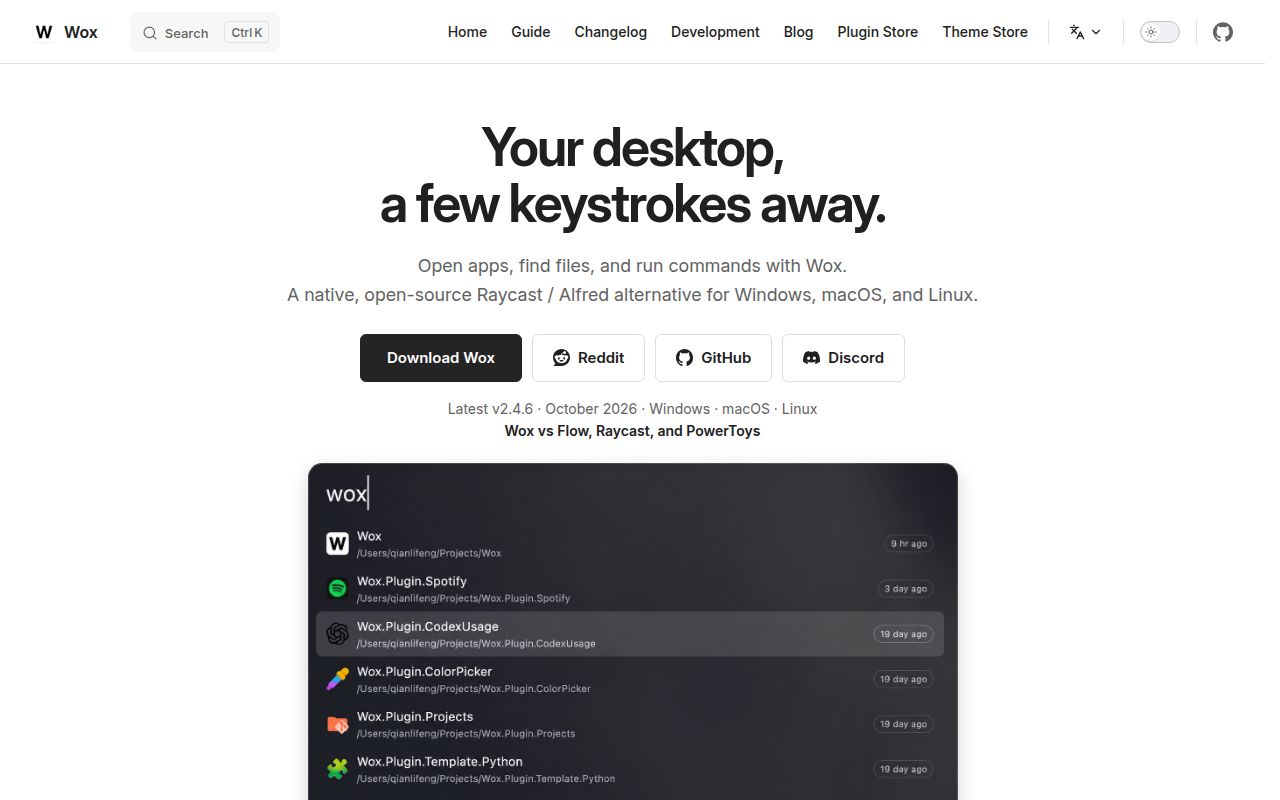
Wox puts application launching, file finding, and quick actions into a single keyboard-first input. The project dates to 2013 and has 27,311 GitHub stars, but its purpose remains simple: summon one box, type what you need, and act without hunting through menus. It targets macOS, Linux, and Windows, which makes it relevant to people who move between desktop operating systems. The GPL-3.0 license keeps the core inspectable and modifiable.
The architectural pitch is native GPU rendering on all 3 supported platforms, rather than Electron or a browser shell. That matters to users who dislike shipping a web runtime for a small utility. The README says everyday use is around 150 MB of memory, but that is the project's figure, not ours. Our sandbox checked installation, compilation, and tests; it did not run a graphical session or measure resident memory.
What happened when we ran it
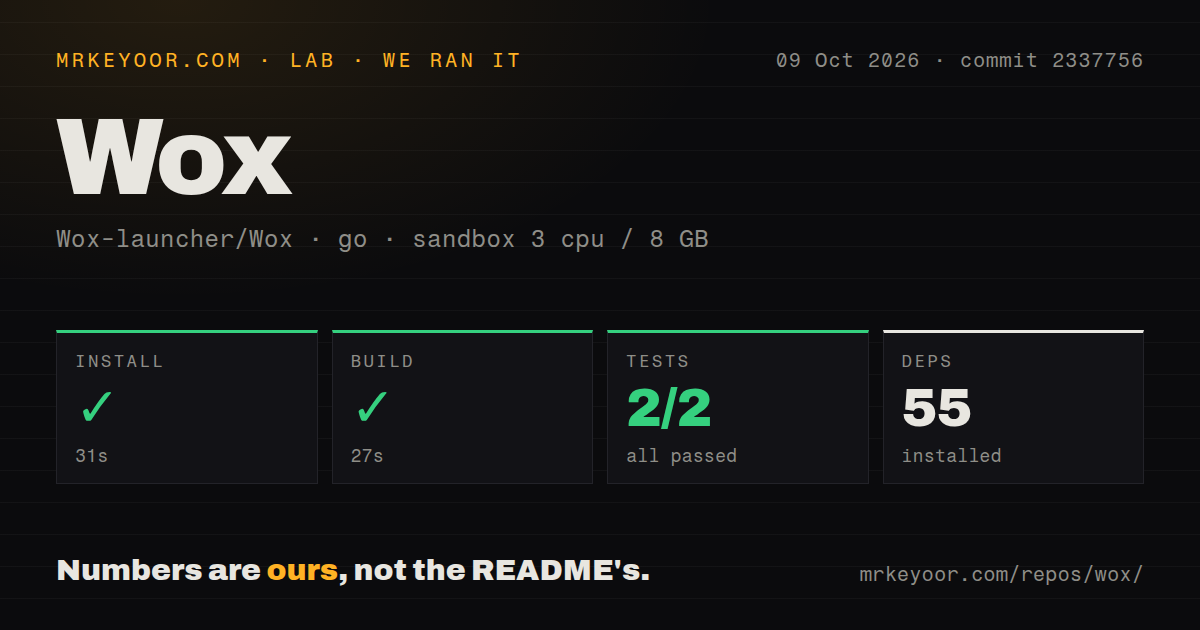
We cloned commit 9e7c002 into a fresh, unprivileged Debian container with 3 CPUs and 8 GB of RAM. The repository contained 1,809 files, roughly 385,443 lines of source, and occupied 201.1 MB after checkout. Our harness identified Go as the ecosystem and located the project under ./ci/. This is a substantial desktop codebase, not a small launcher script, and contributors should expect real navigation and packaging work.
Our run installed 55 packages in 30 seconds, then built successfully in 39 seconds. The test command exited successfully after 14 seconds, but Go reported 0 passed and 0 failed tests out of 0. That green exit confirms only that the test step did not error; it offers no executed test evidence. We also found 8 CI workflow files, no Dockerfile, and no tests directory. The build result is useful, while the empty test result is a confidence gap.
The container did not validate the interface, global shortcuts, file indexing, plugins, or GPU behavior on any of the 3 desktop platforms. It also did not reproduce the claimed 150 MB memory figure. A headless Debian build can establish that source installs and compiles, but it cannot replace hands-on use on macOS, Windows, or a Linux desktop. Evaluation should continue with a packaged install on the machines you use.
Cross-platform installation and plugins are the clearest strengths
The README offers direct installation choices. macOS gets a Homebrew cask, Windows gets Winget, Scoop, and Chocolatey, and Arch Linux gets an AUR package. Manual downloads cover all 3 platforms. That breadth lowers the first-use barrier and helps teams document a repeatable path. It also gives Wox an advantage over launchers tied to one operating system, especially for people who want similar habits on work and personal computers.
Wox combines local search and keyboard actions with plugins written in Node.js, Python, or scripts. Users can add focused behavior without changing the Go core. The linked plugin and theme stores aid discovery, while documentation, discussions, Discord, Reddit, issues, and pull requests provide support routes. The concrete value is a choice of 3 extension approaches plus public places to find and discuss additions.
The testing evidence and plugin trust need scrutiny
The largest rough edge from our run is simple: 0 tests actually ran. Eight CI workflow files show automation exists, and a 39-second build shows the checked-out commit compiled, but neither fact substitutes for exercised behavior. Desktop launchers touch operating-system APIs, keyboard hooks, file systems, rendering, and third-party extensions. Evaluators should manually check search correctness, shortcut conflicts, upgrades, plugin failures, and resource use on each required platform before a broad rollout.
The README excerpt is strong on features and commands but lighter on operations. Its 150 MB memory statement lacks conditions in the supplied material, and manual installation is summarized as downloading and running a release. The excerpt does not explain plugin permissions, review standards, isolation, or update controls. That does not prove safeguards are absent from the full docs, but security-conscious users should verify them. A 201.1 MB checkout and roughly 385,443 source lines also imply a nontrivial contributor learning curve.
Current activity is strong, while long-term cadence is unproven
Project health looks positive. Version 2.4.1 shipped on August 28, 2026, only 6 days before this review, and the repository was pushed again on September 3. There were just 3 open issues and 27,311 stars. Together, the fresh release, same-day source activity, modest issue queue, and substantial adoption are stronger signals than a release tag alone. Wox does not look abandoned or dormant.
Still, 1 release date cannot establish a dependable long-term cadence, and 3 open issues cannot reveal response speed. The community links are useful, but adopters should inspect recent issue conversations and release notes for their platforms. The fair conclusion is current momentum, not a promise about future maintenance. Stars show reach, while issue handling and upgrade reliability require more evidence than this snapshot provides.
It belongs on desktops, not in backend infrastructure
Wox fits at the human edge of a real stack. It can open local tools, find files, and trigger plugin-defined actions, but it is not a server, gateway, job runner, or container service. The lack of a Dockerfile is unsurprising for a graphical launcher spanning 3 platforms. Install it directly on a workstation, keep backend automation in purpose-built services, and treat every plugin as desktop code that deserves source, permission, and maintenance review.
For individuals, the decision is low-risk: install version 2.4.1 through a documented package manager, test essential shortcuts and searches, and watch memory use locally. Managed fleets must also review GPL-3.0 obligations, update channels, plugin policy, and per-platform behavior. Wox earns a trial through its native design and fresh activity, but our 69-second install-and-build success belongs beside the 0-test result, not in place of it.