WeType's Android engine supplies the Linux candidates
Selecting a Chinese candidate is the reason to try WeType Linux. The project connects Tencent's Android ARM64 engine to Fcitx 5, using Android's bionic runtime and QEMU on x86_64 hosts. ARM64 hosts run that engine natively. The README is Chinese and calls the project unofficial, with no Tencent endorsement. Our 0.6 MB checkout is the integration code, not a complete copy of the proprietary engine it later uses.
The feature table draws useful boundaries: pinyin correction, emoji candidates, and local learning are supported, while account login, cloud vocabulary, and cross-device synchronization are absent. That makes the project a candidate-engine choice for a Linux desktop. Someone moving from the official client for its shared clipboard will lose the feature that motivated the move. Local learning can persist across restarts, but that does not turn it into a synchronized dictionary.
What happened when we ran it
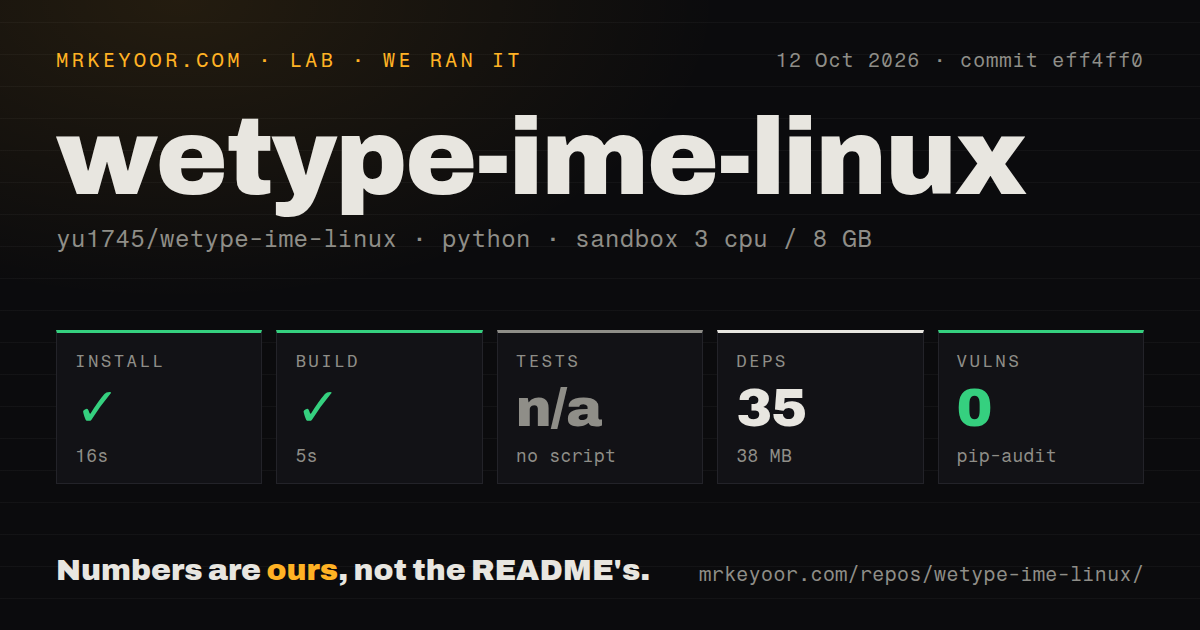
Our run installed WeType Linux commit eff4ff0 in 16 seconds, adding 35 packages and occupying 38 MB on disk. The build succeeded in 5 seconds. We cloned and ran it on October 12, 2026, in an unprivileged Python 3.12 Bookworm container with 3 CPUs, 8 GB of RAM, and no secrets. That is a small measured development environment. The supplied record does not establish desktop typing or the complete native packaging path.
Tests were skipped because the lab found no script or target, and pip-audit reported 0 known vulnerabilities. The checkout contained 81 files and roughly 9,183 source lines, with 1 CI workflow file, no Dockerfile, and no tests directory. These findings describe the path our harness recognized. The README separately documents native and visual regression commands, but we have no execution results for those commands and cannot count them as passing checks.
The open wrapper downloads a proprietary engine
The README's packaging description says the repository and AppImages omit WeType files. Installation retrieves the supported APK from Tencent's server, checks its hash, and patches it locally. You can supply an already downloaded APK instead. This is a useful distribution distinction: the project's GPL license covers its own code, while the Tencent engine and dictionaries remain under Tencent's terms. Full source visibility ends at that boundary.
Our 38 MB Python environment therefore cannot describe the entire installed input method. More importantly, the clean Python audit does not evaluate the downloaded engine or prove anything about its internal network behavior. The current README explicitly withholds that guarantee. I'd treat local dictionary storage and the absence of an account-login interface as specific documented features, then keep network-policy questions separate. Neither feature establishes that every proprietary component is incapable of contacting a service.
Packaged plugins require recent host libraries
The supplied AppImage plugin requires glibc 2.38 or newer and Fcitx 5.1.x, according to the README. Older distributions need a plugin built against their local Fcitx installation. ARM64 installation also needs patchelf, while x86_64 packages include QEMU for the engine. The AppImage label thus does not remove host compatibility checks. Confirm the desktop's Fcitx version and architecture before changing the input method you depend on all day.
The 5-second lab build does not settle those requirements. The source instructions describe a native Fcitx plugin, an Android NDK harness, and extraction of the bionic runtime from an AOSP image. Those are distinct from the measured Python setup. The README also gives an extraction mode for environments without FUSE. If you need to build your own package, read that whole path before assuming the short AppImage install instructions describe the contributor workflow too.
Candidate paging and punctuation change everyday typing
The README says candidate page size follows Fcitx's global setting, and number keys select the displayed entries. Issue 5 reported a minus key entering the document when paging at a boundary. It is closed, and PR 10 describes the corresponding paging fix. That is evidence of attention to a concrete typing defect. It is also a reason to check the exact package you download rather than infer behavior from the current source.
Our 35-package install did not exercise those key paths. Current documentation describes full-width punctuation in Chinese mode, exceptions for structured fields, and direct Shift-letter uppercase input when no composition is active. Backslashes become Chinese punctuation, so the README advises switching to an English keyboard for paths or LaTeX commands. Try the combination of Chinese prose and code you actually write. An input method can generate good candidates while its key-handling choices still disrupt your work.
October work shows maintenance, while desktop qualification remains yours
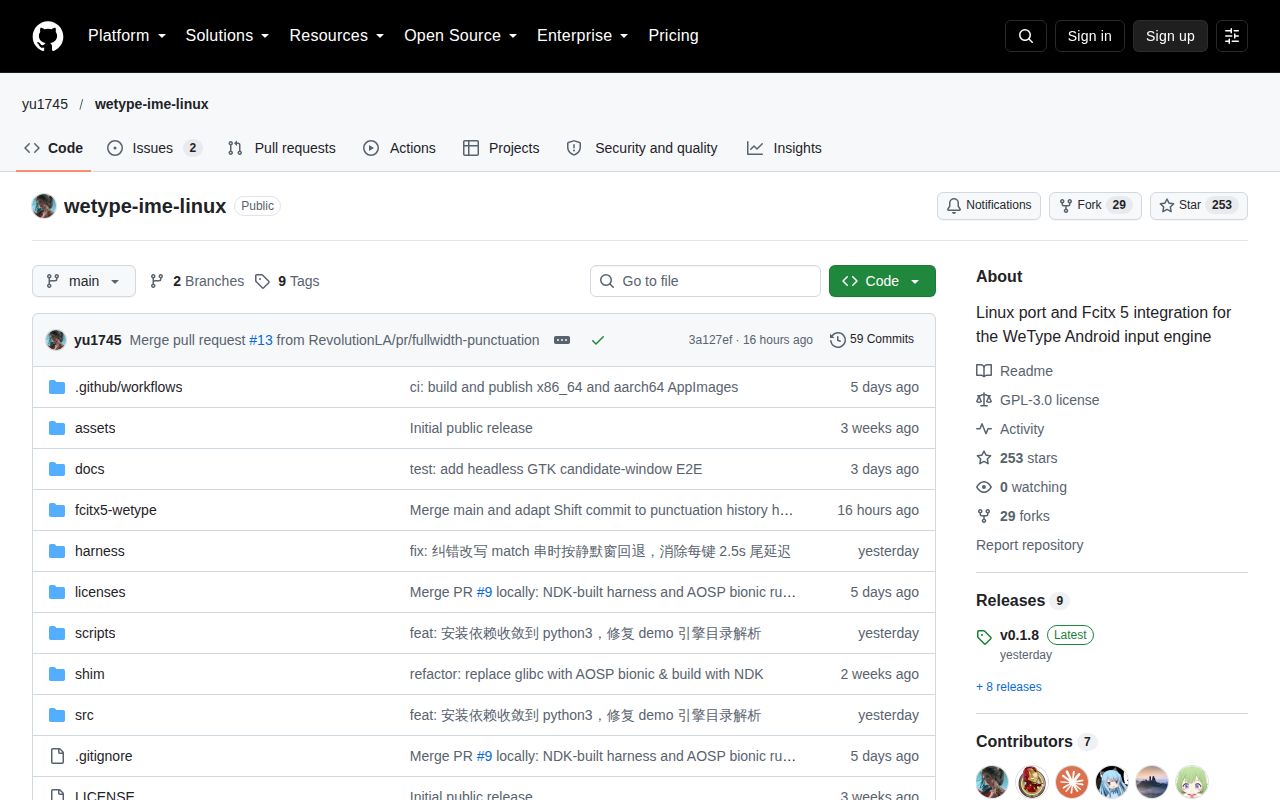
The repository was pushed on October 12, 2026. GitHub returned 253 stars and 2 open issues and PRs, with recent closed changes concerning paging, punctuation, and log handling. Release v0.1.8 appeared the previous day and describes correction and input-response fixes. The current README also describes behavior added after that release. Source activity and a release label therefore support maintenance, but they need not describe identical desktop behavior.
With 0 known vulnerabilities in our measured Python environment and no executed test target, the next useful check is a real typing session on your own desktop. Keep your existing input method available and try candidate paging, mixed punctuation, application switching, and learning after a restart. I would adopt this bridge only if WeType's candidates justify its platform and trust costs. If ordinary pinyin is enough, the native Fcitx Chinese addons avoid the separate Android engine altogether.