Wave is a terminal workspace, not just a command prompt
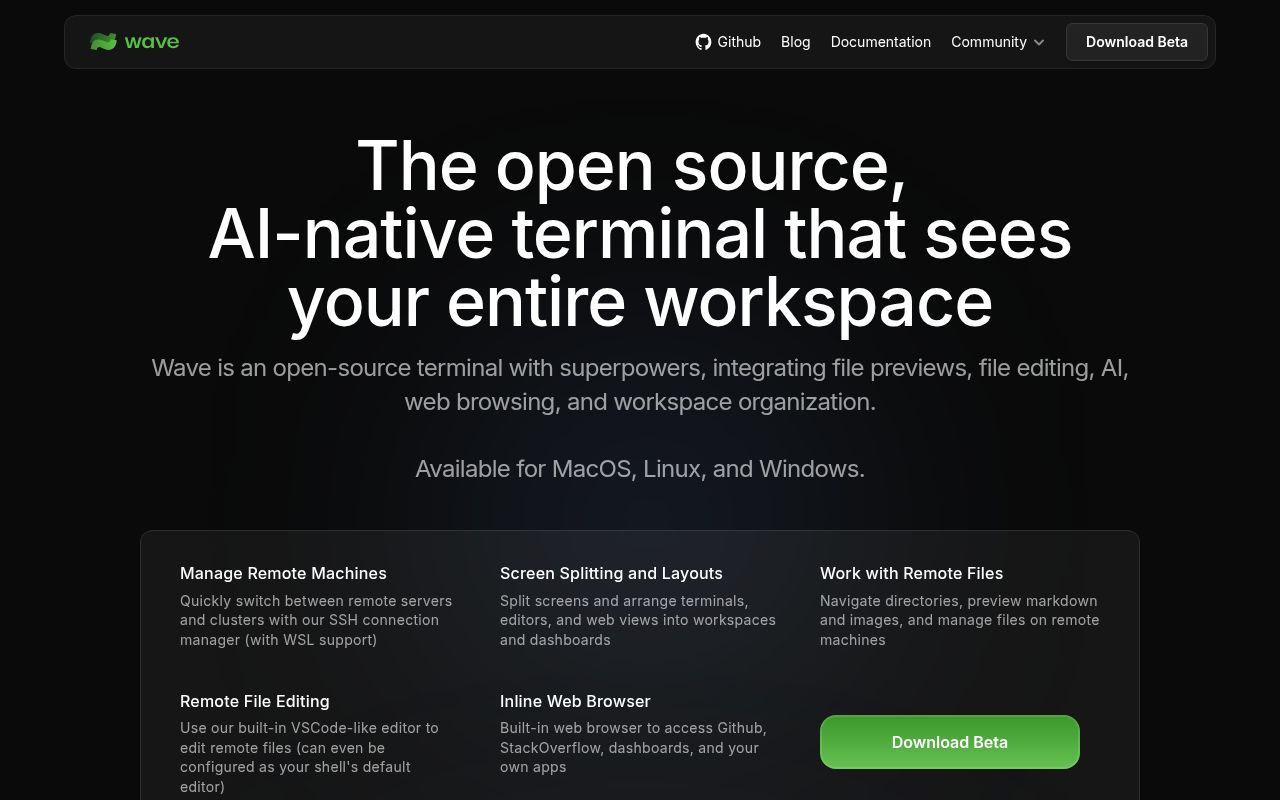
Wave Terminal combines a terminal emulator with block-based workspace organization, file editing, previews, web content, remote connections, and AI chat. The idea is practical: instead of bouncing among a shell, an editor, an SSH client, a file browser, and a chat window, you arrange those tools together. At 22,156 GitHub stars, it has clearly found an audience beyond a small experimental project.
Its strongest pitch is remote work. Durable SSH sessions are designed to survive network interruptions, address changes, and Wave restarts, then reconnect automatically. The built-in editor can modify remote files, while previews cover Markdown, images, video, PDFs, CSVs, and directories. That combination could save real time when inspecting logs, configuration, generated reports, or media on a server without copying every file locally.
Our run passed the tests but exposed a heavy dependency footprint
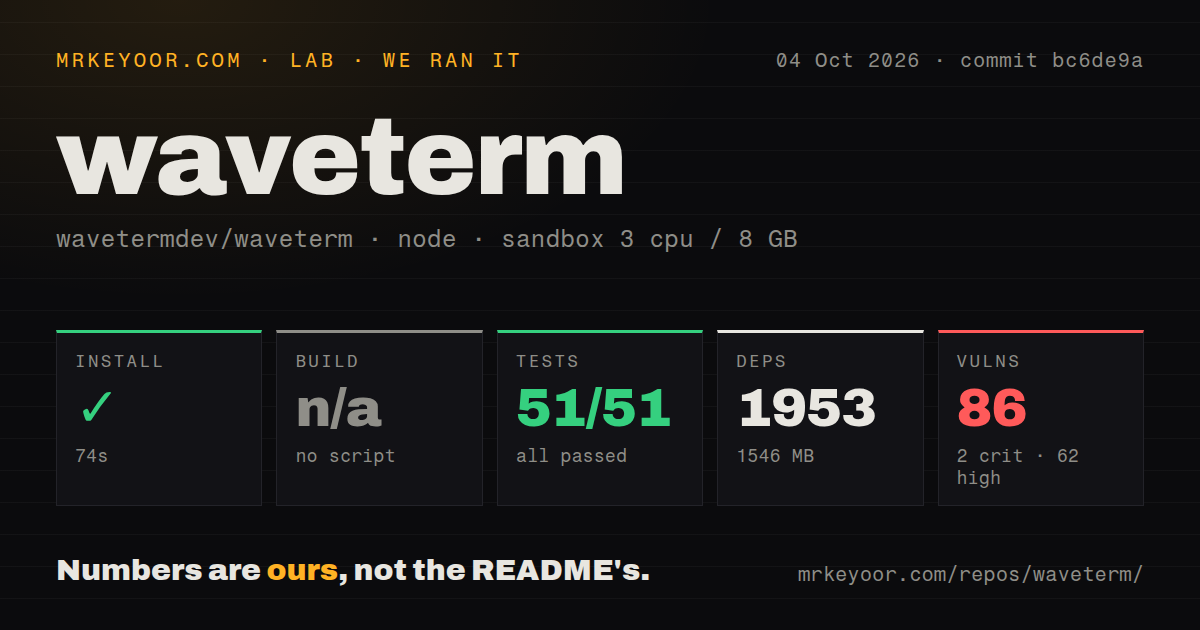
We cloned commit a4447c1 into a fresh, unprivileged Debian container with 3 CPUs and 8 GB of RAM. Installation succeeded in 69 seconds, but it brought in 1,951 packages and occupied 1,547 MB on disk. The checked-out repository itself contained 1,083 files, roughly 152,360 lines of source, and measured 30.1 MB, so most of that installed footprint came from the development dependency tree rather than the source checkout.
There was no build script or target for our harness to invoke, so the build step was skipped. That is not the same as a successful production build, and prospective contributors should follow the repository's separate BUILD.md instructions. The available Vitest suite did run cleanly: all 46 tests passed, none failed, and the test command finished in 13 seconds on our box. Nine CI workflow files and a dedicated tests directory are encouraging signs that the maintainers automate more than our generic harness could exercise.
The uncomfortable result was npm audit: 65 known vulnerabilities, comprising 2 critical, 43 high, 13 moderate, and 7 low findings. An audit count does not prove that every issue is exploitable in the shipped desktop application, but it is too large to wave away. Anyone evaluating Wave for access to production hosts should inspect the affected dependency paths, confirm which packages reach runtime, and track remediation before treating the development tree as low risk.
The feature set is unusually coherent for remote development
Wave's blocks are more than visual decoration. Individual commands can be isolated and monitored, while terminals, editors, browsers, AI assistants, and previews can be rearranged through drag and drop. Any block can switch to full screen and return to the wider layout, which is useful when a dense terminal or PDF needs temporary focus. The wsh command system also manages workspace data from the command line, including copying and syncing files between local and remote SSH hosts.
The AI design is comparatively flexible. Wave says its assistant can read terminal output and scrollback, analyze widgets, and perform file operations with backups and user approval. It supports OpenAI, Claude, Gemini, Azure, Perplexity, Ollama, LM Studio, and other OpenAI-compatible providers, with no Wave account required. That gives teams a choice between their own hosted API keys and local models, rather than tying the terminal to a single provider.
There is also an honest limit in the README: command execution by the AI is listed as coming soon. Today, the useful case is analysis, context gathering, file work, and piping content through wsh ai, not handing autonomous shell control to the assistant. That boundary may disappoint buyers expecting a full coding agent, but it also makes the current capability easier to reason about. Native system backends store secrets locally, though security-conscious teams should still validate storage behavior on each of the 3 supported desktop platforms.
The rough edges are size, security debt, and product churn
Wave asks users to trust a broad application surface. Terminals, browsers, editors, remote file operations, secret storage, SSH, and multiple AI providers all sit inside one desktop product. Each integration is useful, yet each also expands the places where bugs or unsafe defaults can matter. The 1,951-package installation and 65 audit findings underline that this convenience does not come with a minimal attack surface.
The issue tracker also deserves attention. There are 560 open issues, which can mean active adoption and energetic reporting, but it can also make support quality uneven and regressions harder to triage. The latest listed release is v0.14.5 from April 16, 2026, while the repository was pushed on August 11, 2026. That recent push argues against calling the project abandoned, although the gap between code activity and the latest tag means evaluators should inspect what has changed since the release they can actually install.
Platform coverage is broad but bounded. Wave supports macOS 11 or later, Windows 10 version 1809 or later, and Linux distributions with glibc 2.28 or later, across the documented arm64 and x64 combinations. There is no Dockerfile in the repository, which is understandable for a desktop terminal but limits reproducible container-based evaluation. The monorepo workspace layout and absent generic build target also make source onboarding less obvious than clicking the packaged download.
It belongs on a developer workstation, with existing controls around it
Wave fits best as an interactive workstation tool in front of systems you already manage. It does not replace SSH authorization, host hardening, secret rotation, code review, backups, or an audited deployment path. Durable sessions and remote file previews can make operations more comfortable, but production commands should still pass through the same permissions and approval controls used by any other terminal.
For an individual developer, the decision is straightforward: try the packaged release and see whether blocks, previews, and durable SSH reduce daily friction. For a company, evaluate v0.14.5 on non-production hosts first, review network destinations and credential storage, and investigate the 2 critical plus 43 high audit findings before broader rollout. Wave is ambitious and genuinely differentiated, but its convenience is most convincing when paired with disciplined security boundaries rather than treated as a substitute for them.