Three cleaning layers solve different problems
watermarks-remover groups provenance signals into deterministic text cleanup, statistical text marks, and file metadata. The first layer strips or normalizes invisible Unicode, exotic spaces, bidirectional controls, and private-use characters. The second asks a model to rewrite text and can compare known detector results before and after. File handlers target C2PA, EXIF, XMP, document properties, HTML metadata, and related fields across many image, office, web, archive, and media formats.
These are different claims. Removing an invisible character can be verified byte by byte. Rewriting prose may change meaning and does not prove that an unknown detector will stop recognizing a pattern. Deleting metadata says nothing about pixels embedded by a generator. The README is unusually clear that MarkLLM checks need the same scheme configuration and are not vendor oracles. A buyer should preserve those distinctions in the user interface and audit log.
Ownership and provenance policy come before installation
The project says it is for privacy and hygiene on content you own. That boundary matters because C2PA and generator marks can carry useful origin evidence. A newsroom, marketplace, school, or regulated archive may be required to retain them. Stripping provenance can also violate a platform rule or mislead a downstream reader even when the cleaner works exactly as designed. Decide what metadata may be removed, who authorizes it, and where the unchanged original is retained.
A publisher can remove an author's workstation path from a DOCX, normalize hidden Unicode in Markdown, or inspect a PNG before distribution. The unified inspect_file.py and clean_file.py commands route known formats and refuse unknown binary data in automatic mode. Text tools also reject ZIP containers and other binary inputs rather than decoding arbitrary bytes as prose, a safety check added after earlier behavior could damage files.
What happened when we ran it
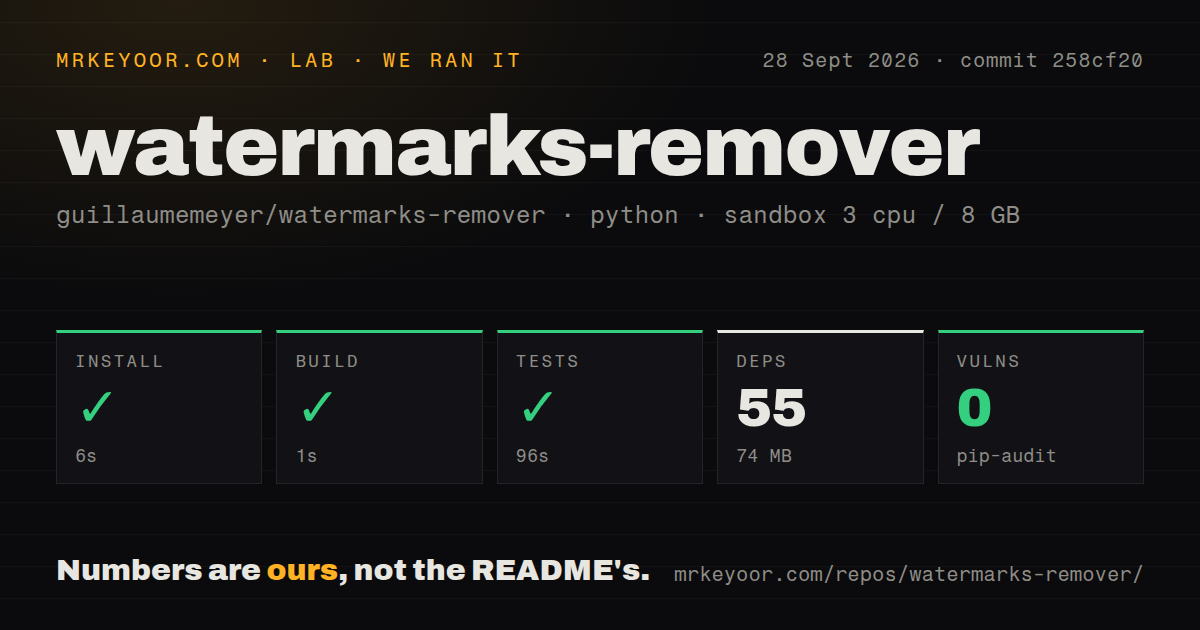
Our sandbox installed 55 Python packages in 38 seconds and occupied 77 MB. The build completed in 7 seconds, and the available tests passed in 72 seconds. Pip-audit found 0 known vulnerabilities. We tested commit 0148d76 in a fresh unprivileged Debian container with Python 3.12, 3 CPUs, 8 GB of RAM, and no secrets. The repository had 163 files and about 29,719 source lines.
The scan found 3 CI workflow files, a tests directory, and a compose file, but no Dockerfile at the repository root. It does not verify every external utility, optional detector, vendor scorer, or damaged-file case. Our run did not measure how often a statistical watermark clears, how much a rewrite changes meaning, or whether a third-party system recognizes the result.
The core service is small, while full verification is not
Core scripts require Python 3.10 or newer and can run as command-line tools. Version 0.5.0 added a standard-library HTTP server with health, capability, inspect, detect, clean, and OpenAPI routes. It binds to 127.0.0.1:8765 by default. An API key can protect requests if the service is exposed beyond loopback, though the documentation calls a trusted network the intended setting. Batch endpoints cap the number of files and isolate malformed entries.
Format quality depends on supporting tools. ExifTool adds residual metadata removal, c2patool handles manifests, and qpdf is required for a real PDF structural strip. Optional MarkLLM, MarkDiffusion, CtrlRegen, and SynthID components bring model downloads, external repositories, licenses, or heavier containers. The base 77 MB installation therefore describes the checked Python environment, not the full research stack. Start with deterministic inspection and add one backend only when a defined requirement needs it.
One false-clean path makes detector status unsafe
Open issue 165 shows a wiring error in the SynthID image path. The scorer can return a positive result, an unavailable error, or no configuration, yet /inspect may report suspicious=false in all 3 cases because the top-level verdict reads text detector results but not the image score. The detailed report still contains the scorer state in the reproduction, but an integrator keying only on suspicious can misclassify the file.
Until the deployed version fixes and tests that behavior, consume detector availability and results separately. An unavailable scorer means unknown. A negative result means only that this configured detector did not find its scheme. It does not certify a clean origin. This project supports known-scheme research and removal attempts; it cannot establish the absence of every watermark.
Truncated MP4 cleaning can discard the media tail
Issue 240 provides a short reproduction where cleaning a truncated MP4 reduces 3,267 input bytes to 187 while reporting that 3,080 tail bytes were kept. The reporter attributes the loss to a second parser pass that rebuilds only complete boxes. Intact files were unaffected in that reproduction. Partial uploads and interrupted downloads are common enough that services cannot dismiss the case as impossible input.
Write cleaned content to a sibling path, check output size, reopen it with an independent decoder, and compare duration or page count before replacing anything. In-place mode and automatic hooks are convenient only after those safeguards exist. Issue 173 also reports that non-text files can be labeled changed even when their bytes stay identical, causing a clean pre-commit hook to fail repeatedly. Status messages should not decide whether content is safe to publish.
Active August work is moving faster than the release tag
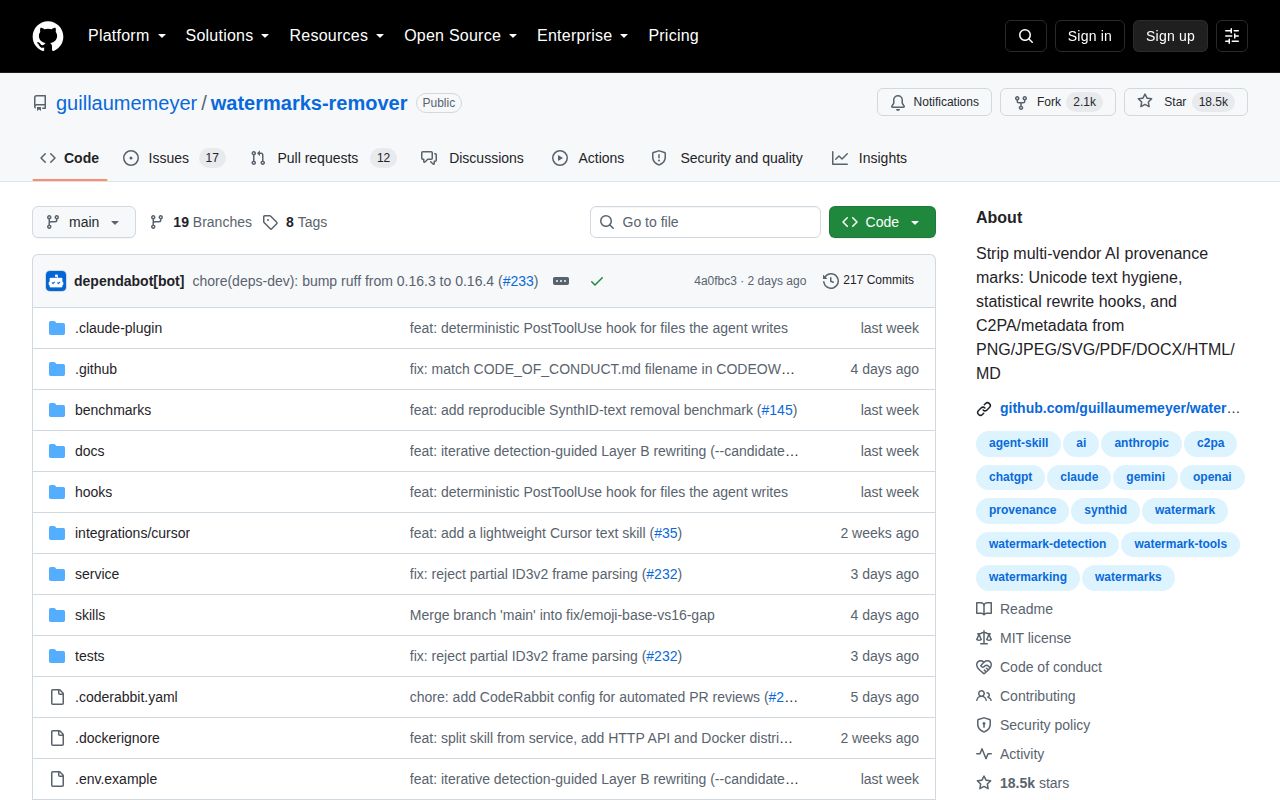
GitHub showed 18,517 stars, 29 combined issues and pull requests, and a last push on August 26, 2026. Version 0.5.0 was released on August 14. Current pull requests address repeated cleaning, truncated media tails, detector evaluation, and benchmark fixtures. That activity is encouraging, but users must confirm which fixes have reached the exact image or package they deploy.
The project is best used as a transparent cleaning toolkit, with originals, explicit authorization, and independent output checks. Our passing 72-second suite supports a trial. The current false-clean and MP4 reports rule out treating it as a provenance authority or unattended destructive filter. Its most useful output is evidence about what a named cleaner and detector did, not a universal declaration that a file has no AI origin.