Version 1.0.9.4 patches Wand instead of replacing it
WandEnhancer 1.0.9.4 edits a local Wand installation and extends the Electron client. Its headline additions are interface and theme changes, local configuration controls, optional AI features, custom renderer scripts, and a browser panel for controlling an active trainer from a phone. It remains dependent on Wand as an online application and uses Wand API or CDN data for parts of the remote panel. Think of it as an aftermarket client modification, not a separate trainer service.
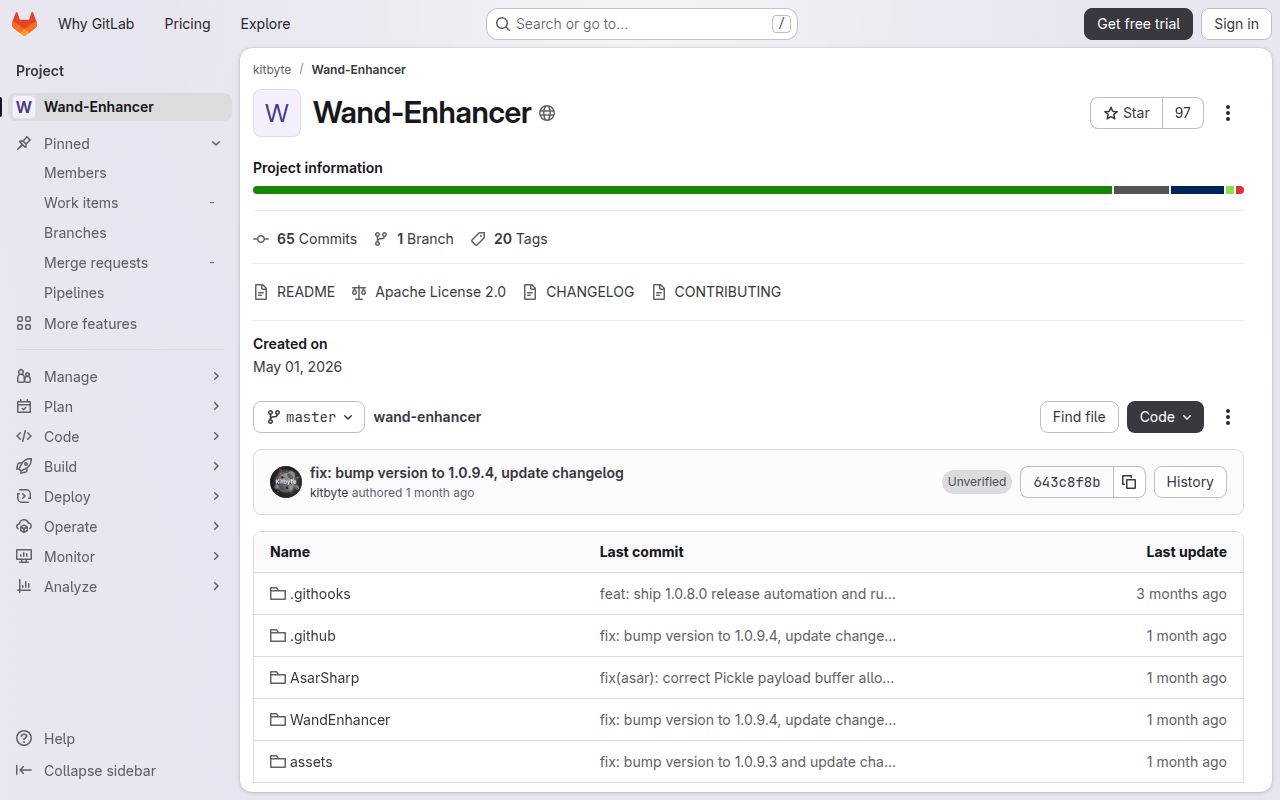
Our checkout at commit 643c8f8 was small before dependencies: 229 files, roughly 14,665 source lines, and 2.2 MB on disk. The code spans a Windows patcher, a native version.dll proxy, Electron changes, and a pnpm web-panel project. The proxy changes Wand's ASAR-integrity fuse inside Wand's own process. That is a narrower action than arbitrary process injection, but it still modifies an installed application's files and startup path.
Port 3223 gives the phone panel no pairing code
The remote panel listens on plain HTTP and WebSocket traffic over TCP port 3223. Version 1.0.9.4 does not add a pairing code, so anyone who can reach that port can see the panel and control the active trainer. The README recommends a trusted LAN or VPN, names Tailscale for use away from home, and explicitly says never to expose the port directly to the internet. Guest Wi-Fi isolation and Windows Firewall can also block a legitimate phone.
That boundary deserves more attention than the panel's 203 MB development install. The latest release removed Wand bearer credentials and installation paths from its WebSocket protocol, rejected malformed Host headers and oversized frames, and removed an installed-apps debug endpoint from production. Those are useful changes, yet transport remains unencrypted on the local network. A household LAN, office Wi-Fi, and rented gaming venue do not present the same risk.
What happened when we ran it
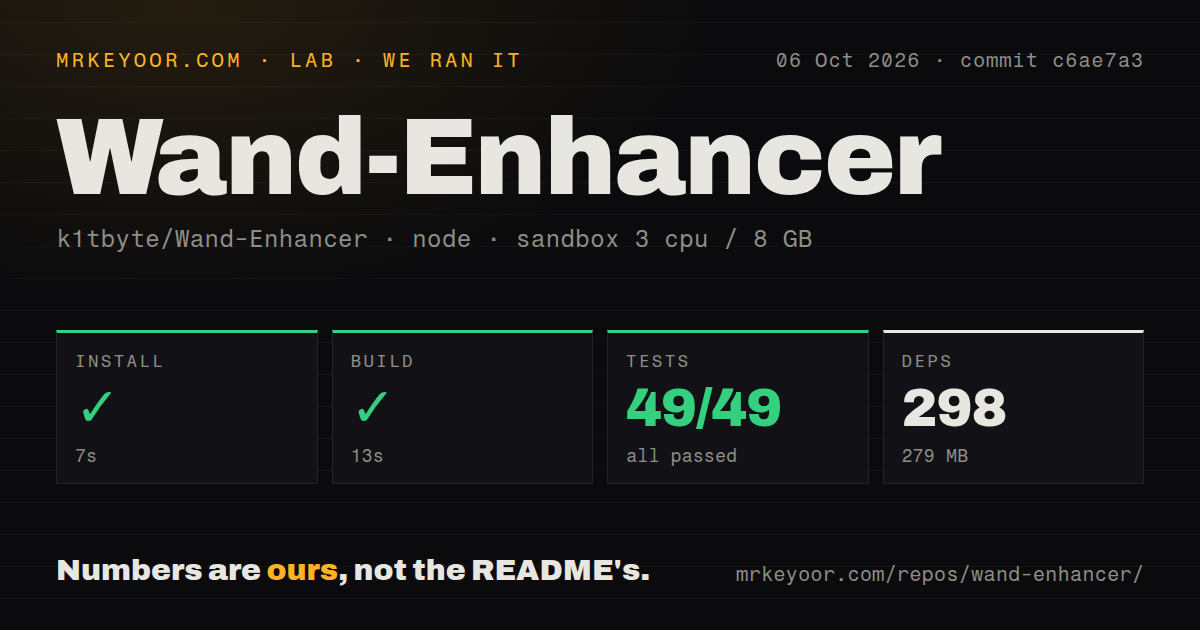
Our sandbox installed the pnpm project in ./web-panel in 29 seconds. It pulled 397 packages and occupied 203 MB after installation. The build completed in 23 seconds, then Vitest finished in 14 seconds with 34 passed and 0 failed out of 34. Those are clean results for the browser-facing part of the repository, with no failed step hidden behind a summary.
The lab used a fresh Debian container with Node 22, 3 CPUs, 8 GB of RAM, no secrets, and no elevated privileges. It measured the web panel because that is the supported ecosystem under ./web-panel; it did not turn the 23-second web build into a Windows executable. Our scan found 4 CI workflow files, no Dockerfile, and no separate tests directory. The passing Vitest cases are therefore present alongside the source rather than under a top-level test folder.
A GitHub Actions artifact replaces the missing download
The project deliberately publishes no executable in GitHub Releases. To get one, a user forks the repository, syncs it, enables Actions, runs the Build executable workflow, and downloads the artifact from that run. The README repeats this because fake videos and third-party mirrors have attached the project's name to malware and password stealers. SmartScreen or antivirus may still warn about the resulting unsigned, uncommon binary, even when GitHub built it from the user's fork.
A local build is much less convenient than our 29-second web-panel install. The documented toolchain requires CMake, Node.js, pnpm, Visual Studio 2022 or its Build Tools, the Desktop development with C++ workload, MSBuild, and .NET Framework 4.8 targeting tools. The top-level script builds the frontend, native helper, NuGet dependencies, and WPF solution. A user seeking a simple installer will hit the project's trust model before seeing its features.
Full Node access makes custom scripts a trust decision
Custom .js files can be selected in the patch dialog or placed beside the patcher in a renderer-scripts folder. Each script runs inside Wand's renderer with full DOM access and Node require. The README also warns that a script can run more than once per launch, so one-time work needs a global guard. Error wrapping protects Wand from a thrown script exception, but it does not make unknown code safe.
The 34 passing tests cover the web-panel code, not every script a user may add later. Only scripts you can read and explain belong in this environment. The same rule applies to binaries: the maintainer says artifacts from videos, mirrors, Discord attachments, and issue comments are untrusted. Building from a synced fork creates a traceable workflow log, although users still need to review source changes before running the output.
Fifty-three open items show activity and compatibility churn
GitHub recorded 23,176 stars and 53 combined issues and pull requests when we fetched the repository. The repository was pushed on August 30, 2026, and open issue 214 was still receiving comments on August 31. That report says Wand 12.50.0 would not open after enhancer 1.0.9.4 patched it; the issue body points affected users toward a release-candidate branch. The 70-comment thread shows both demand and the cost of following a changing upstream client.
Our 34-test pass makes the web panel credible, while the issue history keeps the verdict conditional. WandEnhancer is useful for a Windows user who understands forks, unsigned artifacts, firewall scope, and renderer permissions. It is a poor fit for someone expecting an official installer that survives every Wand update. The sensible adoption path is a self-built artifact on one machine, with port 3223 limited to a private network and a way to restore the original installation.