Upscayl makes local enlargement approachable on 3 desktop platforms
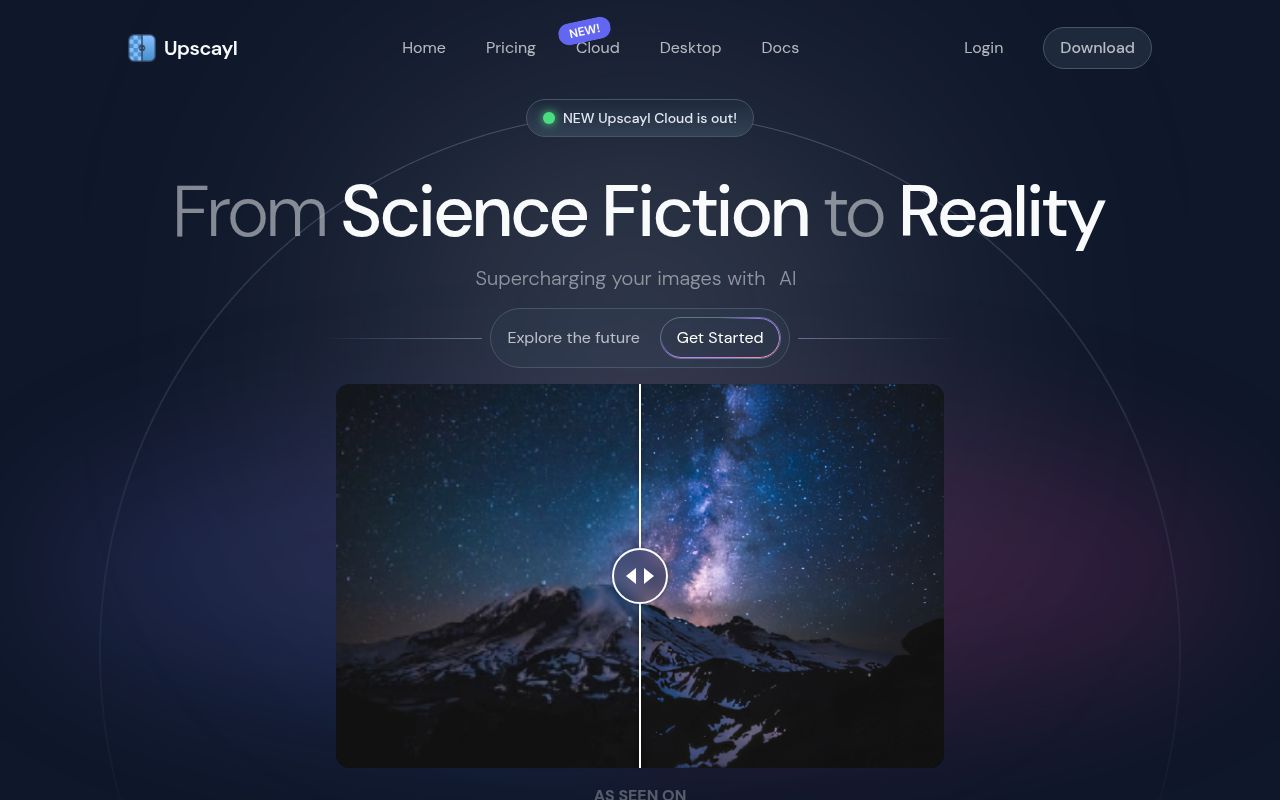
Upscayl wraps Real-ESRGAN image enhancement in an Electron interface for Windows, macOS, and Linux. You select an image, choose a model and scale, then compare the result through the app instead of preparing a Python environment or writing a command. Processing stays on the machine. That matters for private client images and large files that would be tedious to upload, although local processing does not guarantee that a guessed texture matches the original scene.
The repository had 48,764 stars when we fetched it, and the latest tagged release is v2.15.0. That release added a High Fidelity model, a comparison lens, clipboard input, translations, onboarding, and optional usage statistics. The interface is the product here. Developers who want terminal automation are pointed to the separate upscayl-ncnn backend, so the desktop repository should be judged as an interactive tool rather than a ready-made server component.
A Vulkan GPU is a hard entry requirement
The README says Upscayl requires a Vulkan-compatible graphics card and will not work with most integrated GPUs or CPUs. That sentence should decide whether you download it. A powerful processor cannot substitute for the expected graphics path, and compatibility varies enough that the project maintains a separate compatibility list and troubleshooting guide. Windows may also override the selected GPU unless the app is placed in the operating system's performance mode.
Supported operating systems start at Windows 10 and macOS 12, while Linux users can choose Flatpak, AppImage, Snap, DEB, RPM, AUR, or ZIP routes. That range lowers the first-use barrier for a desktop audience. It also creates several packaging paths for maintainers to keep aligned. Our checkout contained 3 CI workflow files but no Dockerfile, which fits a graphical application distributed through platform packages rather than a service meant to run in a container.
What happened when we ran it
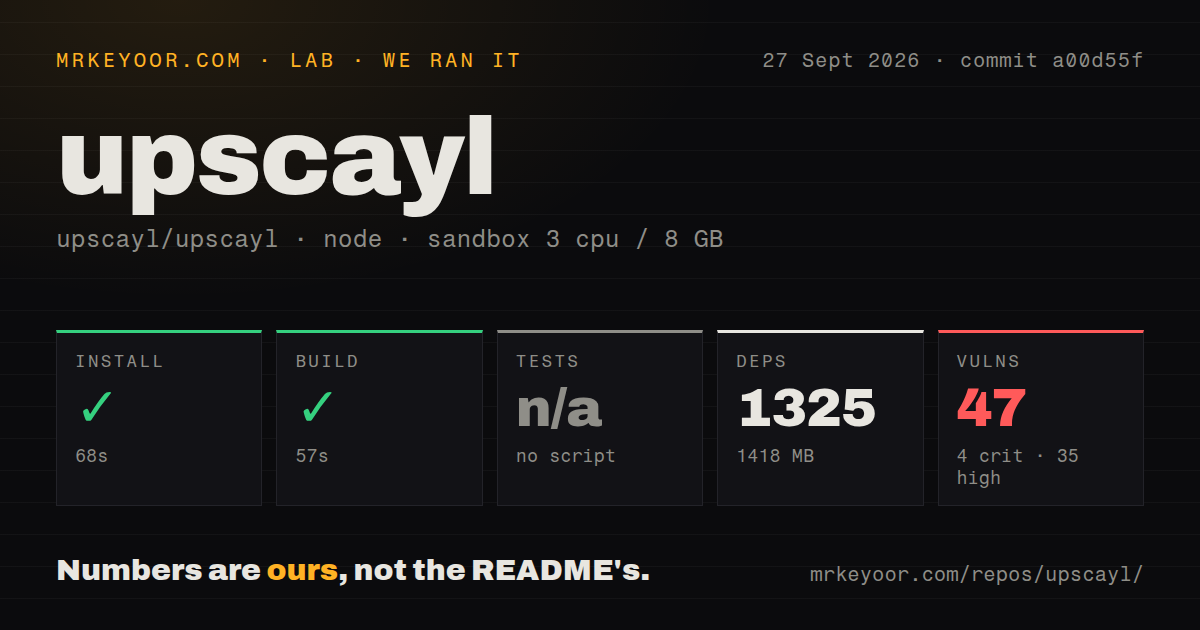
Our sandbox install at commit a00d55f succeeded in 88 seconds. It added 1,325 npm packages and occupied 1,418 MB on disk, far more than the 242.3 MB checkout. The build then completed successfully in 51 seconds on 3 CPUs with 8 GB of RAM. Those figures cover compiling the source in a fresh Debian container; they do not measure image quality, GPU processing speed, installer size, or the time needed to upscale a photograph.
There was no test script or test target, so we skipped tests rather than inventing a substitute. The repository also had no tests directory in our scan. Npm audit reported 44 known vulnerabilities: 4 critical, 34 high, 5 moderate, and 1 low. The audit output alone does not establish whether each advisory is reachable in the packaged desktop app, but that count is too serious for a source adopter to wave away without tracing the affected packages.
The source itself was moderate in code volume at roughly 8,230 source lines across a 283-file repository. The dependency footprint changes that impression. A successful 51-second build shows the documented npm route was workable in our container, while 1,418 MB on disk and no runnable test suite make upgrades harder to assess. A team redistributing its own build should add dependency triage and practical image jobs to its release checks before signing installers.
Upscayl enlarges detail but cannot recover focus
The FAQ is unusually candid about the model's boundary: Upscayl can improve low-resolution or pixelated images, but it cannot de-blur an out-of-focus photograph or adjust focus. Real-ESRGAN predicts plausible detail. It does not retrieve information that the camera never captured. Faces, text, repeating patterns, and product edges deserve a full-size inspection because a pleasing preview can still contain invented texture or distorted lettering.
Version 2.15.0 includes several model choices and a lens viewer for comparison, while the project links to a custom-model collection and conversion instructions. That makes experimentation easier for an enthusiast who understands that models favor different material. It does not provide a universal best setting. Keep the original file, test a representative crop, and judge the output at its intended display size before running a folder through the same preset.
Batch jobs can fail without trustworthy reporting
Open issue 1210 describes upscayl-bin crashing with a segmentation fault during a batch of hundreds of images while the desktop log reported completion. Issue 1268 describes v2.15 hanging when a filename contains a percent sign, with removing that character reported as the workaround. These are user reports rather than results from our sandbox, but both concern the handoff between a long-running batch and the interface that tells the operator whether it finished.
Large inputs have their own long-lived report: issue 493 discusses failures tied to memory limits and had 53 comments when fetched. Upscayl's FAQ also says some post-processing waits until every image has first been upscaled. For casual batches, watching the output folder and spot-checking files may be enough. For paid production work, count the inputs and outputs, reject zero-byte or unreadable files, and retain logs from the backend process instead of trusting one completion banner.
August issue activity matters more than the old release tag
GitHub reported a last push on August 20, 2026, and open issues were still being updated on August 24. The repository showed 55 open issues and 2 open pull requests when we checked. The latest tagged desktop release remains v2.15.0 from December 25, 2024, so release cadence and repository activity tell different stories. The current discussion is active, but users should test the downloadable build rather than assuming recent repository pushes have reached it.
Upscayl earns its place as a friendly local image enlarger because it hides model setup and offers installers across 3 desktop systems. Its limits are equally concrete: Vulkan hardware is mandatory, blur repair is outside scope, batch reporting has open complaints, and our installed tree carried 44 advisories. Use the packaged app for supervised creative work. Treat a custom build or unattended pipeline as software you must test and maintain yourself.