Local screenshots and searchable PDFs are the useful desktop pairing
A scanned page should not require uploading the whole document just to copy a paragraph. Umi-OCR gives you a local desktop workflow for that job, with screenshot recognition, batch images, and document OCR. The primary README is Chinese, and an English guide is available. You can also use an English interface, so the default documentation language does not automatically exclude an English-speaking desktop user.
The screenshot view lets you select recognized text and edit recognition records. Batch images can export plain text, JSONL, Markdown, or CSV, while document processing can create searchable PDFs or extract existing text. These are practical reasons to choose an application over an OCR library. They also set its limits: a selectable text layer and a structured reconstruction of a table are different outputs, and neither follows merely from recognizing individual characters.
What happened when we ran it
Our lab did not run Umi-OCR commit 83173ef on October 9, 2026 because the harness found no supported ecosystem for this Python repository and no Dockerfile. The sandbox specification listed 3 CPUs and 8 GB of RAM, with no image selected. It was unprivileged and held no secrets. There are no install, build, test, dependency-count, or vulnerability results to report.
That result establishes a gap in our measurement, not a failed OCR job. The lab supplied no recognized output, accuracy comparison, or runtime timing. We cannot tell you how well the application reads your scans from this check. The recommendation depends on its documented workflow, platform requirements, and reported behavior, with recognition quality still needing a trial on the material you actually process.
Windows packages include the engine, source deployment spans repositories
The latest release is v2.1.5, published March 25, 2025. Windows users can extract its archive and launch the executable, according to the project instructions. Release variants differ in the bundled OCR engine, with Paddle and Rapid options. The release notes warn about Paddle compatibility on certain older CPUs and direct affected Windows users to the Rapid variant. Pick the engine for your machine before assuming both downloads are interchangeable.
A developer cloning the main repository gets application source, while platform runtimes and plugins live separately. The Linux runtime guide explains how to combine those parts and supplies a Docker route. Its Python guidance names interpreter compatibility constraints around PySide2. This is why the portable archive and source deployment deserve different expectations: the packaged user receives an assembled environment, while the developer must reproduce its platform pieces.
Linux screenshot capture requires an X session
The Linux runtime README limits built-in screenshot capture to an X session and says Wayland can produce an unusable or black capture. It also requires AVX CPU support for the documented Linux PaddleOCR engine. These restrictions matter more than the repository's Python language label. Check the desktop session and processor before choosing Umi-OCR as your everyday capture tool on Linux.
Headless operation is documented through xvfb and a runtime setting. That makes server use possible, although the Qt application still needs a virtual display environment. The runtime guide also advises starting the main process before issuing CLI commands from another session, because cold-start command behavior can differ. If your requirement is an isolated command for every image, inspect that process model before designing the surrounding job runner.
Ignore regions remove whole text blocks, so inspect the crop
Umi-OCR's ignore-region feature excludes unwanted text in repeated image layouts, such as a watermark or page header. The Chinese README specifies that a whole recognized text block must lie inside the rectangle to be ignored. Drawing a box over part of a word may therefore leave the block in the output. That detail is useful when you're preparing a batch with a consistent layout.
Reading-order presets also handle single-column and multi-column text, with an option intended to retain indentation in code screenshots. These controls save editing only if the result matches the page. Preview representative scans before processing the rest. For tables, issue 1089 asks for batch-document Markdown support. The existing image-to-Markdown export should not be read as a promise of faithful document tables.
The HTTP manual warns against concurrent requests
The HTTP interface manual explicitly recommends avoiding concurrent calls. It describes occasional connection errors during extended continuous use and notes that open client connections can interfere with complete shutdown. Those are documented operating constraints. Enabling a local API is convenient for a desktop integration, but it gives you error-handling and lifecycle work to do.
Issue 1088 reports v2.1.5 with PaddleOCR on Ubuntu remaining alive while recognition and later HTTP requests time out. The reporter says restarting restores operation. This is a user report, not our result or proof that every engine has the problem. It is still a concrete reason to check prolonged workloads and successful recognition responses instead of treating a live process as a healthy service.
Recent reports continue despite an older default-branch push
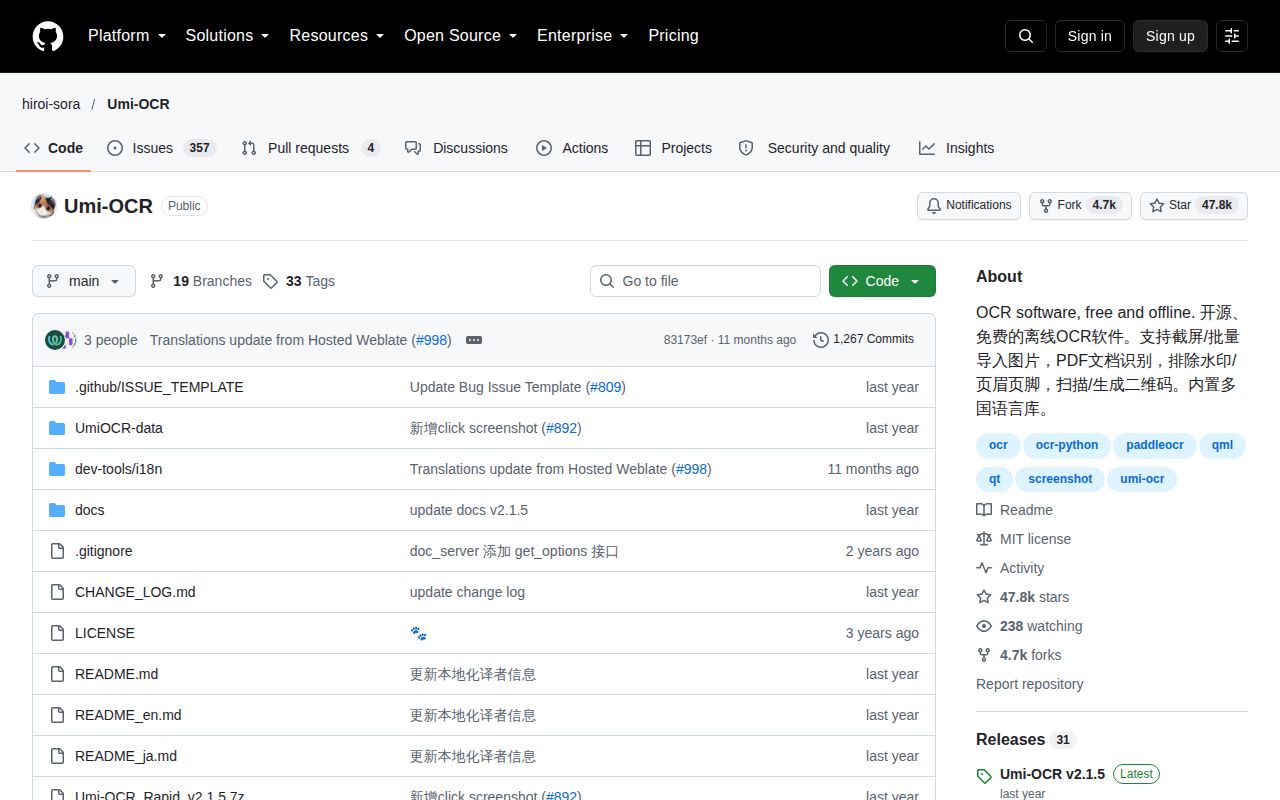
The repository's last push was November 20, 2025. GitHub listed 47,771 stars and 361 open issues and PRs combined. September 2026 included document and service reports, and an October translation pull request remained active. That shows continuing user and translation attention alongside a gap in recent code pushes. The March release date alone would be insufficient grounds to call the project abandoned.
OCRmyPDF is the better starting point when your whole job is a scripted searchable-PDF pipeline. Tesseract gives you an engine and CLI when you want direct recognition control. For desktop use, try Umi-OCR on a difficult scan, then search and copy from the resulting PDF. Keep the original beside it until you have checked reading order and the words you intend to reuse.