Seven vision tasks share one Python interface
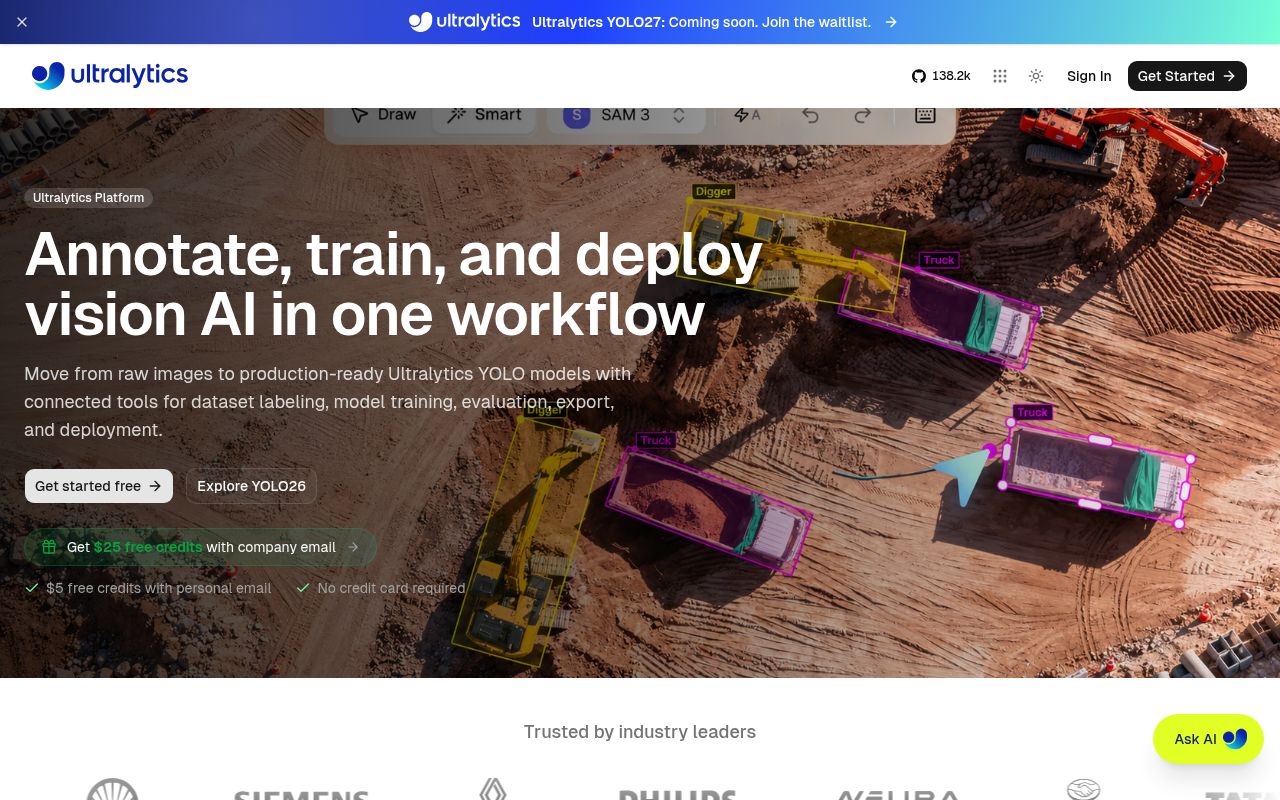
A single YOLO object can train, validate, predict, and export a model. The same package covers object detection, instance segmentation, semantic segmentation, image classification, pose estimation, depth estimation, and oriented boxes. Tracking works with several of those model types. That common shape is Ultralytics' best argument: a team can move between related vision jobs without replacing its command-line tool or rewriting the surrounding Python code.
The README's first Python example loads pretrained YOLO26 weights, trains for 100 epochs on a sample dataset configuration, validates the result, predicts an image, and exports to ONNX. Pretrained files download automatically on first use. The repository also supports older YOLO families. This makes the first experiment short, although your labeled data, acceptance criteria, and target hardware still determine whether the resulting model belongs in a product.
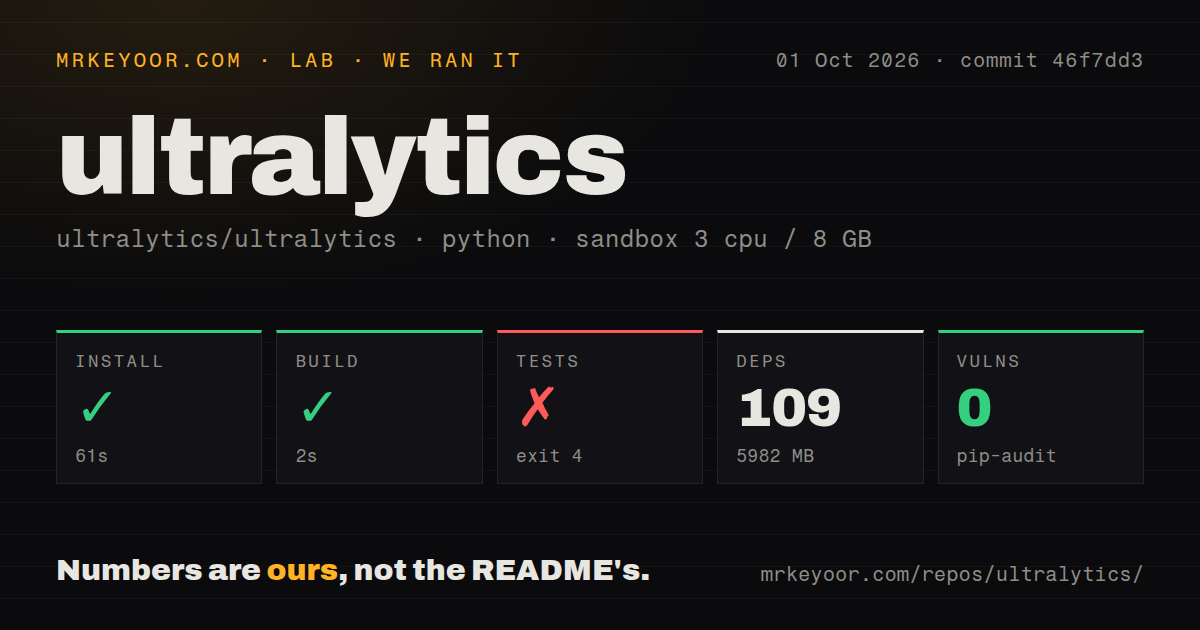
A 61-second install became a 5,982 MB environment
Our clone of commit 46f7dd3 contained 1,035 files, about 96,509 lines of source, and occupied 10.4 MB. Installation succeeded in 61 seconds. It added 109 packages and grew the environment to 5,982 MB, before any project dataset or downloaded model weights. That footprint deserves space in CI and container planning even though the command in the README is only pip install ultralytics.
Ultralytics documents Python 3.8 or newer and PyTorch 1.8 or newer, with Conda, Docker, and source installs as alternatives. The package build itself passed in 2 seconds in our Python 3.12 container. The local prediction example names no service credential, but it does fetch weights. Training adds a dataset configuration and a device choice. GPU use and specialized export formats bring another compatibility layer that a successful Python install cannot check.
What happened when we ran it
We ran commit 46f7dd3 in a fresh unprivileged Debian container with 3 CPUs, 8 GB of RAM, Python 3.12, and no secrets. Installation and the package build succeeded in 61 seconds and 2 seconds respectively. Pip-audit reported 0 known vulnerabilities. The checkout had 12 CI workflow files and a tests directory, while our scan found no Dockerfile. These results cover packaging only, not inference speed, training time, or model accuracy.
The test command failed with exit code 4 after 3 seconds. Collection imported ultralytics, which imported its utility module and then cv2. OpenCV's bootstrap stopped with ImportError: libGL.so.1: cannot open shared object file. The supplied summary contains no test total, so there is no defensible partial pass count. The result says the suite never got past an import in this container.
Missing libGL.so.1 makes the base image part of setup
Python's resolver had finished successfully before the OpenCV import failed. The missing item was a system library, libGL.so.1, outside that 109-package Python set. The quick install section does not call it out. This does not show a defect in prediction or training because neither ran. It shows that a bare Debian image can satisfy the documented Python install and still be unable to import the package during test collection.
Server teams should test their exact base image with an import, one representative prediction, and the export path they intend to ship. The README links to published Ultralytics Docker images, but the measured checkout had no Dockerfile to inspect or build directly. If you maintain your own image, record its native packages beside the pinned Python environment. Otherwise a 2-second package build can give false confidence about what will happen at process start.
AGPL-3.0 makes licensing an early product decision
The repository is licensed under AGPL-3.0, and the README offers an Enterprise license for business products, services, internal tools, automated workflows, and production deployments that do not want the open-source obligations. Teams should settle that route before application code, datasets, and deployment work accumulate around the API. Detectron2, MMDetection, and Torchvision use Apache-2.0 or BSD terms, and each offers a more component-oriented path when Ultralytics' license or workflow does not fit.
That choice comes with a usability trade. Detectron2 and MMDetection suit configurable research across model families. Torchvision supplies lower-level PyTorch building blocks. Ultralytics supplies a much shorter path through several tasks and export targets. Its 5,982 MB installed footprint is the reminder that concise application code does not mean a small runtime, especially once model weights and hardware-specific tools join the image.
An October 7 push and v8.4.174 show active maintenance
GitHub showed 62,270 stars and 90 open issues plus pull requests on October 7, 2026. The repository was pushed that day, with a new pose issue and several pull requests also receiving same-day activity. Release v8.4.174 arrived October 6 with fixes around YOLO26 AutoBatch profiling, prediction logs, CoreML batches, tracking, exports, and data handling. Those dates support a high community score and show that behavior changes often enough to justify version pins.
Ultralytics is a sensible default when you want the YOLO workflow more than you want to design the framework around it. Our run confirms that installation and building worked at commit 46f7dd3, while the test command could not collect because the container lacked libGL.so.1. Start with the intended production image, confirm the license, and measure your own model on its actual input. The 61-second install is the easy part.