The $0.0002 step depends on a clean list of choices
The README prices one TypeSafe decision at about $0.0002 and says the classifier can choose among as many as 255 options. Jev keeps that decision narrow: select an action kind, an item, and a site rather than ask a large model to study a screenshot and invent a plan at every step. The classifier returns probabilities, so the loop can stop when confidence is low instead of forcing a click.
That price is the project's own measurement, not one from our sandbox. It also excludes the engineering needed to construct good choices. OCR reads visible text, the accessibility tree supplies labelled controls, and code adds dates, field focus, URLs, and previous attempts. When two options mean the same thing, probability splits and the agent appears unsure. Open issue 40 documents exactly that with two ways to go back, scoring 0.44 and 0.40.
Code supplies the facts that the classifier cannot infer
Jev's most useful design choice is visible in its 20,029 source lines: dates are parsed, focused fields are read, repeated labels receive row context, and actions already tried on the same screen become state. The model chooses from that prepared state. A separate writer composes text, proposes unfamiliar URLs, and reads the final screen when the classifier stops. This division makes failures inspectable because each part has a smaller job.
The cost is a growing body of application knowledge. OCR sees text but misses icon-only controls; accessibility coverage depends on what each app publishes. The known-limits page says Spotify exposes none of its useful controls through that tree, only the main display is captured, and identical labels may split the vote. Every gap needs a new deterministic feature, better perception, or a handoff to the writer. Cheap classification does not remove that work.
What happened when we ran it
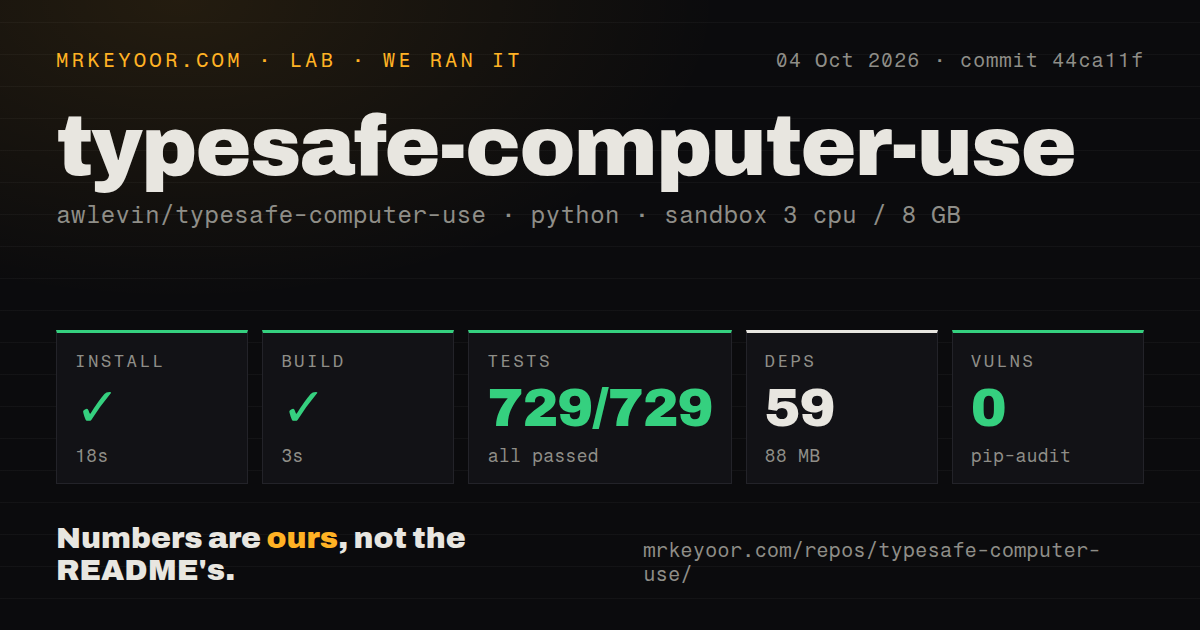
Our sandbox installed commit 44ca11f in 18 seconds, pulling 59 packages and using 88 MB on disk. The build completed successfully in 3 seconds. We used a fresh unprivileged Debian container with 3 CPUs, 8 GB of RAM, Python 3.12, and no secrets. The checkout held 129 files, roughly 20,029 source lines, and occupied 1.7 MB before installation.
Pytest ran for 41 seconds and reported 729 passed, 0 failed, and 3 skipped. Pip-audit found 0 known vulnerabilities. The repository includes a tests directory and 1 CI workflow. Our scan found no root Dockerfile, though the compose setup builds sandbox/Dockerfile for the browser sandbox. These results cover installation, packaging, and tests; they do not show that a live Mac task completes correctly.
macOS 14 is the main target, while Windows is experimental
A live desktop run requires macOS 14 or newer, Python 3.12 or newer, a TypeSafe key, and two sensitive permissions: Screen Recording plus Accessibility. Without them, the capture shows wallpaper or synthetic clicks are dropped. The README sensibly tells users to begin with a dry run. Once --act is enabled, jev controls the real cursor and keyboard for as many as 100 steps by default.
Windows 10 and 11 have an experimental adapter. Linux has a different route: the compose sandbox provides Chromium, a virtual display, and a browser-viewable desktop, but its documentation says only the browser backend runs there. That backend reads the DOM over Chrome DevTools instead of pixels and uses a temporary profile. It handles one tab and one page target, with no iframe or shadow-DOM traversal. Desktop portability is therefore uneven, not a single cross-platform path.
Two open bugs make valuable data a poor first workload
Open issue 56 concerns a fallback that clears and types into whichever field has focus after a decision round trip. If focus moves, the code can empty a field it never captured. Open pull request 61 proposes rechecking focus before sending keystrokes, but it remained open on October 4. Until that fix lands and is verified, forms containing valuable drafts or account data are a bad place to test live control.
Open issue 57 says the browser runner can stop when its satisfaction score is 0.5 even after the classifier chose a confident action. Pull request 62 proposes a fix and was also open. Issue 58 reports six bugs found across Calculator, TextEdit, and Chrome on commit 44ca11f, the same commit our lab tested. A green 729-test run and real-machine correctness answer different questions, which is why the project's run folders and offline replay matter.
A 33-item open queue shows active work and unfinished behavior
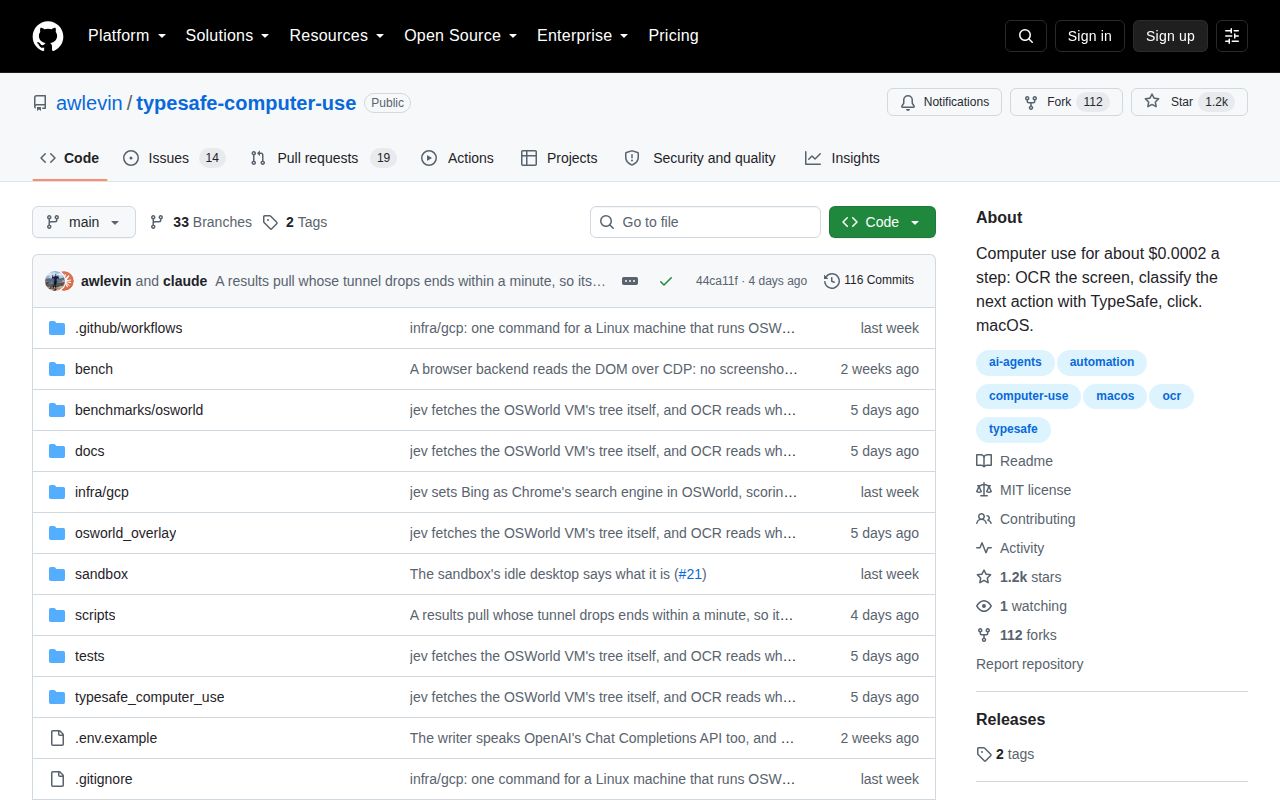
The repository was created on September 16, 2026, and last pushed on September 29. On October 4, GitHub showed 1,158 stars, 14 open issues, and 19 open pull requests. Tags v0.1.0 and v0.2.0 exist, although GitHub's latest-release endpoint returned no published release. Recent pull requests address the wrong-field fallback, premature browser stops, Windows app switching, and voice input. This is active development, not settled maintenance.
TypeSafe Computer Use is worth reading because its classifier-first architecture exposes the bill that large computer-use models hide: somebody must turn pixels and app state into dependable choices. The 59-package environment and 729 passing tests make that work tangible. Use jev where a human can supervise, failures can be replayed, and the task has little destructive power. For unattended work, isolate the desktop with a system such as Cua or narrow the problem to browser automation while this beta closes its live-action bugs.