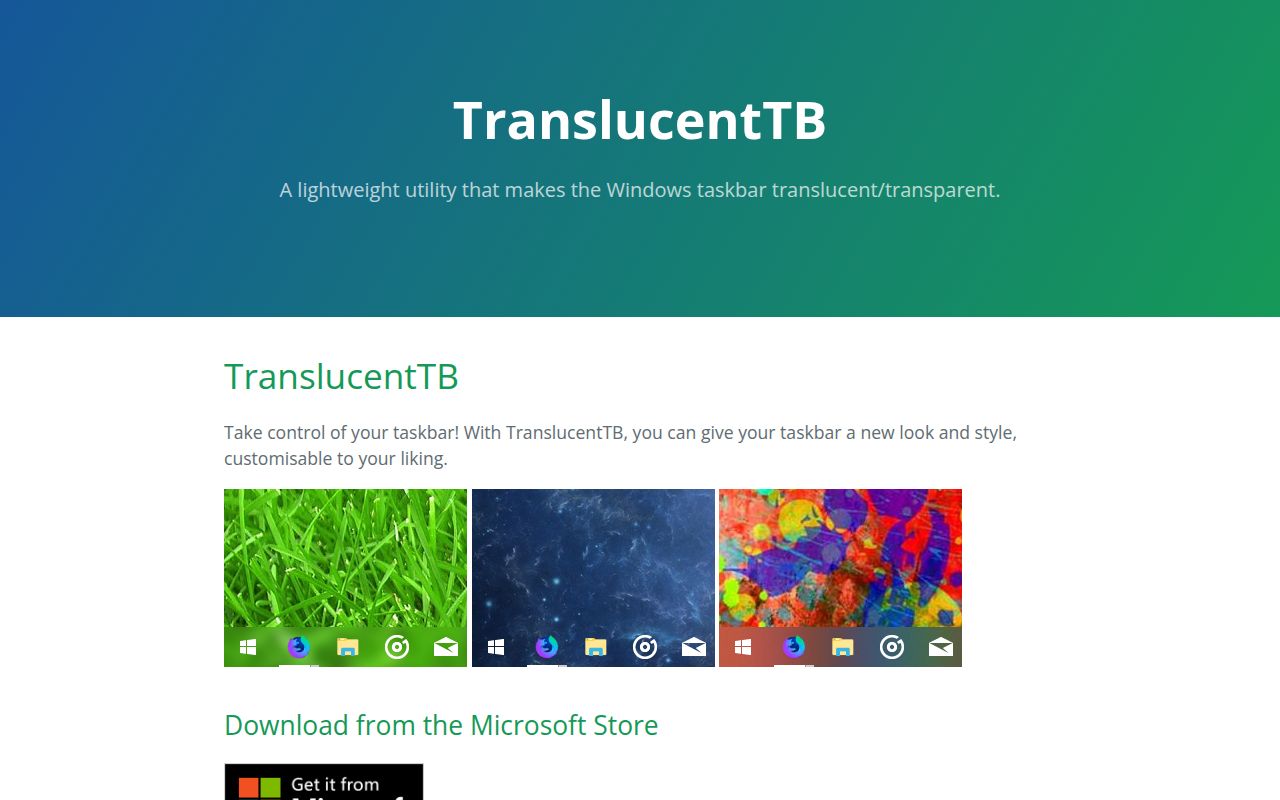
Version 2026.2 keeps the job to taskbar appearance
TranslucentTB 2026.2 changes one visible part of Windows rather than rebuilding the desktop. Its 5 taskbar states are Normal, Opaque, Clear, Blur, and Acrylic, each with color controls where applicable. The app can react when a window is visible or maximized, and when Start, Search, or Task View opens. That is enough to keep a clear desktop taskbar readable once a dark application fills the screen.
The contribution guide says there are no plans to expand beyond the taskbar. Windows 10 users can also show or hide Aero Peek by state, while Windows 11 users can control the taskbar line. The README lists compatibility with RoundedTB and ExplorerPatcher, giving people room to combine appearance changes without asking this utility to own the rest of Explorer.
What happened when we ran it
There was no sandbox run for commit d4636e4. The lab does not support the repository's C++ ecosystem, and the checkout has no Dockerfile that could supply a compatible environment. Its scheduled image is therefore listed as unavailable. No install command started, no build ran, and no tests executed in the 3-CPU, 8 GB, unprivileged sandbox. Any claim about speed, memory use, test success, or dependency health would be invented.
The missing result is a harness limitation, not a pass or failure. TranslucentTB is a native Windows taskbar utility, while the harness expected a supported package ecosystem or a Docker path. The repository does contain a Tests directory and uses Azure Pipelines according to its README badge, but neither fact supplies a result for commit d4636e4. A useful evaluation still needs a real Windows 10 and Windows 11 matrix.
Release 2026.2 installs three ways, but portability is Windows 11 only
Version 2026.2 is available through the Microsoft Store, an appinstaller from GitHub Releases, and a portable x64 ZIP. The Store route adds background updates. The portable build only works on Windows 11, so Windows 10 users need one of the installed forms. Bleeding-edge Azure Pipeline builds are also linked, with a direct warning that they may fail or contain incomplete features.
Starting with Windows is a tray-menu choice. If the option is unavailable, the README supplies 4 registry values under the system policy key. Portable users can instead place an executable shortcut in their Startup folder. These are manageable instructions for a personal PC, though a managed workplace may block Store software, registry changes, or unapproved startup programs. In that setting, deployment belongs with IT rather than an individual user's customization routine.
Windows 11 build 22000 is the stated limit for Blur
The effect list has an easy-to-miss compatibility line: Blur works on Windows 10 and Windows 11 build 22000 only. Clear, Acrylic, Opaque, and Normal remain separate choices. Anyone following a screenshot should confirm which state produced it and which Windows build is running. Microsoft changes taskbar internals between releases, and a visual tweak that works on one build may behave differently after an operating-system update.
Source builds are even more specific. The contribution guide calls for Visual Studio 2026, imports workloads from .vsconfig, and requires vcpkg integration from an administrator developer prompt. Developers should use the develop branch, while a straightforward source build uses release. The AppPackage project must be selected as the startup project. This is normal Windows application work, but it rules out a quick cross-platform compile.
Three open reports make secondary monitors the main trial case
Open issues 1321, 1345, and 1145 concern dual-monitor behavior. Issue 1321 gives a concrete Windows 11 25H2 example where Clear affects the laptop display but leaves the external taskbar unchanged. Release 2026.2 says it fixed cases where the app could not update taskbars on certain monitors. The issue remained open when checked, so multi-monitor owners should test sleep, display reconnects, maximized windows, and each taskbar before enabling startup.
Crash behavior also deserves a current-version check. Issue 1348 documents an access violation on Store release 2026.1 after periods ranging from about 1 minute to 90 minutes. Release 2026.2 says it made the app more resistant to re-entrancy and reduced crashes, but it does not name that report. Version 2026.2 contains crash work; issue 1348 describes the older build.
An August 2026 release and 327 issues show an active project
GitHub recorded 20,252 stars, 327 combined issues and pull requests, and a last push on August 31, 2026. Release 2026.2 shipped the same day with monitor fixes, resource-leak fixes, crash reduction, shutdown handling, and a shortcut for resetting dynamic state. Recent issue updates cover current Windows builds rather than an abandoned operating-system generation. The open count includes pull requests, so it is not a count of confirmed bugs.
Windows updates remain the compatibility risk because TranslucentTB works against a component that Microsoft changes. The 2026.2 release and current issue activity favor it over the archived RoundedTB and TaskbarX for transparency. ExplorerPatcher is the better alternative when the desired change extends beyond appearance. For TranslucentTB's one job, a short trial on every attached display is more informative than its large star count.