Twelve skills cover CAD, robot files, slicing, and print handoff
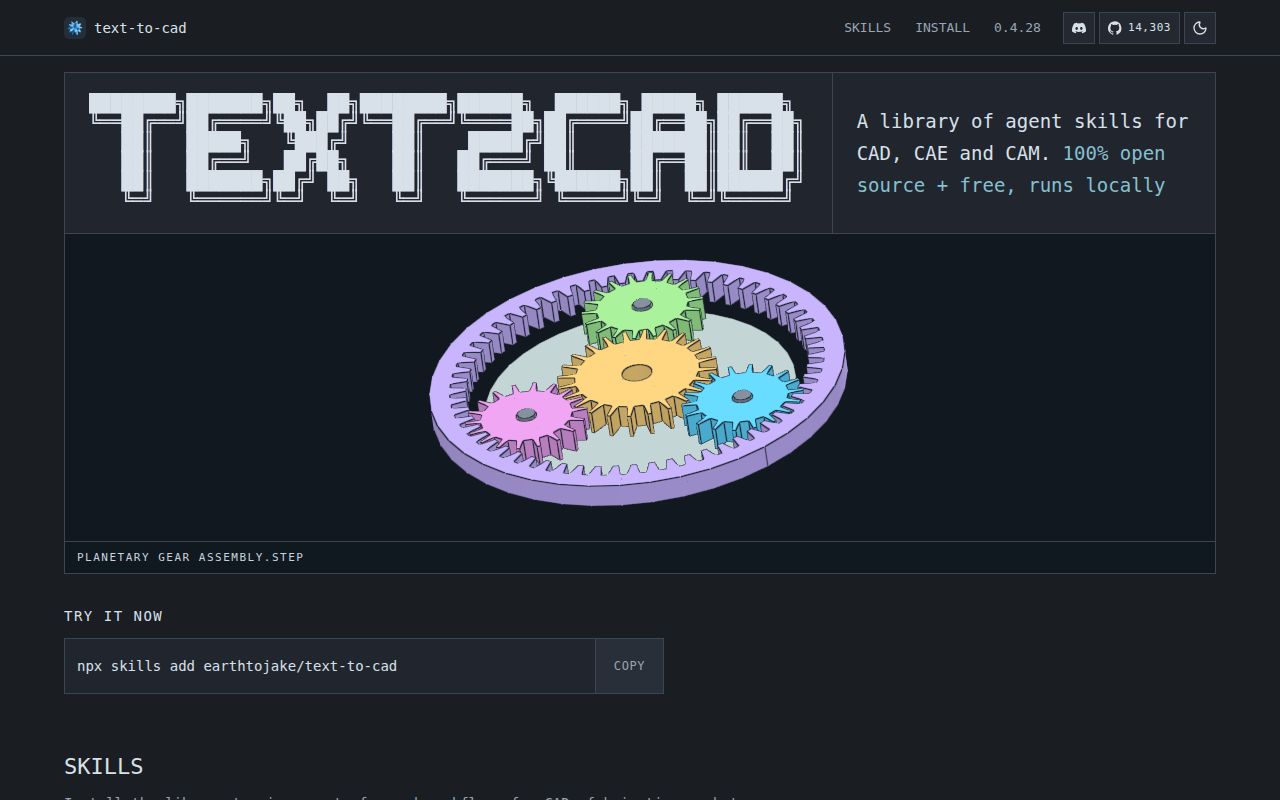
text-to-cad packages 12 named workflows rather than one text box. The central CAD skill creates and edits models. Companion skills handle a local viewer, off-the-shelf STEP parts, DXF drawings, URDF, SRDF, SDF, design-for-additive-manufacturing checks, FDM slicing, and Bambu Lab handoff. An experimental implicit-CAD skill uses signed-distance fields. The collection is useful when model files belong beside code and documentation in the same workspace.
That range explains the repository's size. Our checkout contained 1,055 files and about 305,043 lines of source in 20.3 MB. Generated viewer assets and copied runtime packages account for part of the volume, while production skills are designed to remain self-contained after installation. This is closer to a local engineering workbench for an agent than a thin set of prompt templates.
STEP remains primary, and visible edits require a snapshot
The CAD instructions make build123d Python the default editable source and STEP the primary exchange artifact. STL, 3MF, and GLB are secondary exports. An agent must write a brief, plan named parameters, generate explicit targets, inspect geometry, validate soundness, and snapshot the main STEP after a visible change. That process is much safer than returning whichever mesh happens to render.
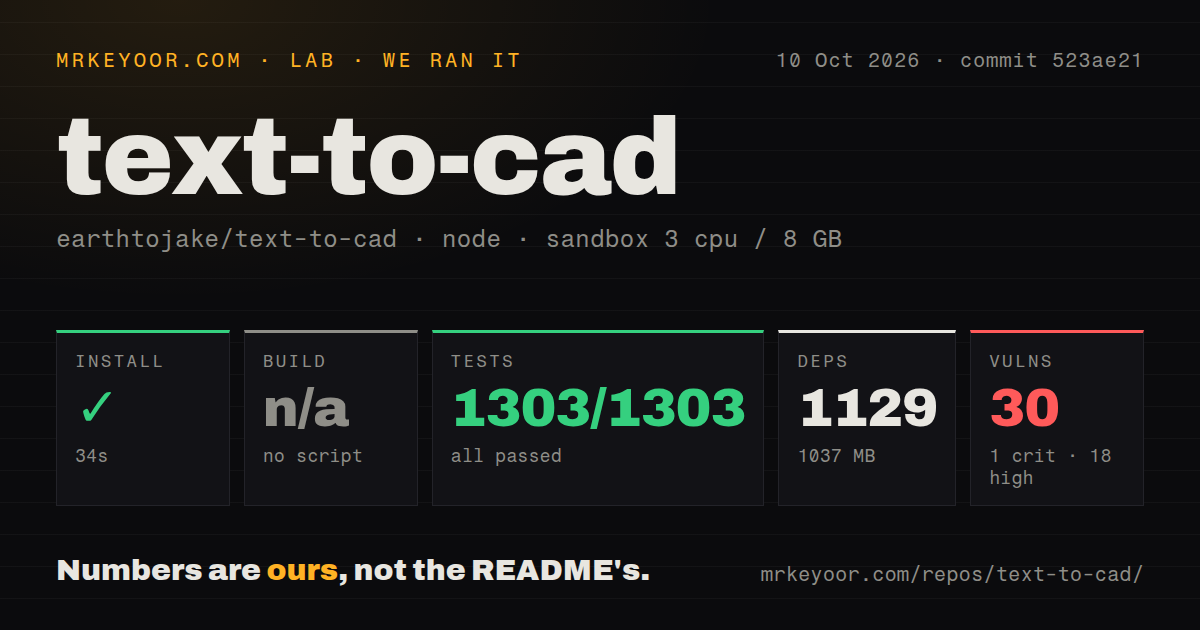
The local toolchain is substantial: our measured skills/cad install added 87 packages and occupied 1,561 MB. Commands cover generation, export, inspection, snapshots, and debugging render packages. Machine-readable output stays on standard output while progress and failures go to standard error, which gives an agent a clean boundary for deciding whether a build actually succeeded.
The rules also distinguish a resolved selector from valid geometry. A reference such as a face or edge can resolve even when a shell is open or a solid is inverted, so the workflow calls for a separate validity check. Assemblies add named datums, source-level joints, explicit placements, and alignment checks. These details show that the author understands where plausible-looking generated CAD can go wrong.
What happened when we ran it
Our fresh unprivileged Debian sandbox, with 3 CPUs and 8 GB of RAM, installed the project under skills/cad in 53 seconds. The install pulled 87 packages and consumed 1,561 MB. Building it succeeded in 6 seconds. Pip-audit reported 0 known vulnerabilities in the installed Python environment at commit 0e94cd1.
There was no tests script or target, so the lab skipped tests rather than inventing a command. Our project-level scan also found no tests directory under the measured scope. A successful 6-second build proves that the configured build completed; it does not prove that a generated bracket has the requested hole spacing or that an assembly clears throughout its motion.
The checkout had 4 CI workflow files and no Dockerfile. That leaves runtime consistency to the documented Python requirements and the provider's skill installation path. The absence of a container is understandable for tools meant to act inside an existing workspace, but 1,561 MB of installed dependencies deserves a pinned environment if several developers must reproduce the same geometry.
Natural-language CAD still needs dimensions and engineering review
The skill supplies defaults for units, axes, common clearance holes, small enclosure walls, and cosmetic fillets. It asks a focused question when missing information affects fit, safety, or compliance. Otherwise, the agent proceeds with stated assumptions. That policy keeps routine work moving, though a user must read those assumptions before machining or printing anything. A polished snapshot cannot recover a dimension that was never specified.
The 20.3 MB checkout includes inspection and visual-review machinery because generated geometry needs more than a successful script exit. The agent measures requested relationships, checks solids, renders snapshots, repairs the smallest responsible source section, and repeats failed checks. The handoff is supposed to include paths, viewer links, snapshots, assumptions, and the validation that ran. Buyers should judge the project by that loop, not by the demo animation alone.
Certification and analysis boundaries are stated plainly. The CAD skill excludes FEA conclusions, engineering certification, architectural BIM, and CAM toolpaths. Its G-code workflow is for supported FDM slicing, not general machining. Those limits make text-to-cad a prototyping and file-production aid. A qualified engineer still owns material selection, tolerances, loads, machine setup, and the final decision to fabricate.
Codex 0.142.0, Claude Code, and Grok have native install paths
The README documents a generic Skills CLI plus provider-specific plugins. Codex needs version 0.142.0 or newer for repository-root plugin discovery; older versions may skip it without an error. Claude Code has marketplace commands, and Grok Build reads the existing Claude marketplace manifest. Local contributors can symlink skills into Codex, Claude, Gemini, universal agent directories, or the current project.
September pushes and 17 pull requests show active development
GitHub recorded a push on September 4, 2026, and release 0.4.28 was published on August 26. The repository had 14,308 stars and 17 combined issues and pull requests when fetched. A search found 0 open issues, while the pull-request endpoint returned 17 open changes, including work on version 0.5.0, viewer editing, collision analysis, and optional FEA. Open proposals are not shipped features.
The measured project had 4 CI workflows but no callable test target in skills/cad, which holds maturity at a cautious score despite the fast release pace. The instructions themselves demand better evidence than many agent skills: source, STEP, numeric inspection, a snapshot, and an explicit handoff. If your team will review all of that, text-to-cad is worth the 1,561 MB install. If the plan is to send the first generated file straight to a machine, it is the wrong tool.