A secret address replaces the account and control plane
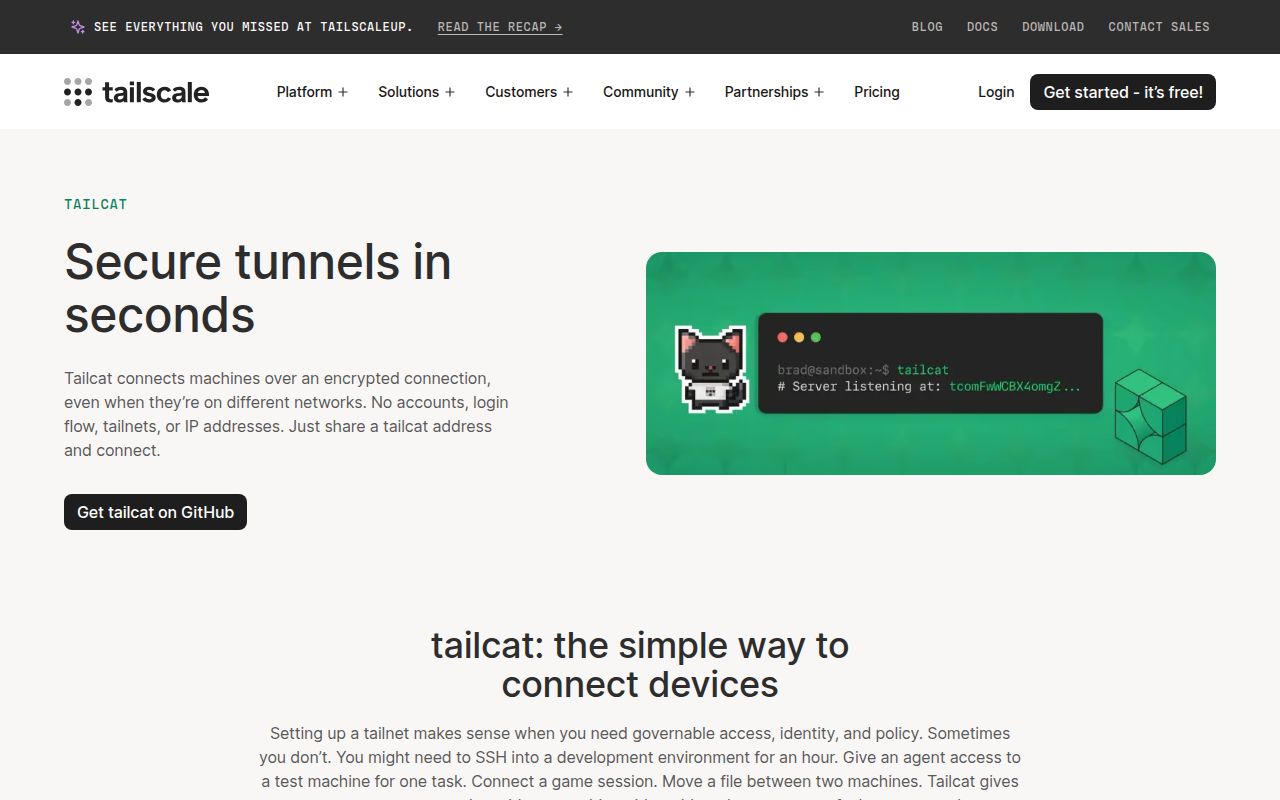
Tailcat takes Tailscale's encrypted data path and removes device enrollment. One machine starts a listener and prints a tailcat address. The other receives that string through some private channel and connects. Both peers begin through a DERP relay, then try to establish a direct UDP path. If hole punching fails, traffic can remain on the relay. No Tailscale account, administrator access, route change, or DNS change is required.
That address carries the server's WireGuard public key, a separate path-discovery key, DERP information, and by default a 256-bit pre-shared key. It is therefore a bearer credential, not a harmless hostname. An ephemeral server discards its key when it exits, which makes the address good for one run. A saved key creates a stable address, but everyone who received it can try future servers using that key unless you add --allow.
One binary covers pipes, ports, SSH, files, and tests
The simplest mode behaves like netcat: stdin on one machine becomes stdout on the other. The same CLI can expose or forward TCP ports, open a browser through a local forward, proxy through SOCKS5, run an SSH service, execute a fixed command per connection, and offer an exit node. It can also report whether traffic is direct or passing through DERP. That is a wide toolbox for an executable with no system routing changes.
File handling is more considered than a raw socket copy. recv creates a write-only drop box, while serve files offers a directory over SFTP in read-only or read-write mode. Paths stay inside the selected directory through Go's os.Root. Transfers are not compressed, so a large compressible folder should be packed first. tailcat cp also depends on the system scp, while tailcat ls speaks SFTP itself.
What happened when we ran it
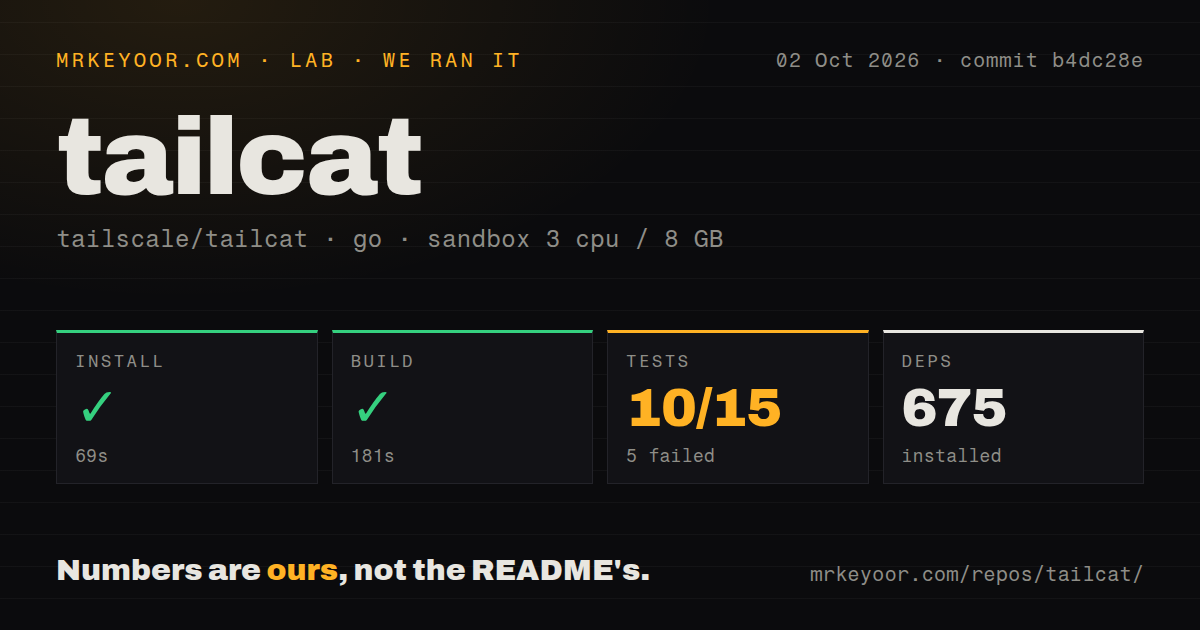
Our sandbox installed commit b4dc28e in 69 seconds and resolved 675 Go packages. The build then succeeded in 181 seconds. We used an unprivileged Debian container with 3 CPUs, 8 GB of RAM, Go 1.24, and no secrets. The checkout held 101 files, about 19,818 lines of source, and occupied 0.7 MB before installation.
The tests failed after 87 seconds. The supplied result counted 10 passed and 5 failed out of 15. Its final lines named TestServeSSHExec, TestServeNoAuthSSHExec, TestRecvDropBox, and TestCPRoundTrip, then marked github.com/tailscale/tailcat/cmd/tailcat as failed after 51.336 seconds. The log tail did not name the fifth failed outcome or show causes, so attributing the failures to networking, missing tools, or the sandbox would be guesswork.
Other packages did finish cleanly in that same log. internal/buildtags, internal/localhostdns, internal/perf, web, and webdemo each reported ok. The repository scan found 5 CI workflow files, no Dockerfile, and no dedicated tests directory. Those signals do not cancel the failed command. They show that most of the reported trouble was concentrated in the CLI package during our run.
Public DNS turns the address into public information
Tailcat can resolve an address from a DNS TXT record, but DNS is world-readable. Publishing the address removes possession as an authentication test. The README tells operators to restrict the tunnel with known client keys or require SSH public keys, and it warns never to publish a no-auth-ssh address. Version 0.7.0 added a probe that refuses a DNS-named SSH destination if a stranger can obtain a shell, unless the user bypasses the check.
The unauthenticated SSH mode deserves the blunt warning. Anyone holding its tailcat address gets a shell as the user running the server. For a private, single-use support session that may be an acceptable trade. For a saved address, ticket attachment, CI log, or DNS record, it is dangerous. Public-key SSH and tunnel-level allowlists exist for the cases where the endpoint must outlive one private exchange.
Browser traffic remains relayed, and CLI UDP forwarding is absent
The experimental WebAssembly demo can exchange files or text with the CLI, but browser traffic stays on DERP. Issue 4 tracks WebRTC support for direct browser connections. Public tailcat DERP relays are rate-limited, so that distinction affects more than network elegance. A browser transfer cannot currently upgrade to the direct path that desktop peers usually attempt.
UDP support is uneven. Version 0.7.0 added UDP forwarding for exit-node servers, and the Go library exposes UDP pieces. Open issue 122 says the ordinary serve and forward commands still lack the UDP route needed by tools such as mosh. If your workload is DNS or QUIC through an exit node, the release covers it. If it is a locally forwarded UDP port, the requested CLI interface is still open.
Version 0.7.0 is active, but stability is explicitly best effort
GitHub showed 7,990 stars and 25 open issues and pull requests on October 2, 2026, split into 14 issues and 11 pull requests. The last push was September 29, nine days after v0.7.0 was published. That release added UDP exit-node flows, Windows loopback fixes, older OpenSSH compatibility, browser forwarding, fixed-command services, Android work, and the DNS SSH safety probe.
The project still promises no stability for its Go API, CLI flags, output, or wire format. Its free public relays have no uptime agreement or throughput target and may be withdrawn. You can run a DERP relay yourself, which removes dependence on the shared service but makes availability your job. Tailcat is a sharp tool for temporary, supervised access. Our 5 failed test outcomes are the reason to validate the exact command you plan to trust before handing it a shell or deployment path.