SwiftUI Pro gives an agent a specific review checklist
An icon-only button is an easy mistake for a coding assistant to repeat. SwiftUI Pro's accessibility notes tell the agent to keep a descriptive text label available to VoiceOver even when the visible control is just a symbol. That is the useful scale of this project: named SwiftUI mistakes, explained close to the code an assistant might change. It gives you more pointed review instructions than asking a general model to improve an entire app.
The README calls the skill SwiftUI Pro and supports several assistants through the Agent Skills format. Release 2.0.0 adds guidance for newer Apple platforms and incorporates advice from Apple's skills, according to its release note. These are instructions and reference files. Their presence does not establish how often a model obeys them, how many defects it catches, or whether an app built from its suggestions will compile.
What happened when we ran it
We did not run SwiftUI Agent Skill at commit f980071 on October 9, 2026 because our harness found no supported ecosystem, GitHub reported no primary programming language, and the repository had no Dockerfile. The prepared sandbox had 3 CPUs and 8 GB of RAM, was unprivileged, and held no secrets. There are no install timings, build results, test counts, or dependency-audit findings to report for this project.
That leaves a clear evidence boundary. Our lab block records a clone and a decision not to execute the repository. It offers no comparison between an unassisted model and a model using SwiftUI Pro, and no Apple-platform application result. The recommendation here comes from reading the review procedure and its reference material. Anyone buying into the promise of better generated code should evaluate that promise on the app and assistant they actually use.
Partial reviews load only the relevant reference files
The main instruction file separates API advice from navigation, data flow, accessibility, and other review topics. It tells the assistant to load only the relevant references for a partial review. Deeper performance material stays outside routine reviews unless requested or needed for an established problem. That is a sensible restraint for an engineer trying to fix a specific view without inviting a rewrite of neighboring features.
The 2.0.0 instructions also tell an agent to complete requested feature work and suggest unrelated modernization separately. Findings should identify a file and line, name the violated rule, and show a brief correction. This gives you something concrete to accept or reject in code review. It remains a prompt-level boundary: read the proposed diff before merging it, especially if your assistant has permission to edit files rather than merely report findings.
New API guidance needs your actual deployment target
The repository's 2.0.0 instruction file targets Swift 6.4 or later and makes specific claims about iOS 27 and Xcode 27.1. Its README badges still advertise iOS 26 and later. Treat those statements as the skill's declared assumptions, then check them against your available SDK and project target. The main file explicitly says to preserve an existing deployment target and use availability checks for version-specific runtime APIs.
An availability guard cannot teach an older SDK a declaration it does not recognize, a limitation the instructions themselves explain. That makes this a less comfortable default for a legacy app unless someone reviews the references against the supported toolchain. The October 9 lab block contains no Apple SDK execution that resolves this question. A Linux clone cannot tell you whether a proposed SwiftUI API exists in the SDK your release process uses.
Accessibility advice is inspectable, helper correctness is still disputed
The accessibility reference gives concrete directions for Dynamic Type, meaningful VoiceOver labels, and Reduce Motion. It prefers buttons over generic tap gestures when button behavior is intended. Those checks are useful because a screen can look correct while a screen-reader user cannot identify its actions. You can inspect the rules before giving an assistant access to a large application, then ask for a narrow accessibility pass.
Open pull request 25 reports that a ReorderDifference helper in the views reference preserves collection order instead of selection order. Its example moves C and A together and shows the discrepancy. That is a contributor's report, not our reproduced result, and the proposed fix remained open when fetched. It is a concrete reason to review copied helpers rather than assuming instructional examples are correct because they accompany good advice.
Installation scope determines which projects inherit the rules
The README documents an npx-based skill loader and a separate Claude Code marketplace route. The loader can target one project or all projects and lets you choose assistants. It also explains the Node and Homebrew prerequisites for that route. We have no measured installation result from October 9, so these remain documented setup options. The skill itself adds no model service, but you still need an assistant and its usual access arrangements.
Project-local scope is my choice for a first trial. It keeps SwiftUI-specific rules attached to the repository where they make sense and gives reviewers a visible version to discuss. SwiftAgents is a simpler alternative if you want one editable AGENTS.md file. AvdLee's SwiftUI skill is another reference-based option to compare against your conventions, rather than collecting overlapping instruction sets indiscriminately.
October maintenance is active, with open correctness questions
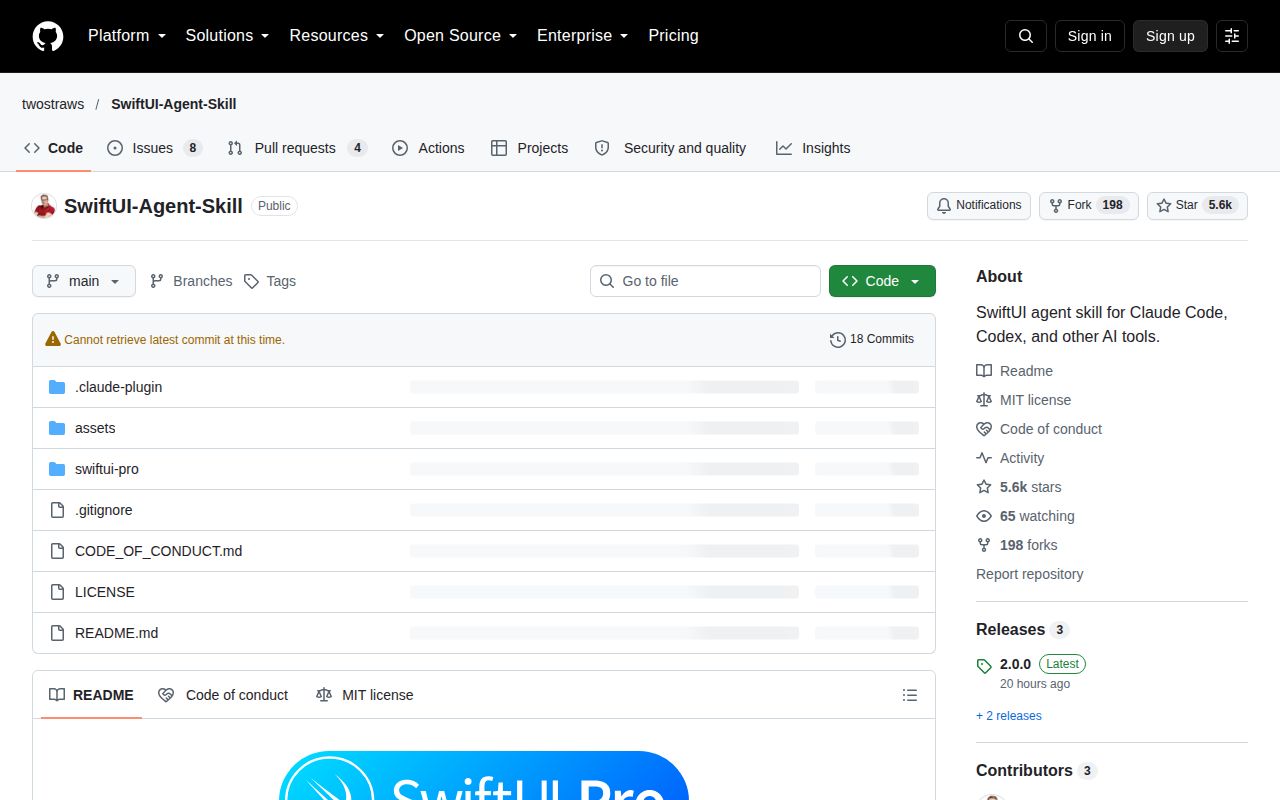
The last push was October 7, 2026. GitHub listed 5,635 stars and 12 open issues and PRs, while release 2.0.0 appeared on October 9. Recent discussion includes the reorder-helper report and an updated issue about nested skill copies. Those dates show current attention, though the combined queue is not a bug count. Use SwiftUI Pro for bounded reviews you can judge yourself. Start with one screen's accessibility findings and keep each proposed change tied to a behavior you can verify.