Sure needs an application trial before a data migration
Sure's self-hosting documentation gives operators several things to check before importing financial history: worker email, backup coverage and optional external assistant access. Our dependency check did not verify those operations. Sure is a candidate for a contained trial if you are prepared to administer the application, its database and its background worker.
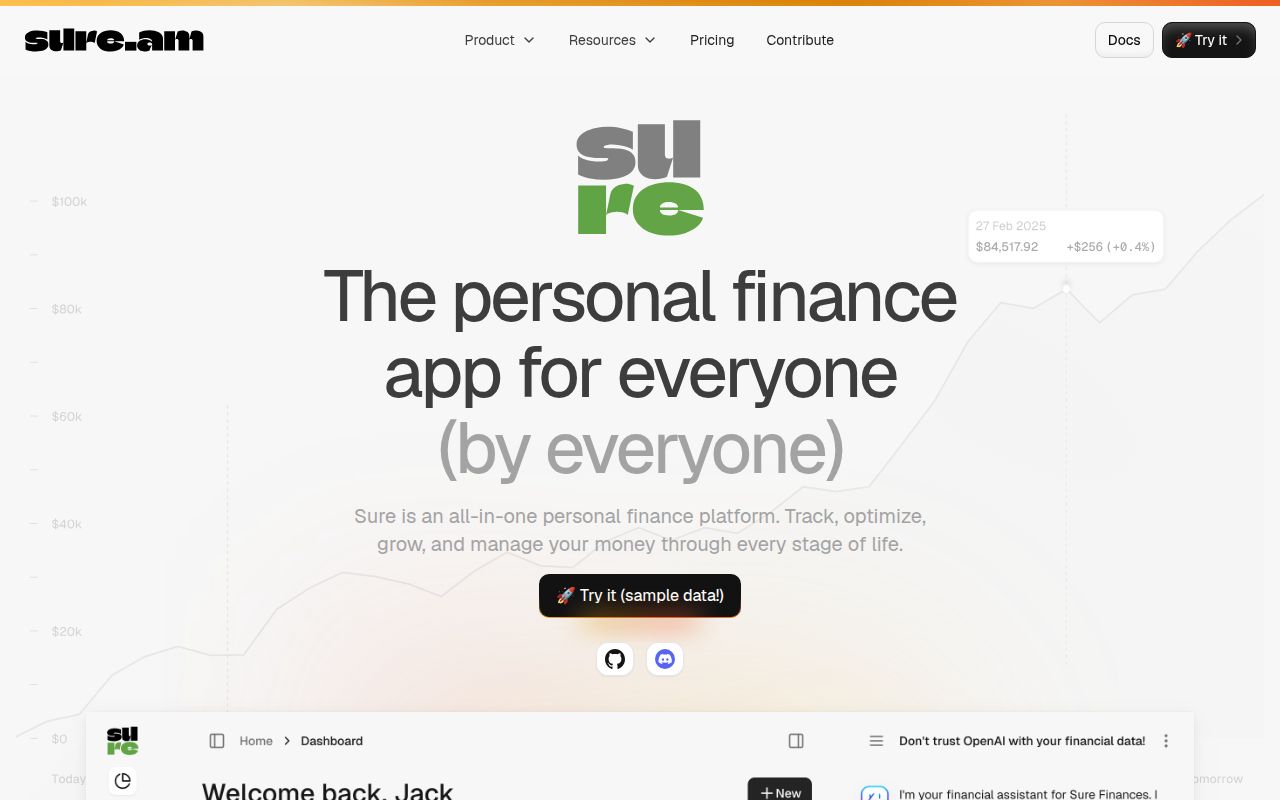
The Sure README identifies it as a community fork of Maybe Finance and describes Docker self-hosting and browser access. That makes it relevant to former Maybe users, but the supplied evidence does not establish migration compatibility with an existing Maybe deployment.
What happened when we ran it
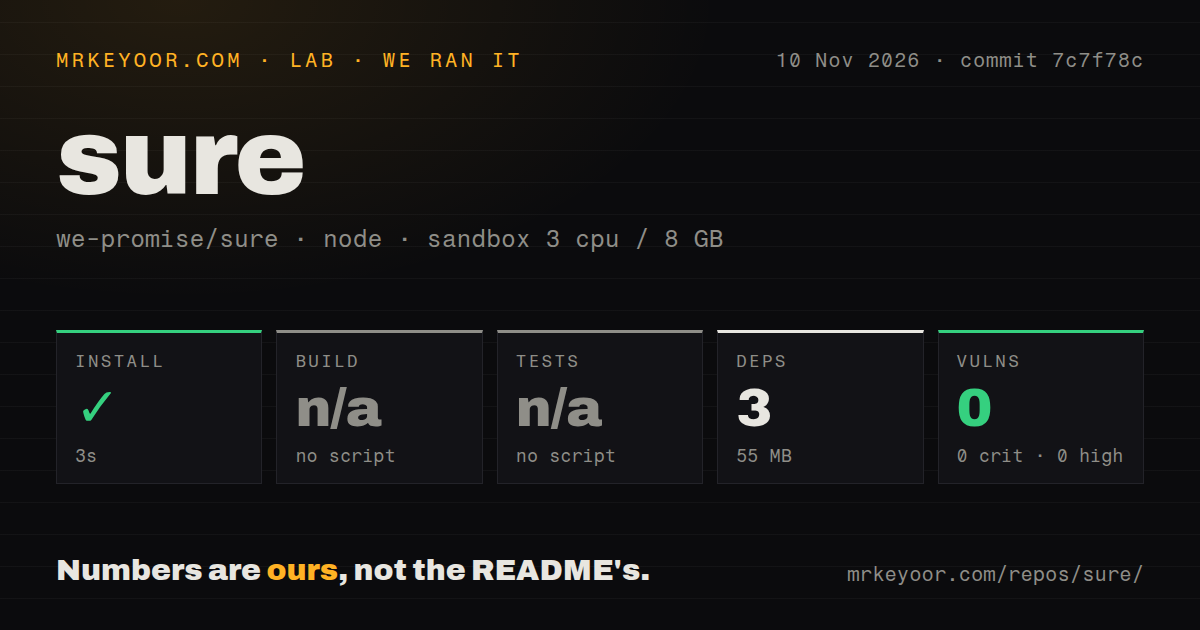
At commit 7c7f78c on 2026-11-10, npm installation completed in 3 seconds, recording 3 dependencies and 55 MB on disk. Build and tests were skipped because no corresponding script or target was found. A skipped step supplies no passing-test result, and a missing npm target does not establish that the Ruby application lacks tests or a build process.
The sandbox configuration recorded 3 CPUs, 8 GB RAM and image lab-node:22. Actual runtime and operating-system versions were not established. The checkout scan recorded 7,962 files, roughly 535,109 source lines and 40.3 MB, with 17 CI workflow files, a Dockerfile and a tests directory. Those are repository observations, not successful workflow runs.
npm audit recorded 0 known vulnerabilities, with 0 critical, high, moderate or low advisories. That result applies to the recorded npm scope. It does not establish the security of the Ruby application, container images, database or integrations. We did not verify application startup, migrations, financial workflows, bank synchronization or recovery from backup.
Follow the hosting route, then check the worker
The Docker hosting guide recommends Docker Compose. The README's contributor requirements separately list Ruby, PostgreSQL and Redis. Neither document turns the measured npm footprint into a deployment size estimate.
The supplied documentation comes from main-branch URLs. Its correspondence to measured commit 7c7f78c is unknown, so the following points describe that documentation rather than verified behavior at the measured revision. Before deploying a chosen version, check the instructions that apply to it.
The hosting guide covers SECRET_KEY_BASE, database credentials and HTTPS proxy configuration. It says the container serves plain HTTP and explains the Rails setting used when a proxy terminates HTTPS. Our run did not verify the resulting proxy configuration or access controls.
Email goes through an SMTP server you provide, and the worker sends it. The guide explains that Compose uses .env for interpolation but does not automatically pass the whole file into containers. As an acceptance check, request a password-reset message when password sign-in is enabled and confirm that the worker delivers it. We did not perform that check.
Check what the backup includes
Sure's hosting guide says uploads stored in an external bucket are excluded from its included backup. It says uploaded files are backed up from the app-storage volume and recommends provider versioning or replication for bucket storage. If you use external storage, account for those files separately in your recovery plan.
The guide also states that the backup configuration contains SECRET_KEY_BASE and API keys, and that encrypted database data cannot be read without SECRET_KEY_BASE. Protecting the archive and retaining the secret are therefore part of recovery planning.
Our recommendation is to isolate a restore trial from the live instance and use disposable records before relying on the backup. Check that the restored data and expected attachments are present. We did not perform a restore, and the supplied extracts do not establish a specific warning about running restored and original workers together.
Decide separately about external AI
The hosting guide says the external assistant delegates chat to a remote AI agent. That agent calls Sure's MCP endpoint for financial data, including accounts, transactions and the balance sheet. Configuration includes agent credentials and an MCP token associated with an existing Sure user. Evaluate that data connection separately from the core deployment.
The guide describes a Pipelock proxy in the AI Compose configuration, but says the example does not enable TLS interception and cannot read encrypted HTTPS bodies. It also says Docker Compose does not prevent a client from bypassing the proxy. Those documented limits matter when deciding what protection the example provides. We did not evaluate assistant traffic or MCP authorization.
Compare the workflow you need
Actual Budget describes itself as a local-first personal finance tool. Its README documents synchronization, local-only desktop applications and an envelope-budgeting approach. Inspect it if those choices fit how you want to manage a budget.
Firefly III documents budgets, categories, tags and financial reports. Its README explicitly says it has no AI. Inspect it if those bookkeeping tools match your needs. We did not compare either application's behavior or deployment effort with Sure.
Documentation receives 4/5 for the supplied material's coverage, not for verified operation. The coverage rubric is: 1 for missing basic setup instructions; 2 for partial setup instructions; 3 for an explained setup route; 4 for that route plus concrete operational boundaries; and 5 for coverage independently corroborated across the assessed routes. Sure's guide explains setup and addresses worker email, proxy settings, external-storage exclusions and AI proxy limits. Those operations were not reproduced, so it does not earn 5. Setup ease, community support and maturity remain unassessed.
Before moving financial history, demonstrate the import and recovery path you intend to use. Add an external assistant only after deciding whether its access fits your requirements.