Release 2.4.1 made RustScan usable as a library
RustScan has a narrow job: make the first TCP pass quick, collect the open ports, and feed them into Nmap. Nmap still handles service versions, operating-system clues, and NSE scripts. RustScan cuts the waiting before that work begins. You can also send results to Python, Lua, or shell scripts, and release 2.4.1 added a Rust library for embedding the scanner in another program.
The README says it can cover all 65,535 ports in 3 seconds at its fastest. We did not benchmark network scanning, so that is the project's claim, not our result. Its own usage guide supplies the more useful warning: the default rate is 3,000 ports per second, which can stress a sensitive server and make the scan conspicuous enough to get your IP blocked. This is a speed tool for authorized targets, especially CTFs and lab networks.
The 8-second install was simpler than the documentation suggests
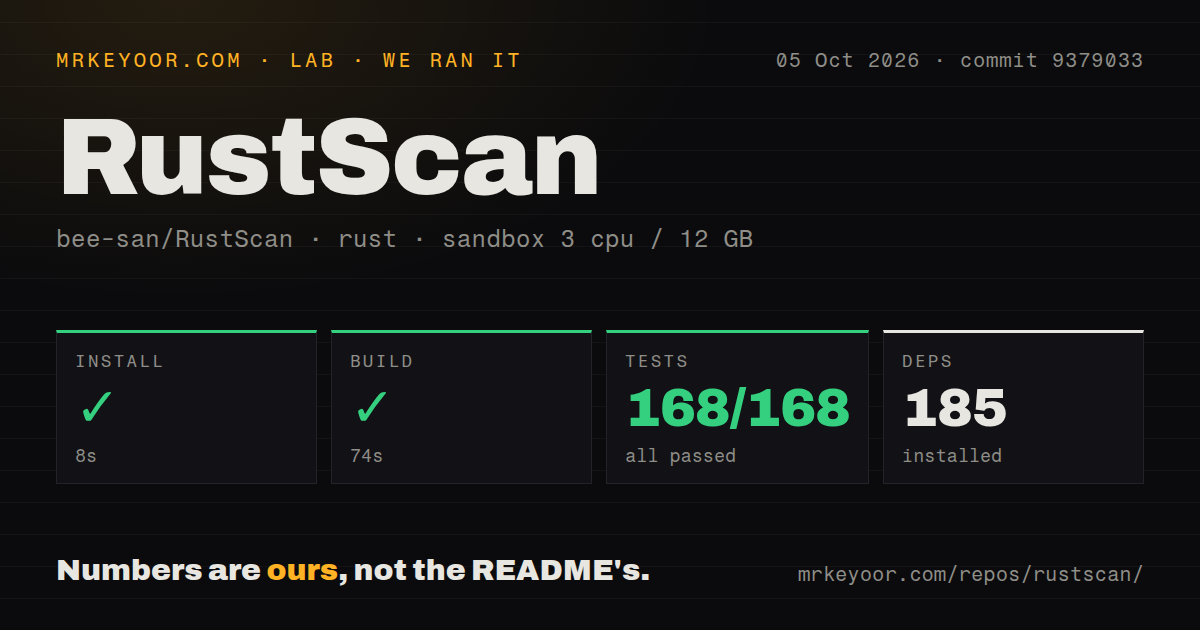
Our commit 9379033 checkout contained 77 files, roughly 5,763 lines of source, and occupied 3.9 MB. Installing its Rust dependencies took 8 seconds and pulled 185 packages in a fresh Debian container. The main README prefers system package managers but says Cargo is the only officially supported installation method. Building from source therefore means having a Rust toolchain, even if Homebrew or an operating-system package is available.
The normal workflow also expects Nmap. RustScan needs no account, external service, or credential, but it does not duplicate the inspection stage that makes Nmap useful. A home-directory TOML file can hold addresses, port sets, batch size, timeout, scan order, file-descriptor limit, and Nmap arguments. Command-line flags override those defaults, which is handy when a cautious production scan needs different settings from a disposable CTF target.
What happened when we ran it
Our sandbox installed commit 9379033 in 8 seconds, built it in 74 seconds, and completed cargo test in 19 seconds. All 168 tests passed with zero failures. The container supplied 3 CPUs and 12 GB of RAM, ran without elevated privileges, and contained no secrets. Those results cover installation, compilation, and the repository's test suite. They do not measure scan speed, accuracy, or behavior on a live network.
The repository had a tests directory and 3 CI workflow files. It did not have a Dockerfile. That absence matters because the installation wiki still calls Docker the recommended method and tells readers they can build the Alpine Dockerfile from the repository. Release 2.4.1 says the Dockerfile was removed, so the release history explains the mismatch, but a new user can still follow the wiki into a dead end.
The 3,000-port default can trade accuracy for speed
RustScan opens many connections together, and the documented default is 3,000 ports per second. The usage guide says to lower the batch size or raise the timeout when that rate is too aggressive. Its speed-and-accuracy page also warns that high batch sizes and short timeouts can produce false negatives as the operating system runs into I/O limits. A quick empty result is not automatically a clean host. Your timeout and file-descriptor ceiling are part of the scan.
Docker is recommended in the wiki partly because its open-file limit avoids common host tuning. Yet our 3.9 MB checkout had no Dockerfile, and the wiki names old image tags in duplicated sections. A package-manager binary or Cargo install is the clearer route today. On macOS, the same wiki warns that the small default file limit hurts RustScan, so expect either host tuning or a container with networking configured for the actual target.
Issue 825 leaves SOCKS5 support undocumented
Open issue 825 asks how to use RustScan through SOCKS5 after system proxy variables on macOS had no effect. The documentation offers no proxy setup. If every outbound connection must traverse a proxy, do not assume RustScan will fit that boundary. Test the route before adopting it, or choose a scanner whose proxy behavior is documented. The issue was still active in August 2026.
Windows deserves a separate check. Open issue 513 shows the documented custom Python script failing on Windows 10 with an operating-system error saying the file could not be found. The report remained open after an August 2025 update. Basic scanning may still suit a Windows user, but a workflow built around custom scripts should prove the exact interpreter and script path before depending on it.
An October push matters more than the older release tag
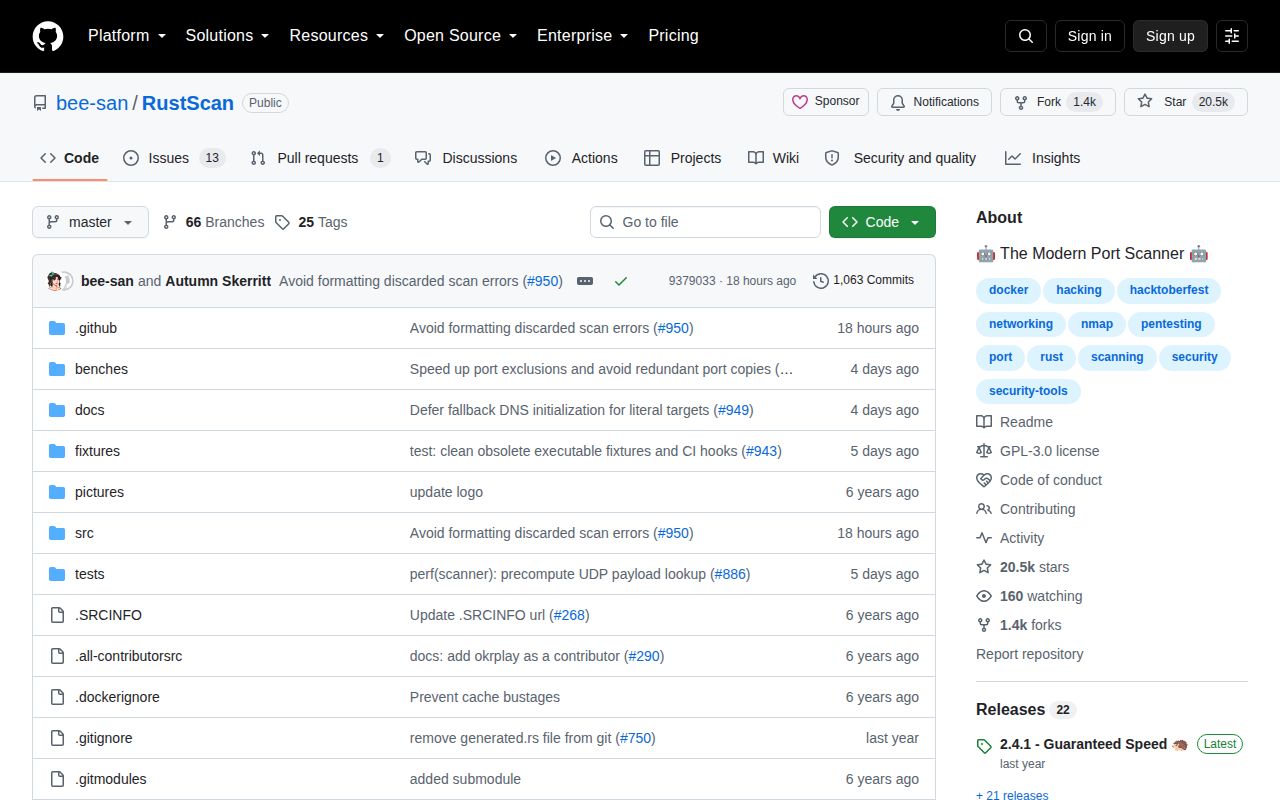
GitHub showed 20,505 stars and 14 open issues and pull requests, with the repository pushed on October 5, 2026. The newest tagged release was 2.4.1 from February 2025. That gap alone does not make the project abandoned because current branch and issue activity continued into 2026. It does mean package users should compare their packaged version with the repository state instead of reading the release date as the whole maintenance story.
RustScan earns its place when the problem is specifically Nmap's discovery wait. Our 168 passing tests make the codebase easier to trust than the stale Docker directions, but tuning still decides whether a fast scan is useful. Keep Nmap installed, start below the aggressive defaults on unfamiliar networks, and treat a suspiciously empty result as a reason to raise the timeout before declaring the host quiet.