rrweb records browser events instead of video frames
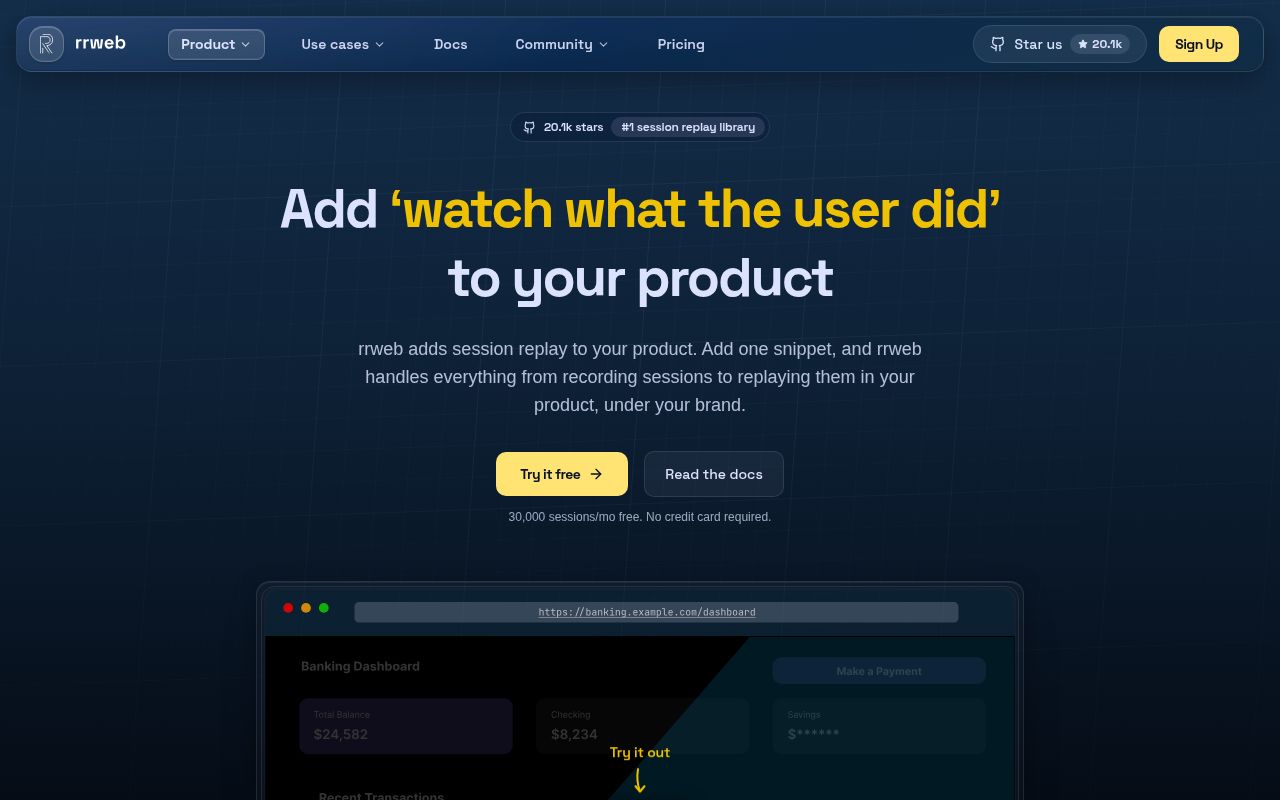
rrweb takes an initial DOM snapshot, assigns nodes identifiers, and records later mutations and user interactions. Replay rebuilds the page and applies that event stream in order. The repository separates snapshotting, recording, replay, and the rrweb-player interface. That structure suits a team that wants inspectable web events, live replay, or a player it can customize, without turning every session into a screen-capture video.
The library stops before the hardest backend work begins. Its guide shows an emit callback collecting events, then sending them to an application endpoint every 10 seconds. You choose how to authenticate that endpoint, partition tenants, store sessions, expire data, and authorize viewers. Our measured checkout was only 12.6 MB with 588 files, yet the installed development tree grew to 2,000 MB. The code is a component; the operational system around recorded user data is yours.
New projects should use two scoped packages
The original rrweb npm package remains for compatibility, but its package README now marks it deprecated. New applications are directed to @rrweb/record and @rrweb/replay; @rrweb/all supplies one convenience import. Recorder and replayer normally live on different pages or applications. rrweb-player adds pause, speed, and timeline controls, while the lower-level replay package leaves interface decisions to its caller.
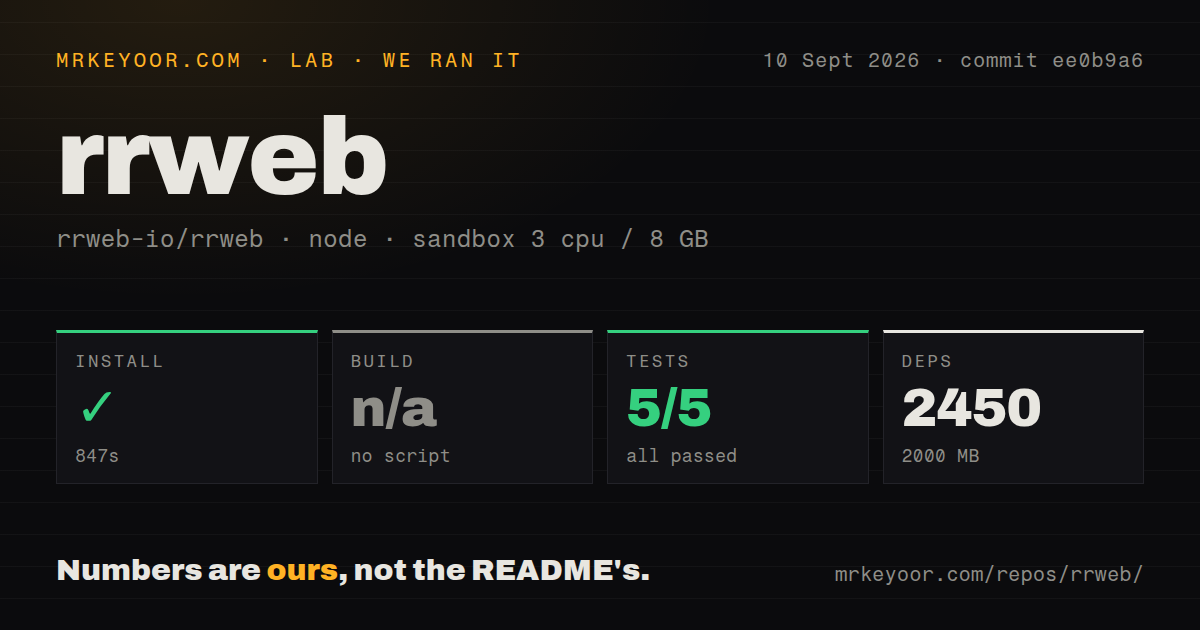
That package split is sensible for production bundles, but it does not make repository development light. Our install pulled 2,450 packages and used 2,000 MB on disk for a TypeScript workspace with about 51,527 source lines. The root uses Yarn workspaces and Turbo. Contributors can run a browser REPL or live mirroring mode, and the contribution guide documents a separate WebKit lane because its browser binary and Linux system libraries are outside the regular test path.
What happened when we ran it
Our sandbox installed commit ee0b9a6 in 847 seconds. Yarn added 2,450 packages, and dependencies occupied 2,000 MB. The lab's build step found no build script or target and was skipped. Those figures came from a fresh unprivileged lab-node:22 container with 3 CPUs, 8 GB of RAM, and no secrets, rather than from a timing quoted by the project.
The test command reached our 900-second cap. Vitest had reported 5 passed and 0 failed out of 5 before the timeout, so the observed tests were green but the requested test workflow did not finish. The last log lines show several package prepublish tasks completing. They then show @rrweb/record:test starting yarn build && vitest run, which entered a Turbo prepublish run with remote caching disabled. The tail contains no failed assertion.
The measured repository had 5 CI workflow files, monorepo workspaces, no Dockerfile, and no top-level tests directory. These are layout signals, not claims about the quality of tests stored beside packages. The 900-second timeout is still the useful contributor finding: a clean, serial root test run can exceed a 15-minute automation budget even when Vitest has reported no failure. Teams should identify the package lane they change and reproduce the relevant browser coverage.
Passwords are masked, while other inputs need a policy
rrweb documents several privacy controls: blocked elements become placeholders, ignored elements omit input events, and masked elements replace their text. Password fields are masked by default. The broader maskAllInputs option defaults to false, so deploying the recorder across account, billing, health, or support pages requires an explicit inventory of sensitive fields and rendered text. A CSS class can help, but a regression in markup can also remove that protection.
Recorded events need the same treatment as sensitive logs. The 2,000 MB development install does not include a production event store, deletion jobs, encryption policy, or access audit. Build those controls around the callback before enabling capture. Test masking against the rendered application, including error messages and autofilled fields. If support agents will view replays, scope access to the customer and incident they are handling rather than exposing a searchable library of every session.
Canvas and cross-origin frames are off by default
The guide sets both recordCanvas and recordCrossOriginIframes to false. Cross-origin iframe support also requires rrweb to be injected into each child frame. On replay, enabling UNSAFE_replayCanvas adds allow-scripts to the replay iframe and opts out of the documented script-execution sandbox protection. Applications with payment frames, embedded editors, games, or canvas charts should prototype their exact page before promising a complete replay.
Current issue 1937 shows why DOM fidelity needs application-specific tests. The report says versions 2.0.1 and 2.1.4, plus the main branch, can strip attributes from an inlined responsive image that has both srcset and rr_dataURL. The resulting replay can lose style, class, alt text, and sizing. A linked pull request proposes a focused fix. Until the release you use contains it, responsive-image pages deserve a replay check instead of an assumption based on ordinary images.
Version 2.1.4 shipped two days before this review
GitHub listed the latest release as rrvideo@2.1.4, published September 8, 2026. The repository was pushed again on September 10 and had 20,145 stars with 418 open issues and pull requests combined. Same-day work covered bundle reporting, replay correctness, mutation handling, and other browser details. That activity supports continued maintenance, while the combined queue warns that browser edge cases remain a permanent part of owning session replay.
rrweb is the right level of abstraction when your differentiator is what happens after the browser produces events. Its recorder and replayer are established, separable pieces, and the documentation is candid about masking, browser support, and unsafe canvas replay. The 847-second install and unfinished 900-second test run make broad contribution slower than the small checkout suggests. If you mainly need searchable replays attached to errors and users, PostHog, OpenReplay, or Highlight will remove far more work.