Project switching keeps existing windows open
Press Option-Space, choose a saved project, and Rooms is meant to bring that project's windows back into their layout while hiding the rest. The README says it never closes those other windows. That distinction matters if switching work means rearranging an editor and a browser rather than launching a fresh session. You build a room by choosing the windows already open, then use Tab in the switcher to select an arrangement.
Rooms is documented for macOS 14 or later on Apple Silicon and Intel. Its author reports hands-on use on Apple Silicon with macOS 26 and explicitly says older systems and Intel have not had the same testing. That honesty helps set the buying decision: a supported platform list is broader than the demonstrated experience. An Intel user should treat adoption as a local trial, especially if losing a layout would interrupt paid work.
What happened when we ran it
We did not run Rooms commit c659cc2 on October 12, 2026: our Debian lab had no supported ecosystem for this Swift project, and the repository had no Dockerfile. The sandbox allocation was 3 CPUs and 8 GB of RAM, but there is no install, build, or test result to report. This is a limitation of our harness, rather than evidence that Rooms failed on a Mac.
The source instructions require Xcode 16 or later, or Apple's Command Line Tools, and use make run to create and open the application. The Makefile relies on Apple tools for signing and bundling. Those instructions explain why a generic Debian container is the wrong environment for evaluating its desktop behavior. We can assess the documented controls and limits here, but window restoration needs a separate trial on the Mac you use.
Accessibility permission is part of everyday setup
Rooms needs macOS Accessibility access to move windows, and the README warns that an update can require removing and adding the app again in that permission list. Downloads also have a launch hurdle: the ZIP app is not notarized, so macOS blocks its first opening until the user approves it in Privacy & Security. The Homebrew route uses the maintainer's tap, with an explicit trust command before installing the cask.
Release v1.0.1, published September 23, 2026, supplies a universal binary and repeats those permission instructions. If your organization requires notarized desktop software, this distribution is a concrete reason to pass. If you compile changes yourself, the README describes a local code-signing certificate named Rooms Dev to keep Accessibility permission across rebuilds. That extra step belongs in the development budget even though the app has no cloud configuration.
Browser windows are saved, while tabs remain your job
A room tracks browser windows, so put each project's tabs in a separate window before saving it. The README suggests naming Chrome windows. If a saved window has been closed, Rooms chooses another window of the same application, preferring one outside other rooms. That fallback keeps the app usable, but it can change which content appears. Anyone expecting a saved room to reopen an exact research session should look for session-management software instead.
The September v1.0.1 release adjusts layouts around each app's minimum window size. Focus, Columns, Grid, and a saved custom arrangement are available, with Stack as a fallback when tidier options cannot fit. A crowded laptop screen may therefore end up with overlapping cards rather than the neat grid you imagined. The app remembers layouts for your laptop and monitor, but fitting windows and restoring a specific browser session are separate problems.
Rooms does not manage Spaces or full-screen windows, and its README says Stage Manager conflicts with window managers. These limits would stop me from recommending it to someone whose workflow already depends on those macOS features. Its default Option-Space shortcut also replaces the usual non-breaking-space input. You can change the shortcut in the menu, a small detail that matters to writers and editors far more than another layout preset.
Local files contain window titles worth keeping private
The README says Rooms makes no network connections, including analytics and update checks. Its room definitions are readable JSON under Application Support, and it records parked windows before moving them. Show Everything, quitting the app, or reopening after a crash is documented to restore them. If an application does not respond, its parked window stays recorded for another attempt. This recovery design is sensible, though we have no runtime verification of it.
Our 3-CPU, 8 GB Debian allocation cannot tell you whether that recovery works with your apps and displays. The practical check on a Mac is to save a disposable room, switch away, then use Show Everything and quit. Room files and movement logs include window titles, so redact them before sharing a bug report. An offline application can still leave sensitive local records, particularly when browser titles name clients or internal documents.
Active proposals do not make multi-display rooms shipped
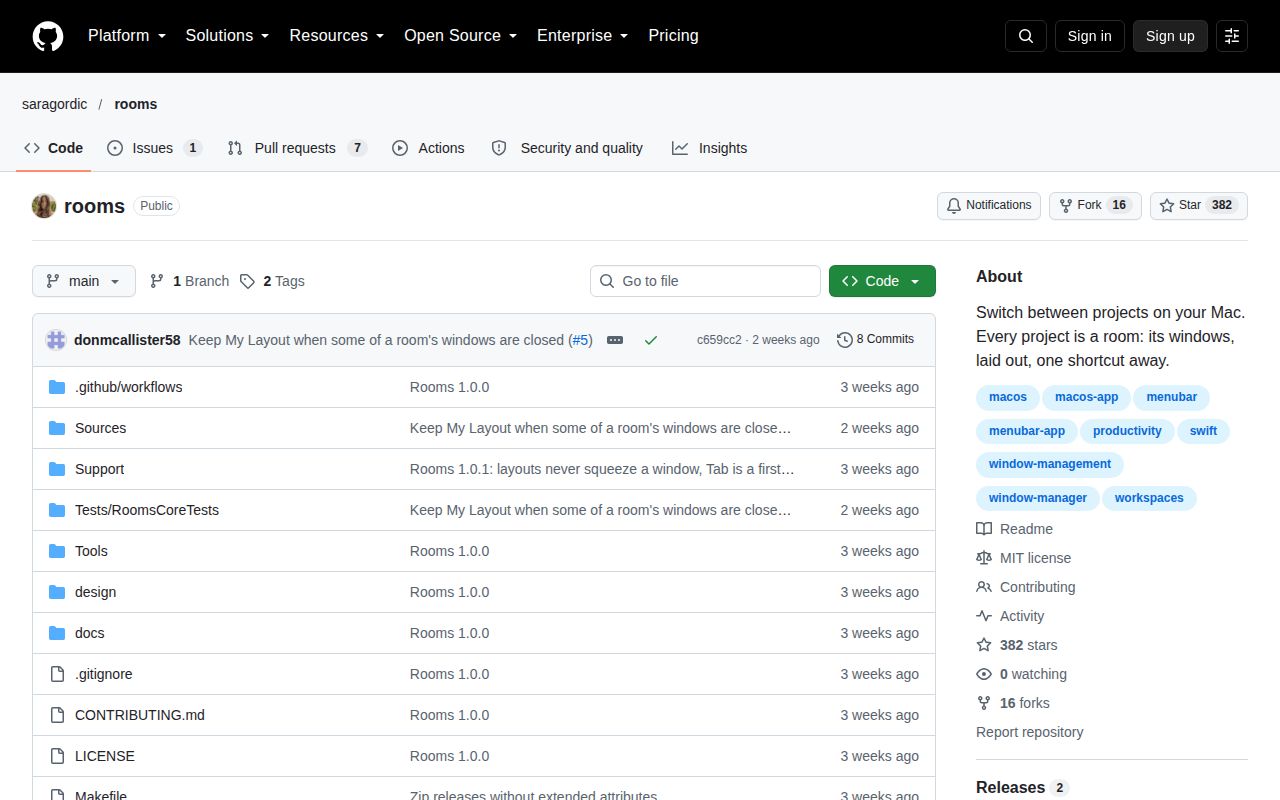
The repository's last push was September 26, 2026, and GitHub listed 382 stars with 8 open issues and PRs. Public activity continued into October: pull request 9 proposes preserving a custom arrangement when windows are added or removed. The recent push and specific proposals show ongoing attention. They do not establish a broad support organization or guarantee when any proposed behavior will reach a release.
Issue 3 asks to show a different room on each display, and the associated pull request remains open. Treat that as a request under discussion. Choose AeroSpace when you want a tiling manager with workspace-oriented multi-monitor control, or Rectangle when window snapping is enough. Rooms earns a trial when named sets of ordinary project windows are the missing piece. Start with a disposable room and confirm how its hidden windows come back.