RenoDX adds 6 rendering controls through ReShade
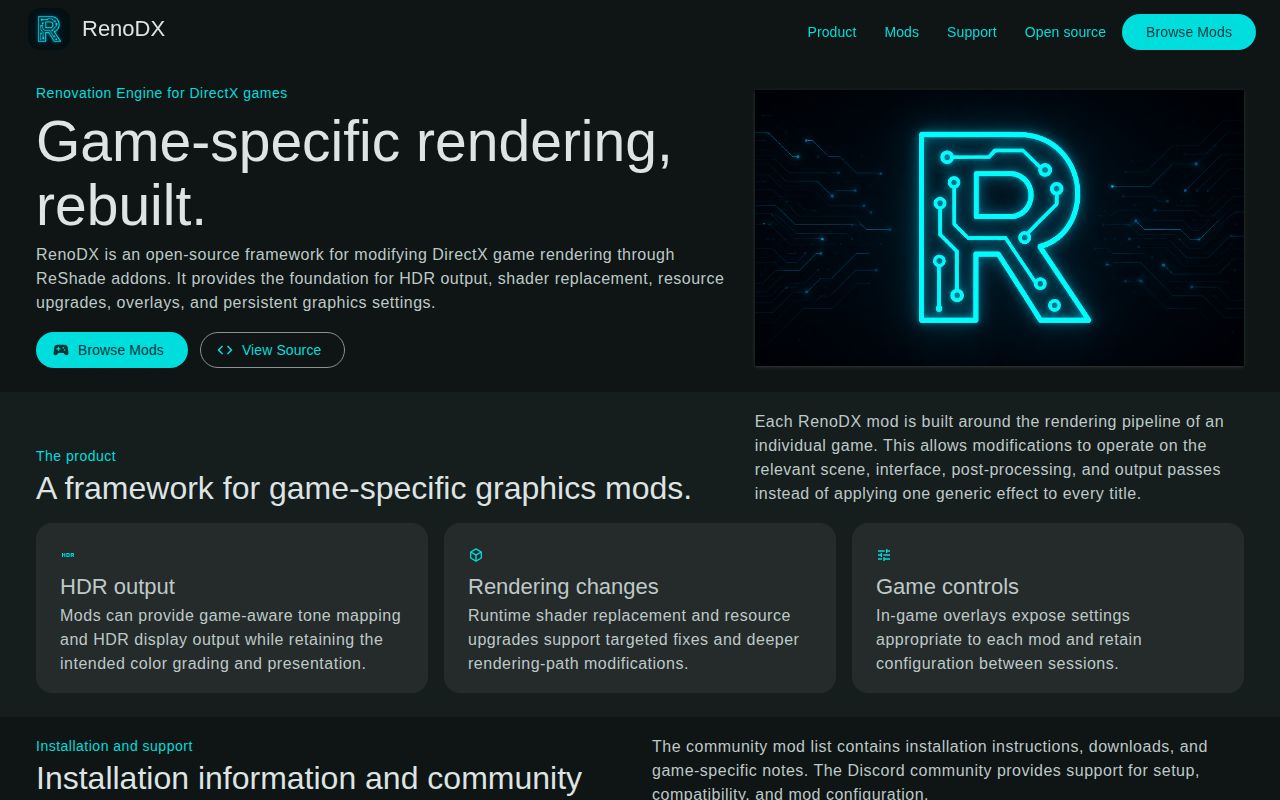
RenoDX lists 6 core capabilities: shader replacement, buffer injection, overlays, swapchain upgrades, texture-resource upgrades, and settings saved to disk. ReShade supplies the DirectX hooks, which spares each mod from patching a particular executable version. The result is an engine and a collection of game-specific add-ons, not a single visual preset. Its most distinctive use is repairing or extending HDR paths by changing resources and shaders inside the render pipeline.
For a player, installation can be only 3 manual steps when a suitable build exists. Install ReShade 6.8.0 or newer with full add-on support, download the listed .addon64 or .addon32, then copy it beside the game executable. The ReShade Home menu exposes RenoDX's settings in the running game. That sounds simple because the mod author has already done the difficult work of identifying the relevant passes and packaging the replacement.
The 9-second web build is the easy edge of the project
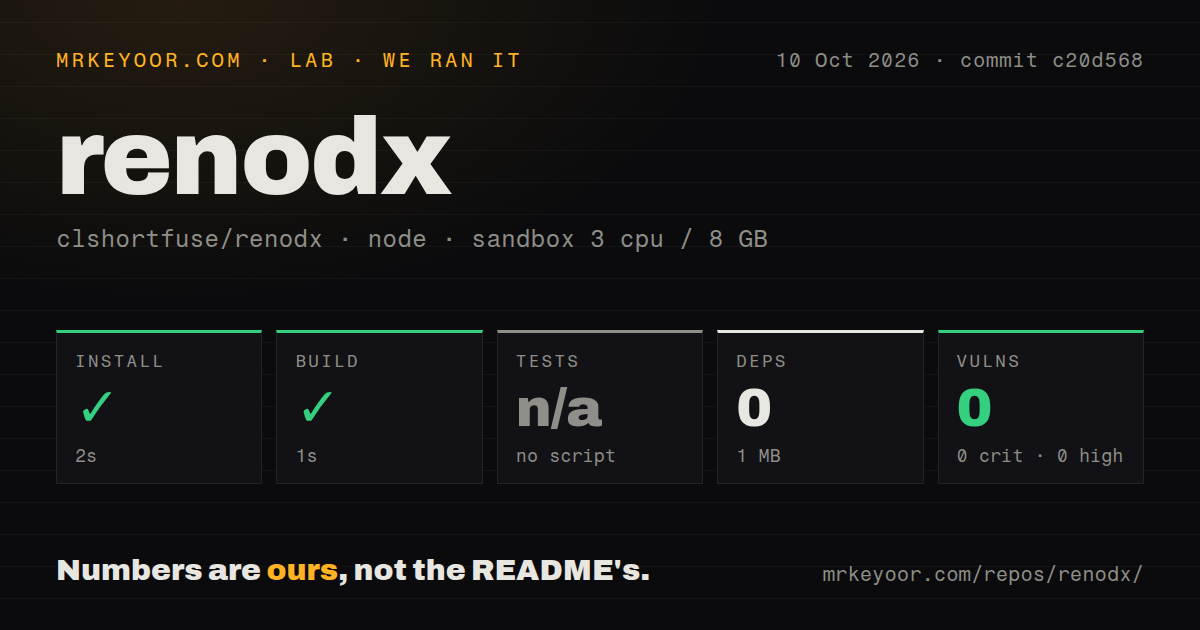
Our lab measured the browser and download site under ./src/web/, where npm install finished in 4 seconds with 0 packages added and 1 MB used. Its custom Node build completed in 9 seconds. The package has build, development, serving, and cleaning commands, with no declared development dependencies. For maintainers changing the catalogue interface, setup is unusually small.
The repository around that site is much larger: commit 66f4a40 contained 10,857 files, roughly 1,602,325 source lines, and an 862 MB checkout. Our scan found 9 CI workflow files and a tests directory, but the web package exposed no test script or target. A front-end change can compile cleanly without any automated browser behavior or catalogue regression being checked by the command we ran.
What happened when we ran it
Our sandbox installed the web component in 4 seconds, installed 0 packages, and reported 0 known vulnerabilities from npm audit. The build succeeded in 9 seconds. Tests were skipped because src/web/package.json has no test script or target. These results came from an unprivileged Node 22 container with 3 CPUs, 8 GB of RAM, and no secrets.
The 9-second success says nothing about compiling a Windows add-on or loading it into a game. We did not run ReShade, capture a DirectX frame, compile HLSL, or judge HDR output. The checkout had no Dockerfile, which fits a project whose main runtime is a Windows game process. Treat the lab result as evidence about the web publishing component only.
Building mods requires Windows SDK 10.0.26100.0
RenoDX's contributor guide calls for MSVC 2022 Build Tools, CMake, LLVM, Ninja, Windows SDK 10.0.26100.0 or newer, and several shader tools. A PowerShell bootstrap script can install or update DXC, Slang, glslang, and the 3Dmigoto decompiler. Git submodules must also be initialized before CMake configuration. That is a serious graphics-development workstation, even though the 0-dependency web folder builds almost instantly.
The build presets cover Clang, Ninja, Visual Studio, x64, and 32-bit targets. CMake treats every folder under src/games/ as a mod, compiles CRC-addressed HLSL files, and emits a named RenoDX add-on. This structure is sensible for contributors maintaining several titles. It also means a patch that works for one shader hash or renderer mode is not evidence that another edition, update, or DirectX path will behave the same way.
Live inspection has 3 local parts and an MCP bridge
RenoDX's inspection setup has 3 pieces: the in-game devkit add-on, renodx-mcp-bridge.exe, and an MCP client. Tools can list late-frame draws, inspect shaders and resources, dump originals, load edited HLSL, and compare an original render target with a higher-precision clone. The guide tells HDR authors to use numeric analysis or an EXR dump because a PNG preview cannot prove that values above 1.0 survived.
This MCP connection is local process plumbing, not a remote analysis service. The guide explicitly says a GitHub-hosted Copilot agent is a poor fit because the bridge expects a running Windows game and devkit on the same machine. Live reload can stall on older devkit builds, and decompilation is best effort. A useful agent session still depends on the author choosing the active Direct3D device and verifying the final non-devkit add-on path manually.
ReShade 6.8.0 does not make every game equally safe
The mods wiki requires ReShade 6.8.0+ and labels entries as playable or in progress. Its notes include titles that need DX11 instead of DX12, builds with broken colors, and settings that apply only after a scene change. The page also warns users to disable AutoHDR and RTX HDR when the image is washed out, because two tone-mapping paths can interfere. Read the row for the exact game before copying a binary.
Open reports show why that specificity matters. Issue 625 says RenoDX stopped working after Helldivers reached version 7.0. Issue 621 describes a GTA V setup that applied picture settings but could not save its ReShade configuration, even after permission changes. Issue 643 reports a DLSS5 generic build rejecting one output format in Dying Light: The Beast. Each report concerns a particular title and configuration, so none proves a project-wide defect. Together they show the maintenance burden that comes with injecting into changing games.
A September 4 push outweighs the missing release page
GitHub recorded 3,431 stars, 85 combined issues and pull requests, and a push on September 4, 2026. Recent activity includes game-mod updates and fresh compatibility reports. The repository has no latest GitHub release, while the wiki routes players to snapshot, Nexus Mods, and Discord downloads and warns that snapshots may be unstable. RenoDX is active, but distribution is organized around individual games rather than a conventional tagged product line.
Choose RenoDX after confirming that your exact game and renderer have a maintained entry. Players get the most value from a known playable add-on, while graphics programmers get unusual access to frame resources and shader iteration. ReShade is the simpler choice for ordinary post-processing. Special K deserves comparison for broader Windows tuning, and AutoHDR-Force is narrower when the only goal is enabling Windows Auto HDR.