Proton is the compatibility layer Steam wants most Linux players to use
Proton exists for one specific job: letting games made for Windows run on Linux through the Steam client. It uses Wine to do that work, but wraps the compatibility layer in a form Steam can ship and select for games. The README is unusually direct about the intended experience: most users should use the Proton build supplied by Steam, while this 32,693-star repository is primarily source for advanced users who need to alter it.
What happened when we ran it
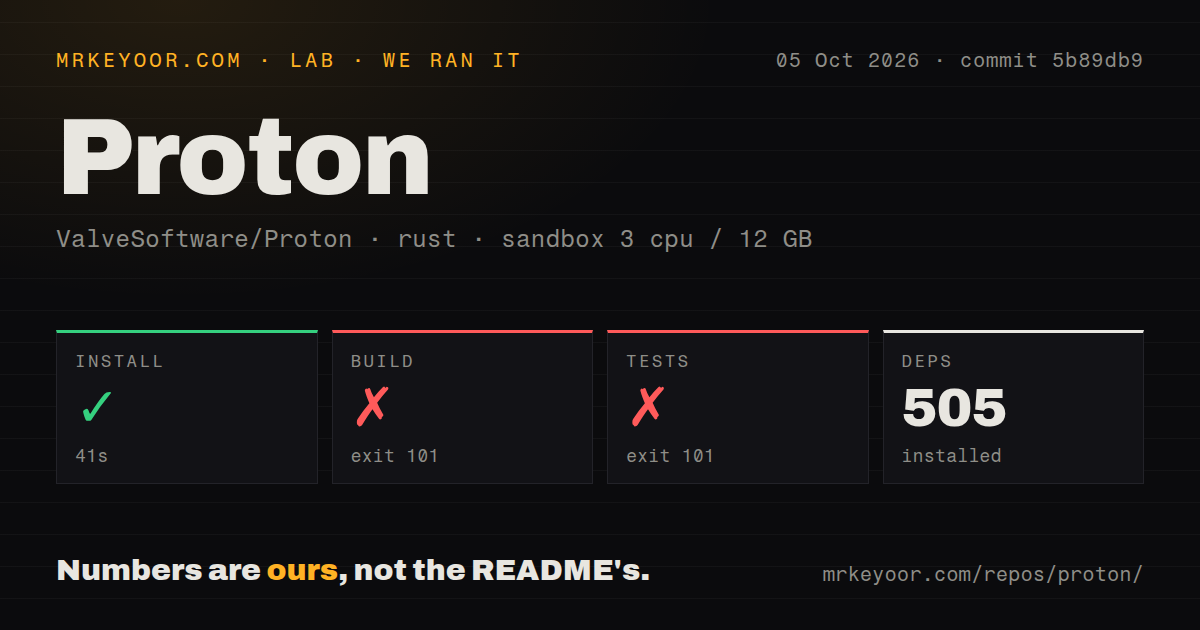
We cloned commit b7a7633 on August 30, 2026 and ran it in an unprivileged lab-rust:1 container with 3 CPUs and 12 GB of RAM. Our runner identified the ecosystem as Rust and worked in the nested ./gst-plugins-rs project. Dependency installation succeeded, placing 505 packages in 51 seconds. The build then failed with exit 101 after 20 seconds, and the test command failed with the same exit code after 5 seconds.
Both logs give the same concrete reason. The gstreamer-sys crate invoked pkg-config for gstreamer-1.0, but that system library was absent from the search path. The output says the required gstreamer-1.0.pc file could not be found and records the package as missing. There were 0 CI workflow files detected, no Dockerfile, and no tests directory in the measured target, so our generic runner had no repository-local automation to bridge that environment gap.
This result needs a careful boundary. We measured a nested Rust component, not the documented top-level Proton flow, and our container was not the Proton SDK environment recommended by Valve. It would be wrong to declare Proton unbuildable from that run. It is fair to say that the fresh sandbox did not build or test successfully, and that the checked-out tree, at 82,468 files, about 27,469,563 source lines, and 3,139.3 MB, is not forgiving of generic build assumptions.
Steam integration is the practical strength
Proton's strongest decision is that ordinary installation is delegated to Steam. Steam ships several Proton versions, lets users choose a compatibility tool in the Steam Play settings, and detects local builds placed under compatibilitytools.d. That removes most source-build complexity from the common path. If a custom build is necessary, make install can place it in the current user's Steam directory, after which the client needs a restart to discover the new tool.
For developers, the README exposes useful, concrete controls. A top-level make install is the advertised easy path after cloning submodules and preparing Docker or Podman. Separate targets create redistributable and deployment builds, while make dxvk and make vkd3d-proton rebuild major graphics components. Module builds cover both 32-bit and 64-bit versions, and ARM64 builders can pass --target-arch=arm64, although the resulting build cannot be used in x86 Steam running through FEX.
The build guidance also acknowledges real failure modes. Valve recommends rootless Podman, checks container functionality during configuration, supports ccache, and documents volume relabeling for SELinux with an explicit warning. When parallel subprojects bury the first useful error under thousands of later lines, the README suggests capturing a build.log and searching backward for numbered make errors. Those details are more valuable than pretending a project of 3,139.3 MB behaves like a single-package install.
Source builders inherit the integration cost
The rough edge is the same thing that makes Proton useful: it coordinates a broad compatibility stack. Cloning requires recursive submodules, branch changes require submodule updates, and custom work may reach into Wine itself. A successful container setup is only the starting point, not proof that every component needed by a particular branch or title is available. Our 20-second failure on one missing GStreamer development dependency is a clean example of how quickly a generic environment can stop.
Licensing also deserves attention from redistributors. The repository metadata reports NOASSERTION rather than one simple project-wide identifier, and the README tells users to inspect LICENSE, COPYING, and related files in individual submodules and directories. That is manageable for personal builds, but a team shipping a modified redist should review component terms rather than treating the top-level repository as a single-license package. The 5,183 open issues add another navigation cost when researching a specific game.
Activity is current, while the issue queue is substantial
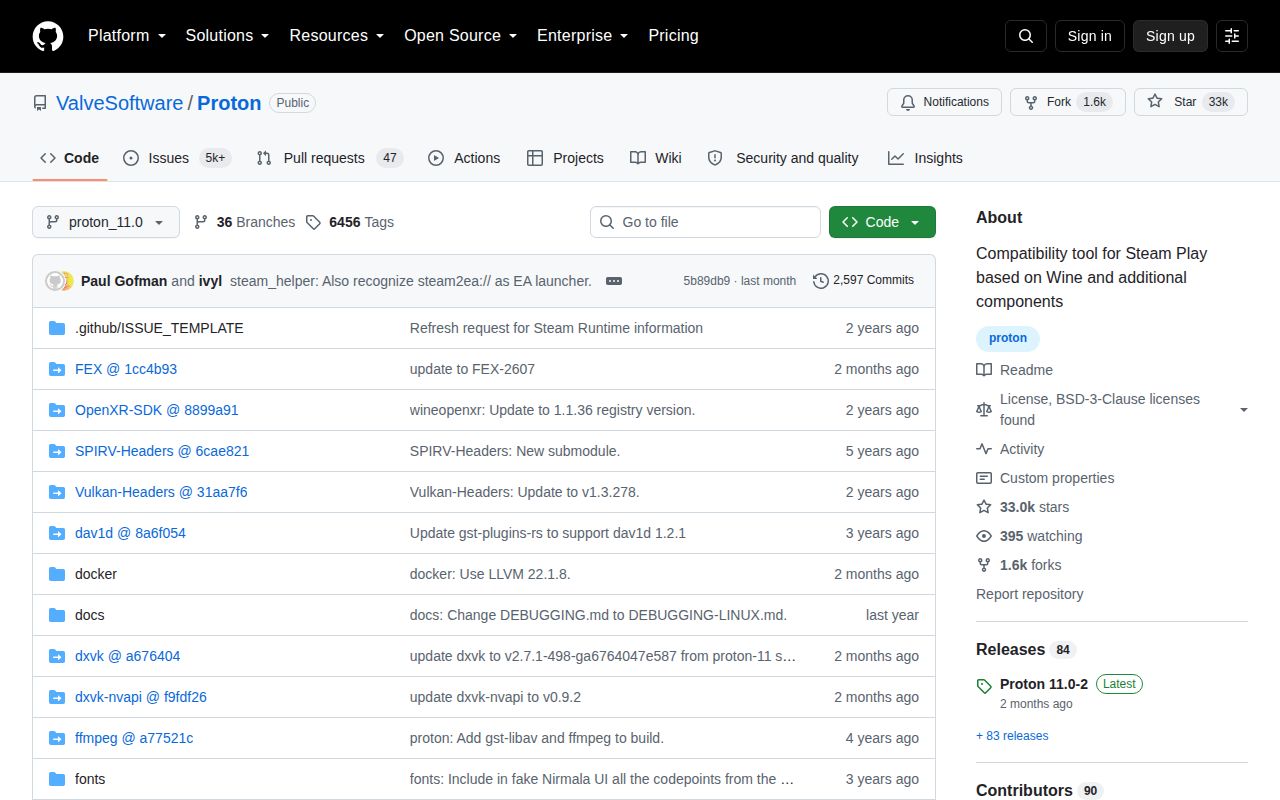
The health signals point to an active, mature project rather than an abandoned compatibility experiment. Proton has 32,693 GitHub stars, a release dated 11 days before this review, and a push on the review date itself. Those dates together are stronger evidence than the release tag alone. However, 5,183 open issues is a very large queue, and the supplied data does not show response times, closure rates, or how many reports are duplicates or title-specific.
Release cadence cannot be calculated honestly from a single latest-release record, but proton-11.0-2 is recent and source activity continued afterward. The practical reading is that Valve is still moving the code while carrying a heavy public support surface. Users should search existing reports by game and Proton version before opening another issue. Contributors should expect triage and reproduction quality to matter in a queue measured in thousands, not assume that star count guarantees quick individual help.
Proton belongs inside Steam, not at the center of every Wine workflow
In a real gaming stack, Steam should remain the control plane, with its supplied Proton build as the default compatibility choice. A locally built redist belongs in compatibilitytools.d only when a reproducible title problem or experimental patch justifies it. Choose Wine directly for non-Steam Windows applications, Lutris for a library spanning several stores and runners, Bottles for GUI-managed isolated Wine environments, or Proton-GE Custom when a game needs that community build's patch set.