Eight plugins cover distinct Power Platform jobs
The repository lists 8 installable plugins for Power Pages, model-driven apps, MCP apps, code apps, mobile apps, native mobile extensions, Canvas apps, and Power Automate. Each one wraps a narrower set of commands and instructions around Microsoft tooling. A developer can ask an agent to scaffold a site, create Dataverse tables, author a flow, or generate an MCP widget while keeping the work inside Claude Code or GitHub Copilot.
This is a marketplace, not one application. The checkout contained 1,232 files and about 164,846 source lines, while our runnable Node project lived under plugins/mobile-apps/template/. Other plugins bring different stacks: Canvas Apps uses a .NET MCP server, Power Automate has its own Node bundle and Azure sign-in, and Power Pages calls PAC. Adoption should happen per plugin, with separate access and rollback decisions, rather than through the all-plugin installer on a developer's main machine.
The one-line installer also turns on automatic updates
Microsoft's quick path downloads scripts/install.js, executes it with Node, installs PAC CLI if missing, registers the marketplace, installs all listed plugins, and enables automatic updates. That is convenient on a disposable development machine. A company that reviews dependencies before execution should use the manual marketplace route, select only the needed plugin, inspect its manifest and commands, then pin its operating permissions.
The README says these plugins may edit files, run shell commands, and start MCP servers. It shows scoped allowlists for ordinary use, along with Claude Code's permission bypass and Copilot's allow-all mode. The warning is direct: broad approval gives the agent the same access as the user. A 181-second dependency install is easier to assess than a session that can alter a Dataverse environment, so production credentials should sit behind normal tenant roles and change controls.
What happened when we ran it
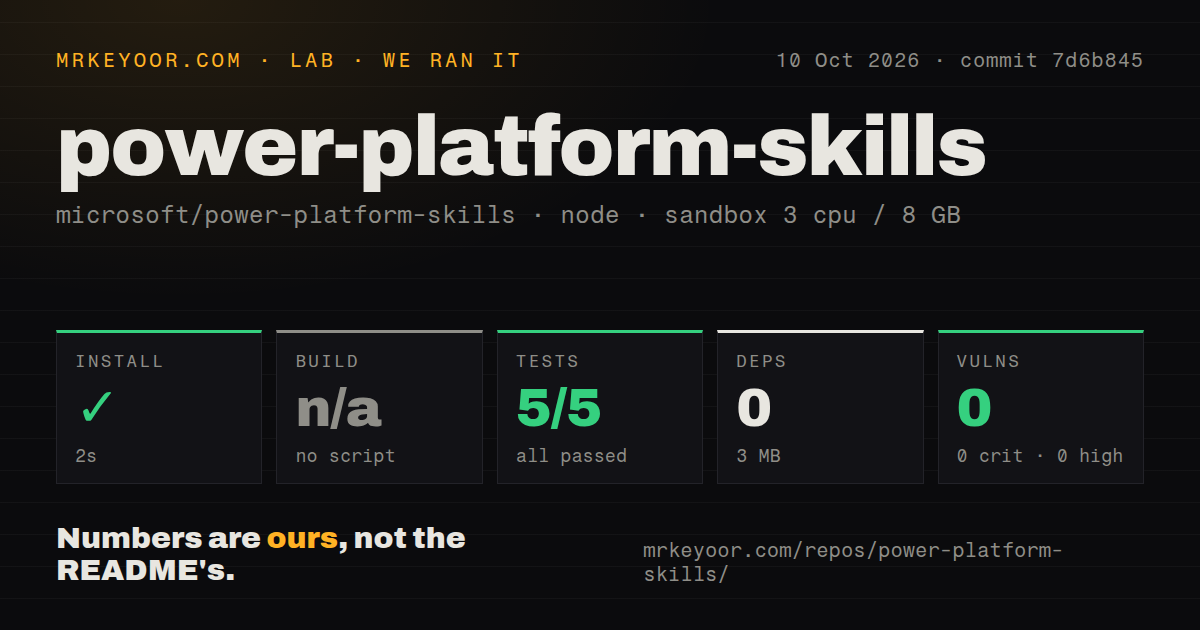
Our sandbox checked commit 5a325ff with 3 CPUs, 8 GB of RAM, Node 22, and no secrets. Running npm install in plugins/mobile-apps/template/ succeeded in 181 seconds. It added 969 packages and occupied 1,268 MB on disk. Npm audit reported 8 known vulnerabilities: 0 critical, 0 high, 8 moderate, and 0 low.
The measured template had no generic build script or target, so the build step was skipped. It also had no test script or target, so there was no test suite to run. The repository scan found 8 CI workflow files, no Dockerfile, and no tests directory. This result proves that one template's dependency graph installed in our container. It says nothing about app generation, PAC authentication, Dataverse changes, native packaging, or any of the other 7 plugins.
The mobile path is private preview and needs a real tenant
The current mobile template requires Node.js 24 LTS, npm 10 or newer, and the Power Apps Developer app. Setup creates or selects a Power Platform environment, asks the user to sign in, and obtains an Entra application client ID through Power Apps Wrap. The documented registration needs delegated Power Platform permissions. Most importantly, the README labels native mobile app building as Private Preview and says not to use it in production.
That warning changes how to read the large template. Its 969 installed packages include Expo, React Native, the Power Apps native host, offline support, device modules, and UI libraries. The plugin can plan screens and data, add allowed native capabilities, generate services, and prepare deployment commands. None of that turns the preview host into a supported production base. Use a test tenant, inspect generated TSX and configuration, and keep real business data out of the first trial.
Telemetry behavior varies between plugins
The root README says Power Pages telemetry is enabled by default and may include Dataverse organization and Entra tenant identifiers, plus the signed-in user's Entra object ID when PAC exposes it. Model Apps ships with telemetry disabled. The mobile plugin documents start events with version and runtime data, while its opt-out keeps a sanitized local diagnostic mirror. Teams with data-handling rules need to inspect each plugin instead of assuming one marketplace-wide behavior.
The 8 moderate audit findings are another reason to scope the install. They came from the mobile template's installed packages, not every plugin, and the lab block does not identify affected package names. A buyer should use the reported count as a prompt for dependency review, without assigning a cause or exploit path the audit summary did not provide. Automatic updates may clear findings, introduce changes, or do neither; verify the exact tree you deploy.
A September 4 push comes with 77 open issues
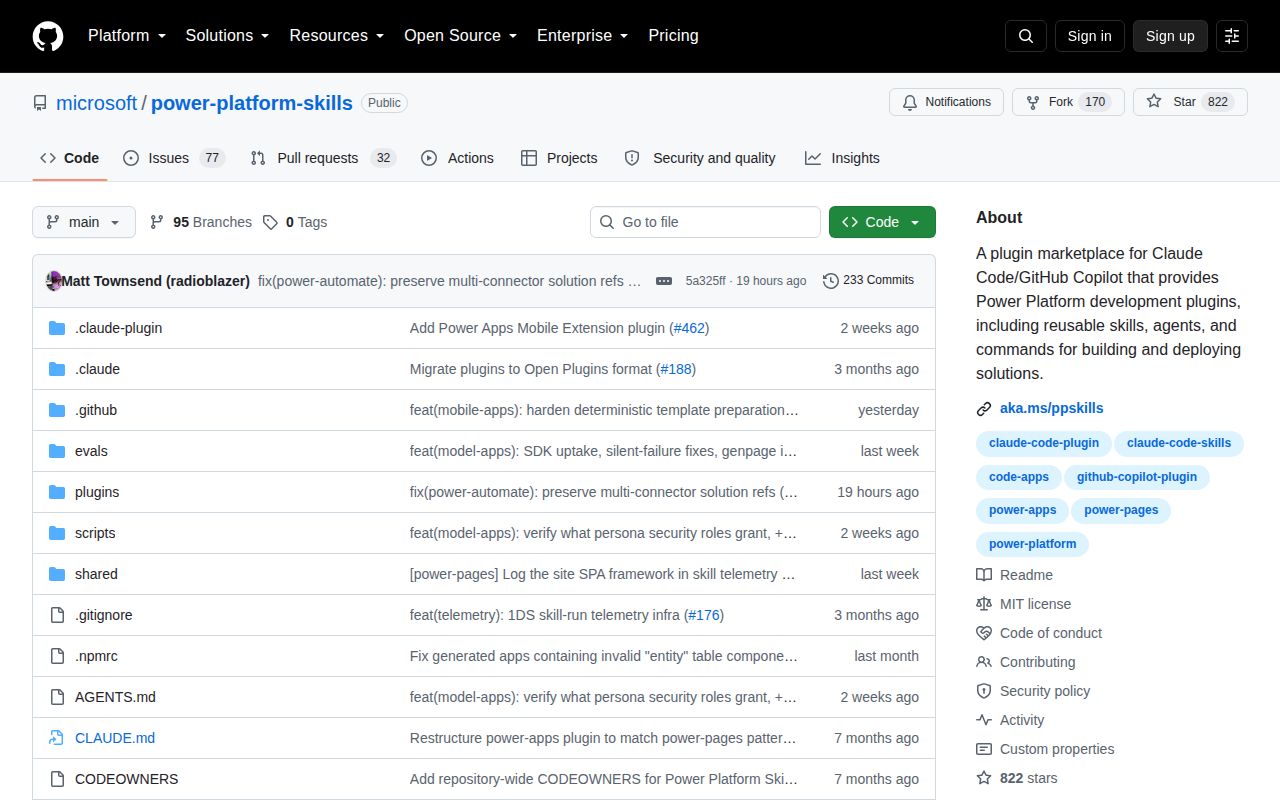
GitHub recorded 822 stars and a last push on September 4, 2026. The open queue held 77 issues and 32 pull requests. Recent reports were specific: issue 516 says GCC High connector-discovery calls fail on an unresolved API hostname, while issue 510 says the Canvas Authoring MCP server timed out and produced no response in the reporter's Windows setup. Both remained open when fetched.
That issue activity and same-day push show active maintenance, even though the repository had no GitHub release returned by the latest-release API. Microsoft closes detailed bug reports and merges fixes, but the breadth of the queue matches the breadth of the marketplace. Start with one plugin and one non-production environment. If your need is CI deployment, use Power Platform Build Tools; if you want manual examples, Power Apps Samples asks for less agent authority.