One desktop holds agents, projects, reviews, and previews
PI-Desktop gives coding agents a separate workspace instead of placing them inside a terminal or editor extension. The application groups project files, conversations, diffs, command output, web previews, notifications, and extensions. You choose the model provider, open a local directory, and review what the agent changes.
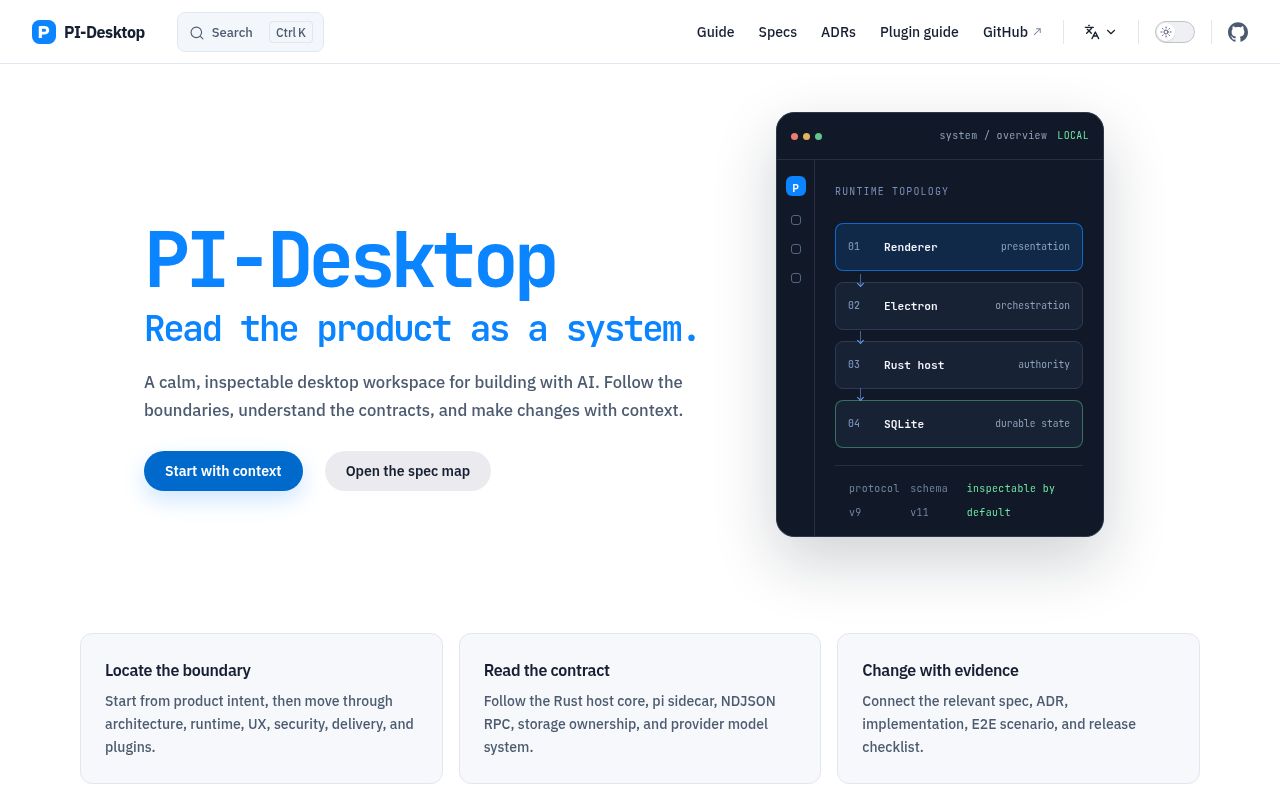
That broad surface comes with real code behind it. Our checkout contained 1,162 files, about 196,112 lines of source, and 42.7 MB before dependencies. Electron coordinates the desktop, a React renderer draws the interface, a Rust host owns privileged operations and secrets, and a Pi agent sidecar handles models and streaming. This is a substantial local application, not a thin skin around one chat endpoint.
Three modes decide when the agent may act
Agent, Plan, and Goal modes set different approval boundaries. Agent mode starts the usual inspect, edit, command, and test loop. Plan mode studies the repository and freezes an implementation plan until you approve it. Goal mode waits for an approved outcome and acceptance criteria, then lets the agent choose its route. Privileged tools still pass through the permission layer in every mode, so changing modes does not silently remove command approval controls.
The 196,112 lines in our measured checkout help explain why those boundaries matter. PI-Desktop also supports background subagents, multiple simultaneous sessions, queued prompts, branching, transcript search, and model switching within a session. The README says streamed responses are checkpointed whenever possible, careful wording for a product that still labels itself an early preview.
What happened when we ran it
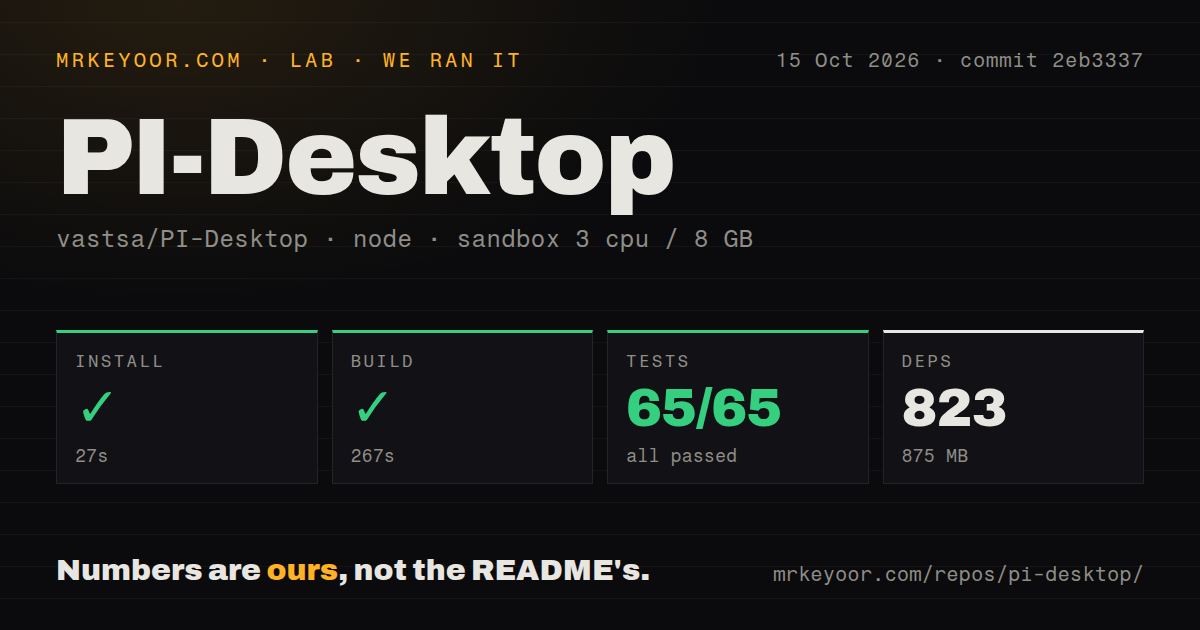
Our sandbox installed 792 pnpm packages in 36 seconds and occupied 589 MB on disk. The build succeeded in 174 seconds. Those results came from commit 917433d in a fresh unprivileged container with 3 CPUs, 8 GB of RAM, Node 22, and no secrets. Installation and compilation therefore worked without a hidden account or credential in the environment.
Vitest then passed all 22 tests in 425 seconds, with 0 failures. Our scan found 4 CI workflow files and a workspace monorepo, but no Dockerfile and no tests directory. The test duration also makes a full local check something to budget, not an instant pre-commit step.
Local storage still sends model context to the chosen provider
Conversations are stored as JSONL with a SQLite index, settings and logs remain on the machine, and credentials go into the operating-system keychain. PI-Desktop says it collects no application telemetry and does not require its own account or relay. It does not make a cloud model local: the prompt and context needed for a request still go directly to the provider you configure under that provider's policy.
The 589 MB dependency footprint we measured arrives before any local model that Ollama or LM Studio may download. Cloud providers need API credentials or supported OAuth accounts, while local gateways need their own running service and model storage. Model configuration can set context windows, output limits, reasoning controls, temperature, and custom headers. Teams should standardize those settings if repeatable behavior matters, because PI-Desktop deliberately avoids imposing one provider or fixed model list.
Plugins are trusted code, not an operating-system sandbox
Skills, MCP servers, subagents, and plugins make the workspace unusually open to modification. Plugins may add agent tools, commands, panels, themes, resident services, and inter-plugin messages. The renderer separation and permission prompts reduce accidental privilege, but the README states the limit plainly: plugin processes are isolated from the renderer yet remain user-trusted code. An extension marketplace is therefore a software supply-chain decision, not the equivalent of installing a harmless color theme.
Our repository scan found 4 CI workflow files, while the project status lists stronger plugin sandboxing and publisher verification as current priorities. That combination shows active engineering without claiming the remaining work is solved. A company rollout should approve plugin sources, pin packages, limit who can install them, and test permission behavior against its own repositories. Users who cannot audit extensions should keep the plugin list short and treat MCP server credentials with the same care as model keys.
Linux packages require glibc 2.35 or newer
The release page provides macOS, Windows, and Linux packages, including installers and portable formats. Linux x64 builds require glibc 2.35, which excludes Ubuntu 20.04, Debian 11, Fedora 35, and older releases named in the README. The .asar option is intended for repackaging with a system Electron and still needs the native host plus packaged resources. Building from source adds Node.js, pnpm, and a stable Rust toolchain.
Our successful 174-second build proves commit 917433d compiled in the stated Node 22 lab image, not that every graphical package launches on every supported desktop. The project documents Node 22.19 or newer, pnpm 10 or newer, and notes that the repository pins pnpm 11 while CI uses Node 24. Packaged builds are the sensible first trial for ordinary users; source builds fit contributors who can diagnose Electron, Rust, and platform packaging together.
A September 9 push shows activity, while the label remains early preview
GitHub recorded a push on September 9, 2026, and stable release v0.14.5 was published the same day. The repository had 1,484 stars and 48 open issues and pull requests when fetched. The current open-item listing was made up of pull requests, showing contributor activity rather than a known backlog of 48 bugs. Release work is frequent, but frequency alone does not settle upgrade safety or interface stability.
The measured commit passed 22 tests, and 4 workflow files provide another maintenance signal. The README still names installer upgrade and rollback qualification, session recovery work, plugin isolation, publisher verification, and broader interface coverage as priorities. PI-Desktop is worth trying if its standalone, provider-neutral workflow matches how you work. For a managed deployment, wait until the particular extension and upgrade guarantees you need are documented and tested.