Two MCP tools hide a large capability catalog
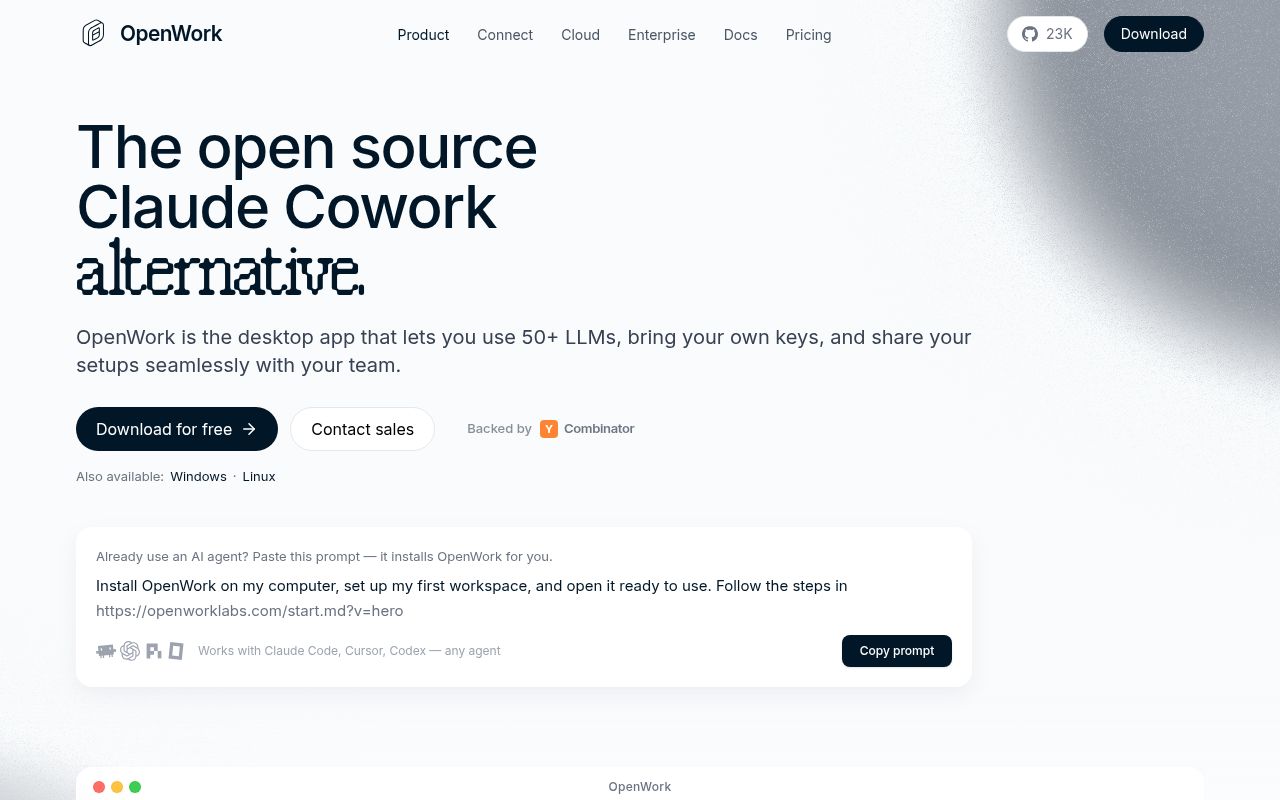
OpenWork gives compatible agents one remote MCP endpoint. After sign-in, search_capabilities finds skills, plugins, other MCP connections, and connected services assigned to the user. execute_capability runs the selected item. Codex, Claude Code, OpenCode, Cursor, or another MCP client can therefore share the same catalog instead of receiving a separate set of local configuration files.
That small interface is the project's clearest design decision. A team can change assignments in one control plane without teaching every client a new tool name. The desktop app remains available as a dedicated workspace, but it is optional for someone who wants to stay in an existing coding agent. The README provides exact add commands for Codex and Claude Code plus a JSON block for OpenCode.
The abstraction does not remove trust questions. execute_capability may reach a Google Workspace account, Microsoft 365, an imported plugin, or another MCP server. Administrators decide what is published and assigned, while users need to recognize that a generic execution call can carry very different consequences depending on the matched capability. Search results and approval policy must make that boundary legible.
OpenWork Den is free only within stated limits
The repository has a split license. Everything outside ee/, including the desktop app and core platform, is MIT. OpenWork Den, the organizational control plane under ee/, uses a source-available enterprise license. Production is free for organizations with up to 5 users, evaluation is free for 90 days at any size, and development and testing stay free. Each enterprise release converts to MIT after two years.
Den provisions model access, creates teams, assigns skills and plugins, manages connections, and can restrict desktop versions or local-model access. It can also import Anthropic-compatible plugins and expose supported skills plus remote MCPs through the OpenWork endpoint. Those are the features an organization is most likely to need, so the enterprise boundary is material rather than a minor add-on.
The documented MCP URL is https://api.openworklabs.com/mcp/agent. Adding it opens a browser for sign-in and organization selection. That is convenient for distributed users, but it is not an offline local-only route. Teams with data residency or identity requirements should examine the hosted service before distributing connected capabilities.
What happened when we ran it
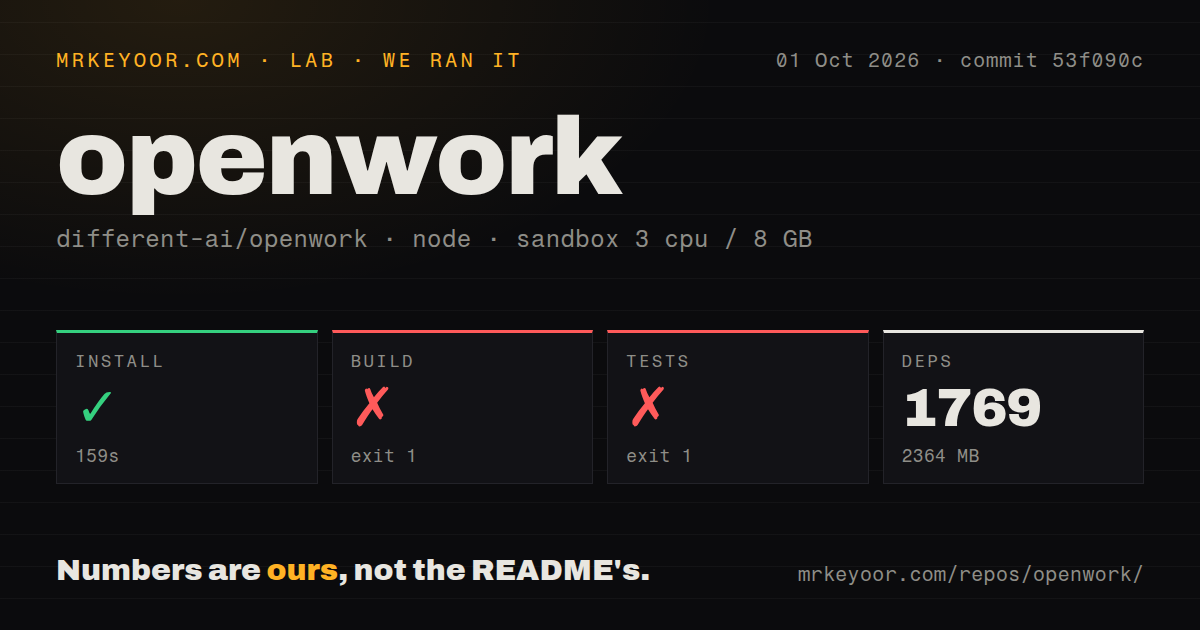
Our sandbox installed 1,439 pnpm packages in 63 seconds. They occupied 2,055 MB, about twenty times the 102.3 MB repository checkout. The monorepo contained 3,597 files and roughly 607,333 lines of source at commit 4892929.
The build ran for 23 seconds and exited 1. Its final lines show a child-process status of 1, an empty captured stdout and stderr, and Node.js 24.19.0, followed by an ELIFECYCLE failure. That tail does not name the package or error that triggered the child process, so we cannot assign a cause from the evidence supplied by our run.
Tests failed after 5 seconds for a clearer reason. Packages including codemode, enterprise utilities, and headless-threads attempted bun test; the shell reported bun: not found, and pnpm stopped at the first recursive failure. This does not show an assertion failure. It shows an undeclared system-level expectation in a fresh Debian container where pnpm installation itself succeeded.
Local development carefully separates profiles
The default pnpm dev reuses a shared development profile. pnpm dev:worktree derives a stable profile from the worktree path, chooses free Electron and Vite ports, and defaults to a mock keychain. That last detail avoids a macOS keychain prompt blocking Electron when a brand-new profile first stores an authenticated cookie. Developers can turn the mock off when they specifically need the system keychain.
A headless web world starts Vite and openwork-server, writes its connection record under tmp, and stores agent-facing tokens in a file with mode 0600. The privileged host token stays inside the server process rather than being compiled into the Vite bundle. Allowed browser origins are restricted to the local web app, and replacing the world mints new tokens unless the operator explicitly preserves them.
The production world shares installed state, so every launch requires --allow-shared-state. It refuses remote or public-host settings and binds to loopback because the browser session carries production credentials. That is a good guard. It also means this checked-in launcher is not a ready remote self-hosting recipe.
Active development includes failed E2E runs
OpenWork was pushed on August 25, 2026, five days after release v0.18.35. Its 388 open issues and pull requests include dependency updates, enterprise entitlement work, private GitHub plugin access, and deployment gates. Issue 3915 records a failed Daytona E2E regression suite, while issue 4006 records a failed nightly critical-path journey. Those are directly relevant to teams evaluating repeatable workflows.
The project is clearly active, and current work on alerting and promotion gates shows the maintainers are responding to deployment failures. Activity is not the same as stability. A pre-1.0 desktop, local server, hosted MCP, plugin importer, and enterprise admin plane create a wide regression surface.
OpenWork makes the most sense when capability duplication is already painful. A five-person team using both Codex and Claude Code can gain a shared catalog without replacing either client. A larger organization should price Den, inspect its identity and connection boundaries, and run its own critical journeys before rollout. If the work is mostly deterministic application automation, n8n is easier to reason about; if local persistent agent sessions are the priority, CompozyOS is the closer comparison.