OpenPencil gives agents a structured canvas, not a screenshot
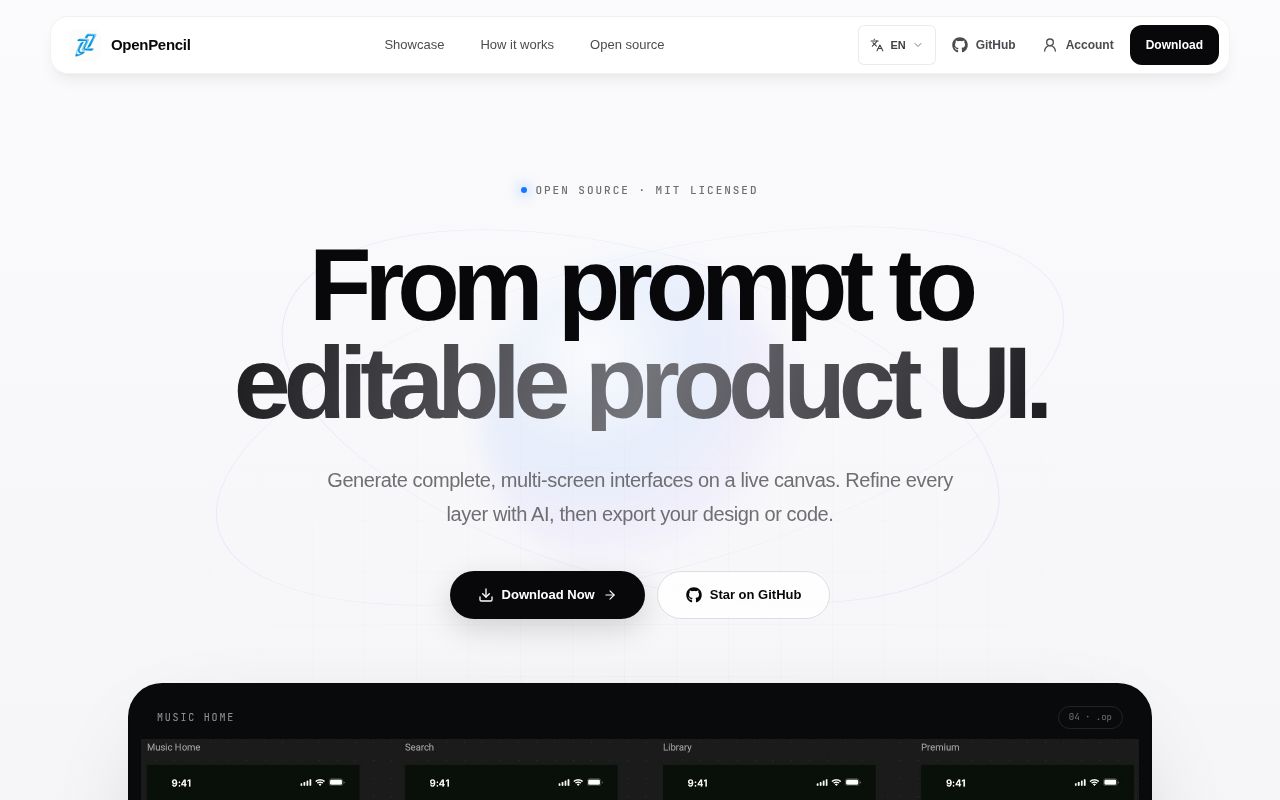
OpenPencil stores a design as a JSON .op document with pages, frames, components, variables, and editable vector nodes. That choice is the center of the product. Git can diff the file, the op CLI can change it, and an MCP client can inspect or modify the same document. The editor then exports React with Tailwind, plain HTML and CSS, Vue, Svelte, Flutter, SwiftUI, Jetpack Compose, or React Native. An exported interface still needs engineering review, but the handoff starts with structure rather than flattened pixels.
The scope is much larger than a prompt-to-image wrapper. The repository contains a Rust desktop host, a browser renderer based on CanvasKit, a headless web server, three web SDK packages, collaboration code, and provider adapters. It also advertises 15 interface languages and more than 50 built-in style guides. That breadth is attractive for a team trying to keep design and agent automation in one system. It also explains why the checkout has about 872,708 source lines.
MCP can edit documents, while online mode blocks local file tools
The built-in MCP server works over stdio through the desktop binary or through a local HTTP endpoint exposed by a running app. Its tools cover document reads, node creation, layered design passes, page operations, style guides, templates, and exports. The README includes one-click installation targets for Claude Code, Codex, OpenCode, Kiro, and Copilot CLIs. OpenPencil therefore fits a terminal-led workflow better than most visual editors do.
There is an important boundary in hosted use. The online multi-tenant MCP surface denies tools that write to the local filesystem, including document saves and file exports. That restriction is sensible on a shared server, but it changes the workflow: local desktop automation and hosted collaboration do not expose identical powers. Teams should decide where files live and which agent is trusted to write them before treating MCP as one interchangeable endpoint.
What happened when we ran it
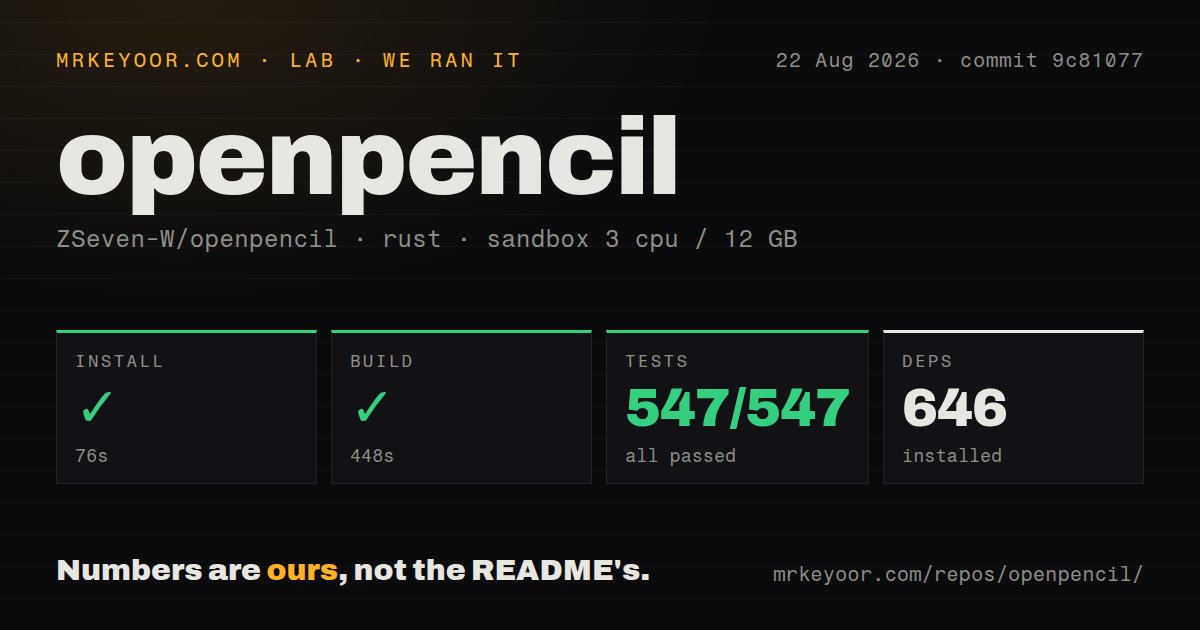
Our sandbox installed 646 packages in 76 seconds, and the Rust build completed in 448 seconds. Cargo then ran 547 tests in 56 seconds, with 547 passing and 0 failing. Those are strong results for commit 9c81077 in an unprivileged Debian container with 3 CPUs and 12 GB of RAM. The test command did not need API keys to prove the checked-out workspace could compile and exercise its available test targets.
The repository itself was 279.9 MB across 3,877 files before the package work, with roughly 872,708 lines of source. We found 11 CI workflow files, no root file named Dockerfile, and no top-level tests directory. The README documents Dockerfile.web-rust, while Rust tests live with the crates rather than in one central folder. The measurements say the source is buildable and tested; they do not measure canvas responsiveness, AI output quality, collaboration latency, or code-export fidelity.
A 448-second build is also a real cost for contributors. The project pins Rust 1.94, uses three public Git submodules, and calls for the wasm target when building the browser host. Bun 1.0 or newer and Node.js 18 or newer enter the picture for the separate web SDK workspace. Downloading a release is far easier than reproducing every artifact from source.
Web credentials stay in the browser unless an operator opts in
Built-in model providers need their own credentials. In the default web setup, OpenPencil keeps browser-entered provider and image-service secrets in same-origin localStorage. The credential needed for a request travels with that request, while the daemon does not copy the browser snapshot into settings.json. The README warns that same-origin scripts can read localStorage, so an exposed host still needs tight control over scripts and cross-site scripting risk.
A private operator can set OPENPENCIL_PERSIST_WEB_CREDENTIALS_SERVER=true, but that switch applies to the deployment and each accepted browser snapshot replaces the shared copy. The authors recommend it only for a trusted, access-controlled deployment with one active administrator profile. Public reverse proxies also need an exact origin allowlist. Internal model endpoints require a second allowlist because browser-controlled requests to private and metadata addresses are blocked by default. These controls are specific and useful, though they make self-hosting more than a container launch.
The prerelease channel still has desktop failure reports
GitHub showed 5,672 stars, 14 combined issues and pull requests, and a last push on August 26, 2026. The newest listed build was v0.8.4, published August 11 as a prerelease. Its notes are candid: v0.8.3's public relay could not start in published binaries because injected endpoint secrets contained leading spaces. Version 0.8.4 moved validation into the release build and separated authentication, rate-limit, network, and configuration errors.
Current reports still matter. Issue 219 describes three Windows crashes when an MCP caller creates a text node. Issue 225 says GitHub Copilot repeatedly times out while Claude and OpenCode connect on the same macOS installation. Issue 218 reports that asking the AI to add blur left a macOS scene impossible to move. These are narrower than saying the whole editor is unstable, but each touches a promoted workflow rather than an obscure build option.
Choose it for inspectable design automation, with a trial project first
OpenPencil has a sharper reason to exist than “Figma with AI.” A design file can sit beside application code, agents can make structured edits, and the editor can run locally. Our complete 547-test pass supports taking that architecture seriously. MIT licensing and active August development make a technical evaluation easy to justify.
Do the evaluation on a disposable but realistic UI. Connect the provider your team will use, create text and components through MCP, reopen the .op file, export the target framework, and compare the result with the canvas. Windows teams should include the text-node crash report in that check, while Copilot users should test authentication and reconnection. If those paths hold, OpenPencil is one of the more concrete attempts to make design-as-code usable. If they do not, Penpot or tldraw asks less trust from the AI layer.