Two local apps create one extended Mac display
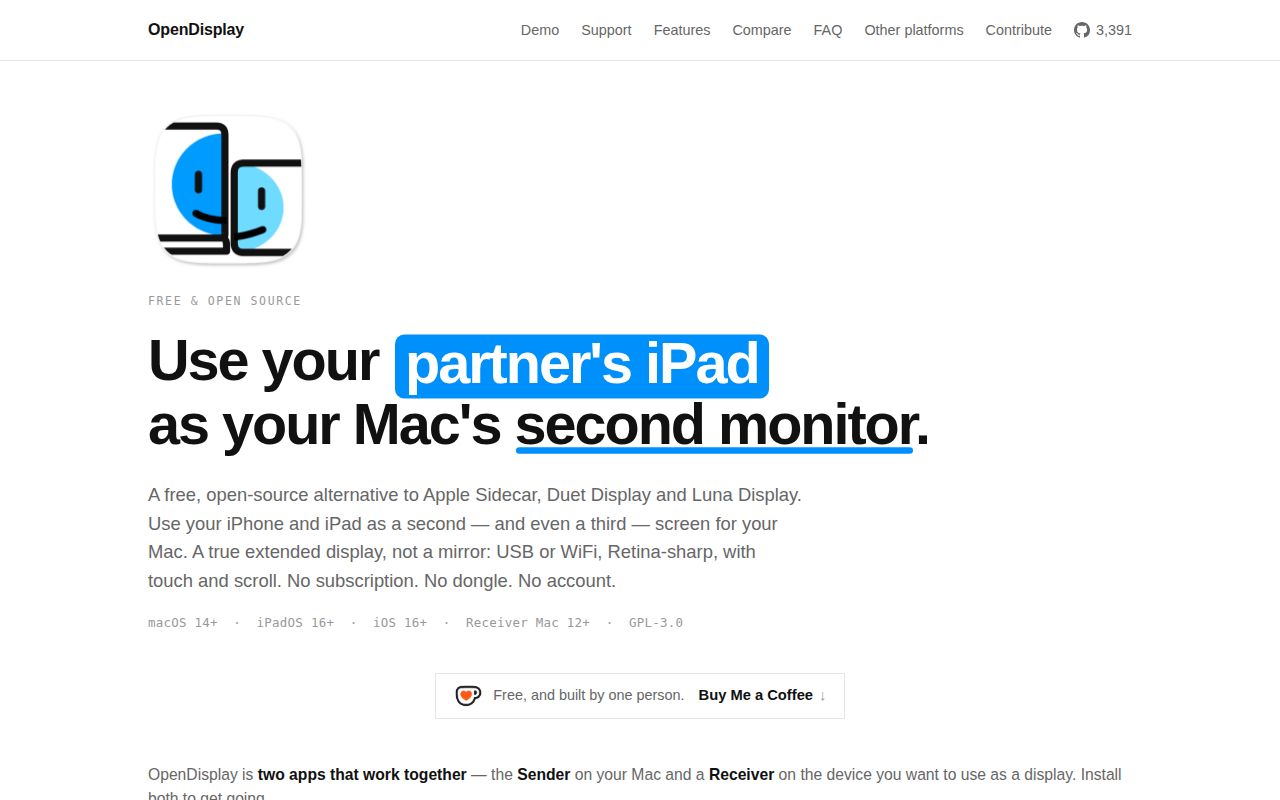
OpenDisplay gives macOS a virtual monitor, captures that monitor, encodes its frames as H.264, and sends them to an iPhone, iPad, or another Mac. The receiver sends taps, drags, and two-finger scrolling back as input. This is genuine desktop extension, so windows can be arranged on the device in System Settings. Mirroring is available too, although the project is most distinctive when it makes an Apple device behave like a separate panel.
The connection stays between the two devices. USB travels through macOS's built-in usbmuxd; WiFi discovery uses Bonjour, and the receiver listens on port 9000. The protocol is documented separately, which has already allowed community Android receivers, an older-iOS client, and a Linux sender to appear. Those projects are explicitly unofficial. The supported combination remains a macOS sender with the project's iOS, iPadOS, or macOS receiver.
macOS 14 and iOS 16 set the official hardware floor
The easiest route uses the signed and notarized Mac DMG from release v1.19.0 plus the public iOS TestFlight. The sender needs macOS 14 or newer. The iPhone and iPad app supports iOS 16, including Apple's 16.7 branch for several older devices. A receiving Mac can run macOS 12, which makes a retired MacBook or iMac more useful without requiring it to meet the sender's newer OS floor.
Source builds ask for Xcode 15+, xcodegen, and a free or paid Apple developer account. You put the developer team ID in .env, generate the Xcode project, then build the Mac and iOS schemes. First use also triggers Screen Recording and Accessibility permissions on the sender. WiFi adds Local Network permission on both ends, and the README warns that discovery can fail silently when either permission is missing. USB avoids that particular permission pair.
What happened when we ran it
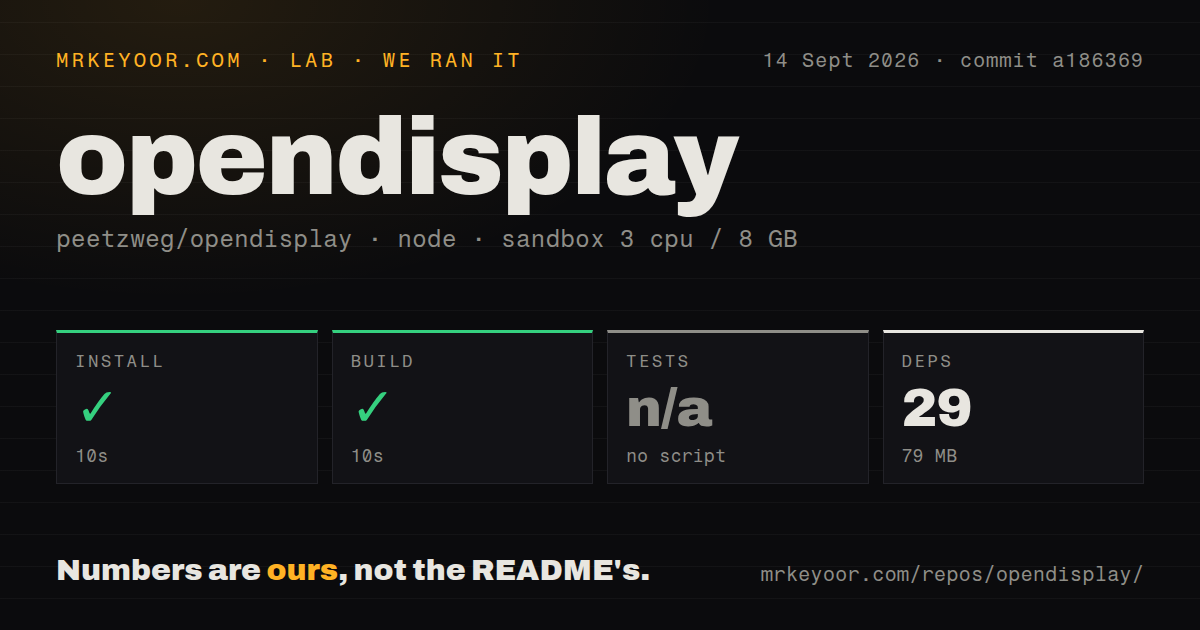
Our sandbox installed 29 pnpm packages in 10 seconds, leaving 79 MB on disk. The available build completed in another 10 seconds. commit a186369 was a 2.5 MB checkout with 156 files and roughly 10,875 lines of source. Four CI workflow files were present, while our scan found no Dockerfile and no tests directory.
There was no test script or target, so the harness skipped tests. That matters more here than it would for a static site because the user experience crosses macOS capture, hardware encoding, USB or LAN transport, Apple permissions, decoding, and input injection. The successful build verifies the target our Node 22 harness could invoke. It did not exercise a signed iOS app, connect 2 Apple devices, or judge picture quality and latency, so those outcomes need a real hardware trial.
WiFi sends unencrypted H.264 until issue 16 is resolved
OpenDisplay keeps video off a vendor server and says it collects no analytics, but local does not automatically mean confidential. Open issue 16 states that WiFi currently streams unencrypted H.264 on the LAN and accepts any connecting Mac. The proposed work covers TLS and a short pairing code; the issue remains open. USB is the better choice on a shared office, dorm, or conference network, and security-sensitive buyers should treat encrypted WiFi as absent rather than promised.
The app also depends on CGVirtualDisplay, a private CoreGraphics API. OpenDisplay documents the trade clearly: the private call enables a real virtual monitor and also keeps the Mac app out of the App Store. A macOS update can change private behavior without the compatibility guarantees attached to public APIs. Screen capture and encoding use public frameworks, but the virtual-display foundation still creates release risk for anyone making this their only work monitor.
A 5K receiver can exceed the H.264 preset ceiling
Issue 271 documents a specific Mac-to-Mac failure on a 27-inch 5K iMac. At the Best quality setting, the sender attempted 4096 by 2304 at 60 fps, and the encoder rejected frames while the receiver showed that it was connected. Selecting Balanced at 75% fixed the reporter's session. An open pull request addresses pacing large H.264 streams, but the report is reason enough to test the exact panel and quality tier before relying on a high-resolution setup.
Other limits are easier to understand. Audio forwarding is out of scope in the README. Apple Pencil pressure, hardware keyboard passthrough, HEVC, and extra gestures appear as roadmap work or open pull requests, so they should not enter a buying decision as current features. What is present already covers the basic second-screen loop: extension, portrait rotation, touch, scrolling, HiDPI sizing, USB, WiFi, and multiple receivers.
September activity is high, with 141 issues and PRs open
GitHub showed 3,390 stars, a September 6, 2026 last push, and 141 combined open issues and pull requests when fetched. The queue was still moving on September 14, with input work and bug reports receiving updates. Release v1.19.0 arrived September 1 and included Mac mirror-capture work. That is an active project by both code and issue activity, although the combined open count also signals a young product carrying many requests at once.
OpenDisplay is most persuasive as a free experiment with hardware you already own. The 20-second install and build result makes the checkout approachable, while the missing test target and Apple-only runtime leave the important proof to a device trial. Use USB first, verify wake and reconnect behavior, and test the desired resolution for a full work session. If encrypted WiFi, App Store deployment, audio, or stable public display APIs are requirements, its current design does not meet them.