React source is the reason to choose Open Slide
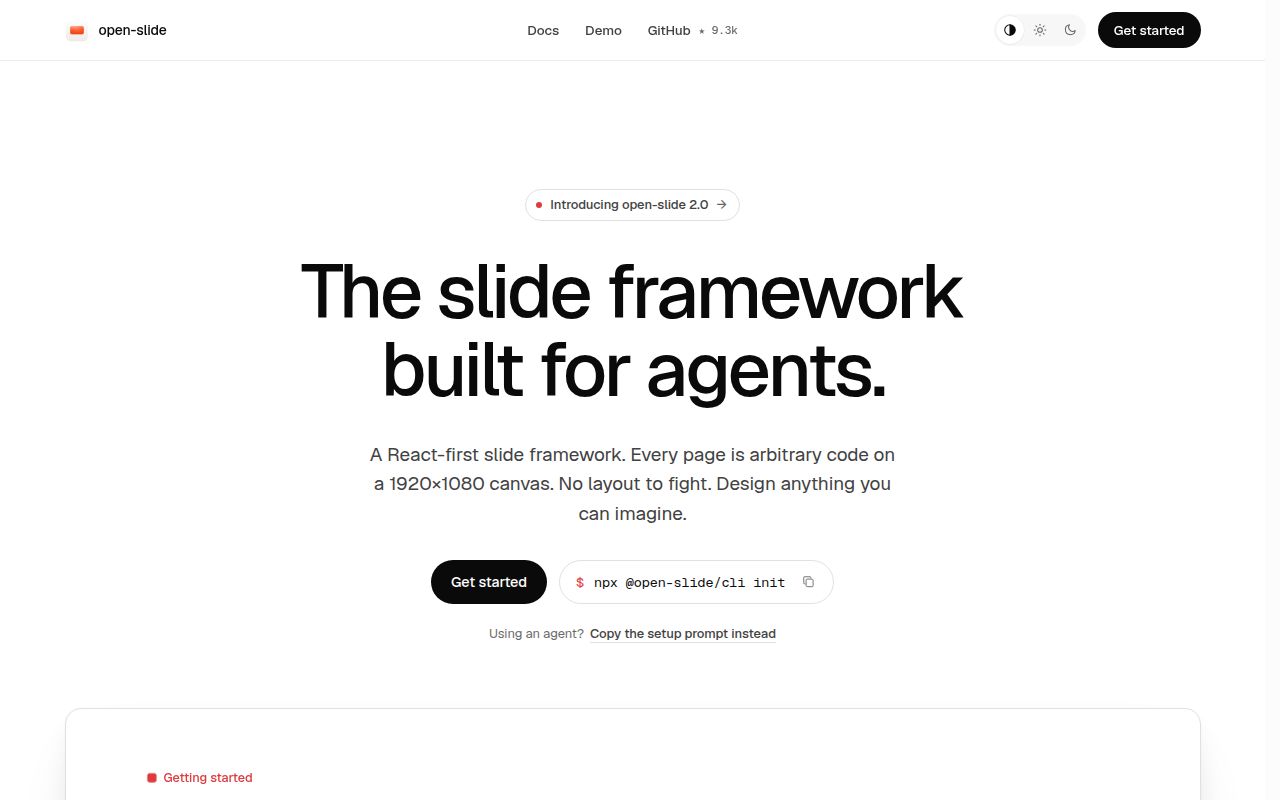
Open Slide puts each page on a fixed 1920 by 1080 canvas and lets a coding agent write the React behind it. If your product diagram needs another branch, you can change a component instead of rebuilding it from drawing tools. You retain those source files. That makes the framework appealing for developers who expect to revise a talk alongside the product it explains. Someone still needs to own the code.
Our checkout contained 614 files and roughly 84,704 source lines. That's the framework repository, including its workspaces, rather than the minimal project a speaker would scaffold. The README starts users with npx @open-slide/cli init my-slide, then pnpm dev. You can also edit slides/<id>/index.tsx directly. I'd choose this workflow for a deck with custom React diagrams. For mostly headings and bullet points, Markdown asks less of its author.
What happened when we ran it
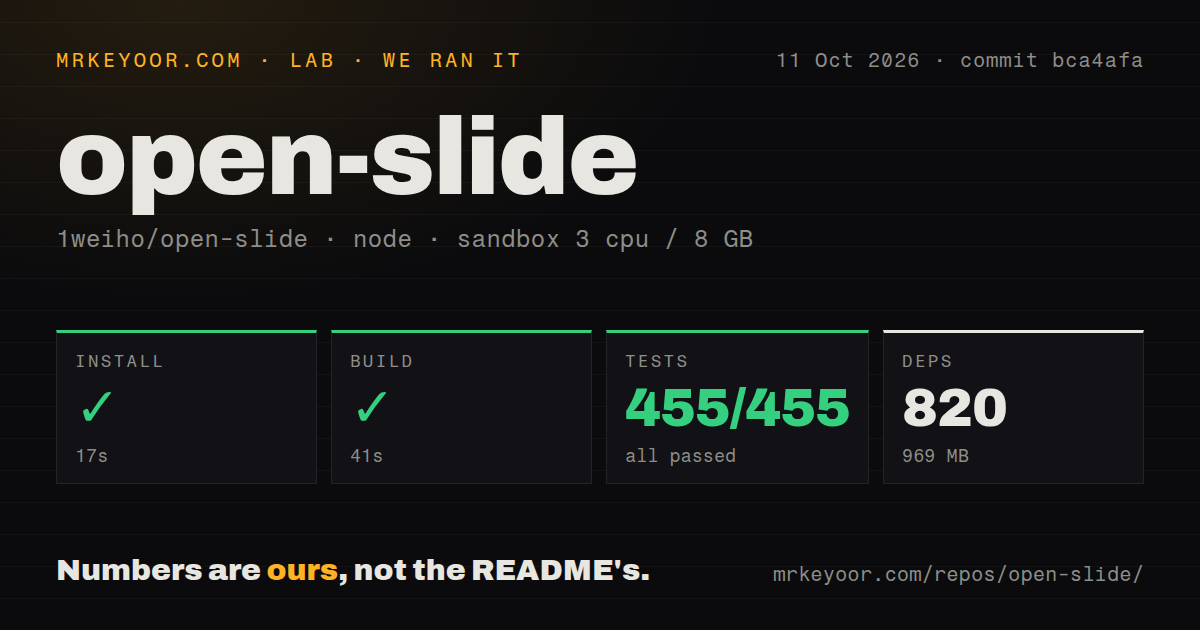
Our run installed 820 pnpm packages in 17 seconds, built in 41 seconds, and passed all 455 Vitest tests in 7 seconds, with 0 failures. We cloned commit bca4afa on October 11, 2026, into a fresh Debian sandbox using lab-node:22 with 3 CPUs and 8 GB of RAM. The container was unprivileged and held no secrets. All the measured steps completed successfully.
The 6 MB checkout occupied 969 MB after installation. Our scan found a workspace monorepo and 2 CI workflow files, with no Dockerfile or tests directory. A missing directory named tests clearly doesn't mean there are no checks: Vitest ran 455 of them. These results establish that the measured repository installs, builds, and passes its suite in that environment. They supply no measurement of slide quality, browser playback, or exported-file fidelity.
Visual comments still require someone who can fix source
The scaffold preconfigures Claude Code skills, including /create-slide and /slide-authoring. Comments become @slide-comment markers in source, and /apply-comments asks the agent to make the requested edits. This is useful when a reviewer can point at a cramped heading more easily than find its component. The documented local path lists no hosted slide API credential. Using an agent still requires whatever access and configuration that agent needs.
The 455 passing tests don't remove the need for a source-editing fallback. Issue 452, reported against core 2.0.0-beta.1, describes inline edits failing when text comes through a prop reused at several component call sites. The report names a specific save error and says editing the source literal works. It remains open. That's a concrete reason to keep a developer involved when teammates expect every visible string to behave like a text box.
The fixed canvas rules out portrait-first decks
The README fixes the canvas at 1920 by 1080, while issue 404 requests configurable dimensions for portrait and other formats. That request remains open. A team producing portrait document carousels should choose another tool or accept custom work. Scaling a landscape presentation to fit a phone doesn't turn it into a reading layout. Speaker notes and current/next previews are more relevant to its intended job: delivering a talk.
The successful 41-second build supports keeping a presentation in a development workflow, but says nothing about how legible it will be on a small screen. Static output can live on ordinary file hosting. The export guide also distinguishes a site build from toolbar downloads of the active deck. It explicitly excludes Safari from PDF export. If that's your presentation browser, arrange another PDF route before you need the handout.
Editable PPTX has a documented Google Slides problem
Issue 541 reports wrapping and overlapping text in Google Slides after native PPTX export from core 2.0.1. The reporter says Keynote preserved the same layout and explicitly did not test PowerPoint. The report concerns editable objects, not an older exporter that flattened pages into pictures. It remains open. If colleagues will import the deck into Google Slides, this is a reason to try their actual handoff before adopting Open Slide.
Our 7-second test step cannot settle that compatibility question. The documentation also disagrees with itself: the README advertises native editable PPTX, while the export guide still says it isn't available and describes image slides instead. That contradiction costs the docs score a point. I'd open the exported deck in the recipient's application and change a heading, especially in a crowded card layout. A download completing successfully doesn't establish that its text remains usable.
October activity shows maintenance, with open handoff defects
GitHub recorded 9,271 stars and 135 open issues and PRs, with the last push on October 15, 2026. Recent human-filed reports concern exports and editing, alongside ongoing pull requests. Core 2.2.0 shipped on October 12 with toolbar comment mode and floating pins, after our measured commit. Those dates show active maintenance. The requested 1weiho/open-slide address redirects to open-slide/open-slide, which is where current reports and releases live.
All 455 tests passed in our sandbox, so I'd trial Open Slide for a developer-owned talk with custom React content. Slidev is the better starting point when Markdown plus Vue components fits your writing habits. Marp suits plain Markdown decks with editor preview and conversion tools. Before moving a team's library, hand one exported Open Slide deck to the colleague who must revise it. Ask them to change the longest heading on the busiest page.