Twenty-six local CLIs can become the design engine
OpenDesign treats the coding agent already on your machine as the generator. Its README lists 26 distinct local CLI executables, including Claude Code, Codex, Cursor, DeepSeek Harness, and OpenCode. You give the agent a brief and a DESIGN.md; it writes project files that the app previews. A plain API model without filesystem tools can return one complete artifact block instead. That split is useful because the deliverable remains editable HTML, CSS, or components rather than a flattened picture.
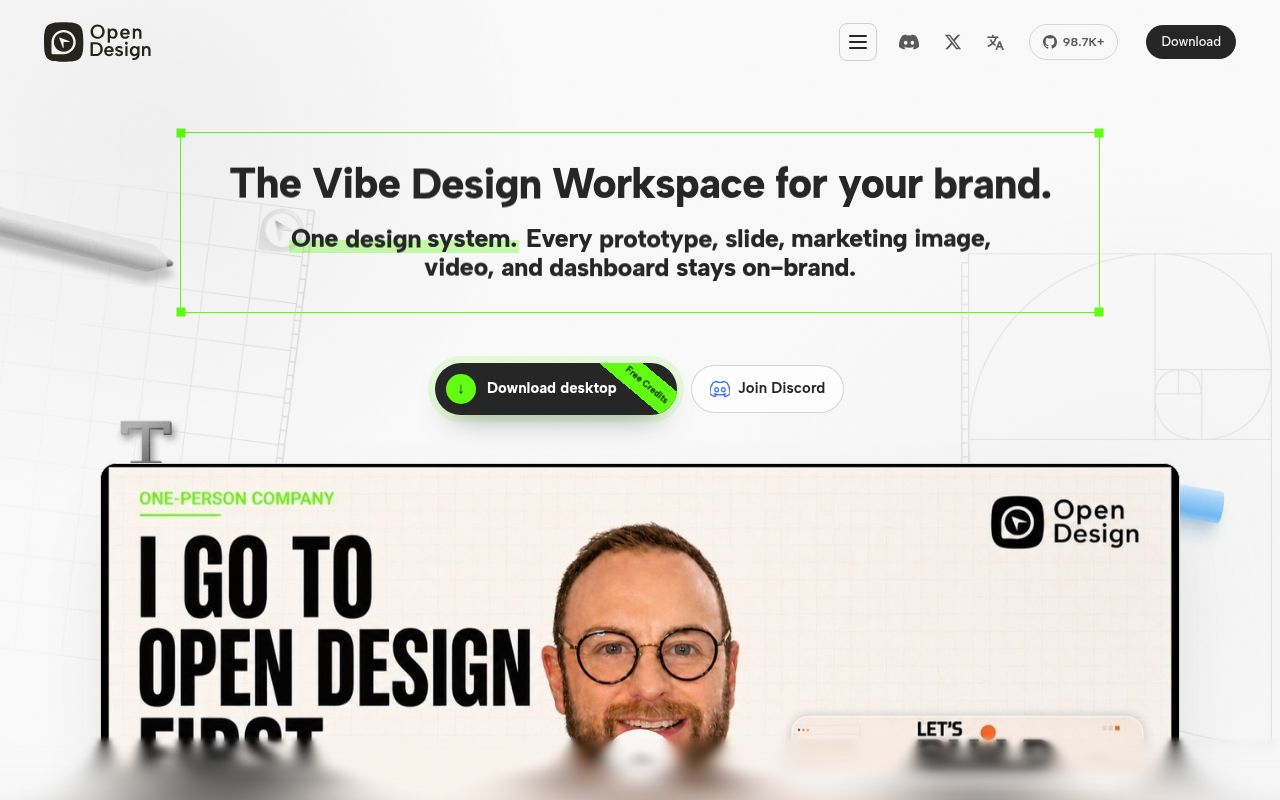
The workspace reaches well beyond a landing-page prompt. It handles prototypes, dashboards, decks, documents, images, and code-driven video, with exports that include HTML, PDF, PPTX, and MP4. The same breadth is the reason to pause. A team seeking one React page editor inherits a desktop shell, local daemon, SQLite state, preview sandbox, plugin system, skills, design systems, model connections, and media render paths. OpenDesign makes sense when several of those pieces belong in one daily workflow.
The 2,725 MB install is the first source-build warning
The packaged desktop route is the cleaner trial. Release v0.24.1 provides macOS builds for Apple silicon and Intel plus a Windows x64 installer. The app detects supported agent CLIs and gives you a local preview without asking you to clone a 12,899-file monorepo. Linux gets no equivalent download, so its users take the source route or Docker.
Source setup asks for Node around 24 and pnpm 10.33.x. Docker needs a generated OD_API_TOKEN, persistent workspace storage, and allowed origins when access moves beyond localhost. A useful session also needs either a compatible CLI already authenticated on the machine or BYOK details for a model endpoint. That makes local-first a statement about where the workspace runs, not a promise that every model or media operation stays offline.
What happened when we ran it
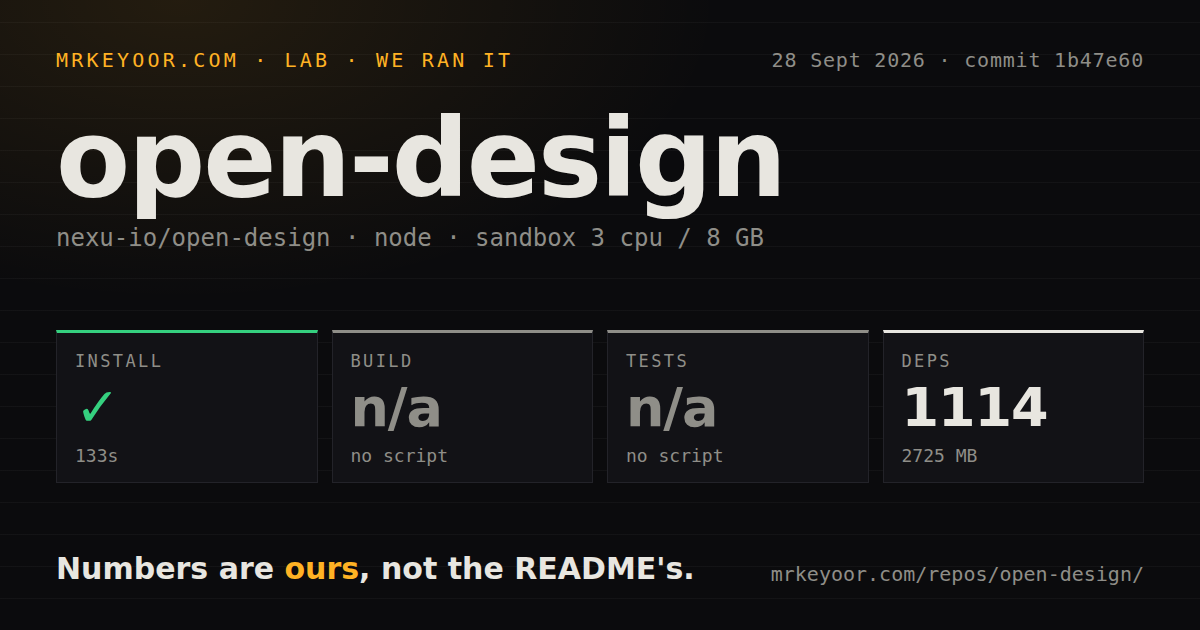
Our sandbox installed commit 1b47e60 in 133 seconds on a fresh unprivileged container with 3 CPUs, 8 GB of RAM, and Node 22. Pnpm added 1,114 packages, consuming 2,725 MB on disk. Before installation, the checkout occupied 282.9 MB and held about 1,816,206 lines of source across 12,899 files. This is a very large local application even before a model, generated artifact, or media cache enters the workspace.
There was no build script or target in the path our harness inspected, so the build step was skipped. The same was true for tests: no test script or target was available, and we skipped that step too. We did not launch the web UI, render a design, or export a file. The measured result proves that dependency installation completed. It does not prove that commit 1b47e60 starts correctly or that any output format works.
Our scan found 52 CI workflow files, no Dockerfile, no tests directory, and pnpm workspaces. Those signals describe an active monorepo, but they do not replace a documented root command that a new contributor can run as a release gate. OpenDesign's README instead points developers to pnpm tools-dev run web and package-specific checks. Buyers building from source should map the packages they intend to ship and identify their actual check commands before treating one install as validation.
commit 1b47e60 has an open Chromium crash report
Issue 8475 is tied to the exact commit from our run. Its reporter says the web app white-screens on every page load in a Chromium browser because useProjectRunStatuses.ts contains 3 raw NUL bytes inside string literals. The issue includes source-level reproduction steps and a proposed escape change. We did not reproduce that failure because our lab did not start the application, so it belongs here as a current user report, not as one of our measurements.
That distinction matters. A successful 133-second install and a reported runtime crash can both be true. Anyone evaluating the same revision should inspect issue 8475 and its proposed fix before spending time on model setup. The repository was pushed on September 29, 2026, so later commits may move quickly, but the review's lab result remains pinned to 1b47e60.
MCP exposes live project files to Claude Code and Codex
OpenDesign includes a stdio MCP server that can list projects and read their current files. Its installer covers more than 16 client choices, including Claude Code and Codex, and the daemon binds to 127.0.0.1 by default. That is the most convincing part of the product: an agent can query the current tokens, components, and entry files without repeated zip exports. Read access is the default, while LAN exposure requires explicit bind and origin settings.
The BYOK proxy also blocks private and link-local addresses unless you add exact hosts to OD_ALLOWED_INTERNAL_HOSTS. Teams with LiteLLM, Ollama, or another internal endpoint must configure that exception deliberately. Product analytics and session replay require consent, according to the README, while scrubbed safety and reliability telemetry remains on. Check that policy against your data rules before connecting a private repository or internal model service.
September releases show speed, while 1,148 items await review
GitHub showed 98,724 stars and a September 29, 2026 push. Search separated the combined open count into 528 issues and 620 pull requests, for 1,148 items altogether. Release v0.24.1 arrived on September 24 with desktop fixes and packaged downloads. Those dates show extraordinary development velocity, but the queue also means a buyer must pin a revision and read the issues around it.
OpenDesign is worth a packaged-app trial for a developer who already lives in Claude Code, Codex, or another supported CLI and wants the output to stay as files. The source story is less convincing at commit 1b47e60: 2,725 MB installed, no root build or test target surfaced, and a current issue describes a browser-blocking defect on that revision. Let the artifacts you need decide whether the large workspace earns its place.