Nippo turns coding conversations into a draft work diary
The decision you explained to Claude on Tuesday is easy to forget by Friday. Nippo collects local Claude Code, Codex, and opencode histories, then uses a Claude Code or Codex skill to turn them into reports. Its README and supporting guides are in Japanese, with no English README in the repository. The appeal is recovering the reasoning already buried in your conversations.
Our checkout contained 36 files and roughly 6,624 lines of source, occupying 0.4 MB. That small Rust collector has a sensible boundary: it gathers records and computes statistics, while the skill writes the account. You can inspect the collector's JSON before asking an assistant to interpret it. I'd use that separation to check whether a report describes the project I actually worked on.
What happened when we ran it
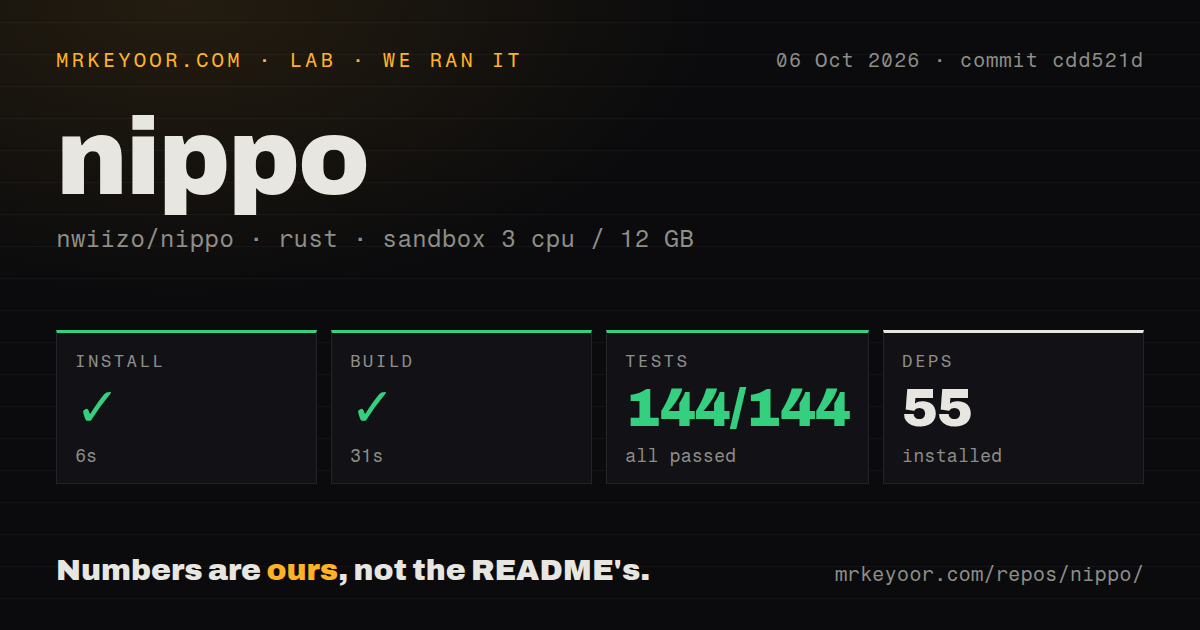
Our sandbox installed Nippo commit cdd521d in 6 seconds, adding 55 packages, and built it in 31 seconds. Cargo test passed all 144 tests in 10 seconds, with 0 failures. We ran it on October 6, 2026, in an unprivileged fresh Debian container using lab-rust:1, with 3 CPUs, 12 GB of RAM, and no secrets. Every measured step succeeded.
The scan found 1 CI workflow file, no Dockerfile, and no dedicated tests directory. The passing 144-test run matters more than that directory name, but it establishes repository behavior within our sandbox's scope. The supplied measurements contain no assessment of report accuracy, model cost, or behavior against a real person's conversation archive. A successful compiler and suite cannot settle those questions.
Automatic source selection can leave another assistant's work out
The data-source guide says automatic selection prefers Codex when its thread environment variable is present. Otherwise, it chooses available Claude history before Codex, then opencode. Mixing available histories requires an explicit --source all. If you switch assistants during a project, leaving this choice implicit can produce a plausible report with part of your work absent. Set the source deliberately.
The 144 passing tests don't establish that your own archive is complete. Codex collection combines prompt history with SQLite thread records and their referenced rollout files, while opencode uses its SQLite databases. Inspect a known session in the collected JSON before trusting a weekly report. Also check the local timezone: Nippo uses the machine's date boundaries, which can disagree with a team working elsewhere.
An open collector fix weakens its case for employee evaluation
Pull request 41, still open when checked, addresses Claude-injected user-role messages being counted as user prompts and decisions. Its description identifies hook feedback, skill text, and forwarded session notices as sources of contamination. This is directly relevant to Nippo's reporting purpose. A report can sound coherent while attributing instructions from the surrounding software to the person using it.
That report arrived after our October 6 run, so our 144 passing tests should not be read as evidence that the proposed fix works. I'd accept Nippo as material for a personal diary that I edit. I would walk away from using its raw decision counts for employee comparisons or unattended appraisal reports. Verify the source conversations before repeating a claim about someone's judgment.
Local collection still leaves report sharing to you
The README's data-handling section says the collector reads local histories and the assistant skill writes files under reports/. It also says generated Markdown and the ledger are ignored by the project's Git configuration. Collection being local does not establish that the assistant performing the summarization runs offline. Apply the data policy of the Claude Code or Codex setup you actually use.
A 0.4 MB checkout tells you very little about the sensitivity of the material it reads. Work histories can contain client details or private discussions, and the README explicitly asks users to review reports before sharing. Check ignore rules in the destination project too. Nippo writes into the directory where you invoke it, and rerunning the same date and mode overwrites the earlier report.
Reflection prompts preserve a useful role for the author
The reflection mode leaves questions unanswered for you to complete. Daily reports can record work and decisions, while a ledger gathers recurring sticking points across reports. Exported suggestions for AGENTS.md or CLAUDE.md require review before adoption, according to the README. I prefer those choices to automatically converting an assistant's interpretation into permanent instructions. They leave room to disagree with what the archive seems to say.
Our 31-second build gives no estimate of how much editing those reports need. Start with a day whose decisions you remember, compare the draft with the source, and correct its account before expanding the period. If writing the entry yourself is the point, jrnl is a better fit. If you need computer activity beyond assistant conversations, ActivityWatch addresses that broader tracking job.
October activity continues beyond the September release
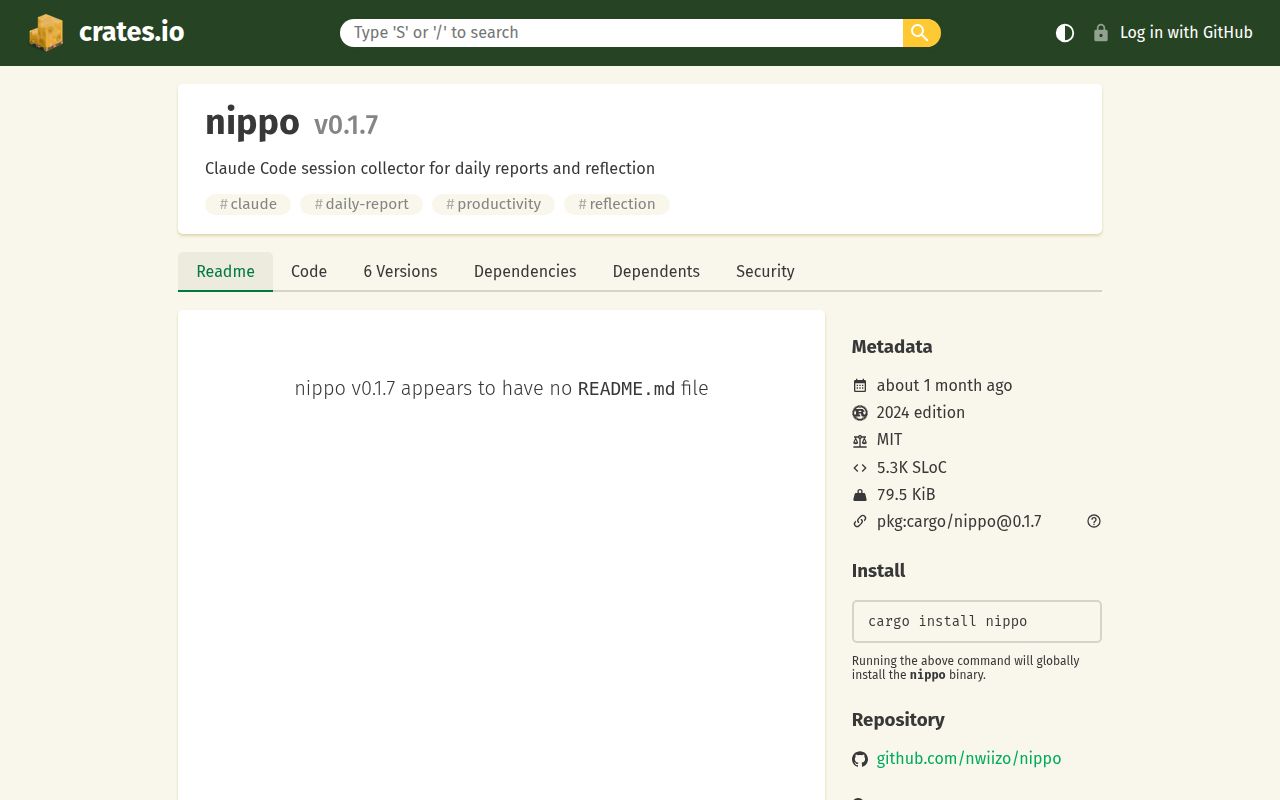
GitHub showed a last push on October 13, 2026, with 179 stars and 12 open issues and PRs. The latest release was v0.1.7 on September 2. Recent activity includes dependency PRs and the substantive collector correction, so the release date alone would misrepresent its health. Still, an open correction is evidence of work awaiting resolution, not proof the reporting problem has disappeared.
With 55 packages installed in our run, Nippo is a manageable experiment for someone already using these assistants. The Japanese documentation and need to keep the binary and installed skills in step add friction. Try it for your own retrospective, where you can recognize an invented connection or missing session. Before sending its progress report to a manager, check every claimed decision against the conversation that supposedly supports it.