Three interfaces put the same traffic in different hands
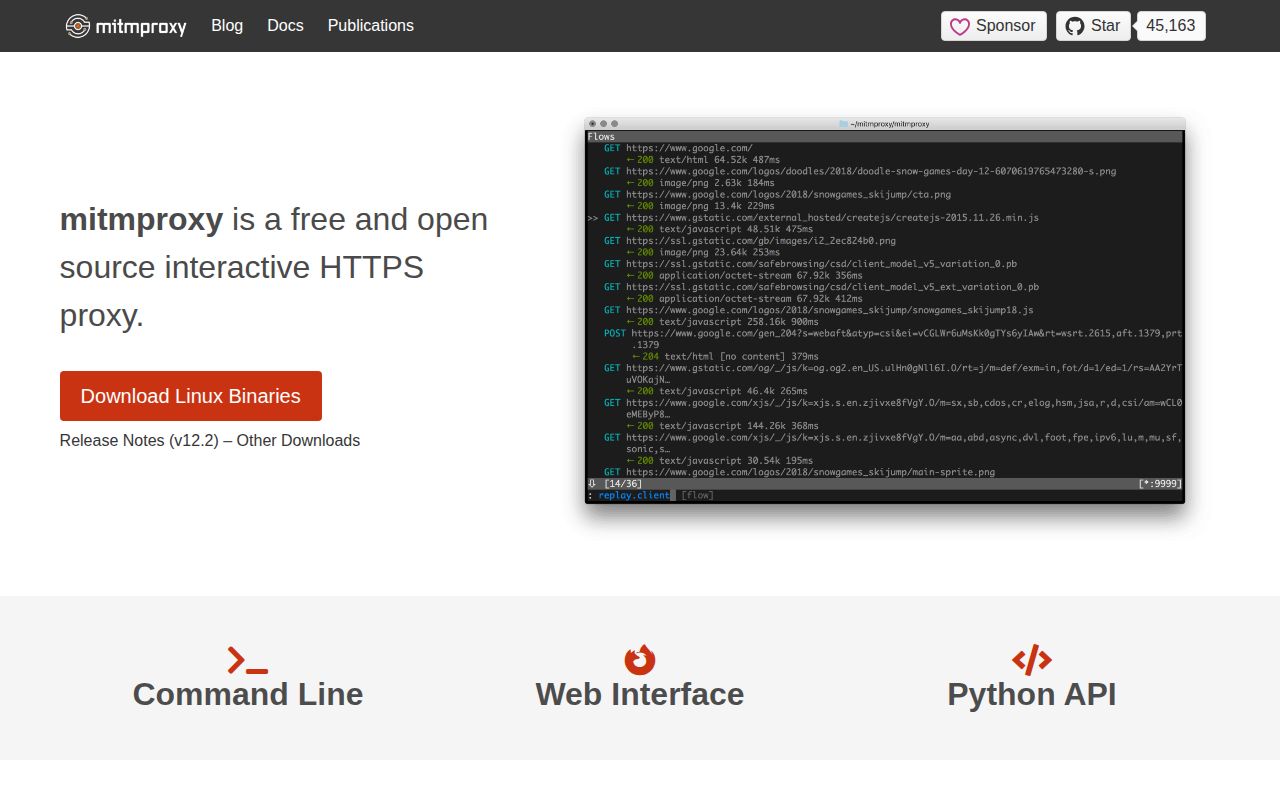
mitmproxy ships three front ends for one interception engine. mitmproxy is the interactive terminal program, mitmweb adds a browser interface, and mitmdump is the non-interactive command for scripts and logs. The README names HTTP/1, HTTP/2, and WebSockets. Its mode documentation also covers reverse proxying for HTTP/3, DNS, raw TCP, UDP, QUIC, TLS, and DTLS. A browser network panel cannot observe that mix across several clients.
Our checkout of commit d0d5a70 contained 1,291 files, about 112,481 lines of source, and occupied 42.8 MB before installation. Built-in options can block requests, rewrite headers or bodies, map remote URLs to local files, and replay saved flows. Python addons receive request and response events, expose commands, and change proxy behavior as traffic moves.
HTTPS capture starts with a trusted local CA
The default regular proxy listens on port 8080, but encrypted traffic becomes readable only after the target trusts mitmproxy's certificate authority. On first run, the tool generates a unique CA under ~/.mitmproxy. You point the device at the proxy, visit mitm.it, and install its certificate. No cloud login or API key is involved. The local CA can sign certificates for traffic on that device, so its private key and configuration directory need careful handling.
Local Capture can target a process on the same machine, yet its Linux path needs a privileged helper and officially supports kernel 6.8 or newer. Process names are matched on their first 16 characters. Containers must use host networking, and WSL is unsupported for this eBPF path. WireGuard mode suits external devices, while transparent mode expects you to understand gateways and routes.
What happened when we ran it
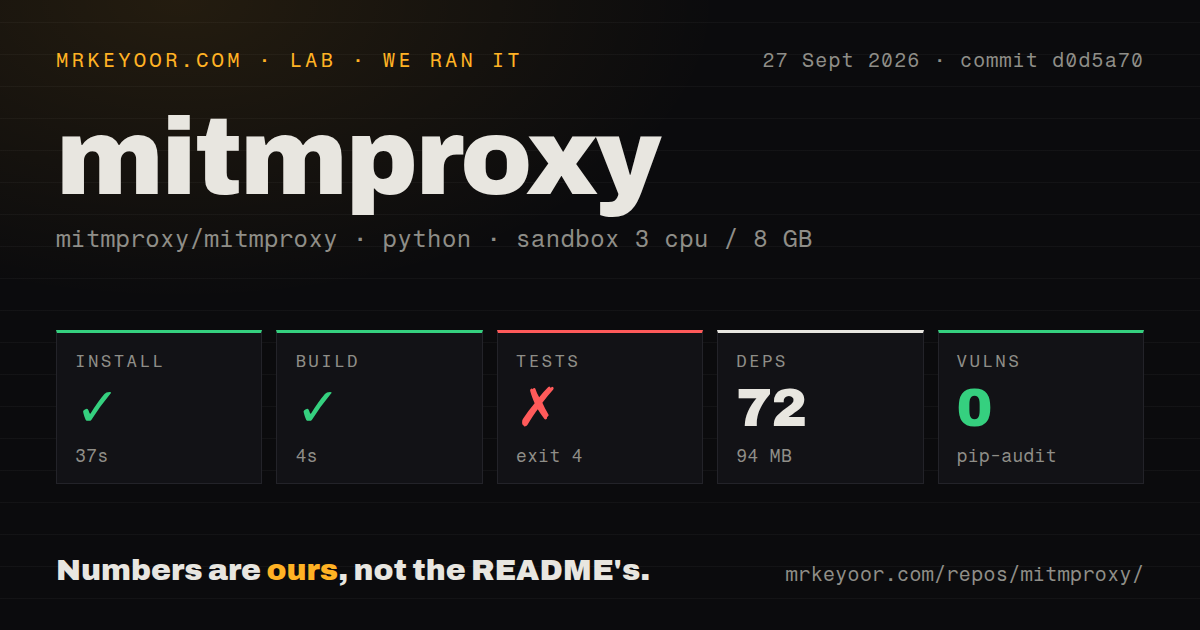
Our sandbox installed mitmproxy in 37 seconds, pulling 72 packages and consuming 94 MB on disk. The build finished successfully in another 4 seconds. We ran commit d0d5a70 inside a fresh unprivileged Debian container with 3 CPUs and 8 GB of RAM. Those numbers describe source setup, not the later work of configuring a phone, browser, system route, or trusted certificate.
The test command failed with exit 4 after 3 seconds. Pytest reported that pyproject.toml used both [tool.pytest], with native TOML values, and [tool.pytest.ini_options], with INI-style strings. It instructed the project to use one form. The log does not establish the cause, so the useful finding is narrow: this checkout did not produce a clean test run in the stated container.
Pip-audit reported 0 known vulnerabilities among the installed Python packages. The checkout had 3 CI workflow files and a tests directory, but no Dockerfile. Those facts describe commit d0d5a70; they do not establish how every published package or container is assembled.
Replay is useful, but it does not preserve concurrency
Client replay sends saved requests one at a time and waits for each response. The guide warns that this can differ from an original conversation whose requests ran concurrently. For reproducing an API call or checking a known sequence, that is easy to reason about. It is a poor substitute for a load tool or faithful timing replay. HTTP/2 support does not change the documented serialization rule.
A Python addon can inspect events, alter a request, expose an option, or add a command. During development, addon scripts reload when their modification time changes, usually within roughly 1 second according to the guide. That gives you a tight loop for rules that would be tedious in a graphical editor. Test the addon, pin its dependencies, and decide what captured data is safe to retain.
Current development is active, while capture risks remain specific
GitHub showed a push on September 27, 2026, 45,163 stars, and 493 open issues plus pull requests. A separate search counted 374 open issues, so the larger number is not a bug total. Release v12.2.3 was published on May 12, 2026, and same-day pull request activity in September shows that work continued after the tag.
Open issue 8446 reports that Windows 11 Local Capture reduced unrelated Steam download throughput in one user's test, while regular System Proxy mode did not show the same slowdown. That report is specific and unresolved, not a universal benchmark. If Local Capture will run during large transfers, reproduce that workload first. Certificate-pinned applications pose a firmer limit: the documentation says they reject mitmproxy's generated certificates unless the application is modified.
The right buyer wants programmable traffic control
Our 37-second install makes mitmproxy cheap to try, and pip-audit found 0 known vulnerabilities in the installed packages. The failed pytest configuration check keeps the source checkout from earning an effortless setup score. More important, the product asks you to understand where traffic flows and which devices trust its CA. That is fair work for developers and authorized security testers who need to inspect or rewrite real requests.
Use mitmproxy when a browser network panel is too narrow and a full scanning suite is beside the point. Start with regular proxy mode on one disposable client, protect the generated CA key, and add Python when a repeated manual edit proves worth automating. If the target is pinned, the network cannot be reconfigured, or concurrency must be replayed exactly, stop before making the proxy part of the test plan.