Mindcraft gives a language model a Minecraft body
Mindcraft connects one or more language-model agents to Minecraft Java Edition through Mineflayer. A bot can talk in chat, move through the world, collect materials, craft, and attempt construction tasks. Profiles hold the bot's name, prompts, examples, and model choices. That is enough structure for a private AI companion, but the repository also includes task files for experiments such as collecting 4 oak logs within a defined episode.
The model layer is unusually broad. The README lists hosted APIs including OpenAI, Anthropic, Google, Mistral, and several routing services, plus local Ollama and vLLM options. A profile can use different models for chat, generated actions, vision, embeddings, and speech. If an embedding provider is unsupported, Mindcraft falls back to word overlap for selecting examples. That fallback keeps the bot running, though the project warns that performance will be reduced.
Generated code belongs on a controlled server
Code writing is disabled by default behind allow_insecure_coding. Turning it on lets the model create and execute actions on your computer. The README warns against doing that on public servers because prompt injection remains possible even with the project's sandbox. Docker is strongly recommended for this mode, while the same warning says a container does not guarantee safety. That is a clear boundary, not a checkbox to dismiss.
A sensible trial uses a private world, a dedicated game account, and no host secrets inside the bot container. The supplied Docker command mounts keys.json, exposes port 8080 plus ports 3000 through 3003, and reaches a local Minecraft server through host.docker.internal. Those details make the container path usable, but the mounted provider credentials are still valuable. Public chat should never be treated as trusted input to a coding agent.
What happened when we ran it
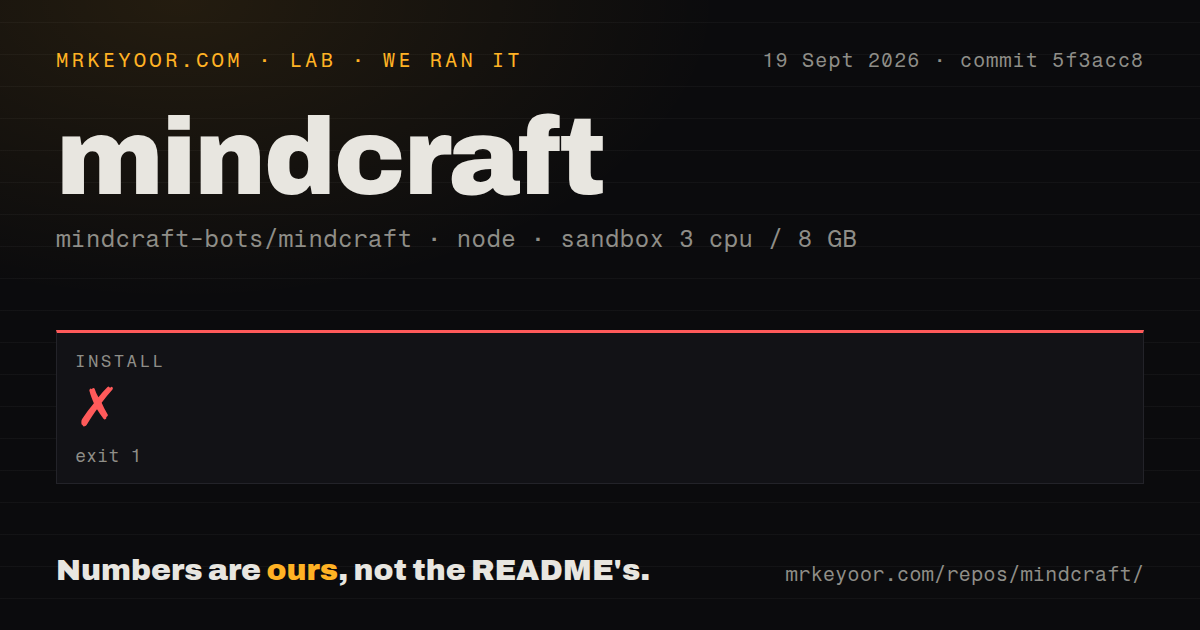
Our sandbox spent 113 seconds on npm install before it exited with code 1. The postinstall step ran patch-package, found patches/mineflayer+4.33.0.patch, and reported that the installed Mineflayer version was 4.39.0. Patch-package finished with one warning and one error. That is the full finding: the checked-out dependency set and its bundled patch did not agree in commit 5f3acc8.
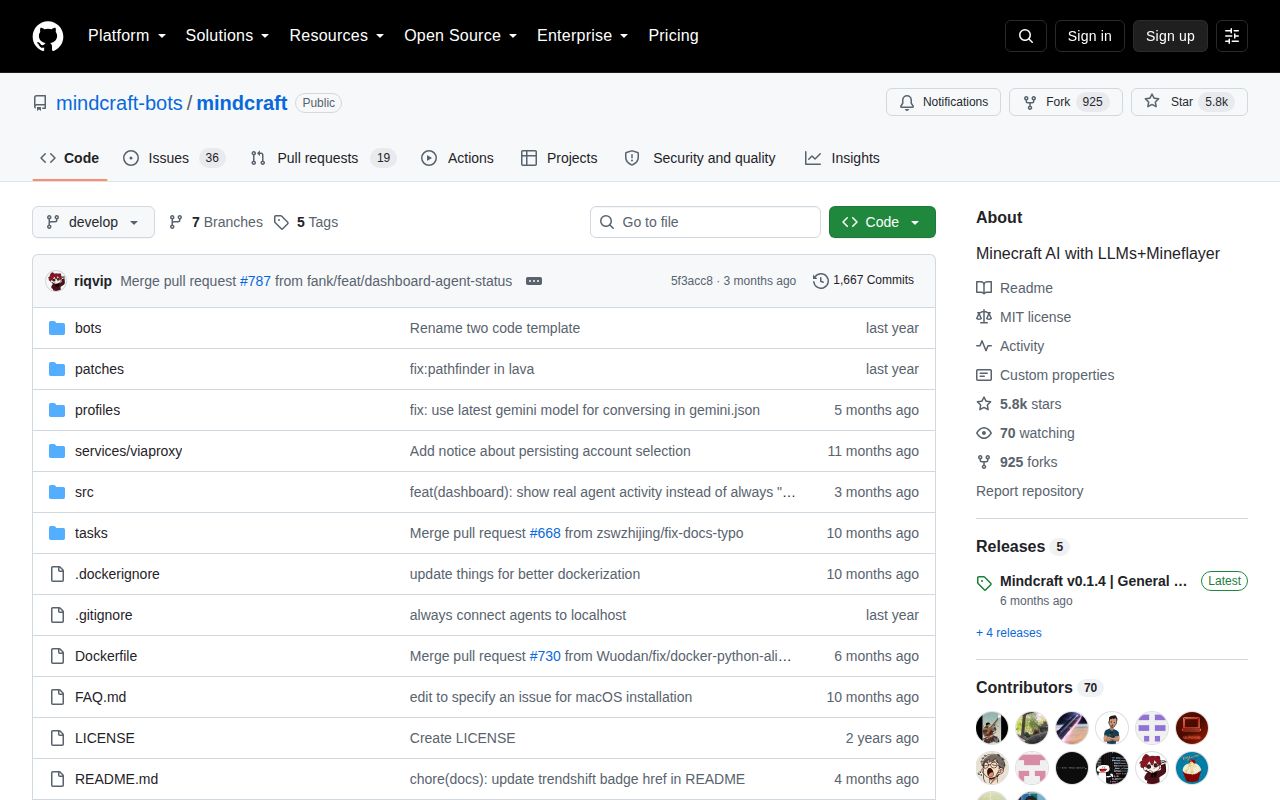
Installation never completed, so our run did not produce build or test results. We did not work around the mismatch because that would test a locally modified state rather than the supplied commit. The repository itself contained 195 files, roughly 17,986 lines of source, and occupied 2.4 MB before installation. It has a Dockerfile and Compose file, but our scan found 0 CI workflow files and no tests directory.
The FAQ recognizes the general failure class. It says stale module patches cause many problems and recommends reinstalling dependencies. That advice cannot resolve a patch explicitly made for 4.33.0 being applied to 4.39.0 without some dependency or patch change. We will not guess which one maintainers intended. A successful adoption test should start by making that relationship reproducible, then run a bot against the exact Minecraft version you plan to host.
A local world still needs a model and matching game setup
The documented baseline is Minecraft Java Edition, Node 18 or 20, and at least one model provider. The README recommends Minecraft 1.21.6 while describing support through 1.21.11. A local world must be opened to LAN, with the sample configuration using port 55916. Hosted APIs require their own credentials. The local route asks users to install Ollama and pull an Andy model plus an embedding model.
Connecting to an online server adds Microsoft authentication. Mindcraft uses the Minecraft account active in the launcher, and the bot profile name must match that account exactly. If you want to play beside the bot, the README says you may need another account. Unsupported game versions can be attempted through ViaProxy, while the FAQ rules out mods that change game mechanics and notes trouble with texture packs.
Native Node modules create another platform edge. The FAQ describes Python and C++ build failures around the optional gl package and warns that Node 24 or newer may cause trouble. Users who do not need vision can install without optional packages. These are practical instructions, yet they also show why a one-command install matters. The 113-second failure happened before we could evaluate any agent behavior.
Recent issue activity has moved past the June code push
GitHub reported 5,769 stars, 55 open issues and pull requests combined, and a last repository push on June 10, 2026. Release v0.1.4 arrived on March 20 with pathfinding, Docker, custom endpoint, and connection fixes. Issue and pull-request activity continued into September, including reports about Ollama reasoning output becoming an empty response and Windows speech failing on newlines. Activity exists, but it has not all landed in the default branch.
The README openly says maintainers are less responsive to GitHub issues than to pull requests or Discord. That lowers the value of the issue tracker for someone who needs prompt support, even while contributors keep proposing fixes. Mindcraft is best approached as an experiment you can debug. Until the Mineflayer patch and installed version agree in a fresh checkout, it asks too much of a player who only wants a bot to join the world.