mrkeyoor.com_
Sat 12 Sept 13:54 UTC
Dev Toolsevaluationupdated 12 Sept 2026

mihon review

Mihon is an Apache-2.0 Android reader for manga, webtoons, comics, and other image-based publications stored locally or supplied through extensions. It organizes a library, downloads chapters, schedules updates, and sends reading progress to 8 listed tracking services. Mihon ships no content or extension repository, so users must bring local files or choose third-party sources themselves.

trackingstars / 7d
Verdict

Our Mihon install step took 203 seconds, but both the 17-second build and 14-second test steps stopped because the Android SDK path was unset. For Android readers who can vet their own extension source, Mihon remains the sensible default: the reader, library, downloads, trackers, and backup format are well documented. Contributors need a real Android toolchain, while users who want a supplied catalog, Google Play installation, or automatic device sync should choose another route.

We ran it

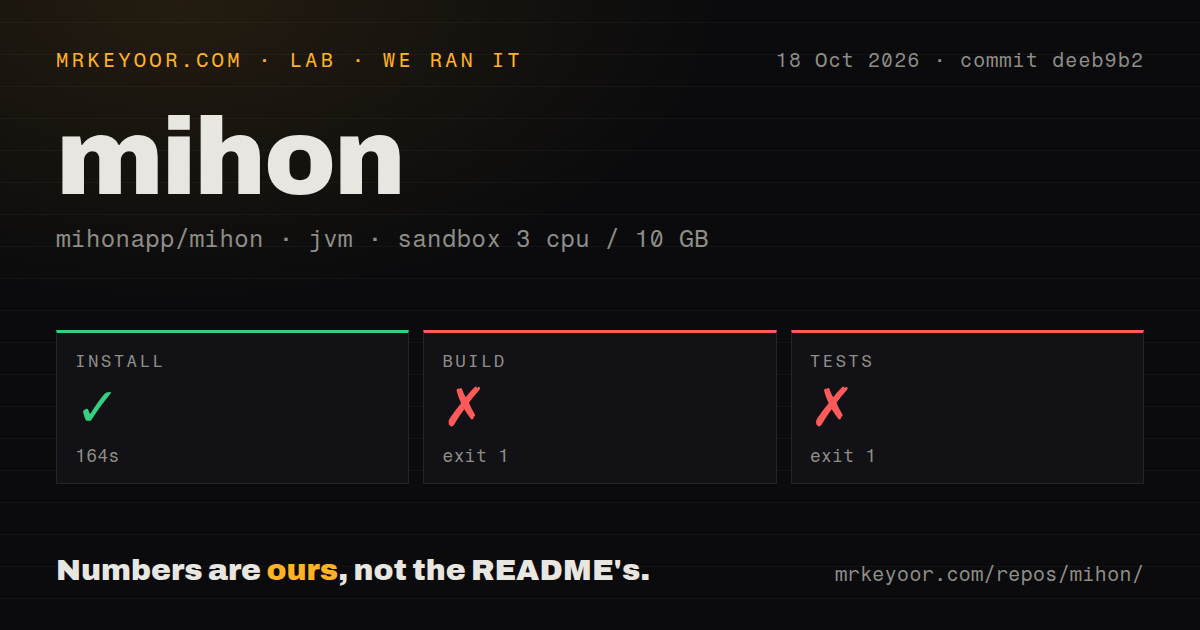
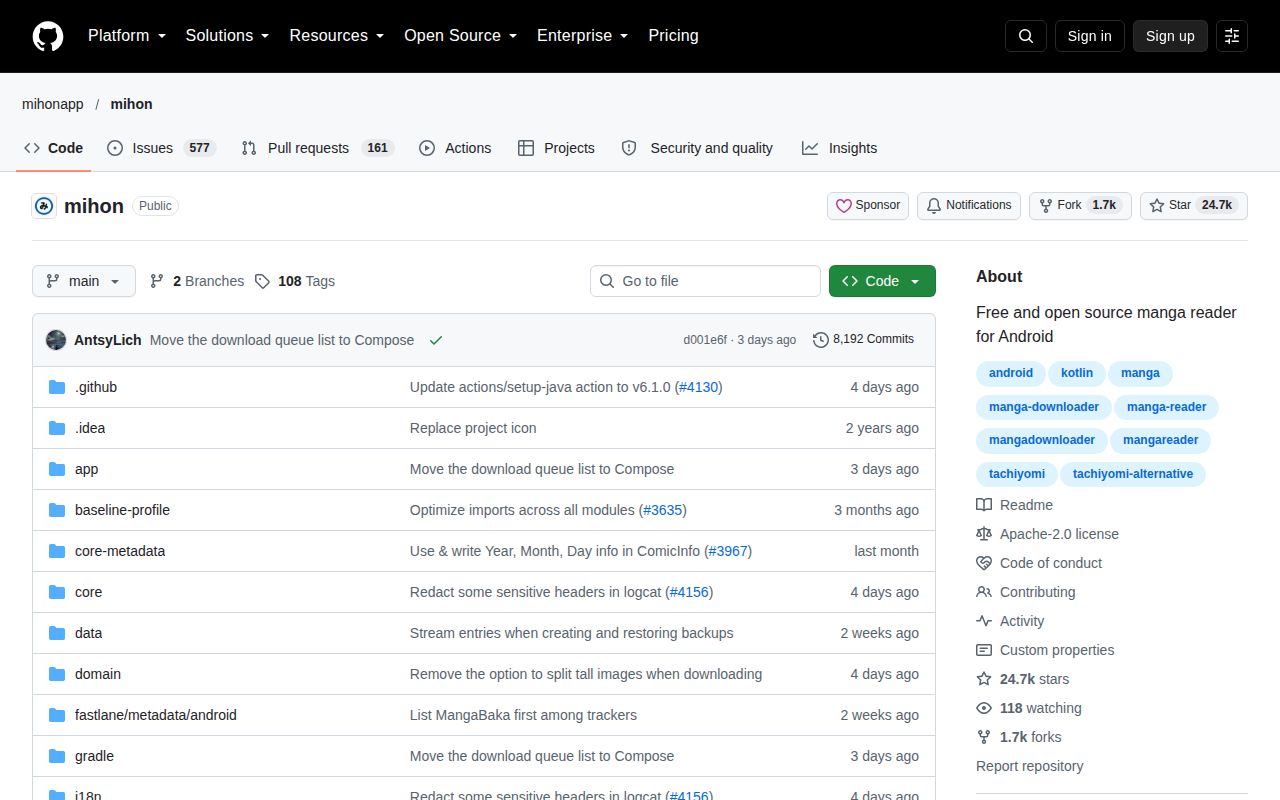
Lab card: what happened when we ran mihonScreenshot of mihon (github.com/mihonapp/mihon)
Install✓ · 203s
Build✗ · 17s
Tests✗ · 14sran, no count parsed
Repo1413 files~94,065 lines of source · 19.1 MB · 3 CI workflows

Answers from our run

Does mihon build from source?

Dependencies installed in 203 seconds, and the build failed. We cloned commit 2292554 into a clean Debian container with 3 CPUs and no project-specific setup.

Do mihon's tests pass?

The test command failed in our container, and its output did not report a pass or fail count.

Who should not use mihon?

iPhone and iPad users: the official FAQ says there is no iOS or iPadOS version and no plan to create one.

What are the alternatives to mihon?

Komikku, Suwayomi Server. Our Mihon install step took 203 seconds, but both the 17-second build and 14-second test steps stopped because the Android SDK path was unset.

Setup3/5APK use is simple; source builds require a configured Android SDK
Docs4/5Clear install, extension risk, storage, backup, and contributor guides
Community5/523,530 stars with same-day pushes and 162 open pull requests
Maturity4/5Active v0.20.4 reader with a large backlog and external-source risk

Who it’s for

Android 8.0 or newer users who already have local comics or a trusted extension repository.
Manga readers who want categories, offline chapters, scheduled library updates, and configurable page or webtoon views.
People who track reading through MangaBaka, MyAnimeList, AniList, Kitsu, MangaUpdates, Shikimori, Bangumi, or Hikka.
Kotlin contributors who already know Android development and have Android Studio plus a device or emulator.

Who it’s NOT for

iPhone and iPad users: the official FAQ says there is no iOS or iPadOS version and no plan to create one.
Anyone who installs apps only through Google Play: Mihon distributes APKs itself and says it will not enter the Play Store because APK-based extensions conflict with store policy.
Readers expecting a built-in, vetted content catalog: Mihon provides no repositories or extensions, and its guide warns that third-party extensions have full app access and may contain malware.
People who need automatic cross-device library sync: the backup guide says it is unavailable, and backups omit extensions, downloaded chapters, and custom covers.
Contributors expecting a plain JDK build: our build and test steps both stopped because the Android SDK location was not configured.

Setup reality

Our sandbox installed the JVM project in 203 seconds. The build then failed with exit 1 after 17 seconds, and tests failed with exit 1 after 14 seconds. Both logs say the Android SDK location was missing and require ANDROID_HOME or sdk.dir.

Readers need Android 8.0 or newer and must install Mihon's APK outside Google Play. Local files work directly; online sources require a third-party extension repository URL or manually installed extension APK. Tracker integrations need accounts with the selected services.

Contributors need Android Studio, an Android SDK, and a phone or emulator. The 19.1 MB checkout held 1,413 files and about 94,065 source lines, with 3 CI workflows but no Dockerfile or tests directory. Backups can move library data, but extensions and downloaded chapters require separate handling.

Mihon is a reader for Android 8.0 and newer

Mihon reads manga, webtoons, comics, and other image-based publications on Android 8.0 or later. It has page and webtoon viewers, configurable reading direction, categories, light and dark themes, scheduled library updates, chapter downloads, and local reading. The app is Apache-2.0 licensed, so developers can inspect and fork its code.

The library tools are the main reason to choose it. Mihon can track progress with 8 services, including MyAnimeList, AniList, Kitsu, and MangaUpdates. Automatic library checks look for new chapters, while backups preserve entries, chapter records, reading history, categories, tracker links, and app settings. Someone with hundreds of series gets one place to sort, update, download, and resume them.

Online reading depends on third-party extensions with full app access

Mihon supplies 3 paths to reading material: local files, an external extension repository, or a manually installed extension APK. The project hosts zero content and does not recommend repositories or extensions. The first-run experience is empty until the user supplies files or finds an outside source.

The security warning deserves more attention than the friendly library interface. Mihon's guide says third-party repositories and extensions have full access to the app and may contain malware. Installing the first extension also requires Android permission for unknown-app installation. Source quality, chapter availability, and image quality remain the provider's responsibility. Use a repository only when you trust its operator and update path.

What happened when we ran it

Our sandbox cloned commit 2292554 into an unprivileged Debian container with 3 CPUs, 10 GB of RAM, no secrets, and a JVM 21 image. The 19.1 MB checkout contained 1,413 files and about 94,065 lines of source. Its dependency installation step succeeded in 203 seconds, so the repository reached Gradle configuration before the Android-specific requirement stopped later work.

The build failed with exit 1 after 17 seconds. Gradle could not determine dependencies for :app:l8DexDesugarLibBenchmark because it could not find an Android SDK. The log asked for a valid ANDROID_HOME value or an sdk.dir entry in local.properties. It ended with 4 actionable tasks already up to date. The log does not show a Kotlin compilation failure or a defect in Mihon's app code.

Tests failed with exit 1 after 14 seconds for the same missing SDK location. Gradle could not determine dependencies for :app:testDebugUnitTest, so no test result was produced. Our scan found 3 CI workflow files, no Dockerfile, and no tests directory. The failed Gradle task is explicitly a unit-test task, so the directory scan cannot establish test absence. It establishes that the fresh checkout needs Android tooling before the suite can start.

Backups transfer a library, while live device sync is absent

Mihon's backup format covers library entries, chapter data, tracking, history, categories, settings, extension repository addresses, and source settings. Sensitive tracker tokens are optional. Three practical items stay outside the file: installed extensions, downloaded chapter files, and custom covers. Restoring on another phone therefore means reinstalling extensions, logging back into trackers, and moving downloads into the selected storage folder before reindexing.

The official guide says cross-device sync is not currently available. Its workaround schedules local backups and uses FolderSync, Autosync for Google Drive, or Tasker to copy them to cloud storage. The process transfers snapshot files and requires a restore. Readers moving between a tablet and phone every day may prefer a server-based alternative.

Android development requires the SDK and a test device

Mihon's contribution guide expects Android Studio, Android development knowledge, Kotlin, and either an emulator or a phone with developer options. Our JVM 21 image covered only part of that list. Once 203 seconds of setup had completed, both requested Gradle tasks stopped at SDK discovery. A contributor should configure the SDK before judging compiler or test health, then run the project on the Android versions and storage modes their change touches.

Fork maintainers have extra cleanup. The guide asks them to change the app name, icon, application ID, and update checker. It also tells forks to replace the bundled Google services configuration if they want Firebase analytics, preventing their data from entering Mihon's services. A public fork is a maintained Android product with its own identity and service configuration.

The 736-item queue is active and expensive to triage

The last push landed on September 12, 2026, and GitHub listed 23,530 stars. We counted 574 open issues and 162 open pull requests, matching the repository's combined total of 736. Several pull requests were updated on September 12, including dependency and translation work. That is strong participation, paired with a queue large enough that users should search carefully before filing another report.

Release v0.20.4 arrived on August 5, one day after v0.20.3 and four days after v0.20.2. The latest note fixes dates that appeared closer than they were. Continued pushes after that release, plus current issue and pull-request activity, show ongoing maintenance. The backlog still matters for prioritization: an active project can leave a niche reader, tracker, or extension edge case waiting.

Komikku adds controls, while Suwayomi adds a server

Komikku is an active Android fork based on Mihon and TachiyomiSY. It keeps the Android 8.0 floor and adds features such as merged library entries, hidden categories, saved searches, broader feed controls, and two-way tracker progress. Choose it when those additions solve a specific library problem and you accept the extra behavior of a fork.

Suwayomi Server takes the other route. It runs Mihon-compatible extensions on a Java server and exposes the library through web and other clients across desktop operating systems. That makes sense for browser access or several devices, with the cost of running and securing a service. Mihon is easier to recommend for one Android device when you give every extension source the same scrutiny as software with full app access.

Alternatives

ProjectWhat it isPick it when
KomikkuAn active Android fork based on Mihon and TachiyomiSY with extra feed, theme, library, and tracker features.pick this instead when you want Mihon compatibility plus denser library controls, merged entries, saved searches, and added interface options.
Suwayomi ServerA desktop and self-hosted manga server that runs Mihon-compatible extensions behind web and other clients.pick this instead when several devices need browser access and you are willing to operate a Java server.

What people are saying

  1. [velocity-scout] mihonapp/mihon

Sources

  1. Mihon repository and README
  2. Mihon v0.20.4 release
  3. Mihon getting started guide
  4. Mihon extensions FAQ
  5. Mihon backup guide
  6. Mihon general FAQ
  7. Mihon contributing guide

More dev tools reviews

RyukGram · tabby · rollup · beekeeper-studio · stats · grpc-gateway · the whole board →