The automatic quick start joins a public mesh
Run Mesh LLM's documented serve --auto command and it joins the best discovered public mesh, downloading a suitable model if needed. That's a consequential default for someone seeking a private inference server. The README also provides a private-mesh command and an invite-token route. Choose the network you intend to operate before sending it work.
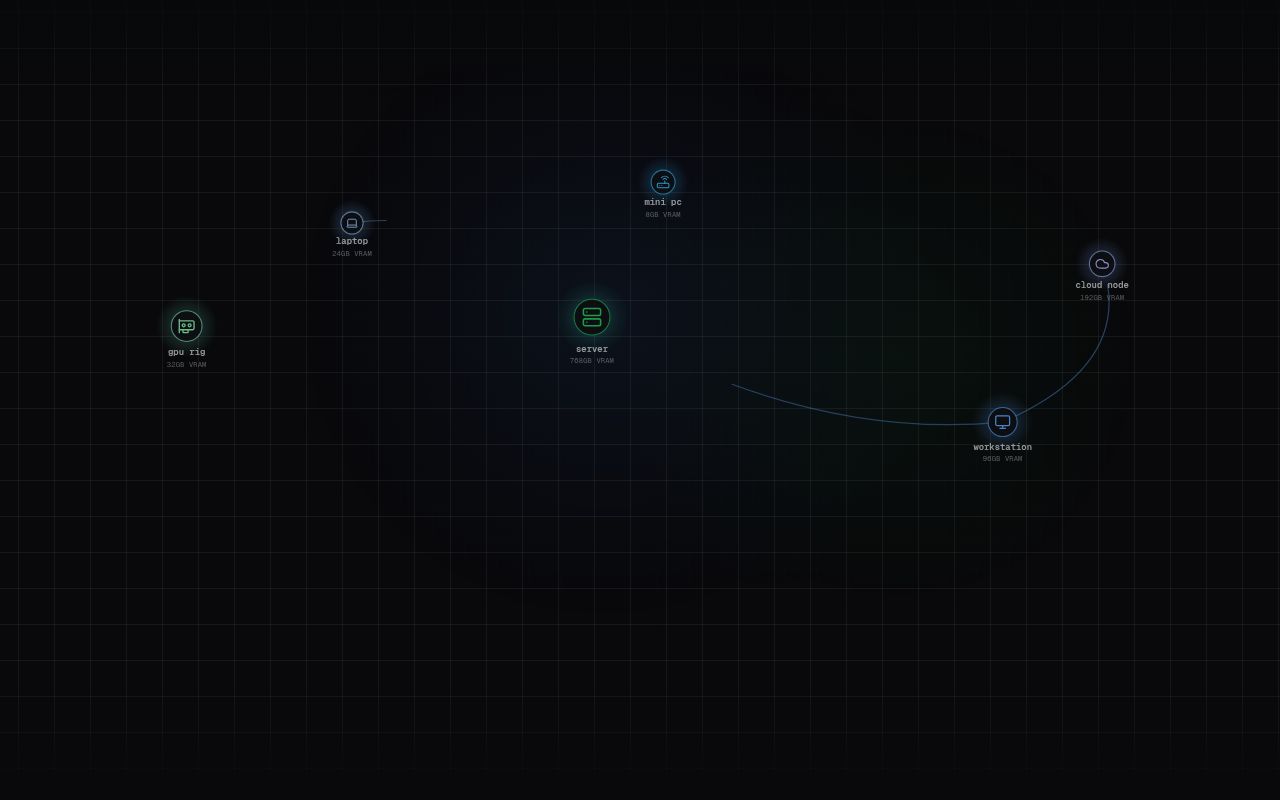
Mesh LLM pools GPU capacity and memory across computers behind an OpenAI-compatible API. It can keep a model on one machine, route a request to a peer, or distribute model layers when a complete model won't fit locally. That gives a homelab owner a reason to consider it: existing machines might hold a model that any individual machine cannot. Our sandbox did not establish whether that arrangement would be fast enough for your workload.
Routing and layer splits solve different problems
The project README describes a single-machine-first policy. A node that can hold the whole model serves it without stage traffic. Routing sends requests to a peer selected by the requested model, while Skippy stage splits divide large dense models into contiguous layer ranges. Having several machines therefore doesn't mean every request automatically uses all of them.
Skippy owns native inference and model management. Mesh adds discovery, transport, routing and the console around that serving implementation. For an operator, this means investigating both model execution and network placement when something goes wrong. A client pointing at one familiar API address doesn't make the machinery behind it equally simple.
Layer packages contain a manifest and GGUF fragments so peers can fetch their assigned pieces. That's a more specific mechanism than a promise to combine spare hardware. Before buying equipment for it, establish that the model you want has a suitable serving path and that your machines can communicate as required. We have no measured model-loading or cross-machine inference result to settle those questions.
What happened when we ran it
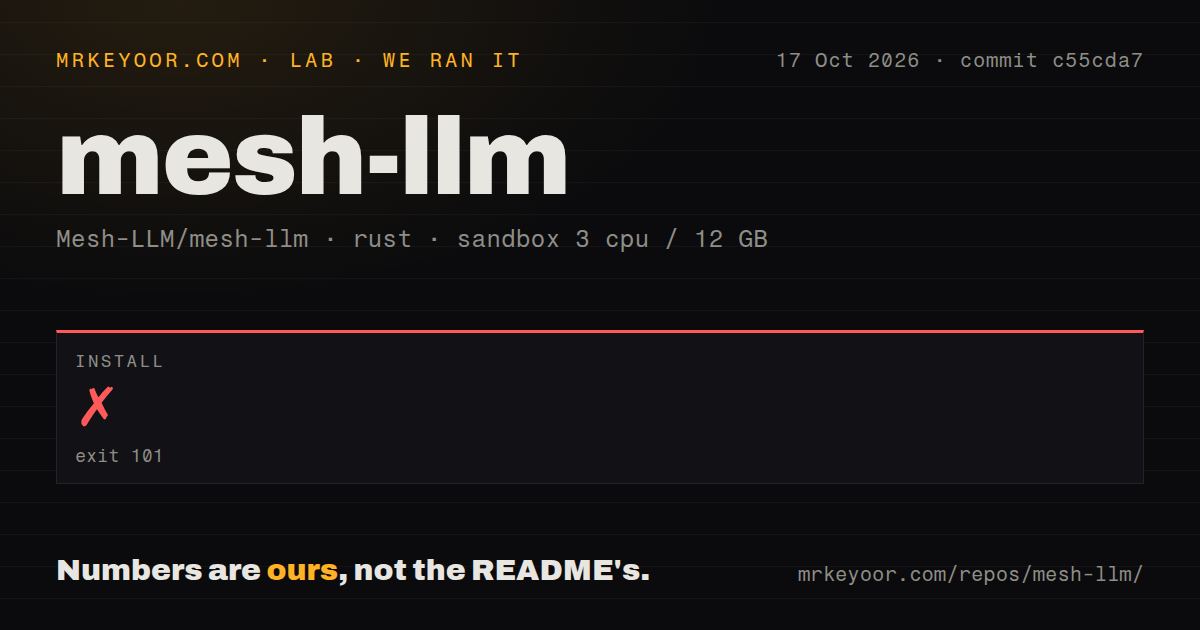
Our sandbox installation of Mesh LLM commit c55cda7 failed with exit 101 after 12 seconds on 2026-10-17. The log reached the crates.io index update, then reported that it could not execute an sccache command invoking rustc -vV. Its final explanation was No such file or directory (os error 2), and it marked the process as never executed.
The log doesn't identify which path was missing. It doesn't support blaming Mesh LLM's compiler code, diagnosing a particular package, or promising that removing a wrapper would fix everything. Installation stopped before this run could establish a working product. The supplied record contains no completed build or test result for this checkout.
The recorded configuration was 3 CPUs, 12 GB of RAM and image label lab-rust:1. That label doesn't establish the actual operating system or runtime version. The checkout occupied 72.3 MB, with 7,228 files and roughly 1,394,490 source lines. Our scan found 71 CI workflow files, no Dockerfile and no tests directory. Those directory signals neither prove nor disprove testing elsewhere in the tree.
Local-only serving has narrower semantics
The README calls --local-model-only a debugging and development endpoint. It bypasses mesh networking and omits the console, management API and split planning. The documented production path for OpenAI clients, including tool calls, is the regular mesh inference port with its host-runtime normalizer. Treating the two modes as interchangeable would miss an explicit support boundary.
Direct local serving also requires absolute model paths without symlinks. Catalog-name resolution belongs to the mesh path, and the README warns that the resulting error in direct mode isn't obvious. These details matter if your model downloader leaves cached symlinks or your deployment template assumes the same model identifier works everywhere. Start with the documented topology and file requirements before adapting an existing client.
Public meshes advertise through Nostr discovery, while private meshes use invite tokens. The README says QUIC encrypts traffic between nodes and relays forward encrypted packets. That describes transport protection. It doesn't establish that every peer you join is an appropriate recipient for your prompts. For sensitive work, select the intended private peers and review their access before exercising the API.
The experimental mesh model needs separate acceptance
The special model identifier mesh fans a prompt out to available models and arbitrates their answers. The README labels this Mixture-of-Agents route experimental, with routing heuristics, error shapes and tuning controls subject to change. A developer requiring predictable model selection has a concrete reason to stay with a specific model identifier.
The repository's last push was 2026-10-24. The public issue feed also showed pull-request activity on October 23, including open work on node ownership certificates and Windows AMD detection. That supports a finding of current development, without proving those proposed changes have shipped. Release v0.78.1 was published on October 5. Its age alone would be a poor reason to call the project inactive.
Documentation earns 4/5 for spelling out topology choices, private joining and direct-mode restrictions, with some operational detail delegated to linked guides. Setup ease and runtime maturity remain unassessed because our installation never produced a working system. We also haven't assessed support responsiveness from the short activity sample.
Choose the server around the hardware you already have
llama.cpp documents a direct OpenAI-compatible server. I'd start there when a single workstation holds the desired model and a mesh would serve no immediate purpose. exo documents MLX inference and MLX distributed communication, making it a relevant alternative for readers investigating that ecosystem. Neither comparison establishes a speed advantage.
Mesh LLM deserves a controlled trial when peer routing or layer splitting answers a specific capacity problem. Pick your topology, model and participating machines first. Then reproduce a working installation and run a real request across the intended peers before committing private workloads to it.